Y2K Photo Editor
Make a phone photo look like it came off a 2000s digital camera: direct flash, cool color, soft glow and an orange date in the corner. Free, in your browser, and your photo never leaves your device.
- ✓Runs on your device
- ✓Nothing is uploaded
- ✓Free, no sign-up

Drop a photo here or paste with Ctrl+V
Free, no sign-up. Nothing is uploaded.
How do I make a photo look Y2K?
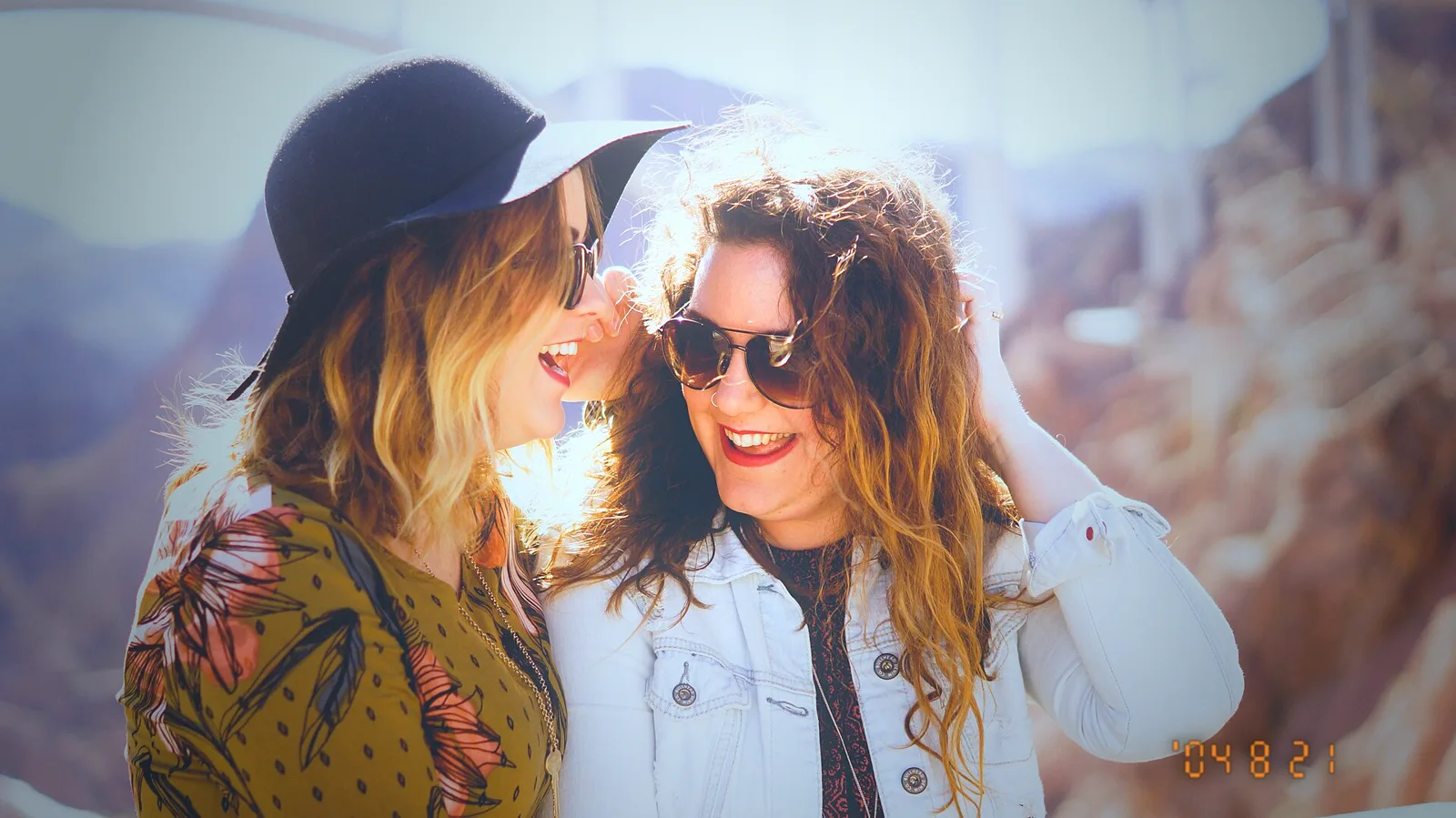
Copy a 2000–2007 pocket digital camera: cool white balance, a bright flash spot on the face with the background falling dark, highlights clipped to white, a soft glow around lights, light color noise and an orange date such as '04 8 21. CCD flash, the default at strength 80, does all of that in one step. Lower the glow for detailed outfits, and use Party night for photos taken after dark. Free, in your browser, nothing uploaded.
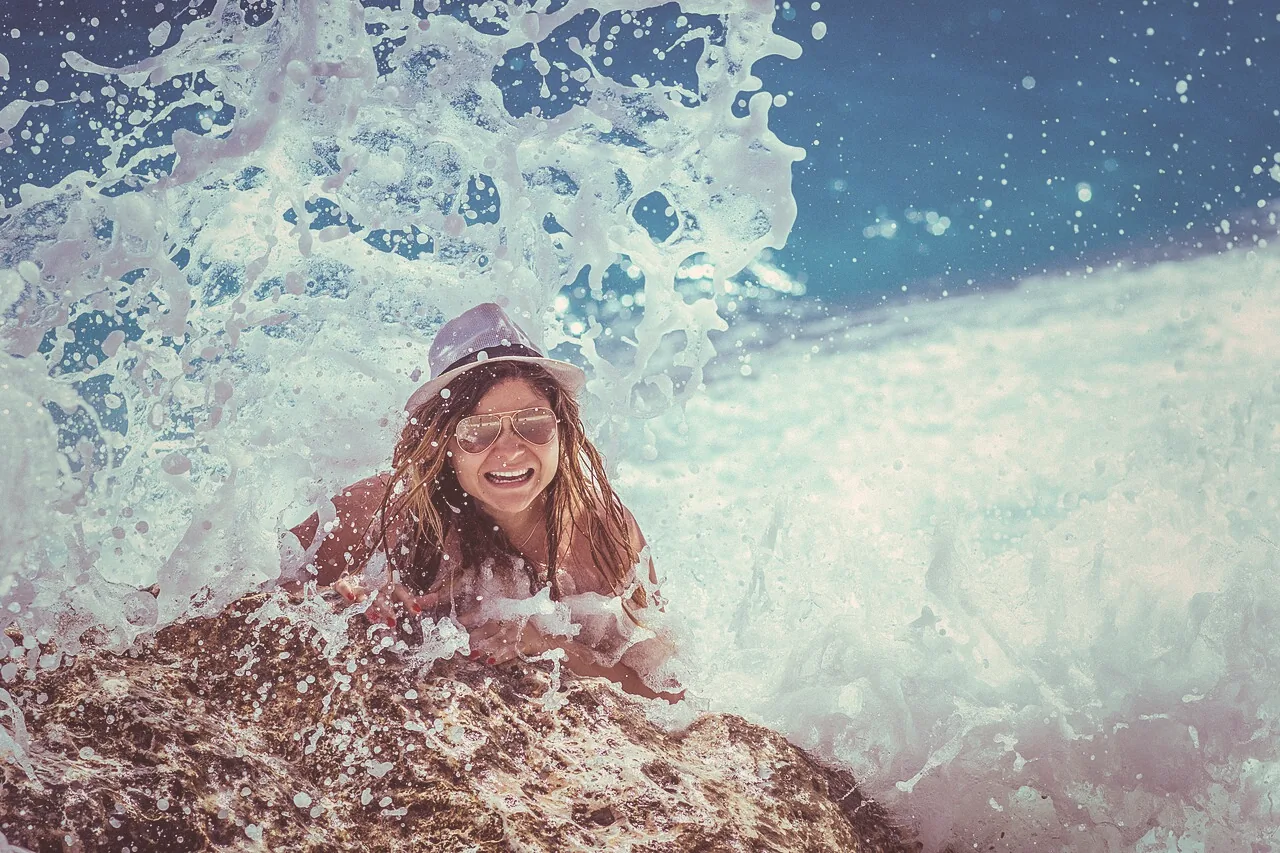
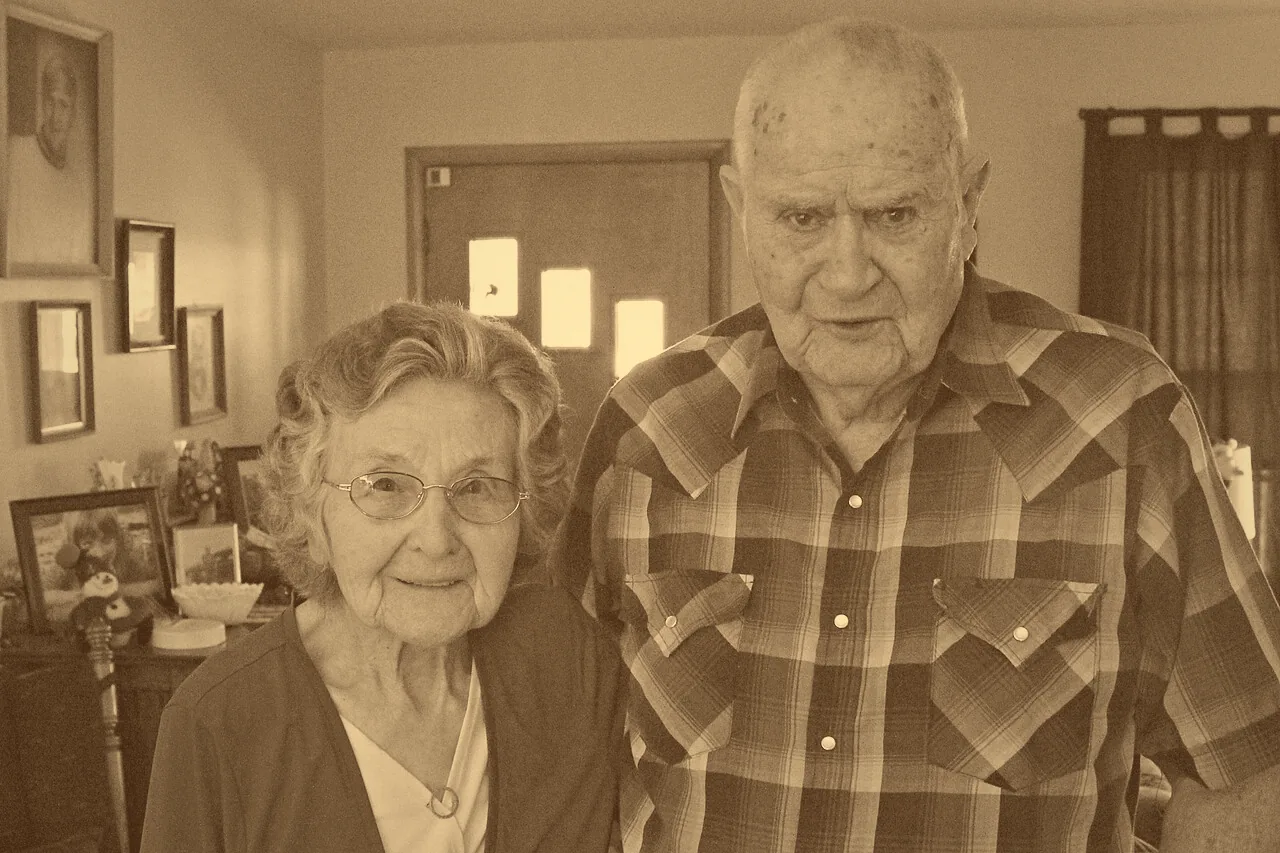
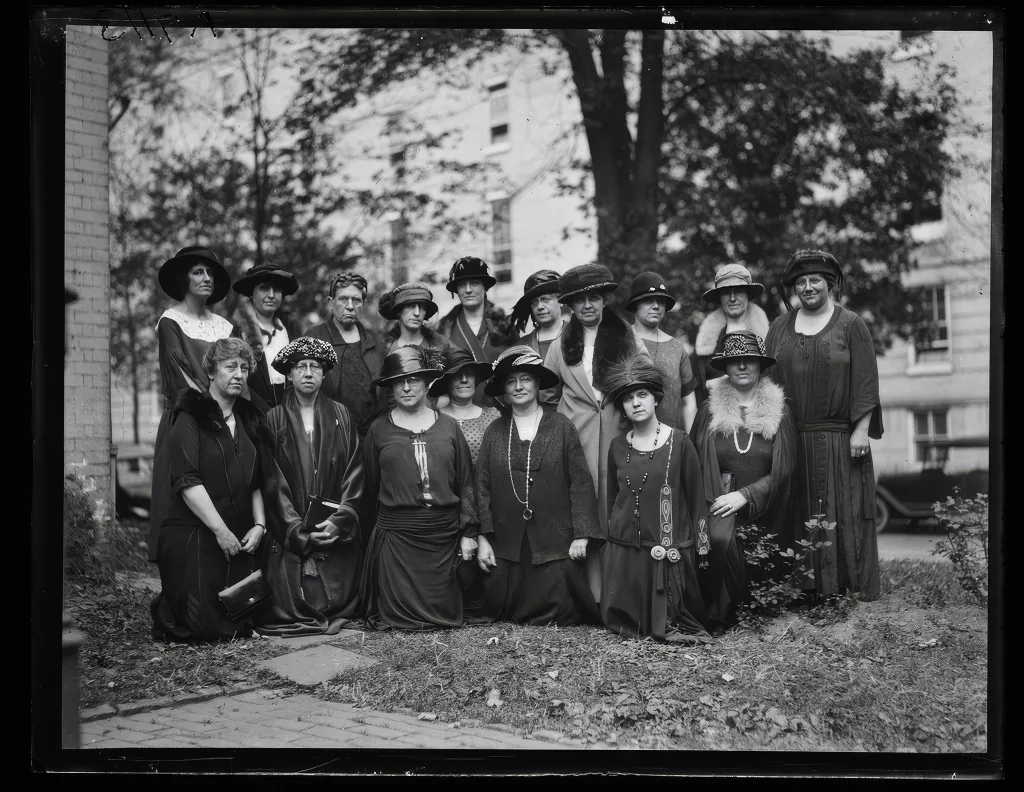
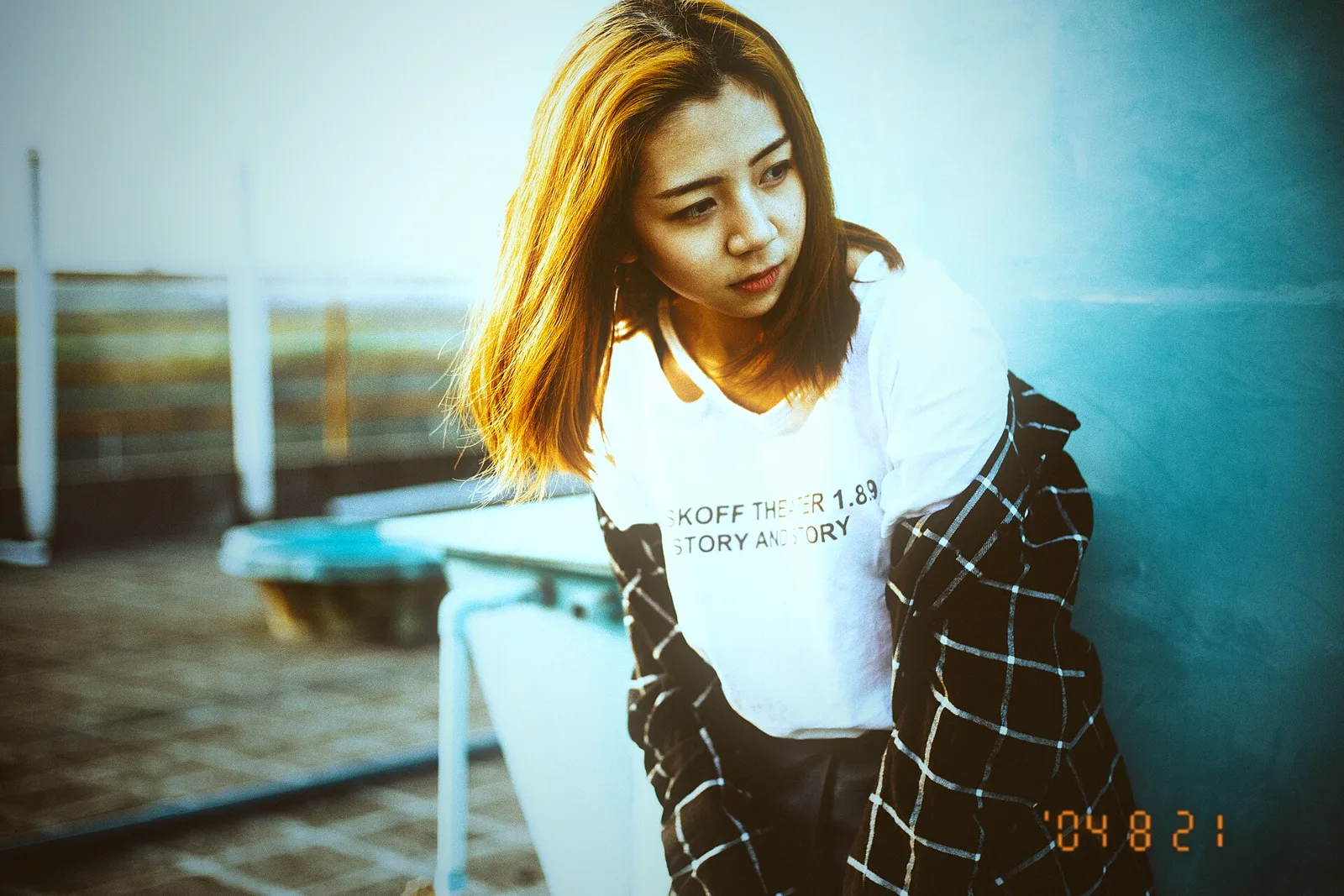
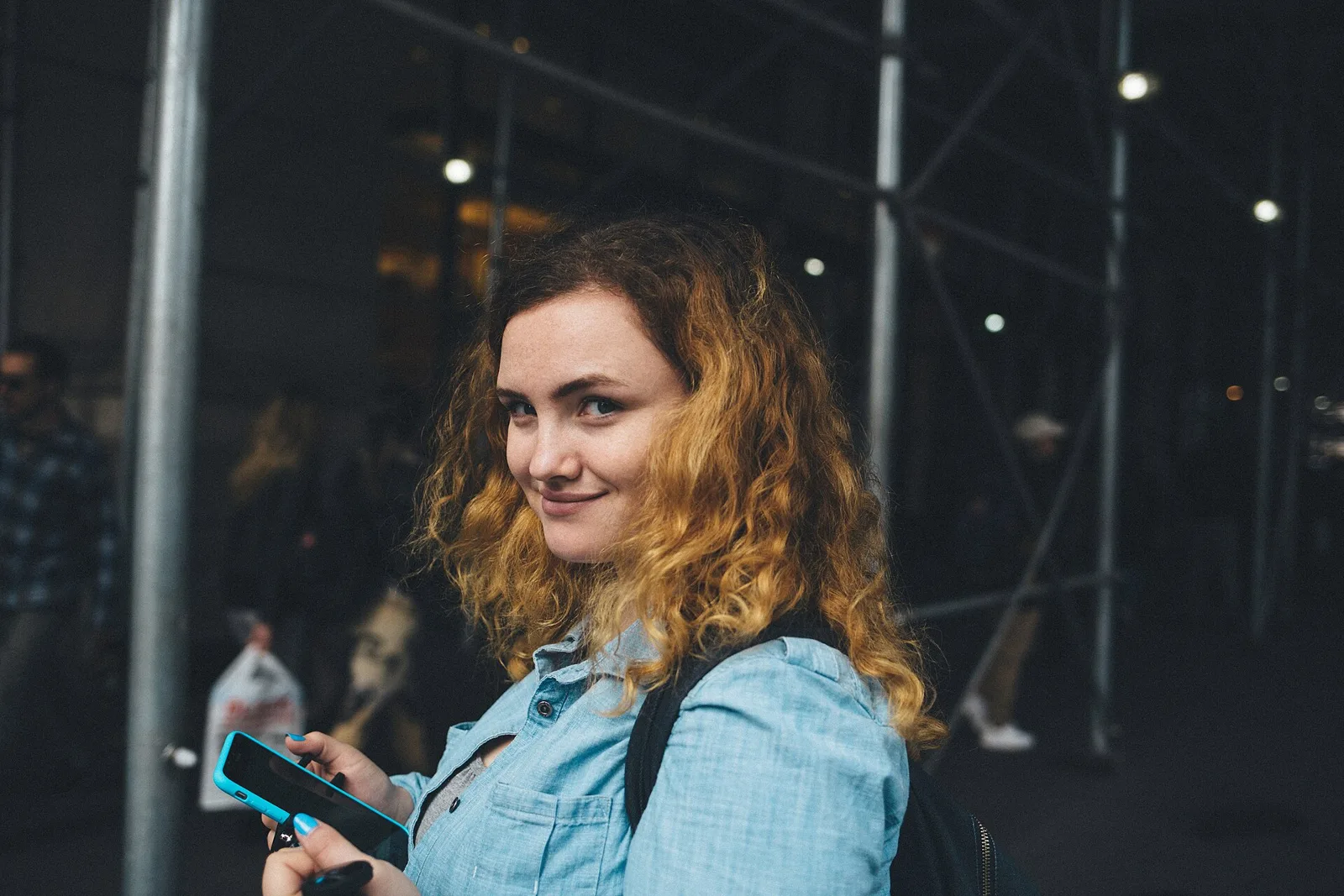
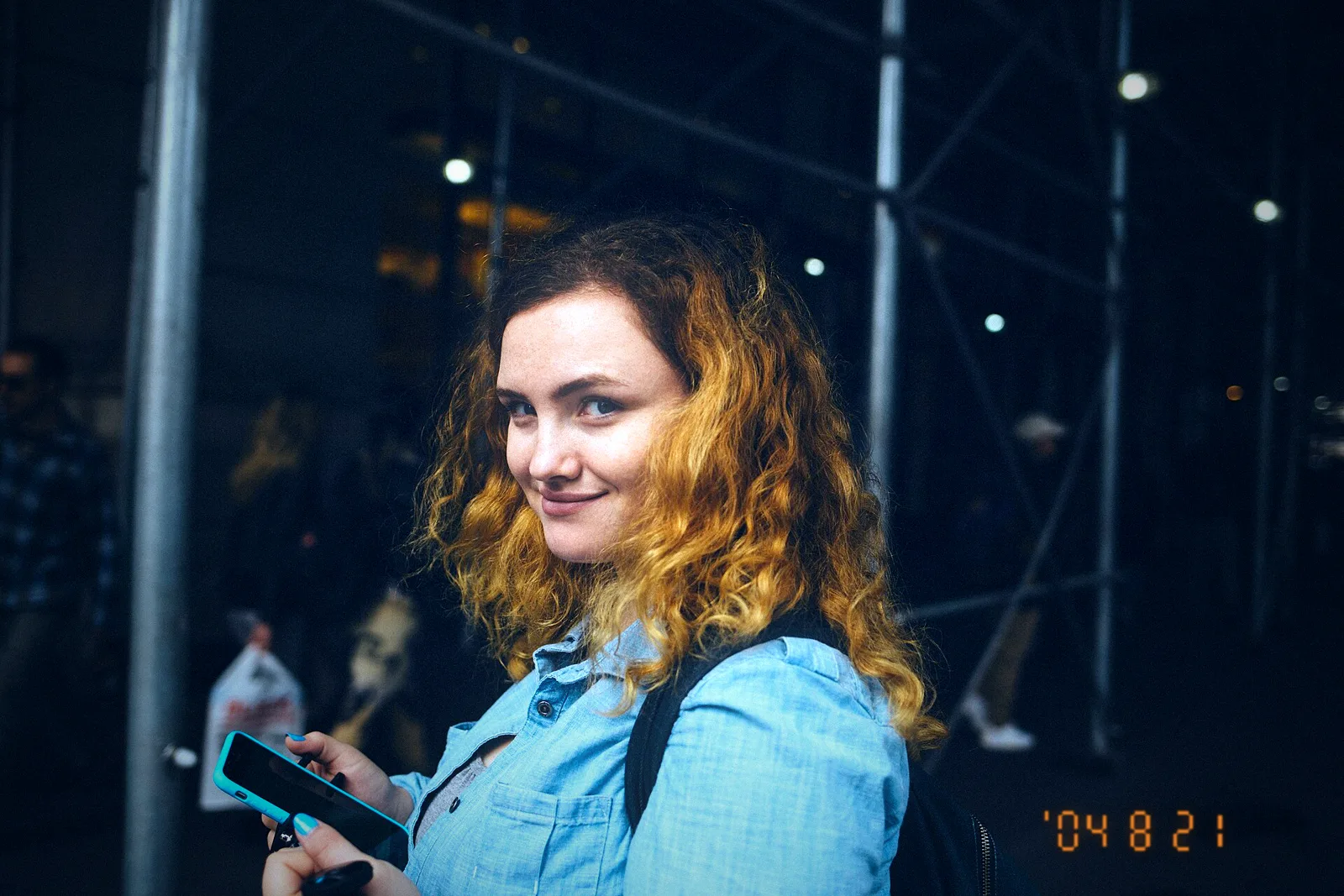
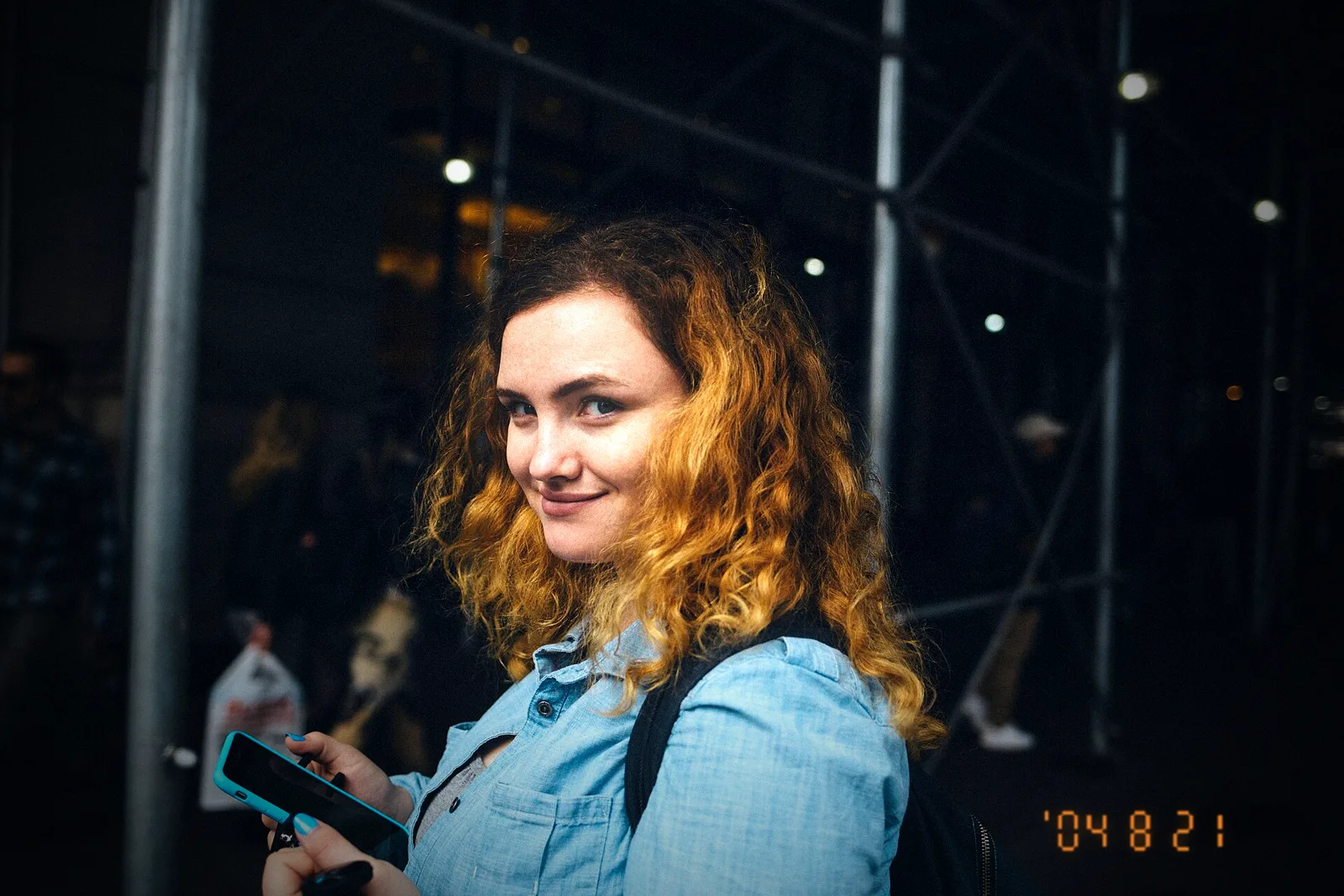
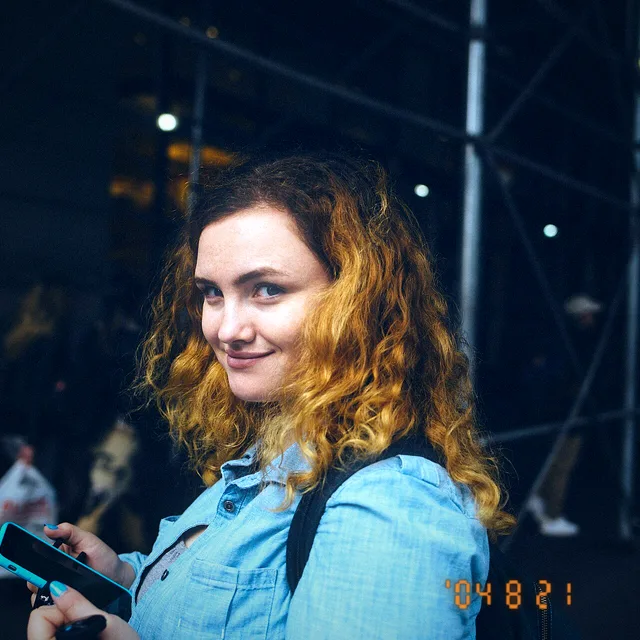
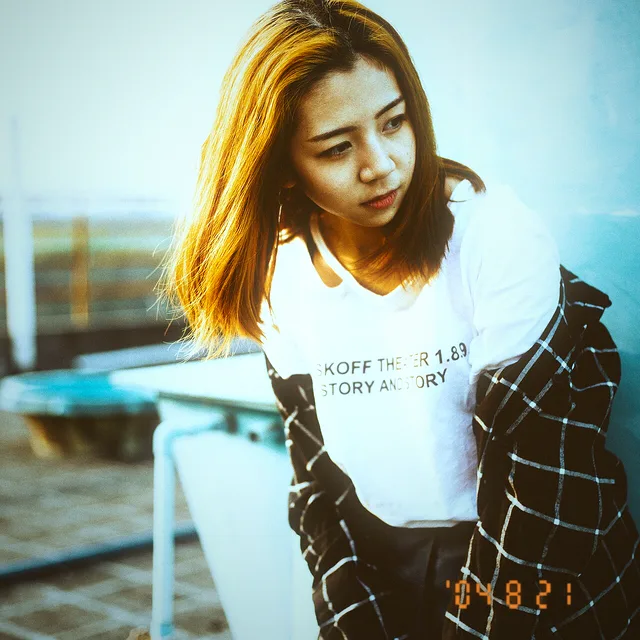
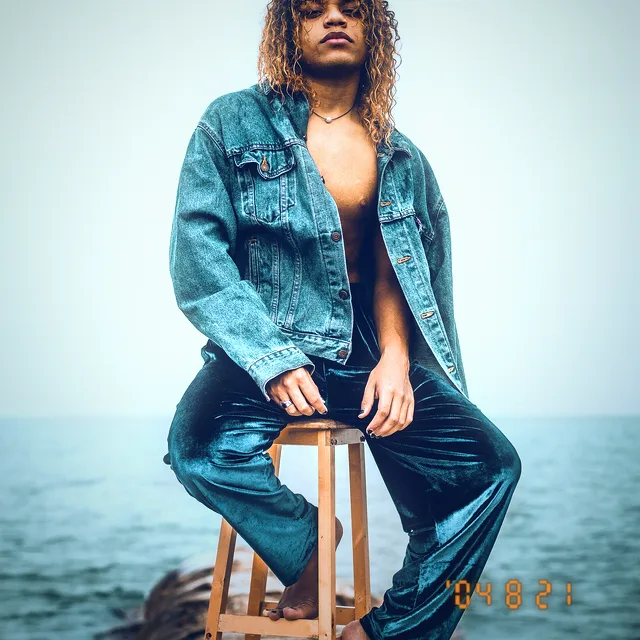
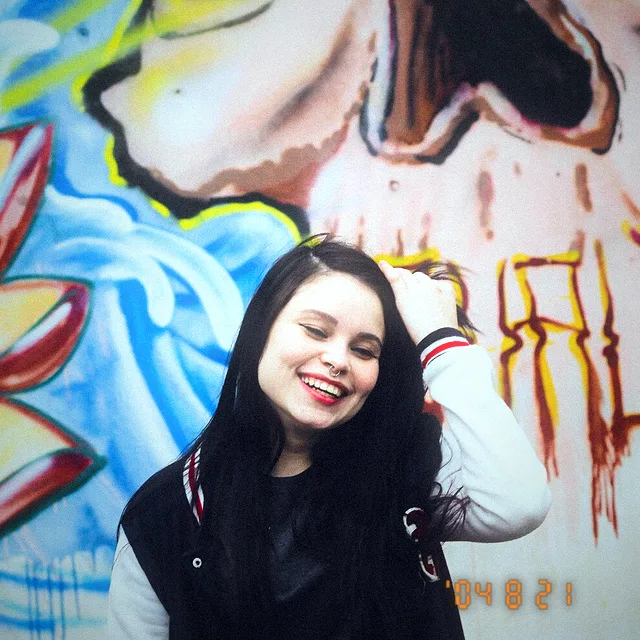
One photo, four 2000s cameras
The same photo, original and four looks at the default strength.
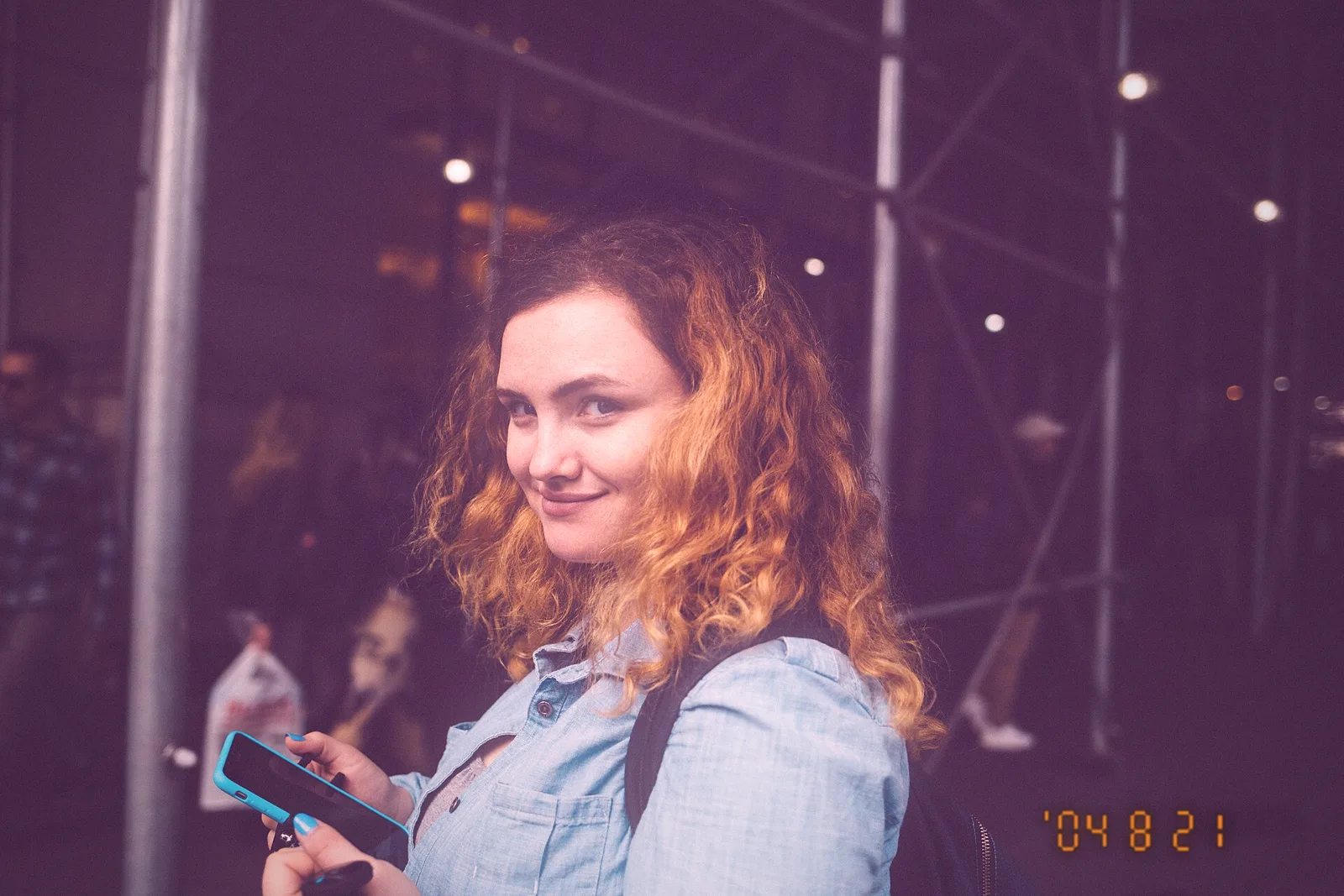
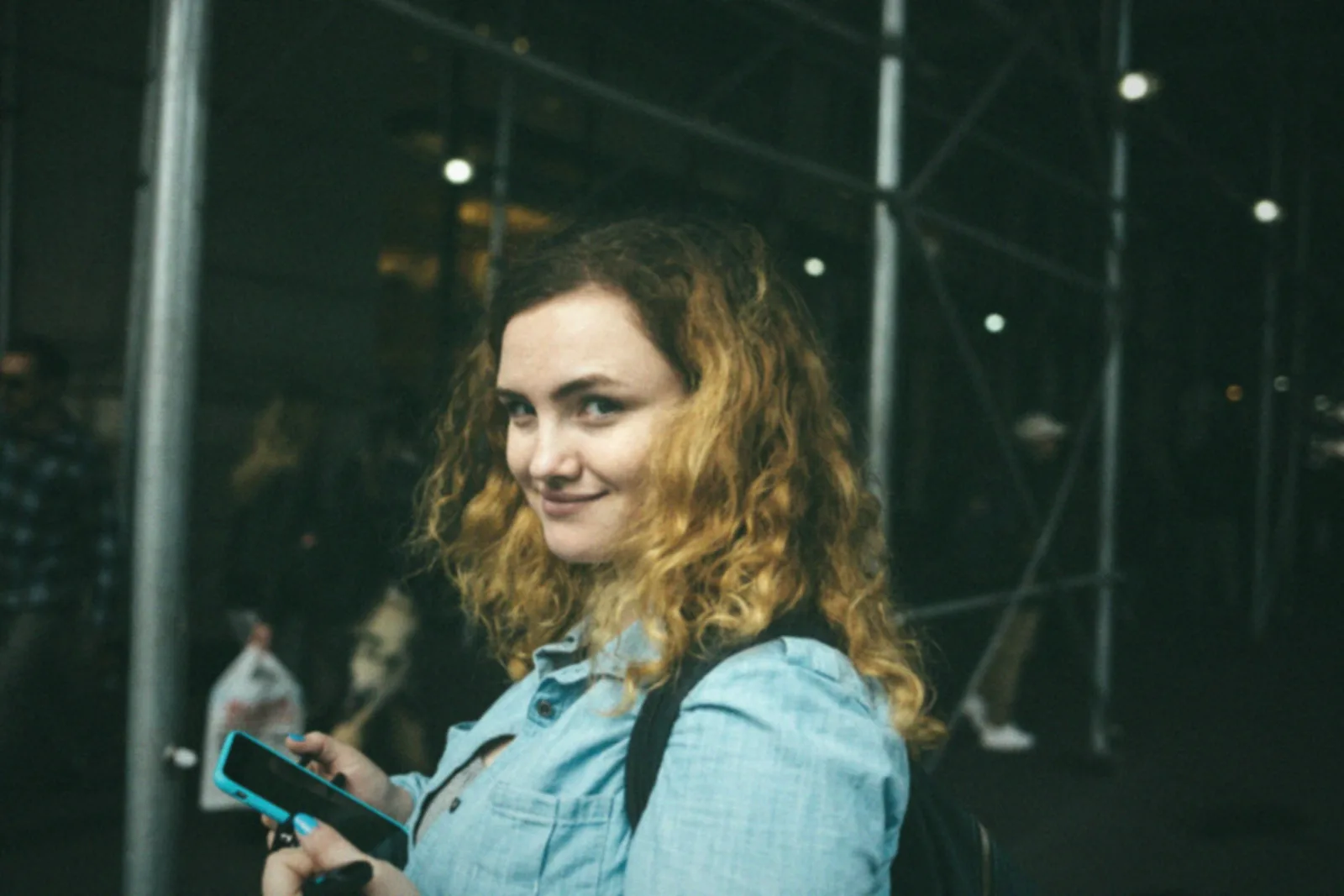
Why 2000s photos looked like that
Early pocket cameras had tiny sensors with little dynamic range. Bright areas clipped to white and dark areas filled with color noise.
The flash sat next to the lens. Faces got bright and flat, and anything a few meters back fell into shadow.
Bright light flared in cheap lenses and bloomed on small sensors, so lamps, windows and skin shine got a soft halo.
Many cameras could print the date on the picture, usually in orange digits in the bottom corner.
Y2K, 90s or disposable camera?
The same photo three ways. They get mixed up, but each one copies a different camera.
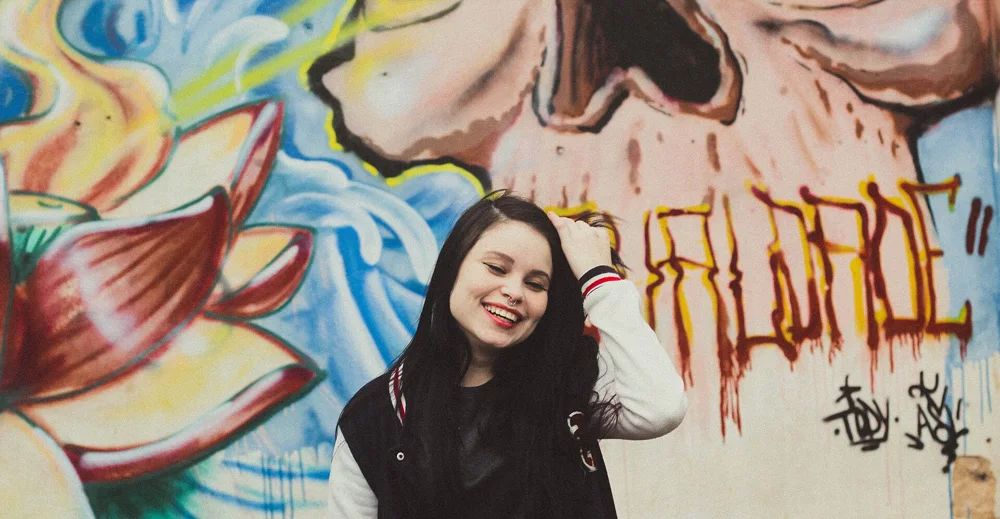
Original
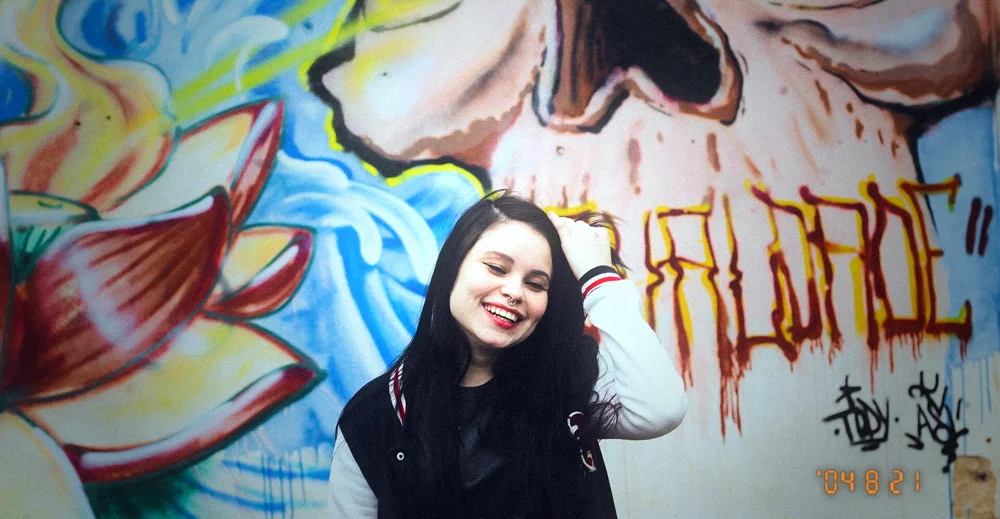
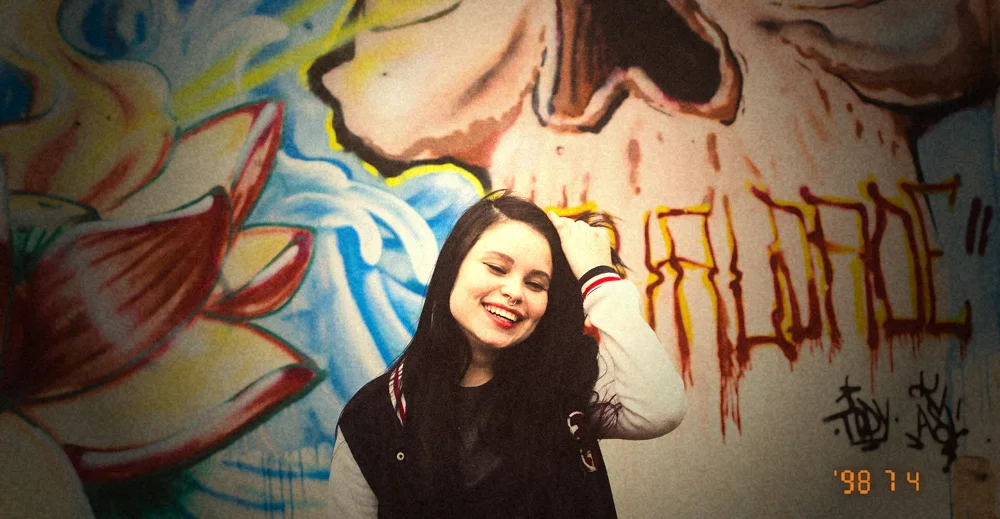
Y2K
Early digital: cool color, a bright flash spot, highlights clipped to white and a glow around lights. This page.
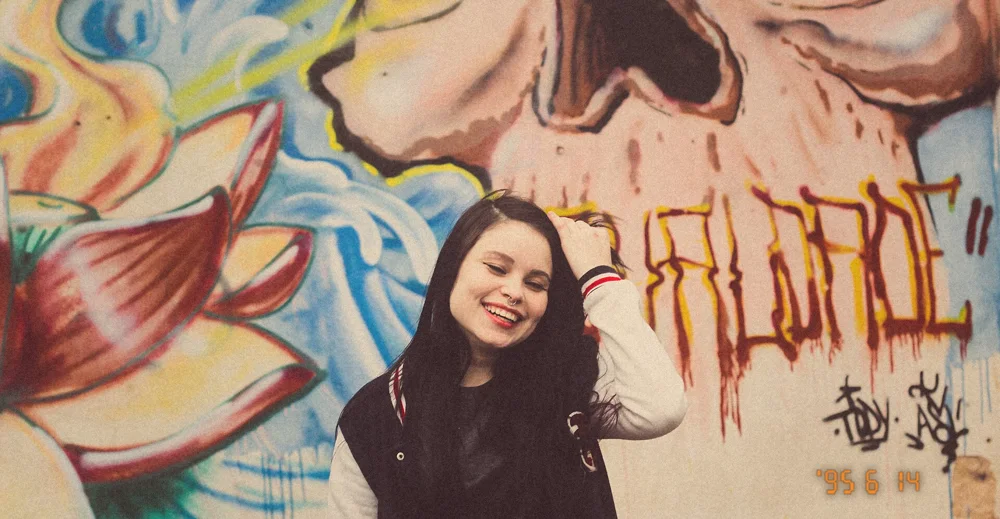
90s
Film from a one-hour lab: warm color, soft highlights, fine grain and the orange date. 90s photo filter
What are you making Y2K?
Make a whole set feel like one memory card
A weekend, a trip, a random week: run every photo through the same look so the carousel reads like you dug up an old camera. Your settings stay when you open the next photo.
Try CCD flash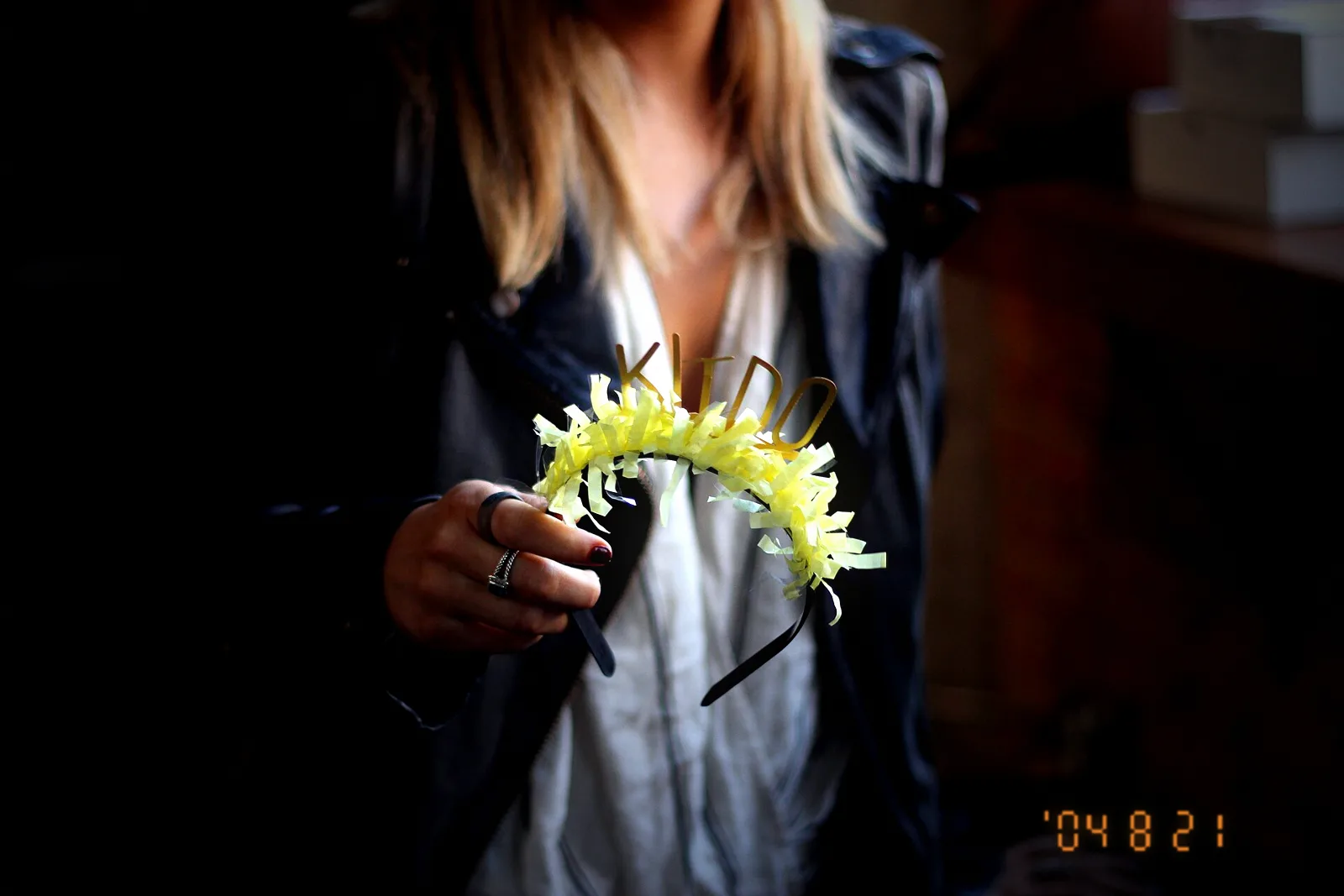
The flash photo everyone actually posts
Birthdays, house parties, concerts and dinners. Party night throws light on the faces and drops the room into darkness, the way a point-and-shoot did at 1 a.m.
Try Party night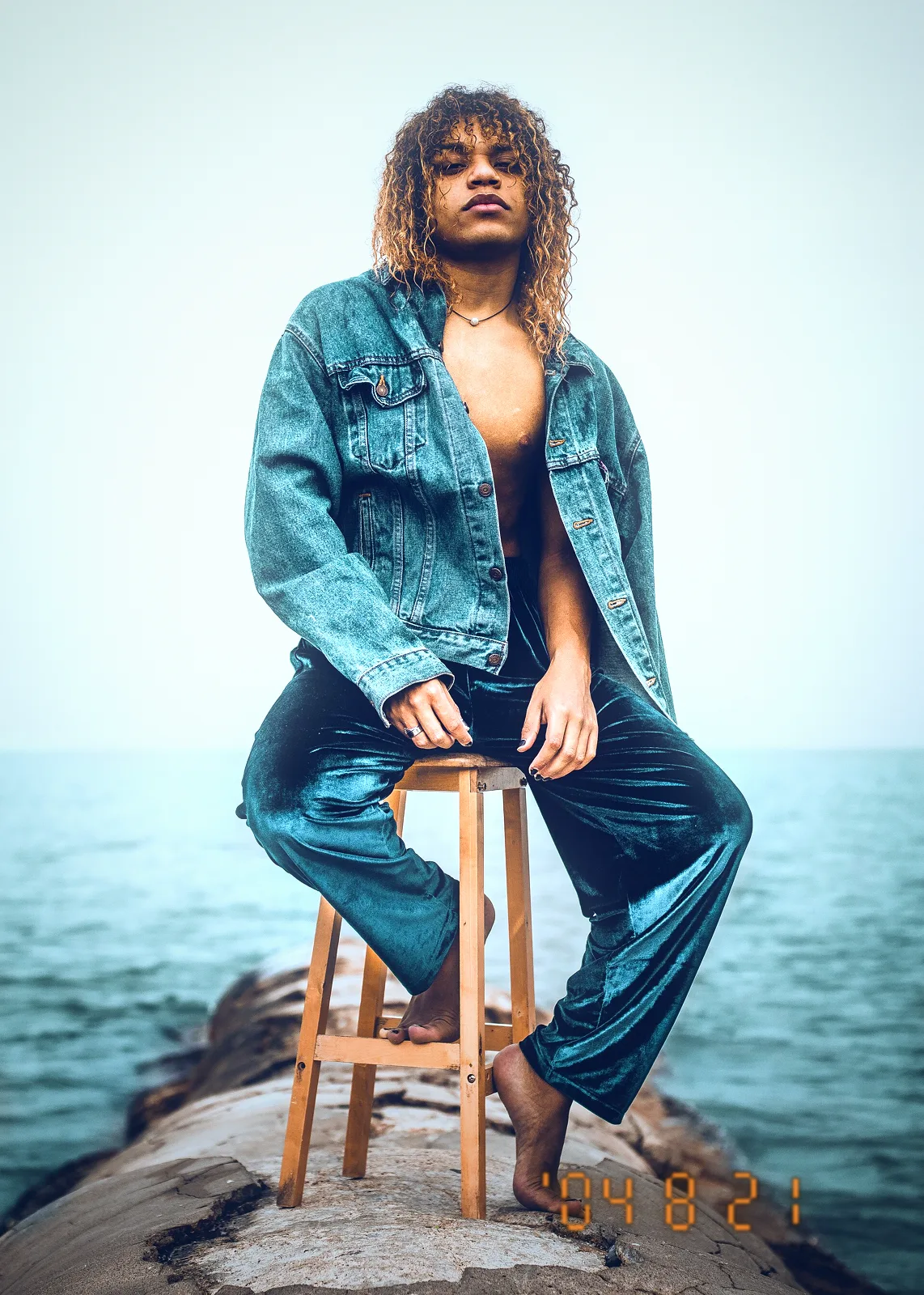
OOTD with a 2000s finish
Mirror selfies, fit checks and thrift hauls. CCD flash keeps the outfit colors loud. Lower the glow if there are fine patterns you want to keep.
Edit an outfit photo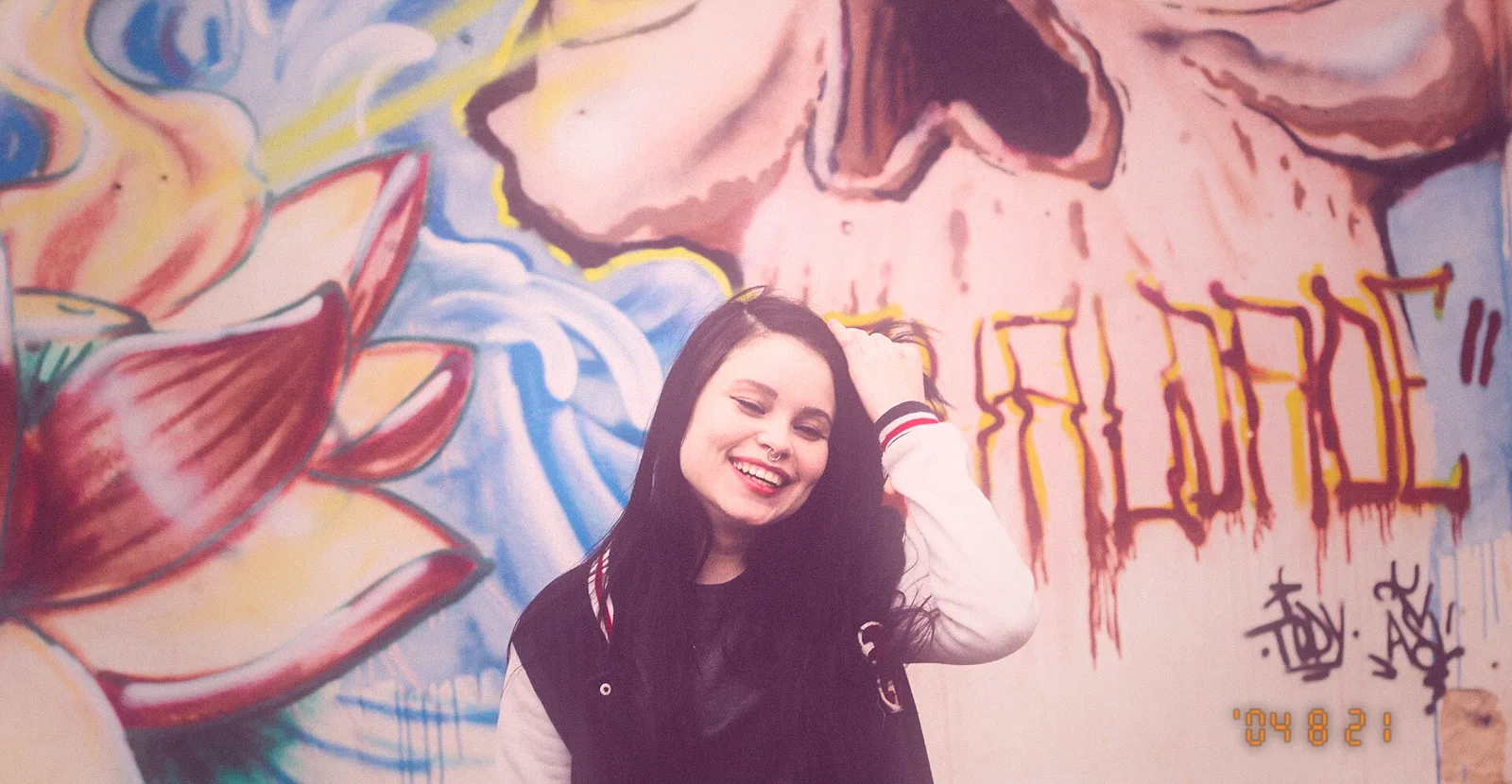
A profile photo that doesn't look like a phone
Instagram, TikTok, Discord or a group chat icon. Pink haze softens skin and background without changing your face. Check it small: a profile photo is seen at thumbnail size.
Try Pink haze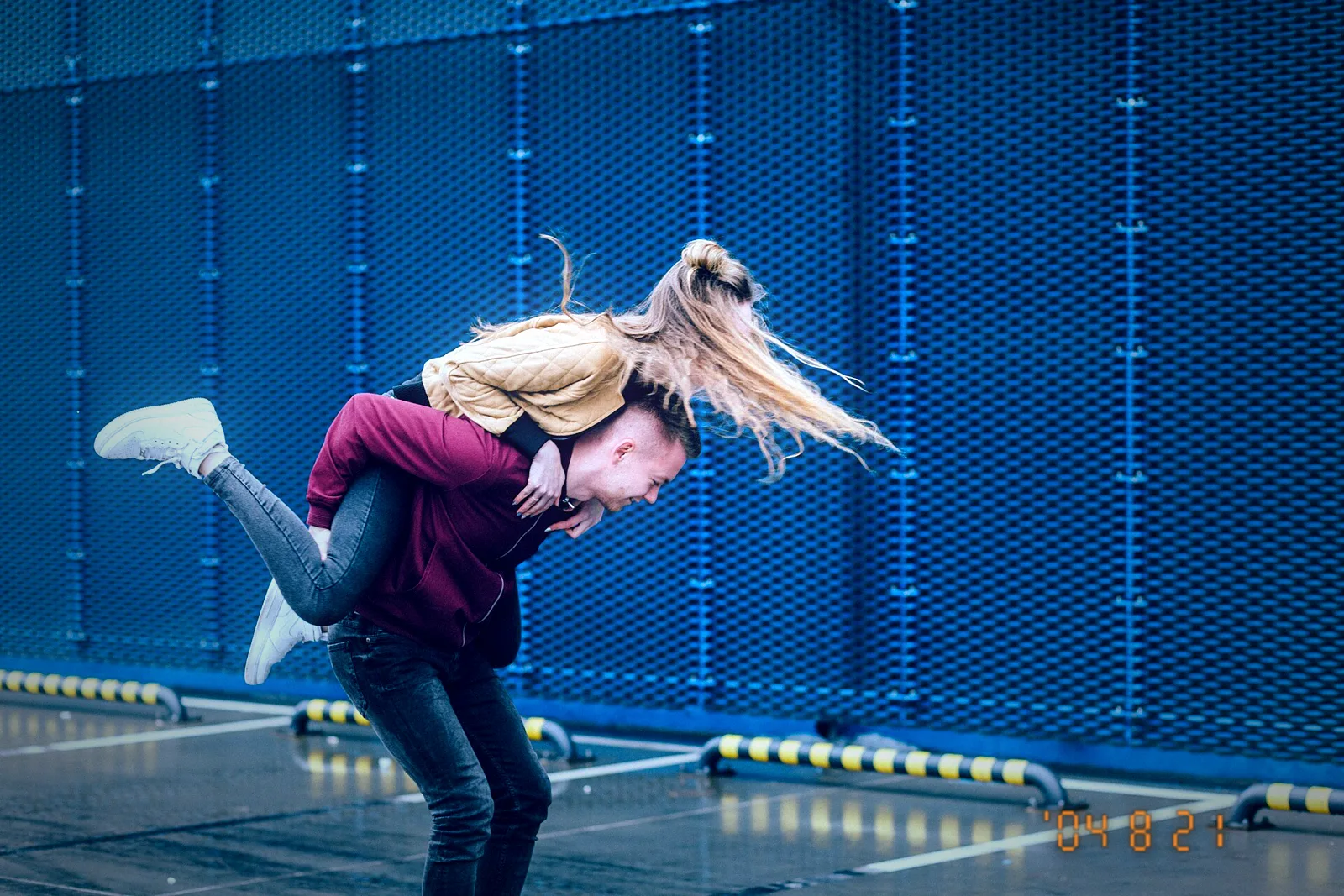
Dates, anniversaries and best-friend pics
Add the day you met as the date stamp, or the date of the trip. A Y2K look turns a normal photo into a keepsake you can send back to the group.
Add a date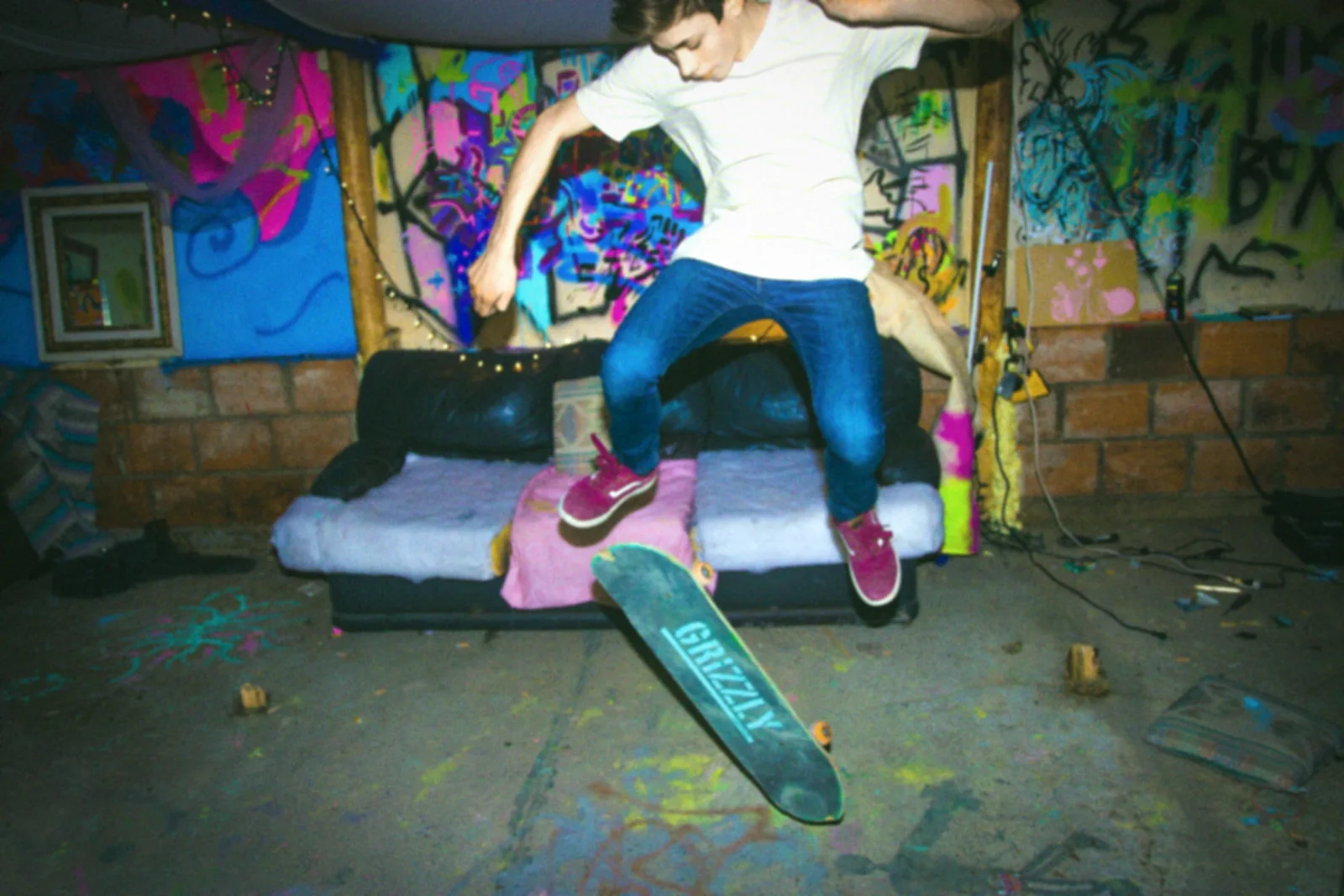
Thumbnails, playlist covers and merch drops
A Y2K finish gives a new photo an early-internet feel for a playlist, a single, a zine or a small brand post. Keep the date stamp off if text will go on top.
Make a coverOne look, a whole photo dump
Nine photos, one setting: CCD flash at the default strength. Open the next photo and the look is still set, so the carousel reads like one memory card.

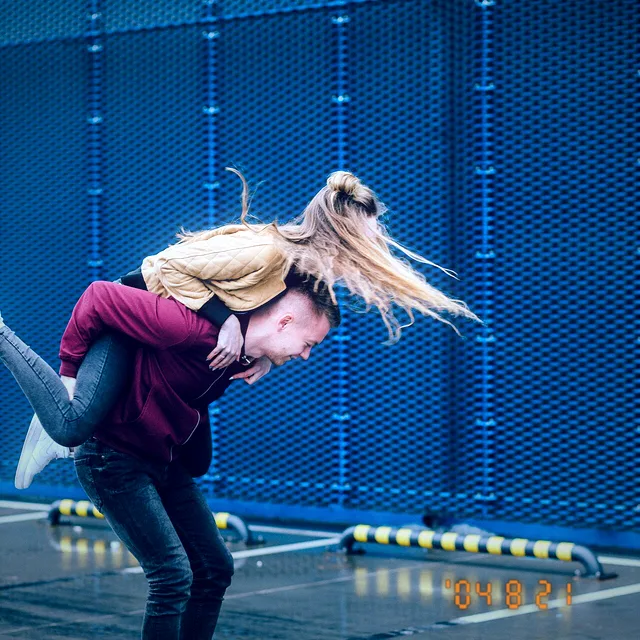
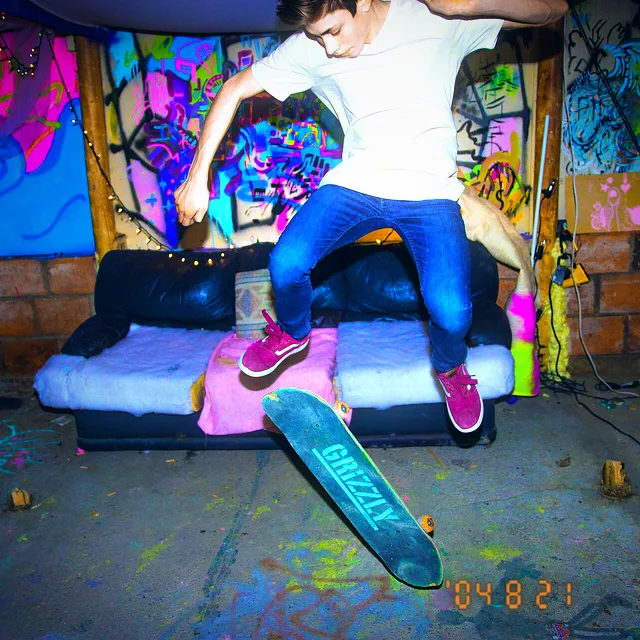
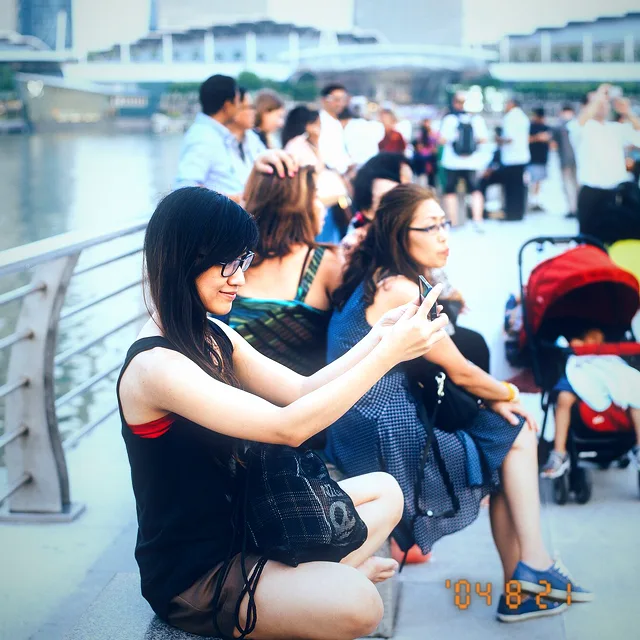
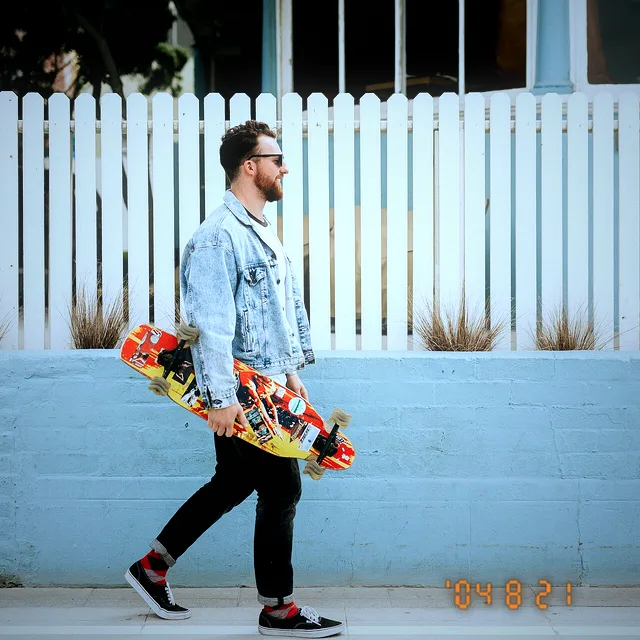
How to make a Y2K photo edit in 4 steps
Choose a photo
Pick a JPG, PNG, WebP or HEIC (iPhone) photo. It stays in this browser tab.
Pick a camera look
Start with CCD flash, or switch to Party night, Pink haze or 2006 phone.
Set strength, glow and the date
Lower the strength to keep more of the original. Turn the date stamp on or off and type any date you like.
Download
Save at the photo's own size. Your original is not changed.
How the Y2K editor works
The editor changes the light and color your photo already has. It brightens the center like an on-camera flash and cools the white balance. Then it adds glow around bright areas, noise in the shadows and the date on top.
There's no AI in it. Many AI Y2K filters regenerate the picture, and faces can come out different; this keeps your own photo, so your face, hair and clothes stay exactly as you shot them. It all runs inside this browser tab: the photo is never uploaded, and the download comes out at the size you opened.
- Nothing is uploaded
- Your face stays yours
- Full size out
Worried it will look like a cheap filter?
Will it look fake?”
Fake Y2K usually means a heavy blue tint over everything. These looks change light first and color second. If it still feels strong, lower the strength or the glow.
Will it make my face look different?”
No. Nothing about your face is moved or redrawn. The flash and glow change brightness, not features.
Will I lose quality?”
The noise and softness are part of the look and can be turned down. The download keeps your photo's resolution.
How to shoot a photo that passes for 2004
Use the phone's flash, at night, from close up. That single choice does more than any filter: bright faces, dark background, hard shadows behind people.
Hold the phone at arm's length or shoot into a mirror, and don't fix the framing. Real digicam photos were a little crooked, cut off feet and caught people mid-blink. Bright lamps, fairy lights and glitter in the frame give the glow something to work with.
Y2K photo editor FAQ
What is the difference between a Y2K filter and a digicam filter?
Most people use both words for the same look. "Digicam" names the camera: a 2000s pocket digital camera. "Y2K" names the whole era's style, which also includes pink tones, glow and flash-lit party shots.
Is this the same as a 90s filter?
No. 90s photos were mostly film: warmer color, film grain, softer highlights. Y2K photos were early digital: cooler color, clipped highlights and color noise. For the film look, use the 90s photo filter.
Can I change the date on the stamp?
Yes. It starts with the date the photo was taken, if the file has one, or today's date. Type any date, or turn the stamp off. The date is printed on the downloaded image only.
Does it work on iPhone and Android photos?
Yes. Open this page in your phone's browser, choose a photo and download.
Why do some Y2K edits look blue?
Early digital cameras often set white balance badly indoors, so flash photos came out cool. CCD flash copies that. If skin looks too cold, lower the strength.
Can I make it look like a photo from a flip phone?
Use 2006 phone. It lowers detail, adds color noise and a slight green tint, like the first camera phones.