Vintage Filter
Give a new photo the faded color, grain and warmth of a 1970s or 1980s print. Free, in your browser, and your photo never leaves your device.
- ✓Runs on your device
- ✓Nothing is uploaded
- ✓Free, unlimited

Drop a photo here
or paste with Ctrl+V
Free, unlimited, no sign-up. Nothing is uploaded.
Want to fix an old faded photo instead? Restore old photos →
How do I make a photo look vintage?
Fade the color, warm the highlights, lift the blacks so they turn soft grey, and add a little grain. That is what decades did to real color prints. Pick a vintage look below, set the strength, and download.
Same photo, four decades
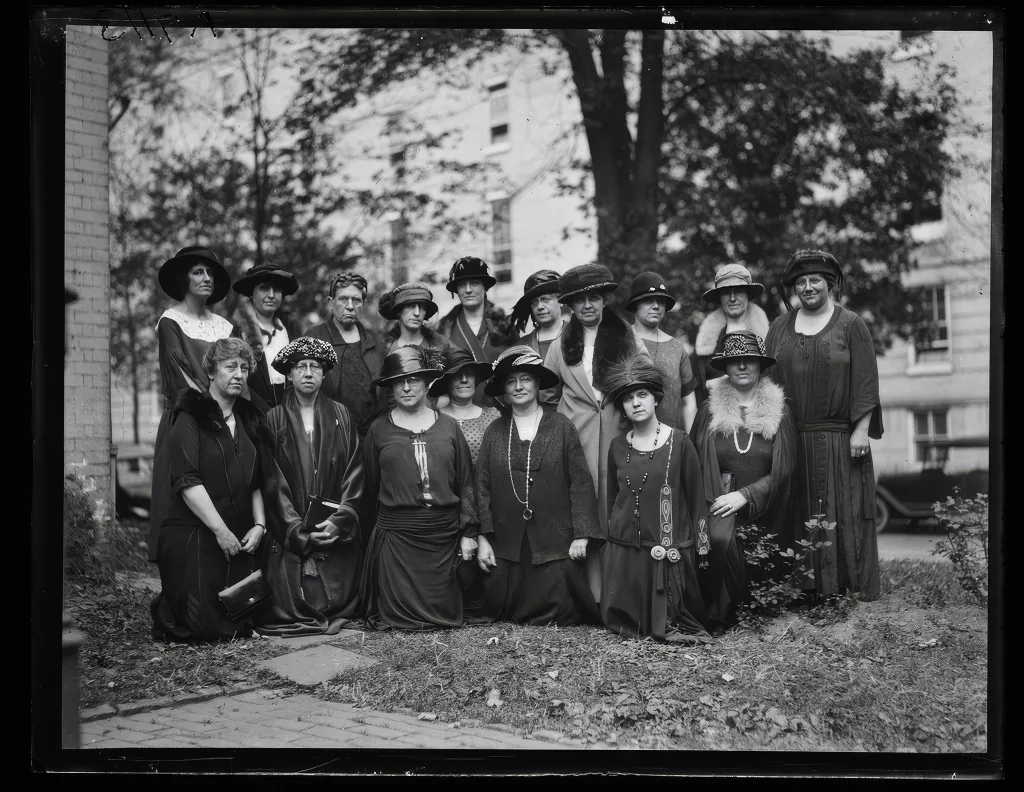
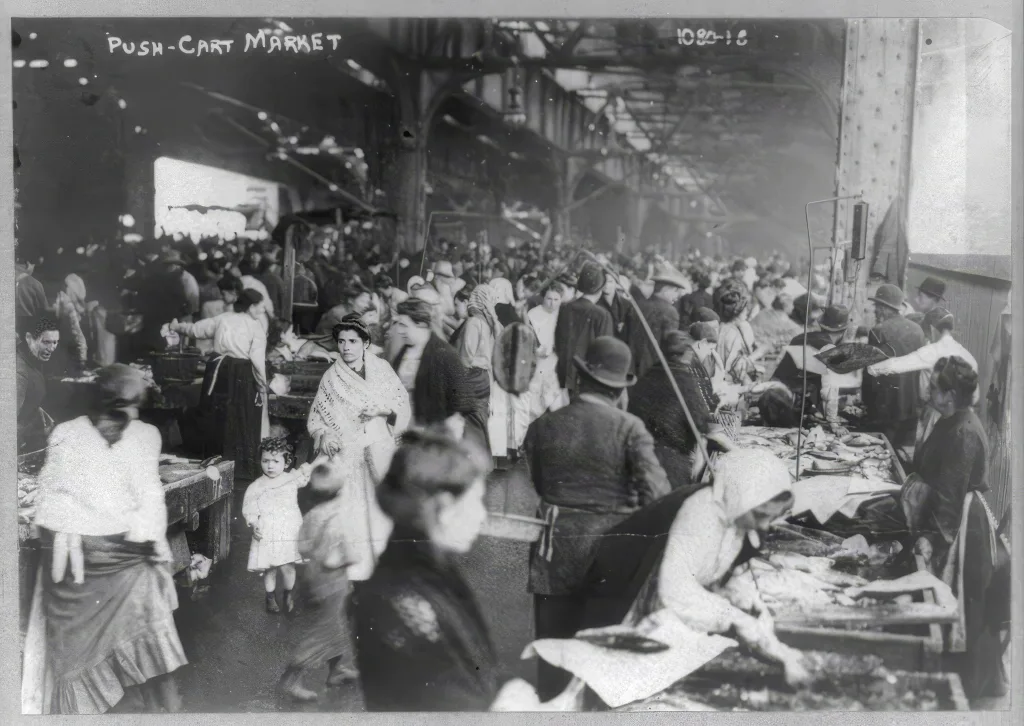
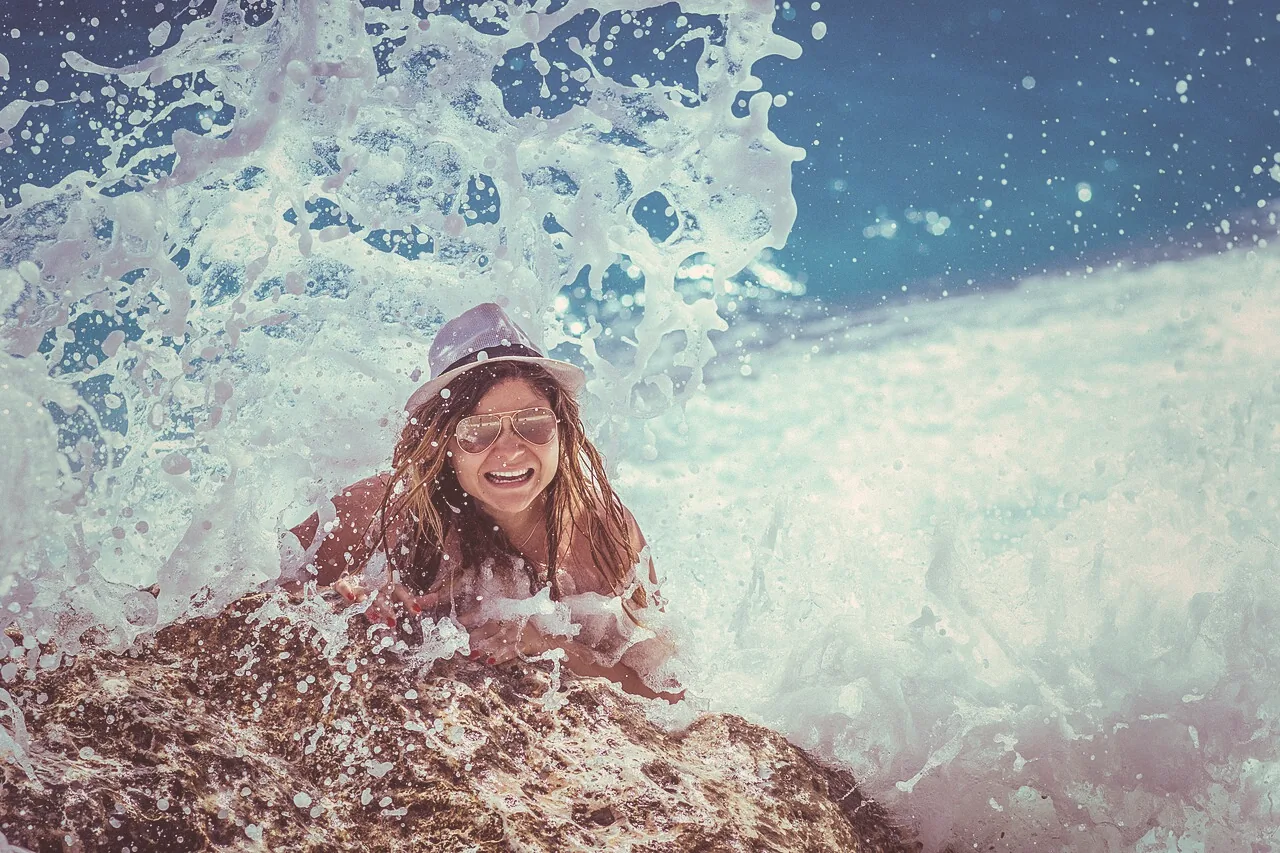
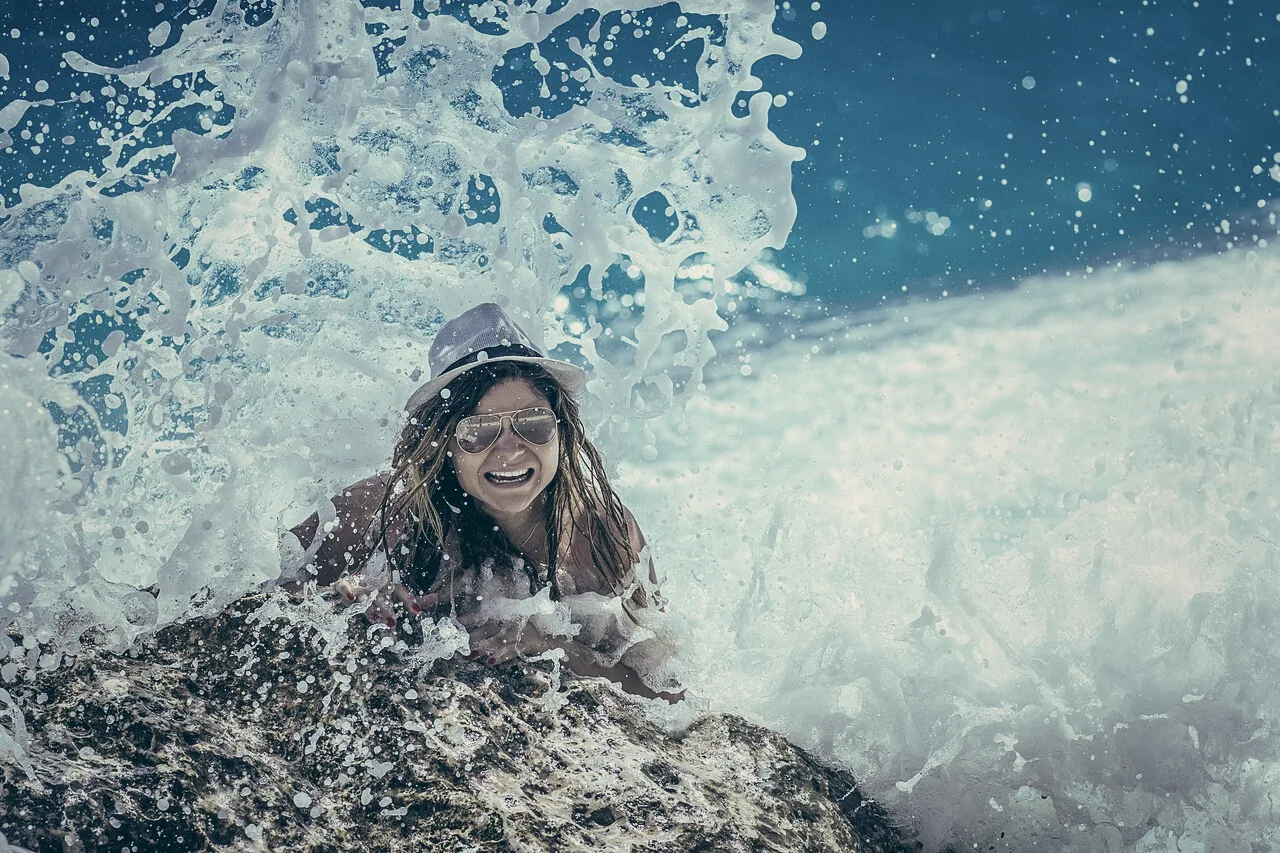
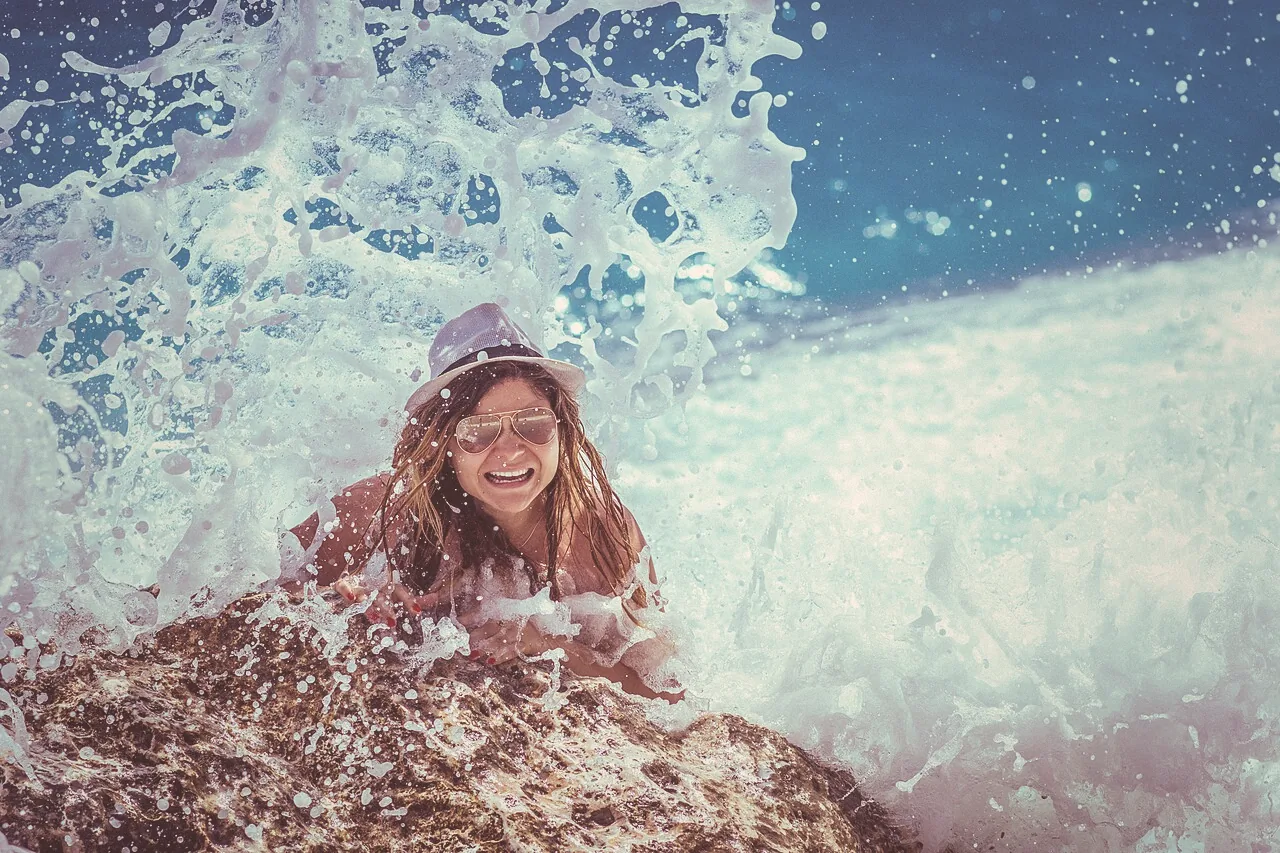
One photo, original and four looks at the default strength.


What each decade actually looked like
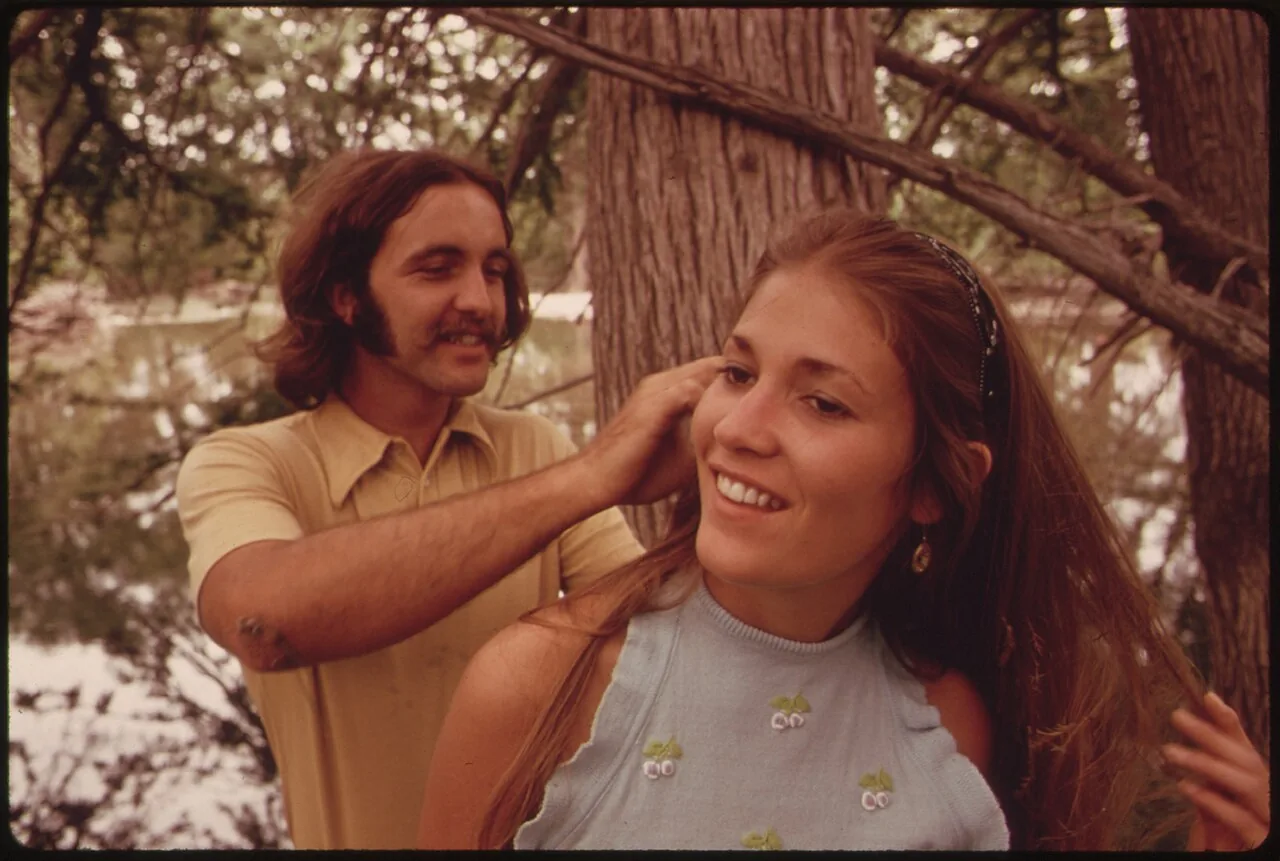 1970s
Colors drift toward orange and red as the cyan dye fades first. Blacks turn brown, grain is visible, corners darker.
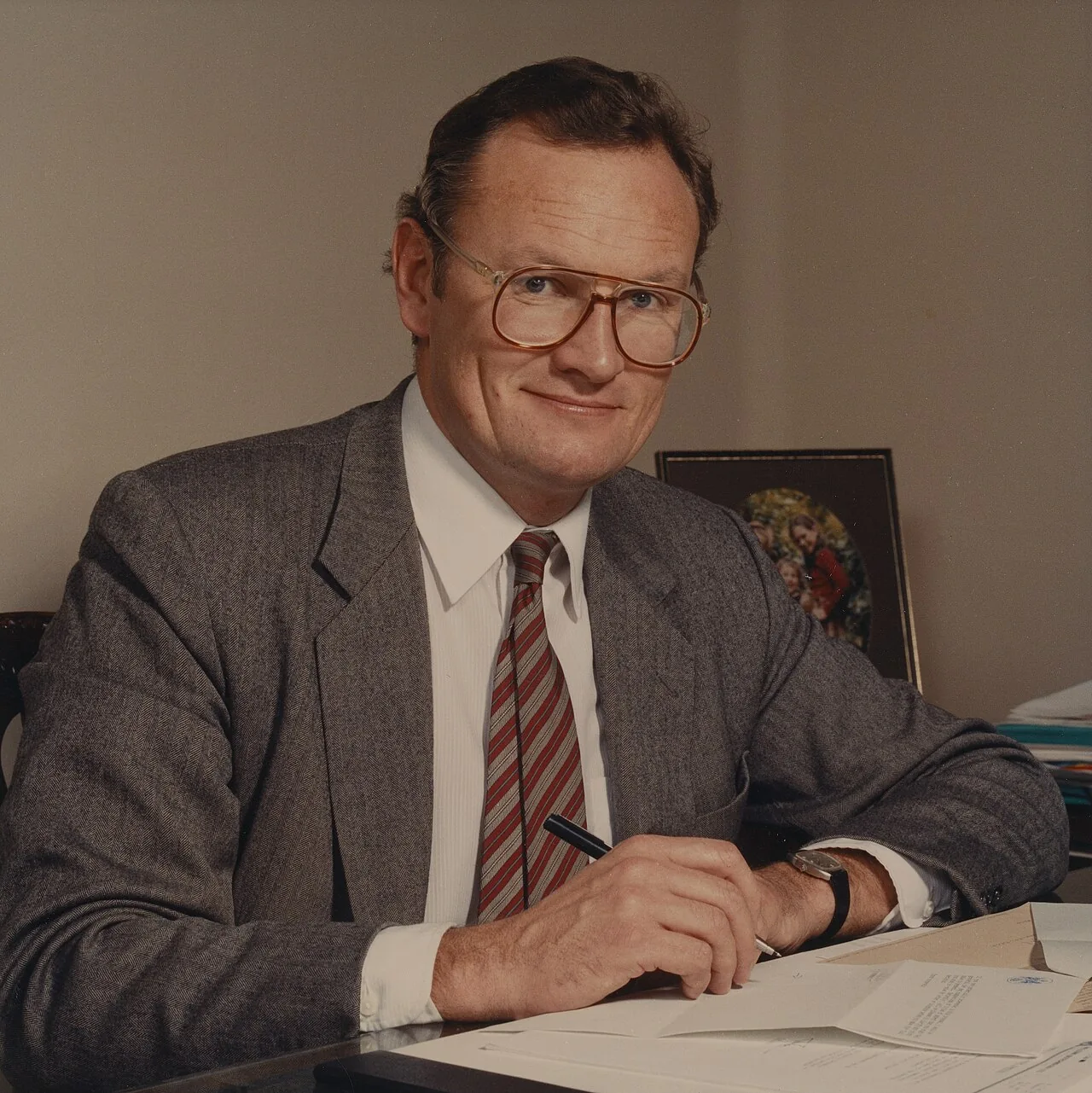 1980s
Brighter, warmer prints with strong reds and yellows, glossy paper, finer grain.
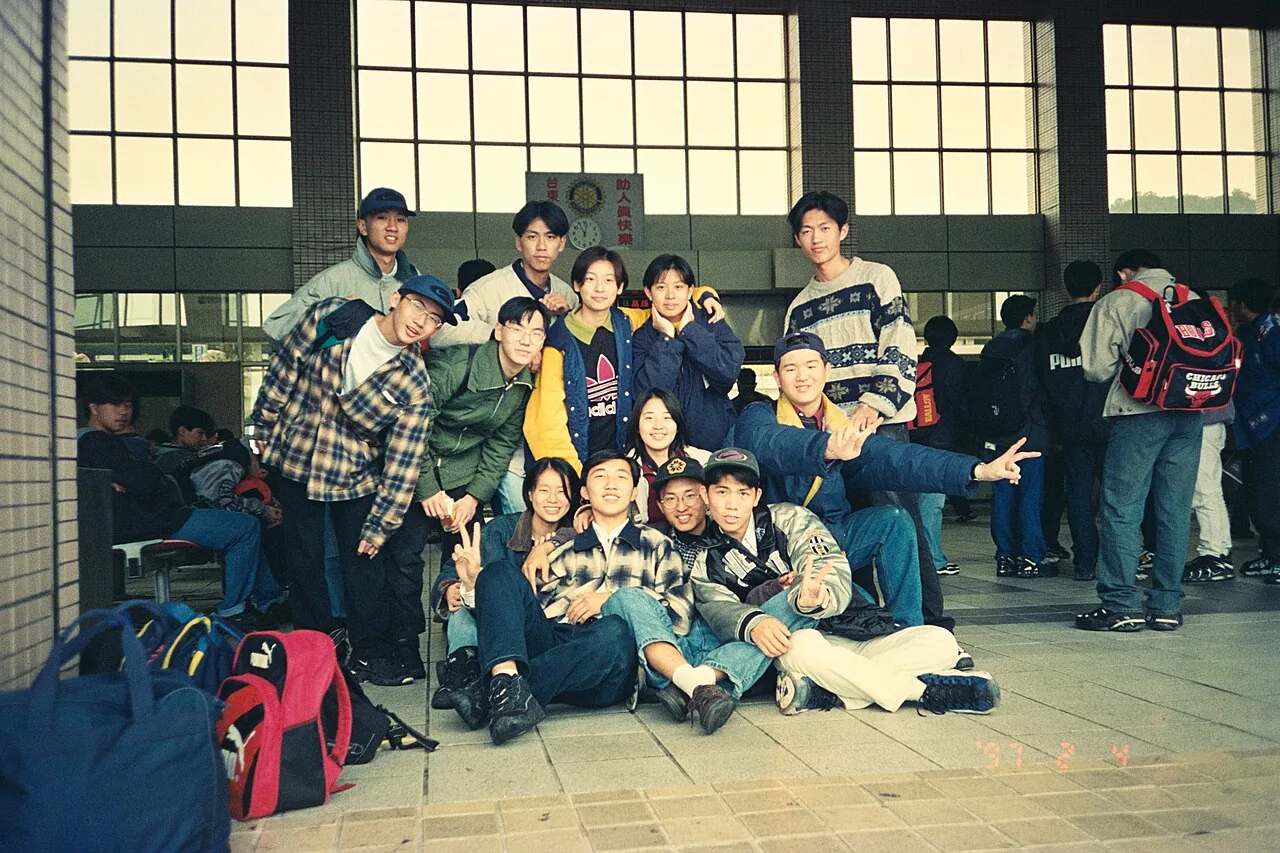 1990s
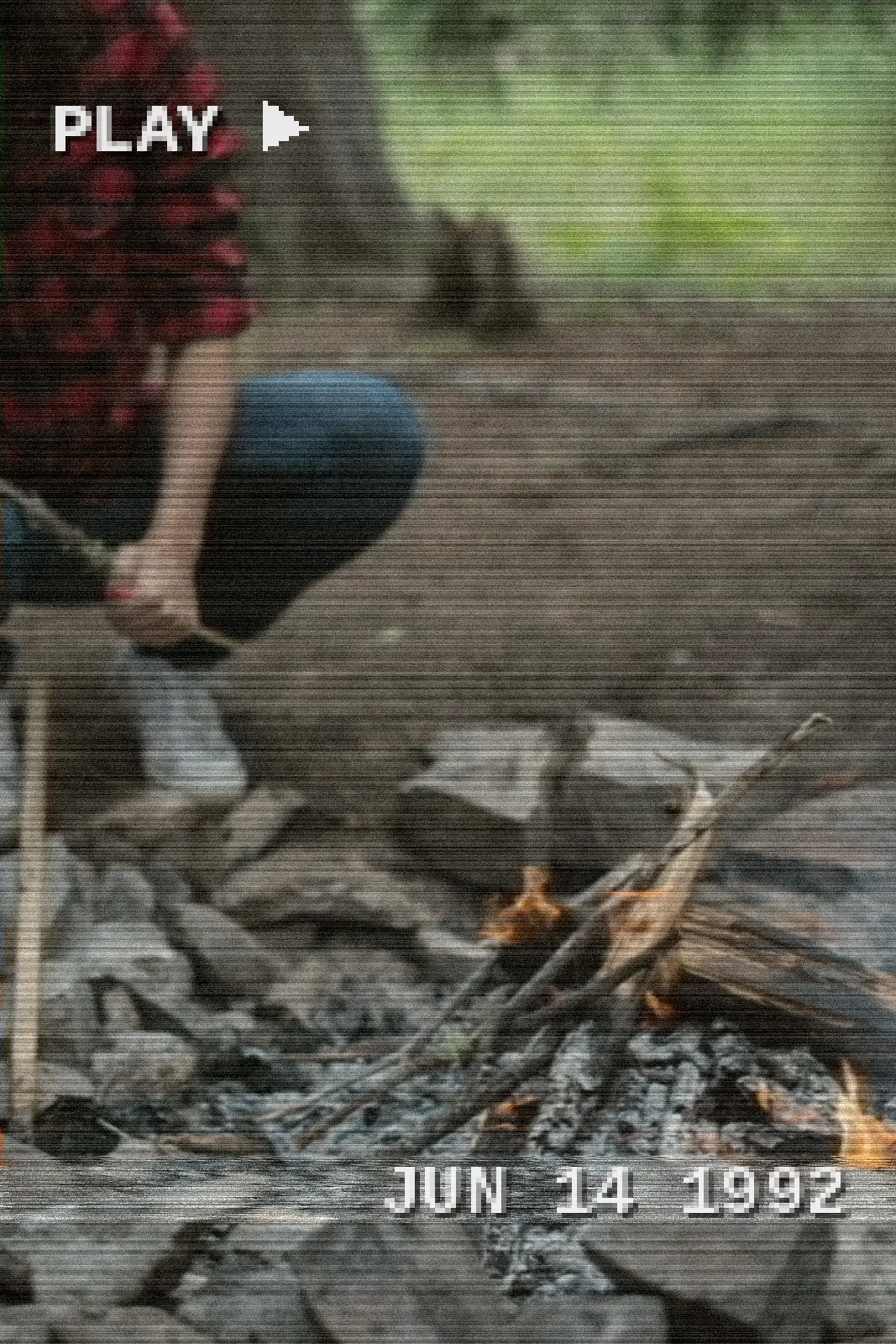
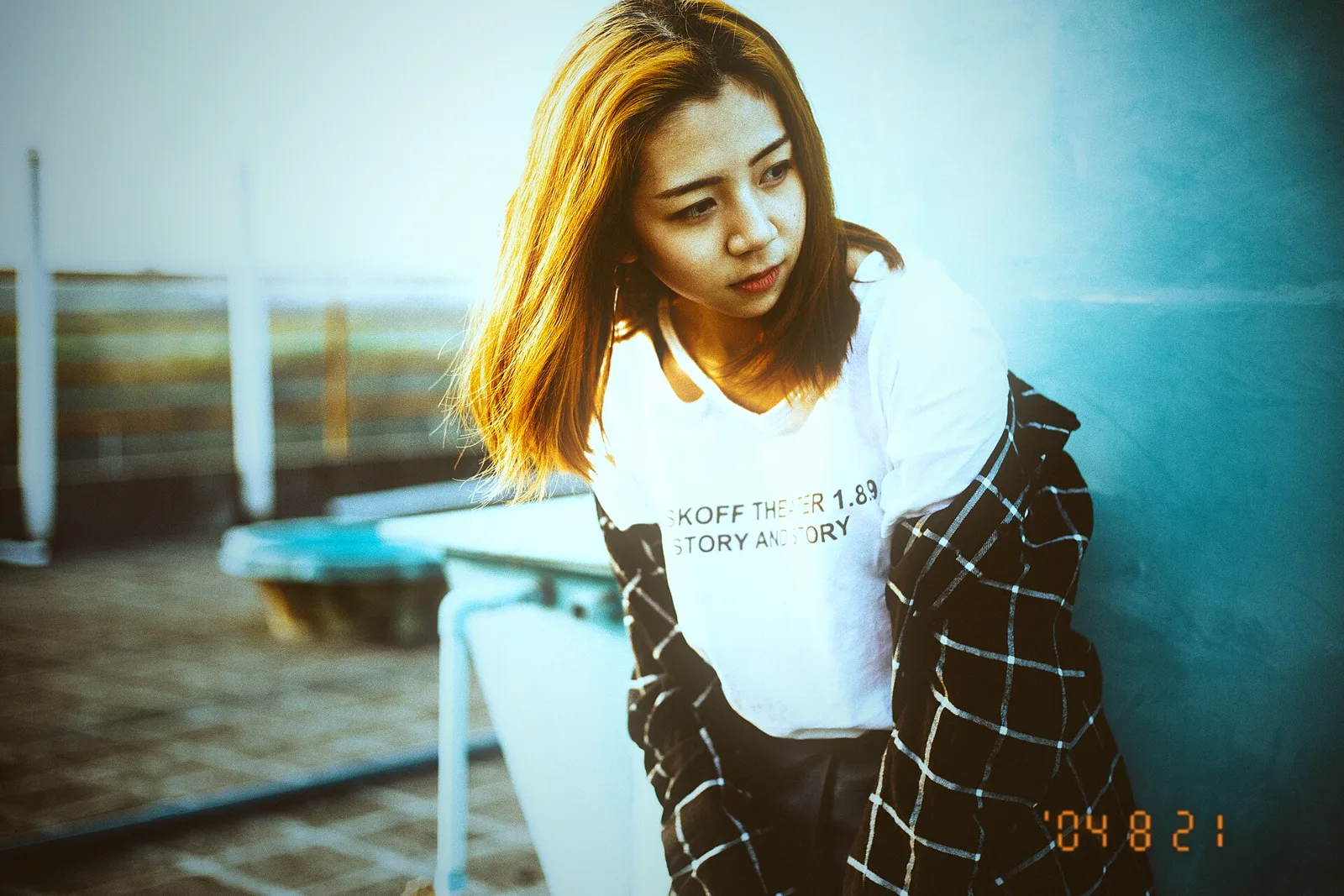
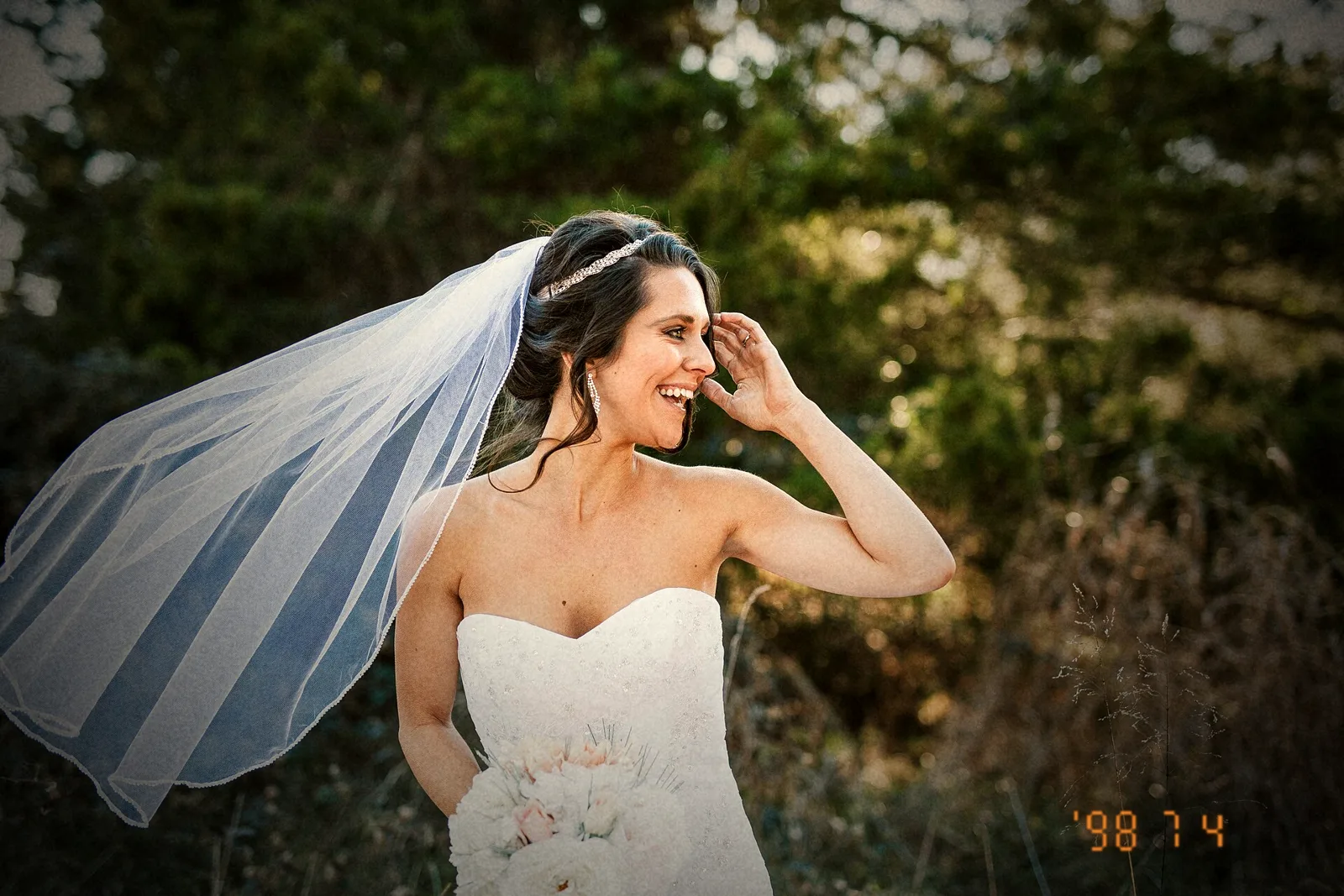
Cleaner color, slightly green or magenta casts from one-hour labs, date stamps in the corner. For the orange date in the corner, use the 90s photo filter.
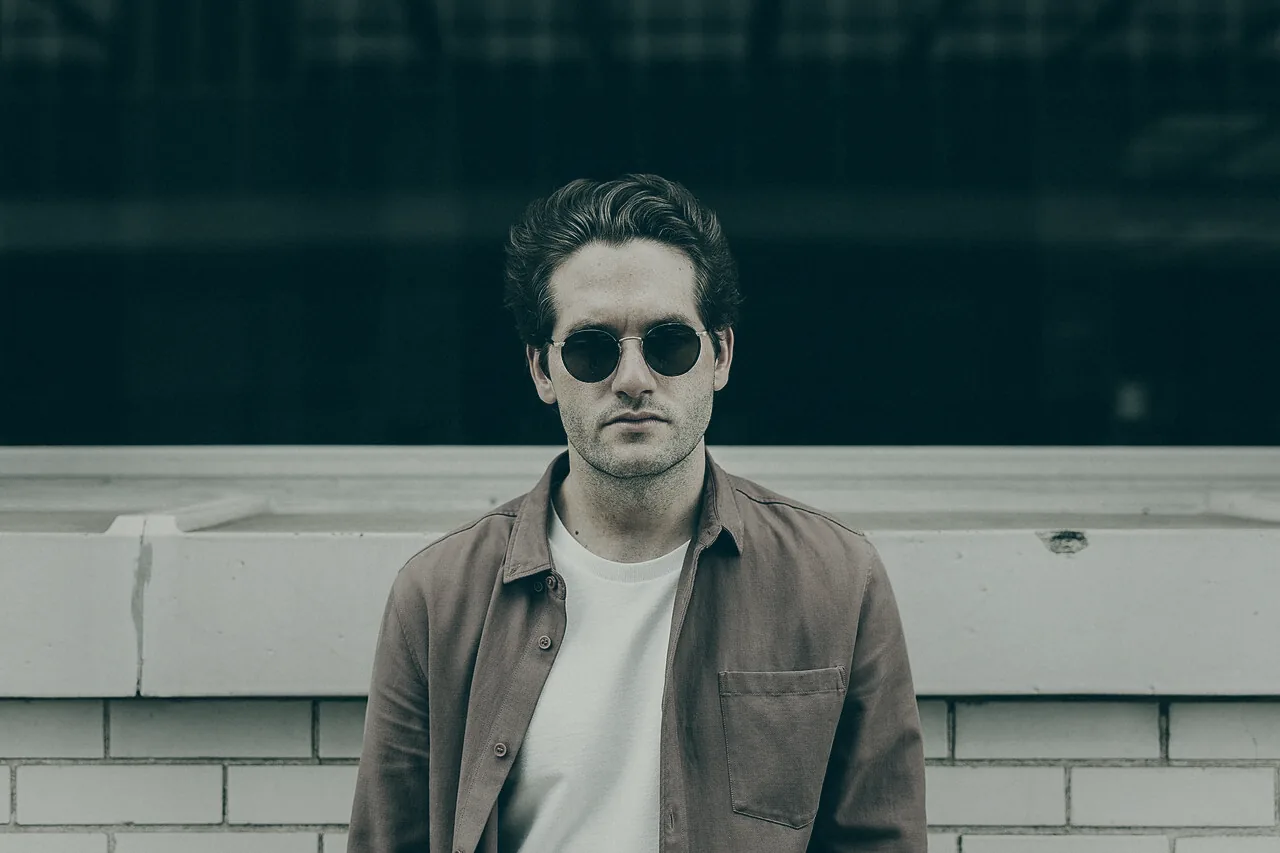 Film today
People who shoot film today often like it muted: low saturation, soft contrast, cool shadows.
What are you making vintage?

Get the film camera look without a film camera
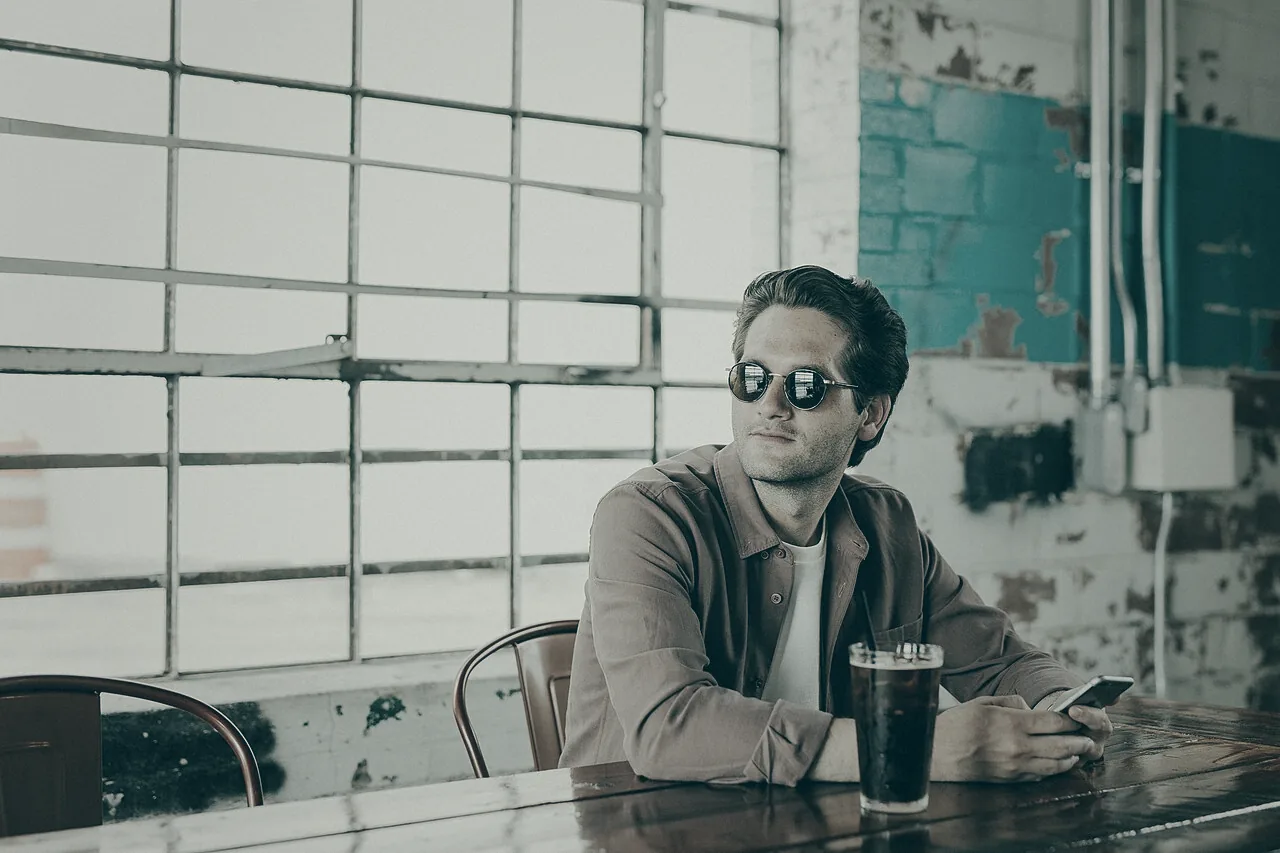
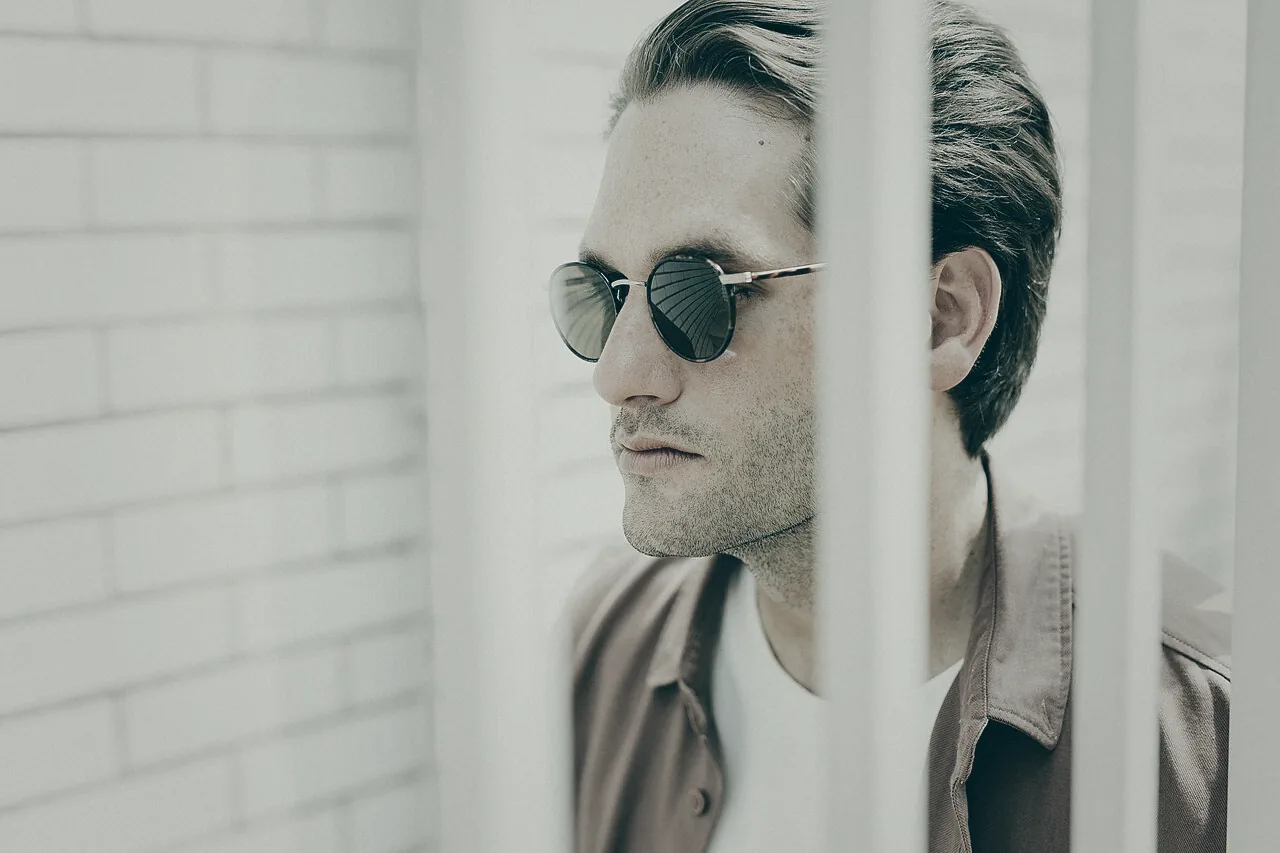
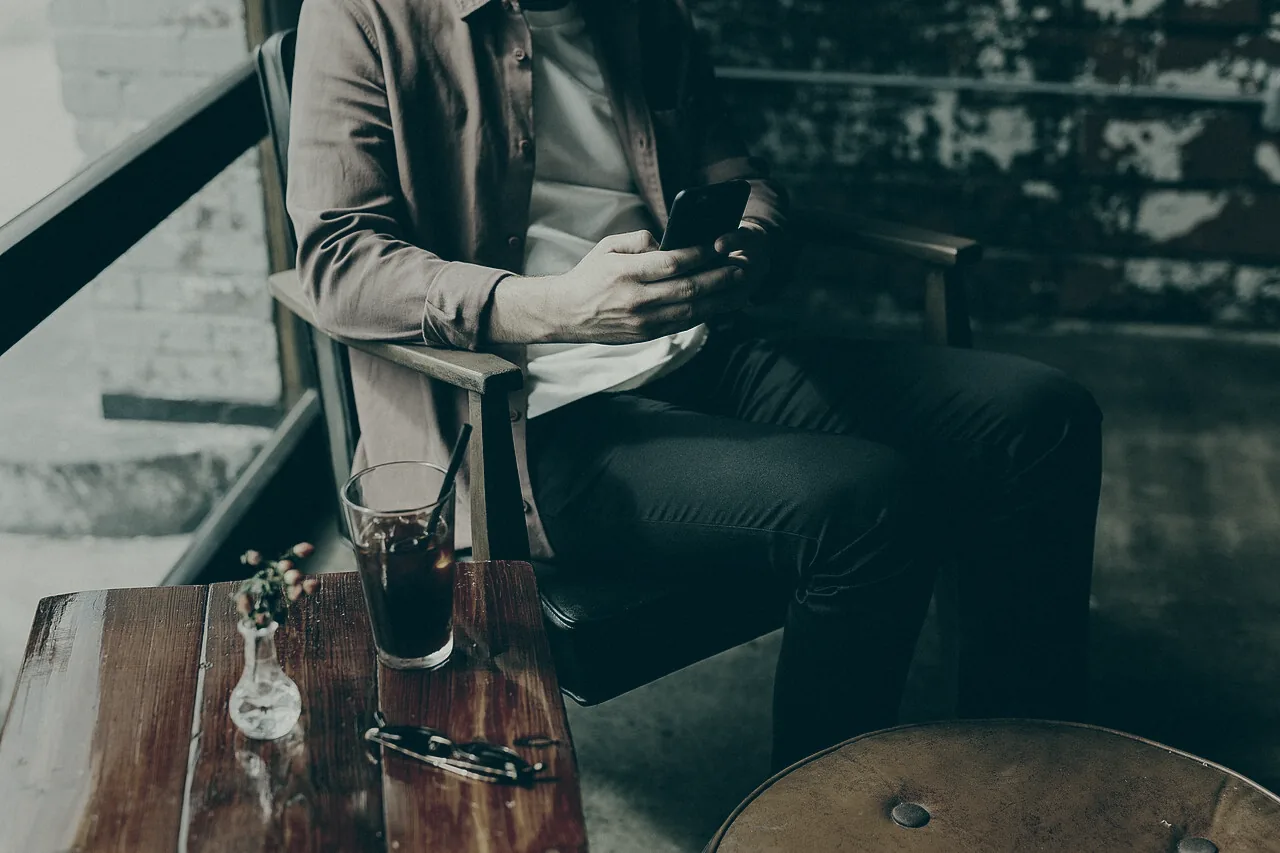
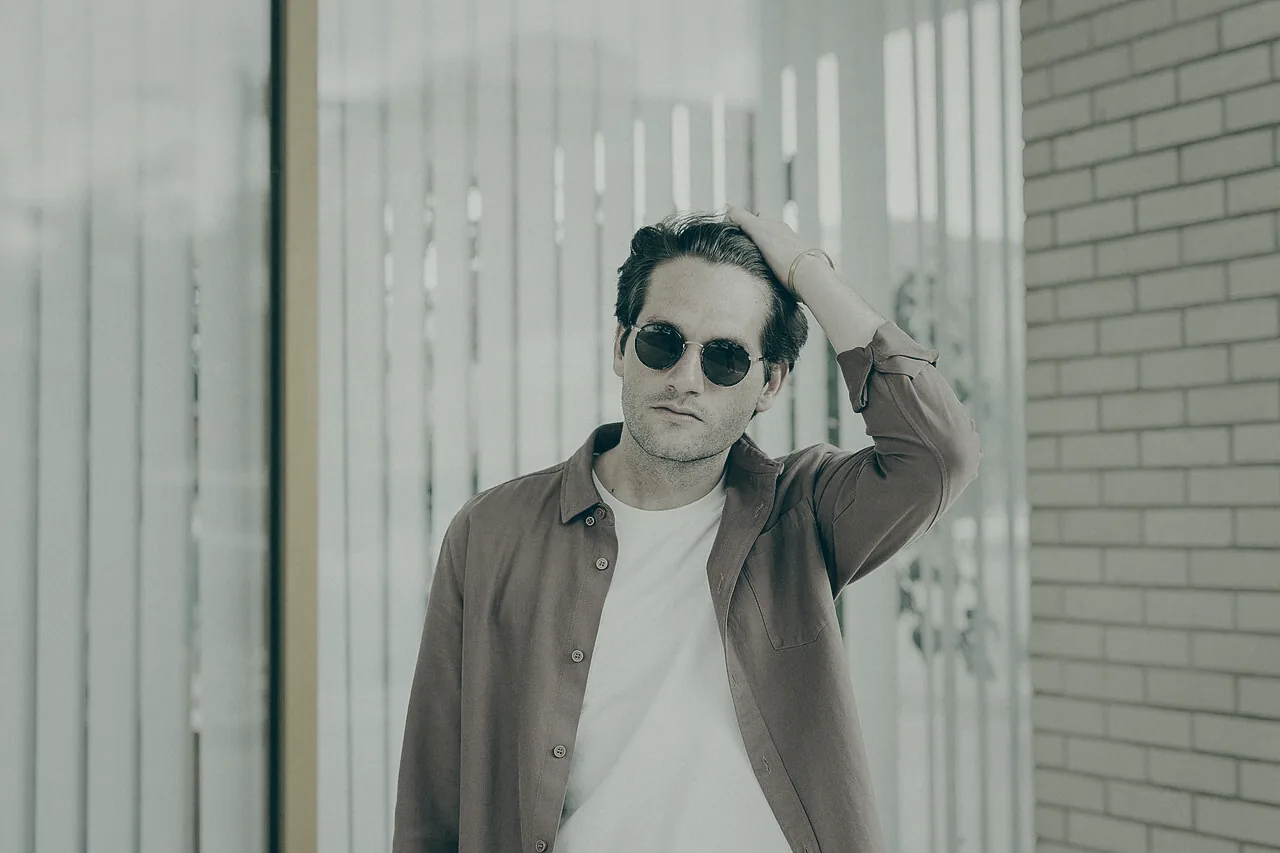
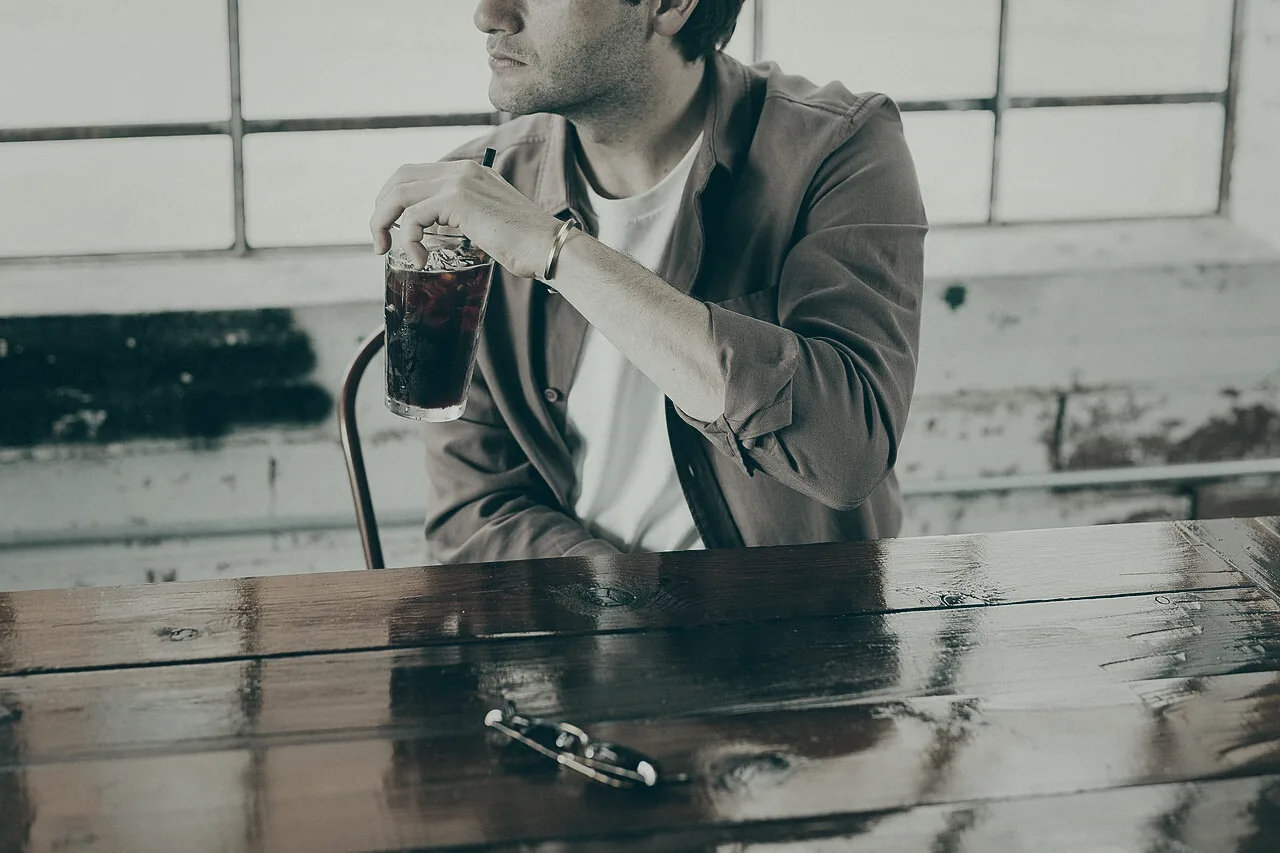
Coffee, outfits, a beach day, a night out: Muted film gives the low-saturation, slightly grainy look that disposable-camera feeds are known for. Use the same look and strength on every post, so a grid or a carousel feels like one roll of film.
Try Muted film
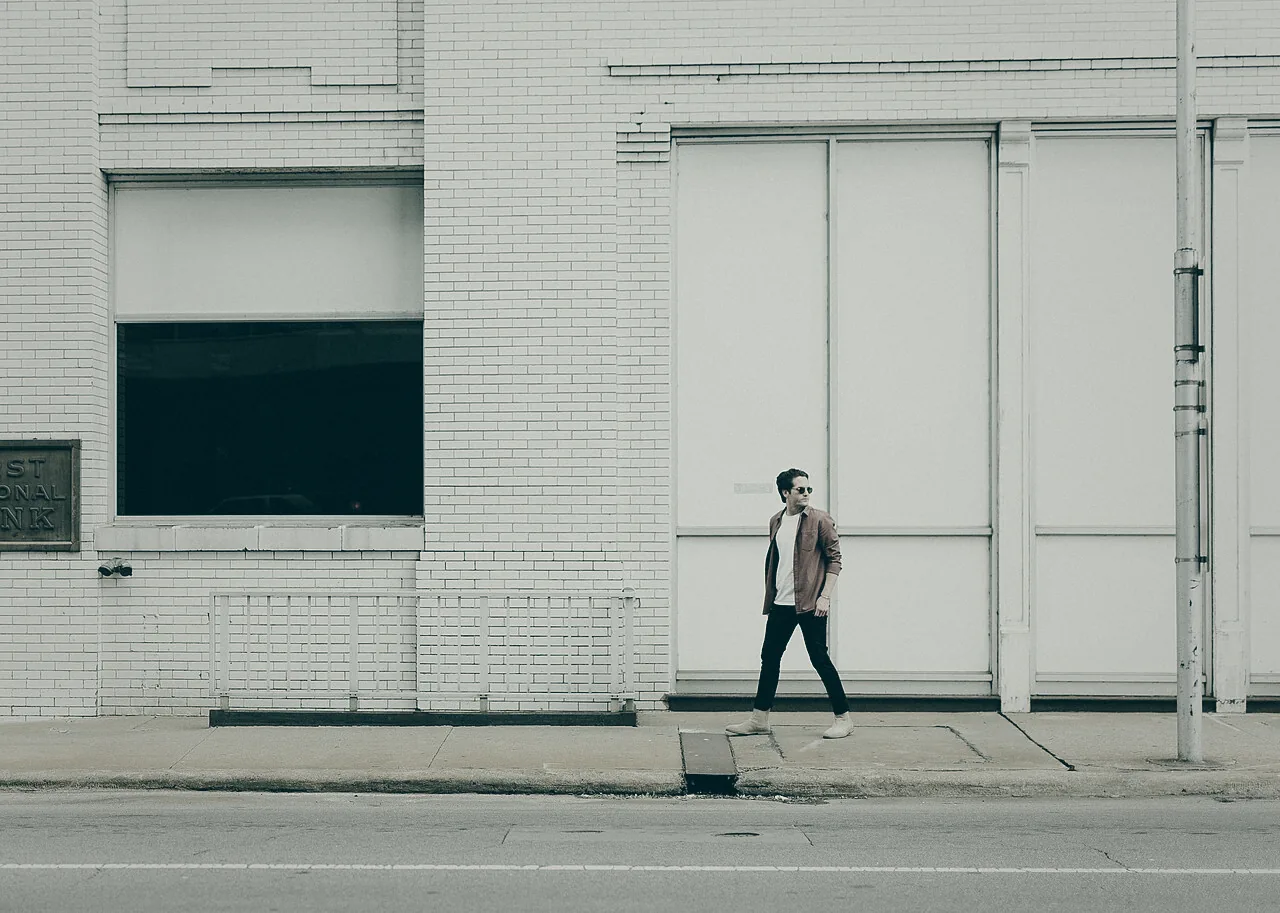
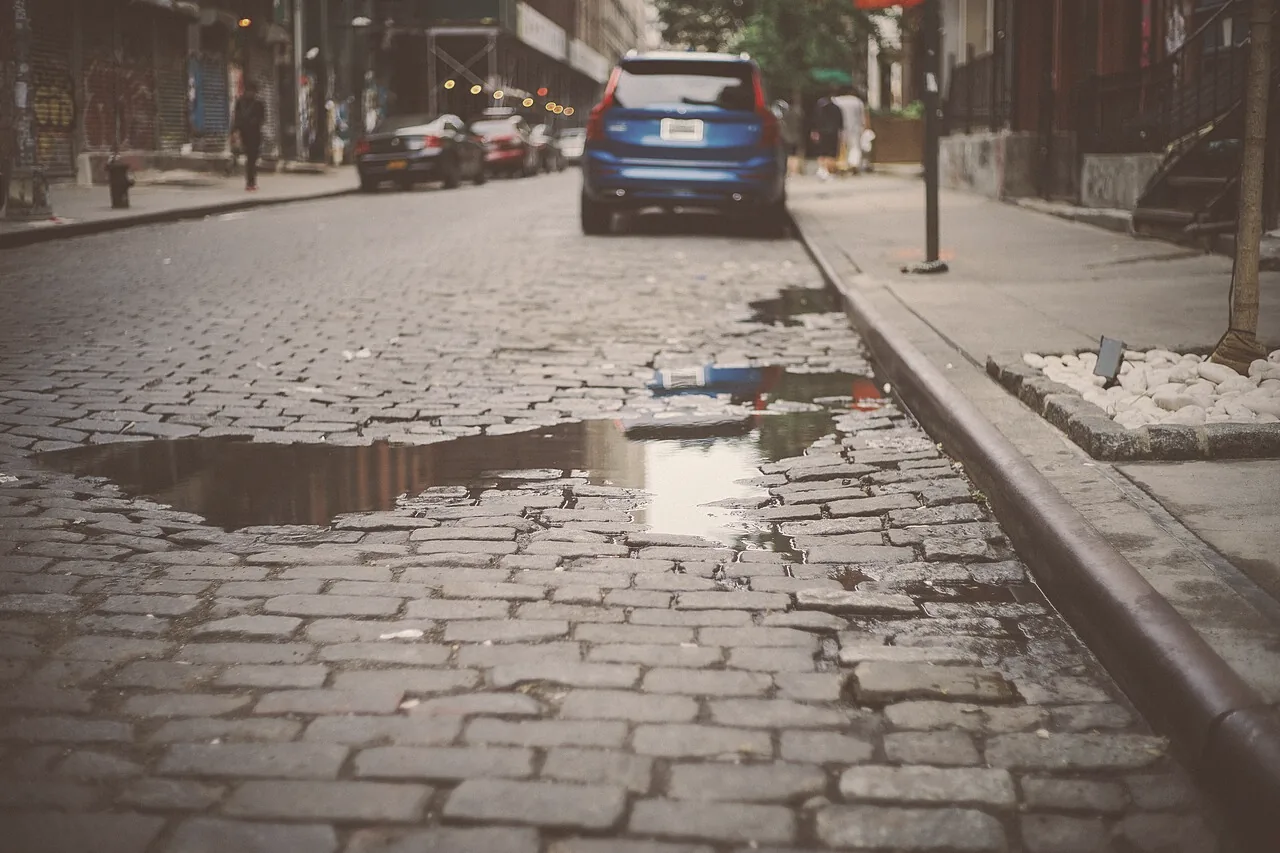
Make a trip look like a postcard
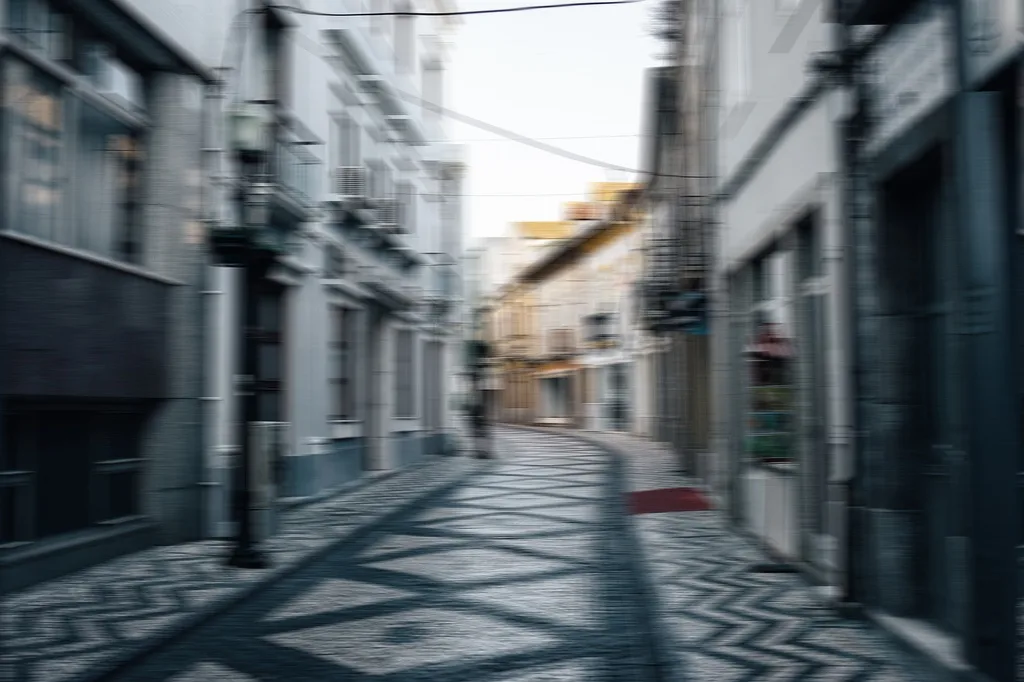
Old streets, train stations and seaside towns suit a 70s fade. Warm highlights and soft blacks hide harsh midday light and make phone photos feel less clinical.
Try 70s faded
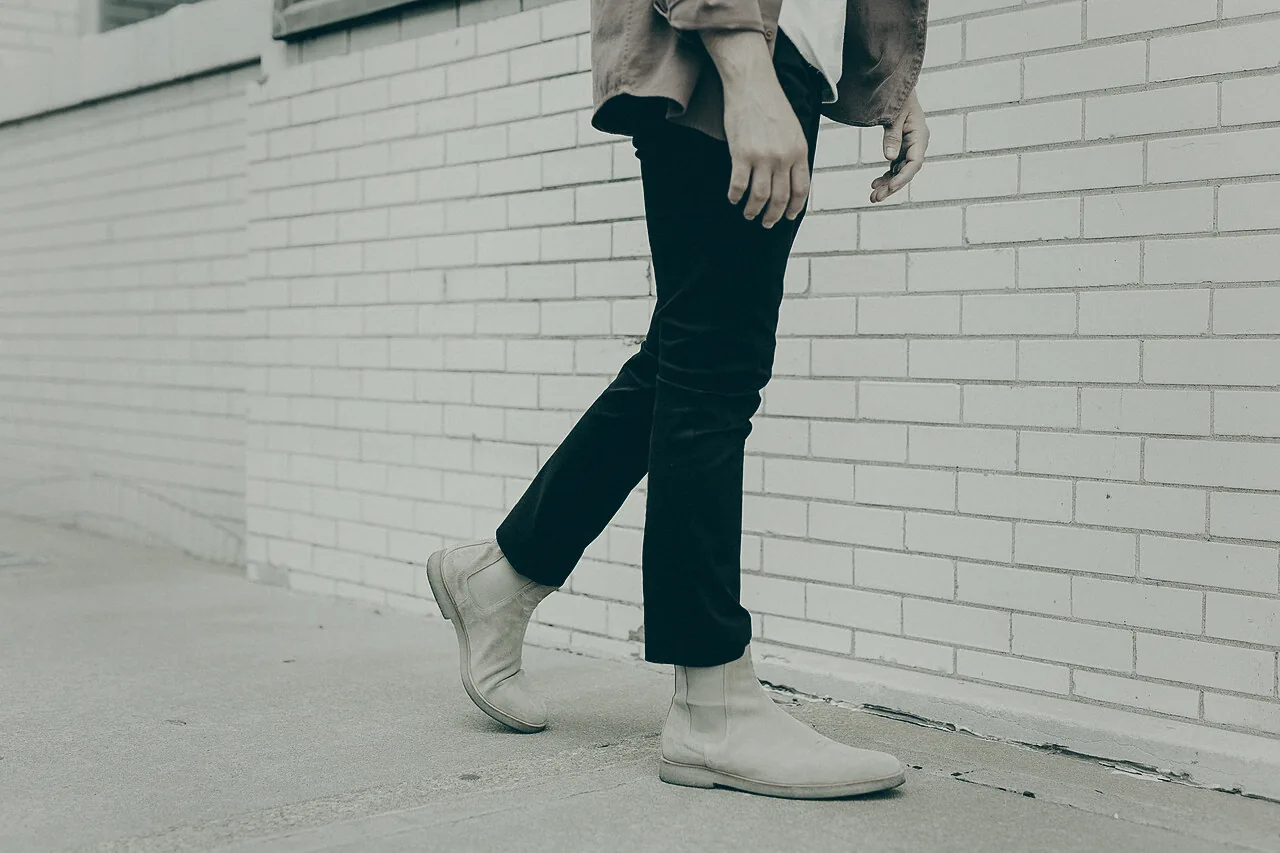
Retro styling that matches the clothes
Shot a 70s or 80s look with flares, denim or big hair? Match the color to the outfit: 70s faded for earth tones, 80s warm for bright colors and flash.
Match the decade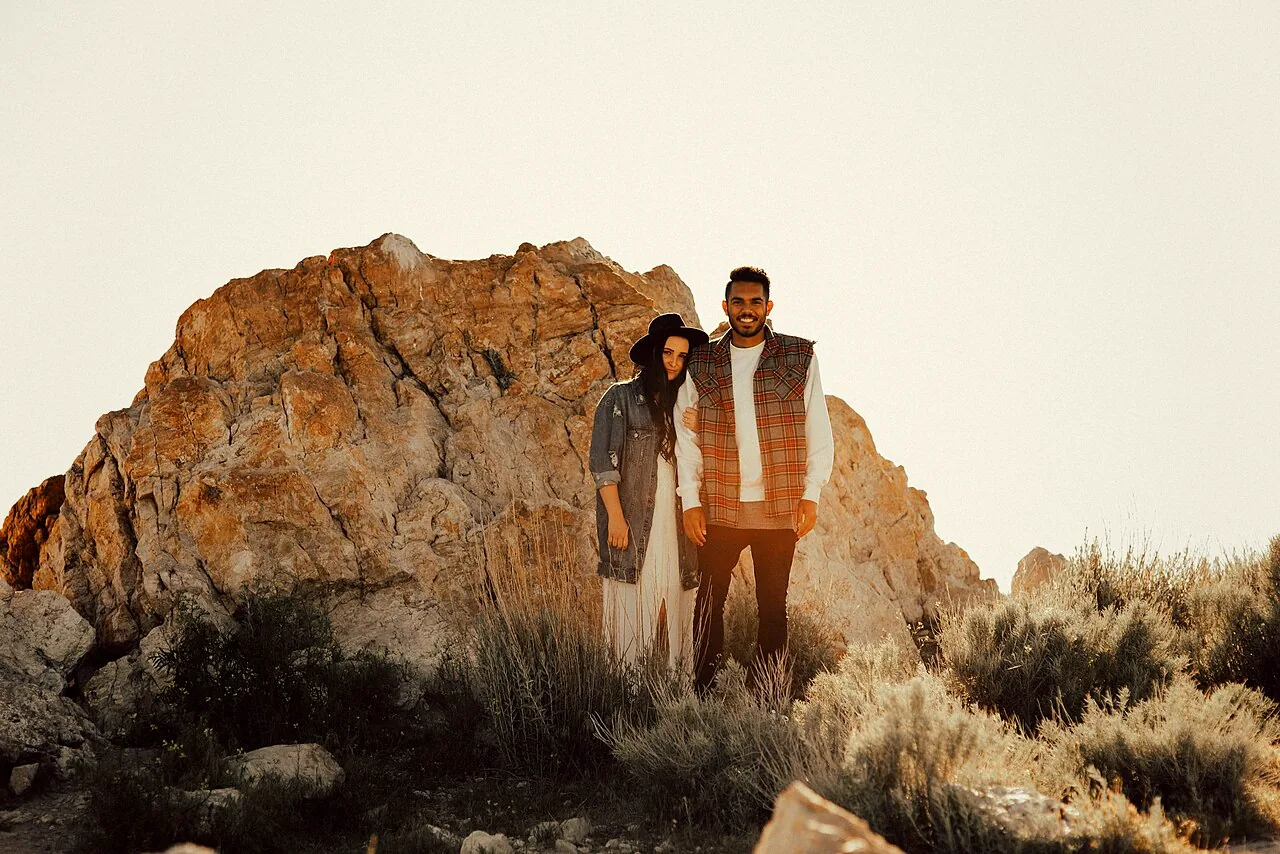
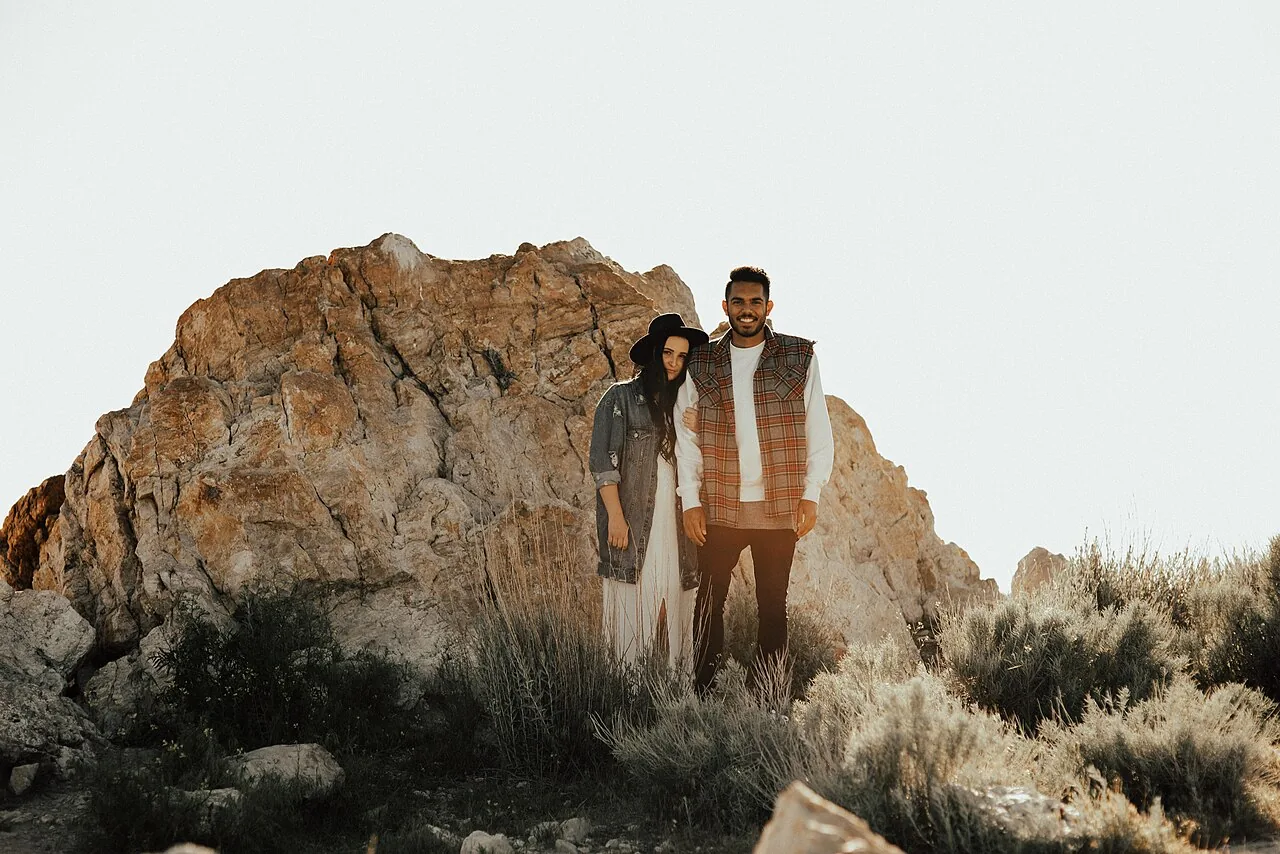
Save-the-dates with a nostalgic feel
Engagement photos in faded color feel softer and more personal than crisp digital ones. 80s warm keeps skin healthy. Use the same settings for the card, the website and the welcome sign so they match.
Try 80s warm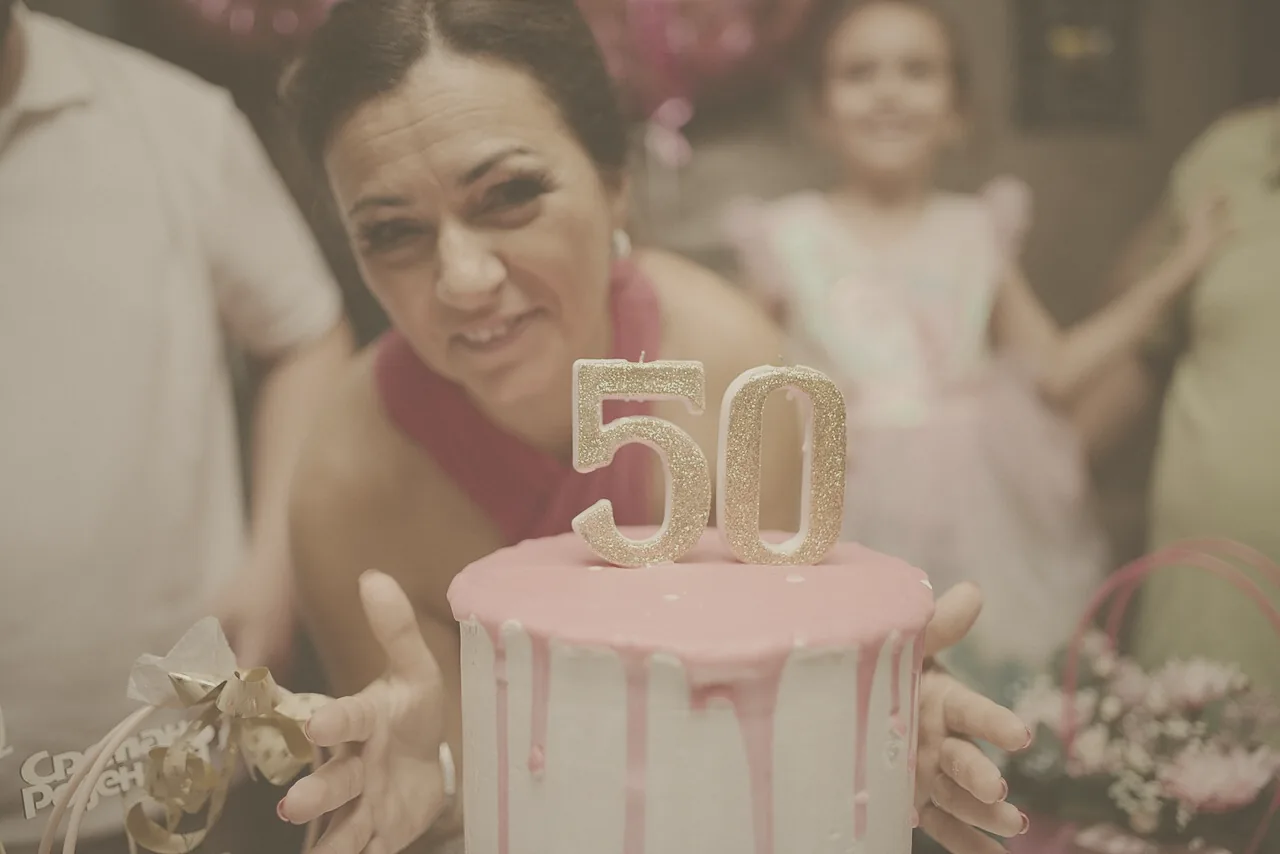
A 50th birthday board or a 70s-themed party
Mix today's photos with real ones from the decade the guest of honor grew up in. Sun-faded brings new photos closer to old prints, so the board looks like one album. Works for party invites in a decade theme too.
Try Sun-faded
Cover art and posters with a retro feel
A demo cover, a gig poster, a menu for a diner or a barbershop: a vintage tone gives a new photo some history. Keep grain moderate if text will sit on top.
Make a coverOne roll of film
Use the same look and strength on every post, so a grid feels like one roll of film.
How to make a photo look vintage in 4 steps
Choose a photo
Pick a JPG, PNG or WebP. It stays in this browser tab.
- BeforeAfter
Pick a decade
Start with Muted film, or jump to 70s, 80s or Sun-faded. Each look notes where its color comes from.
- BeforeAfter


Set strength, grain and vignette
Lower the strength to keep more of today's color. Turn grain down for faces and up for streets.
- BeforeAfter
Download
Save at the photo's own size. Your original is not changed.
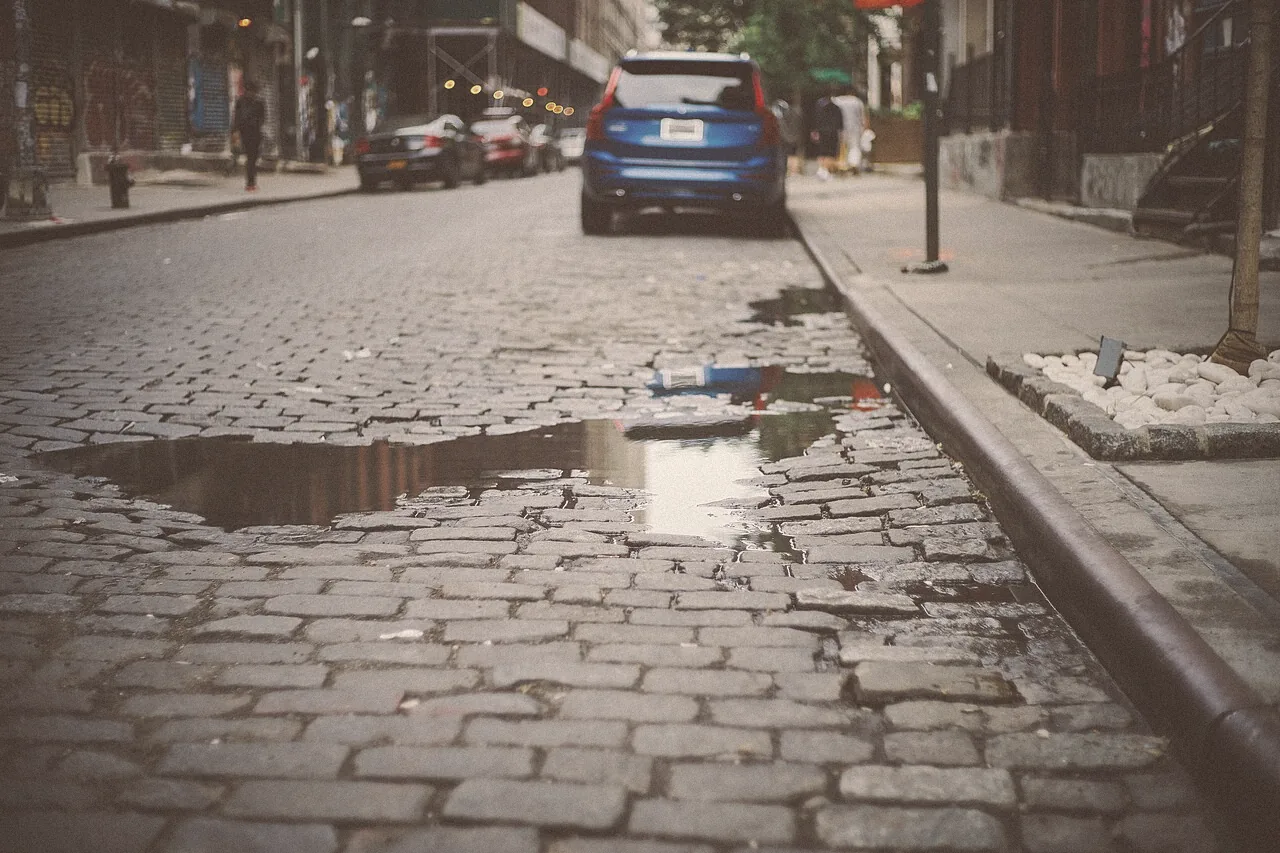
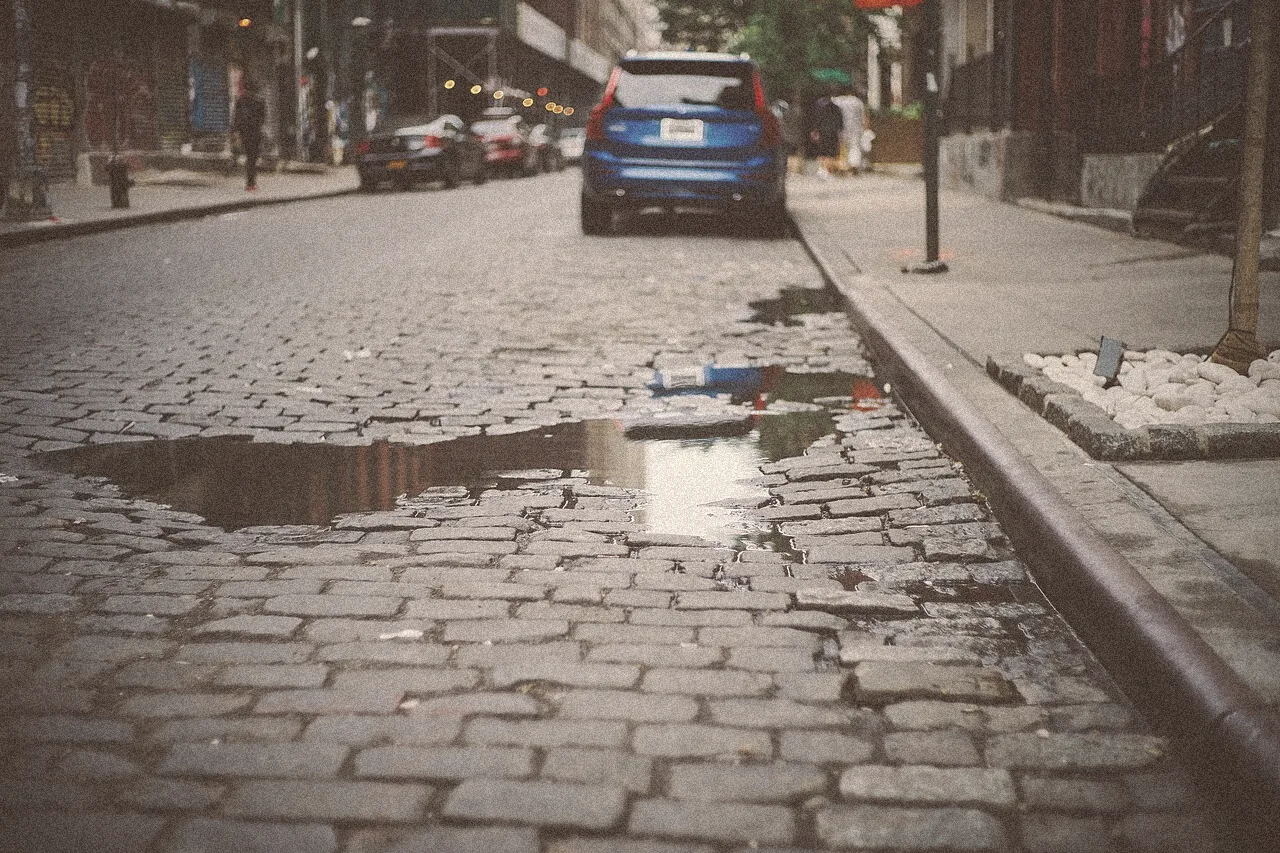
What the filter does, and what it doesn't
Old color prints aged in a predictable way. The dyes faded unevenly, the blacks turned soft grey, the highlights went warm and the grain showed.
The vintage filter recreates those changes on your photo's own colors. It keeps the colors you shot and shifts them the way time would, which is why skin still looks like skin.
Nothing is redrawn, so faces stay the same person. It all runs inside this browser tab: your photo is never uploaded, and the download comes out at the size you opened.
Nothing is uploaded · Faces stay the same person · Full size out
Worried it will look like an app filter?

Will it look fake?
Fake vintage usually comes from heavy orange over everything. These looks keep skin tones believable and fade blacks to soft grey instead of crushing them. If it still feels strong, lower the strength.

Will it ruin the quality?
The grain is part of the look and can be turned to 0. Resolution stays the same.
Can I undo it?
Slide the strength to 0. The download is a new file.
How to shoot a photo that passes for vintage
Light decides more than the filter does. Direct on-camera flash at night and soft overcast daylight both look period; mixed LED lighting looks modern no matter how much grain you add.
Then hide the giveaways. Phones, earbuds, scooters, new car shapes and logos date a photo instantly, so crop them out first. And don't make it too perfect: real snapshots were a little tilted, cut someone's head off or caught a thumb in the corner.

Next to a real print
REFERENCE
Compare with a real photo from the decade
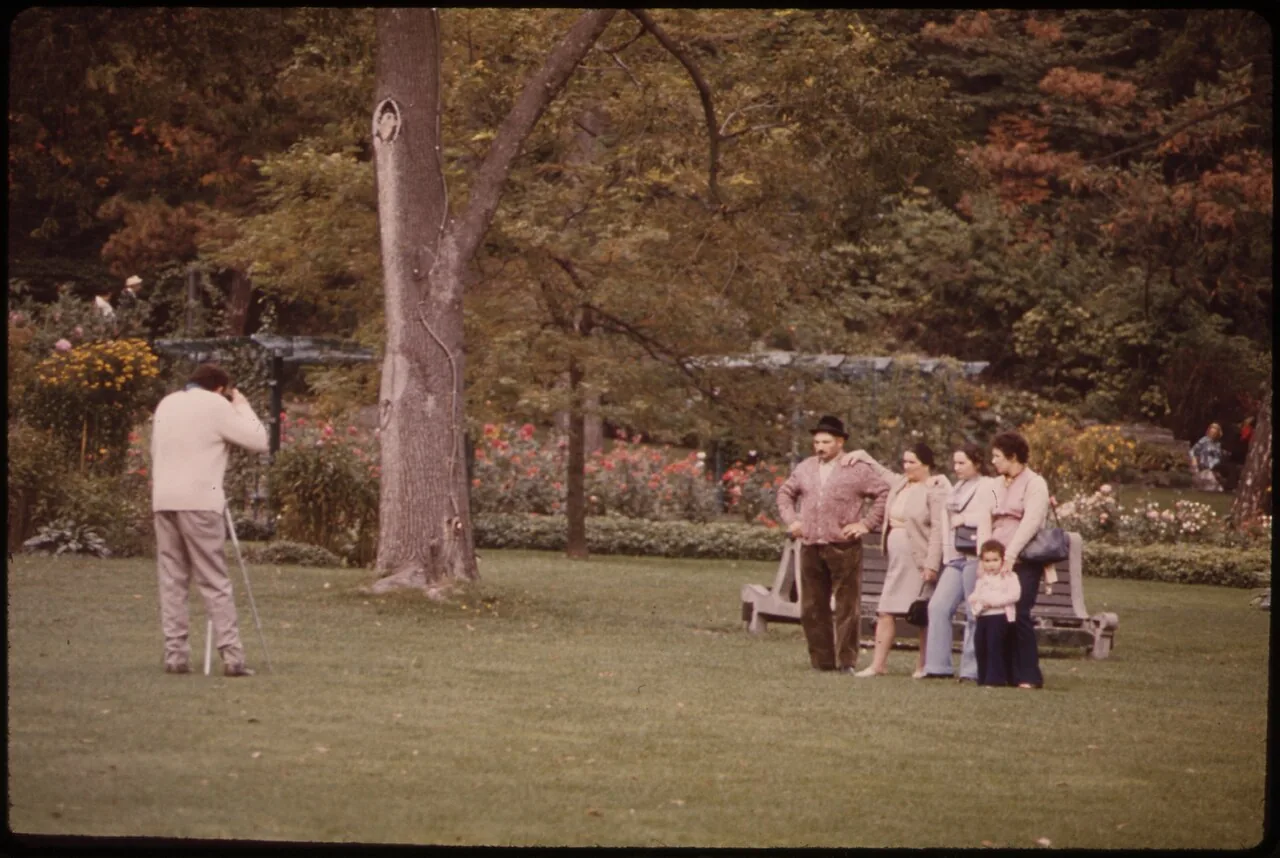
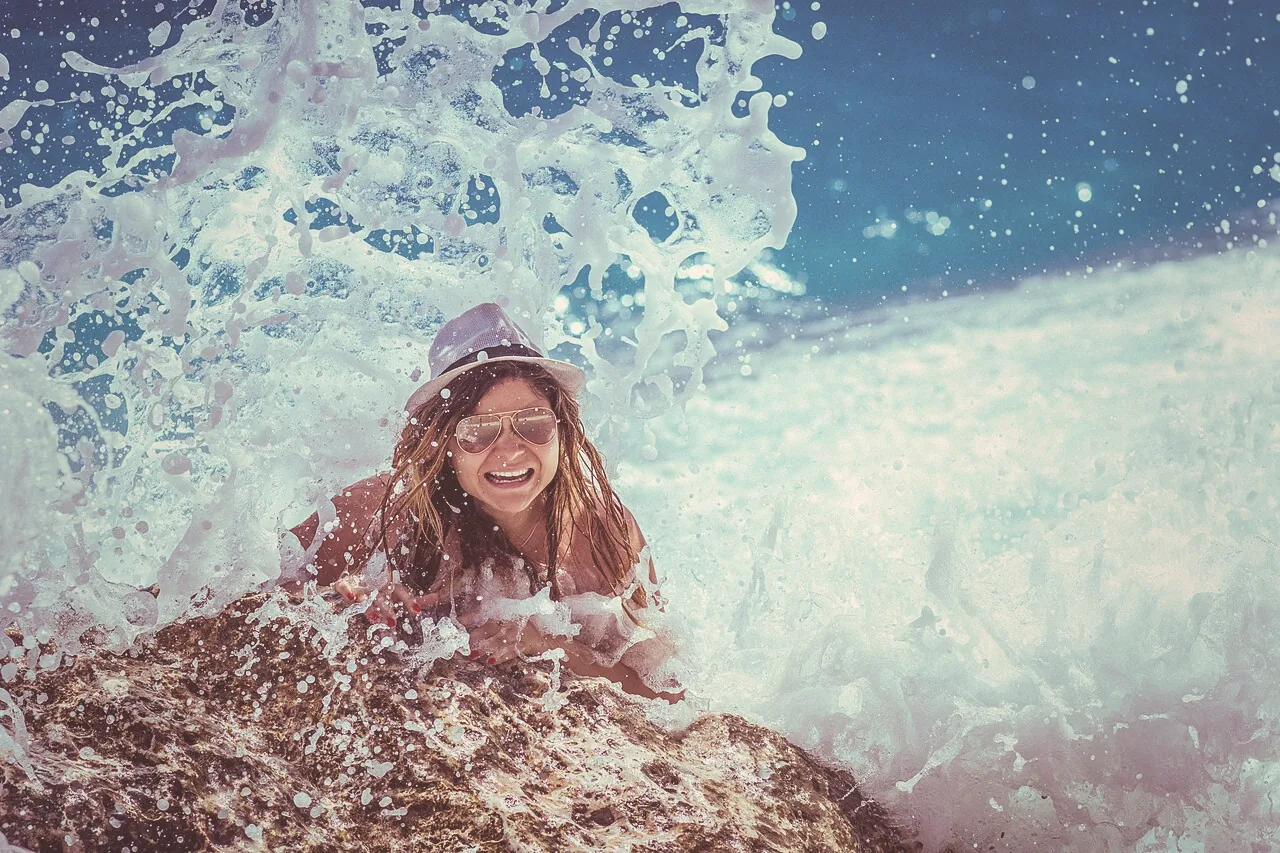
Put your result next to a genuine 1970s or 1980s print and adjust strength, grain and vignette until they sit together.
Vintage filter FAQ
What is the difference between a vintage filter and a retro filter?
People use both words for the same look. "Vintage" often means an aged, faded print; "retro" leans toward a decade's style, like 70s color or 80s flash. Here, each look is named by its decade so you can pick directly.
Vintage filter vs sepia: which one do I want?
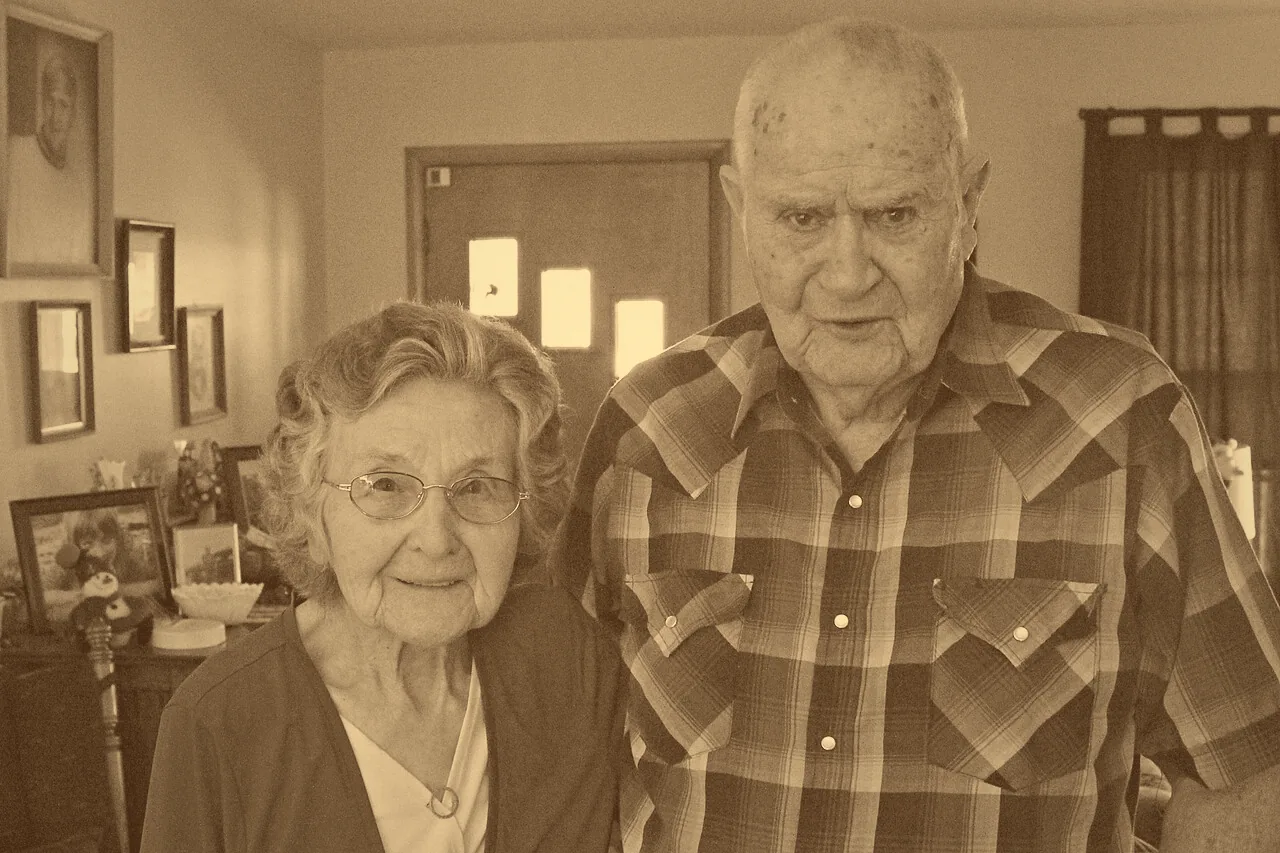
A vintage filter keeps the color and fades it, like a print from 1970–1990. Sepia turns the photo into one brown tone, like a print from before 1940.
Why do old color photos turn orange or red?
Color prints use three dyes. The cyan dye usually fades first, so what is left leans red and orange. That is why the 70s look is warm.
How do I get the disposable camera look?
Use Muted film or 80s warm, raise the grain, add a light vignette, and shoot with direct flash at night.
Does a vintage filter work on iPhone photos?
Yes. Open this page in Safari, choose the photo and download. It stays on the phone.
What makes a vintage filter look natural?
Soft blacks, slightly warm highlights, lower saturation and fine grain, all at moderate strength. Most fake looks come from pushing one of these too far.
More photo tools