Old Camera Filter
Make phone photos look like they came out of a disposable camera, a film point-and-shoot or an old camcorder. Free, in your browser, and your photos never leave your device.
- ✓Runs on your device
- ✓Nothing is uploaded
- ✓Free, no sign-up
Drop a photo here or paste with Ctrl+V
Free, no sign-up. Nothing is uploaded.
How do I make a photo look like it was taken on an old camera?
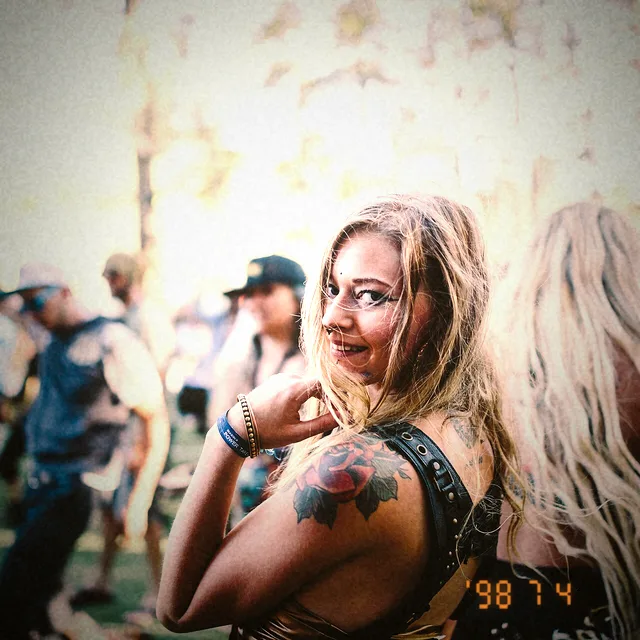
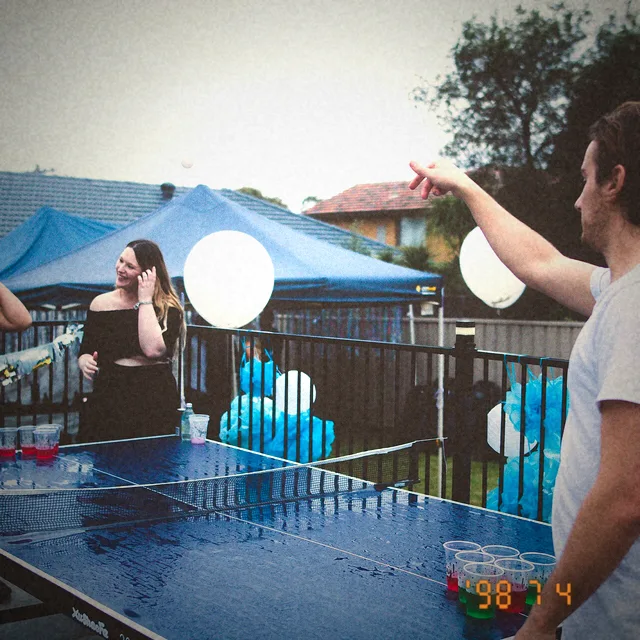
Pick the camera, then copy its light. A disposable gives a bright flash spot, dark corners and heavy grain. A film compact gives natural color, gentle edge fall-off and fine grain. An instant camera gives low contrast and creamy highlights. A camcorder still gives soft detail, colors bleeding sideways and a date overlay. Set the look once and every next photo opens with the same settings, so a whole wedding or trip matches.
One photo, four old cameras
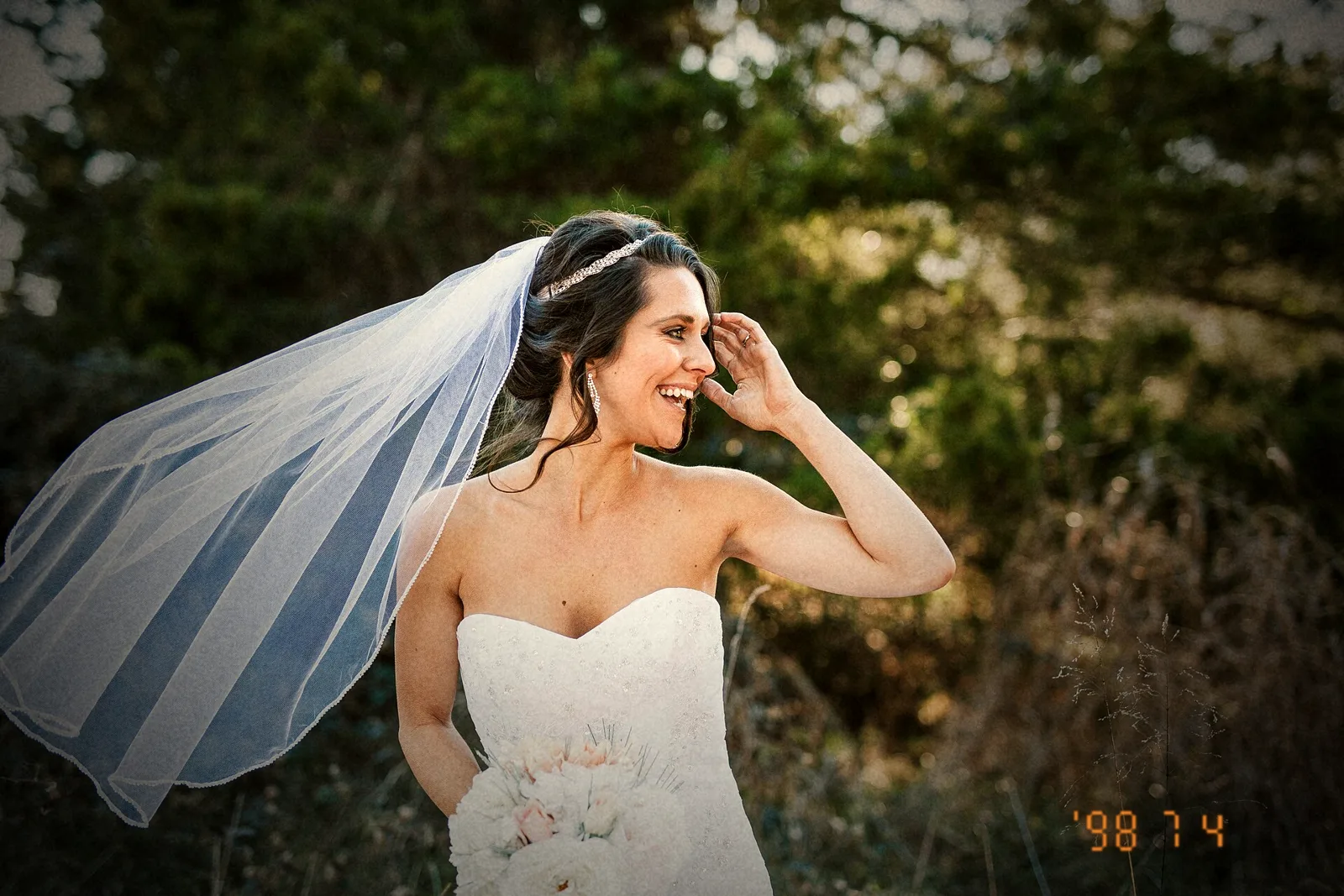
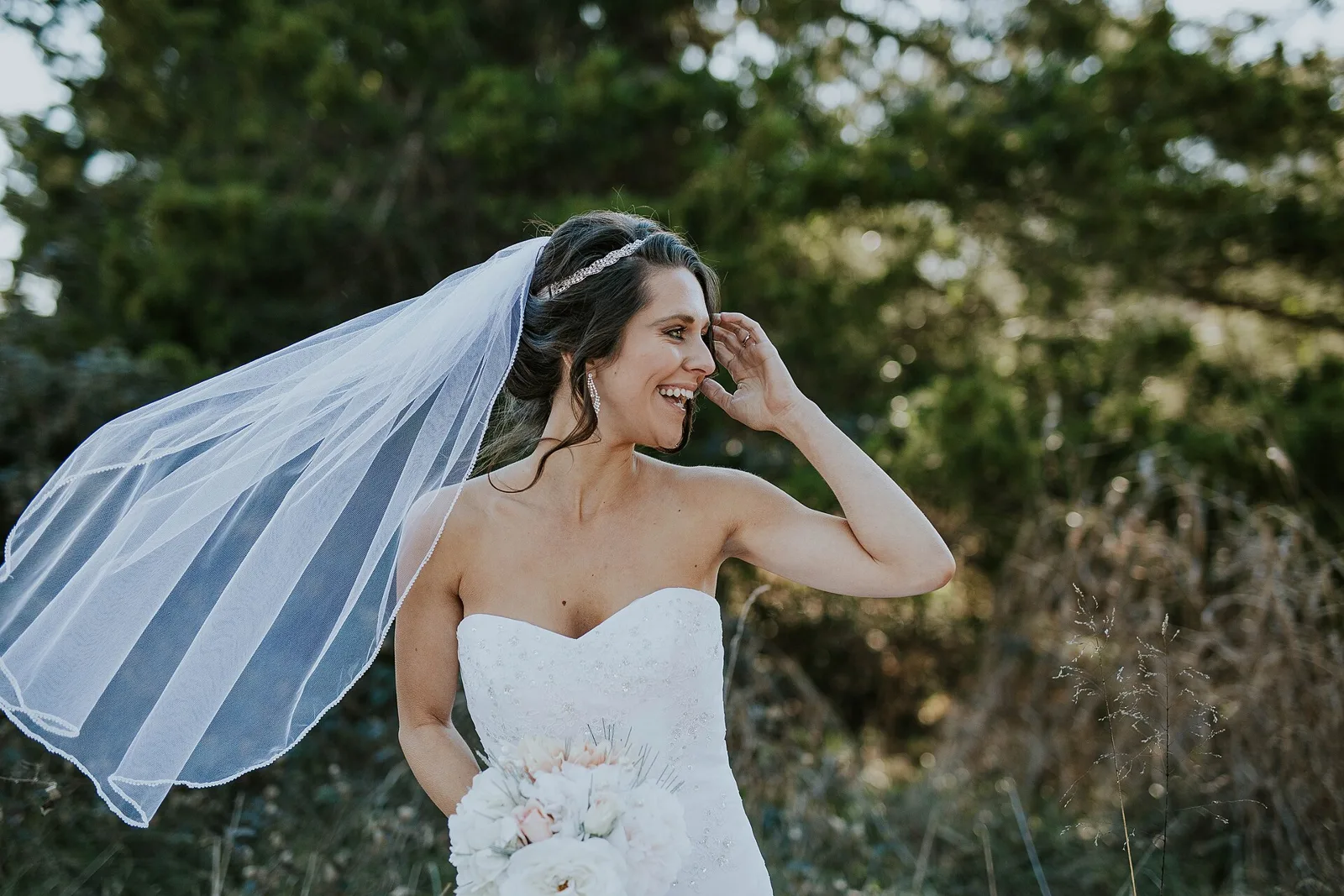
The same photo, original and four looks at the default strength.
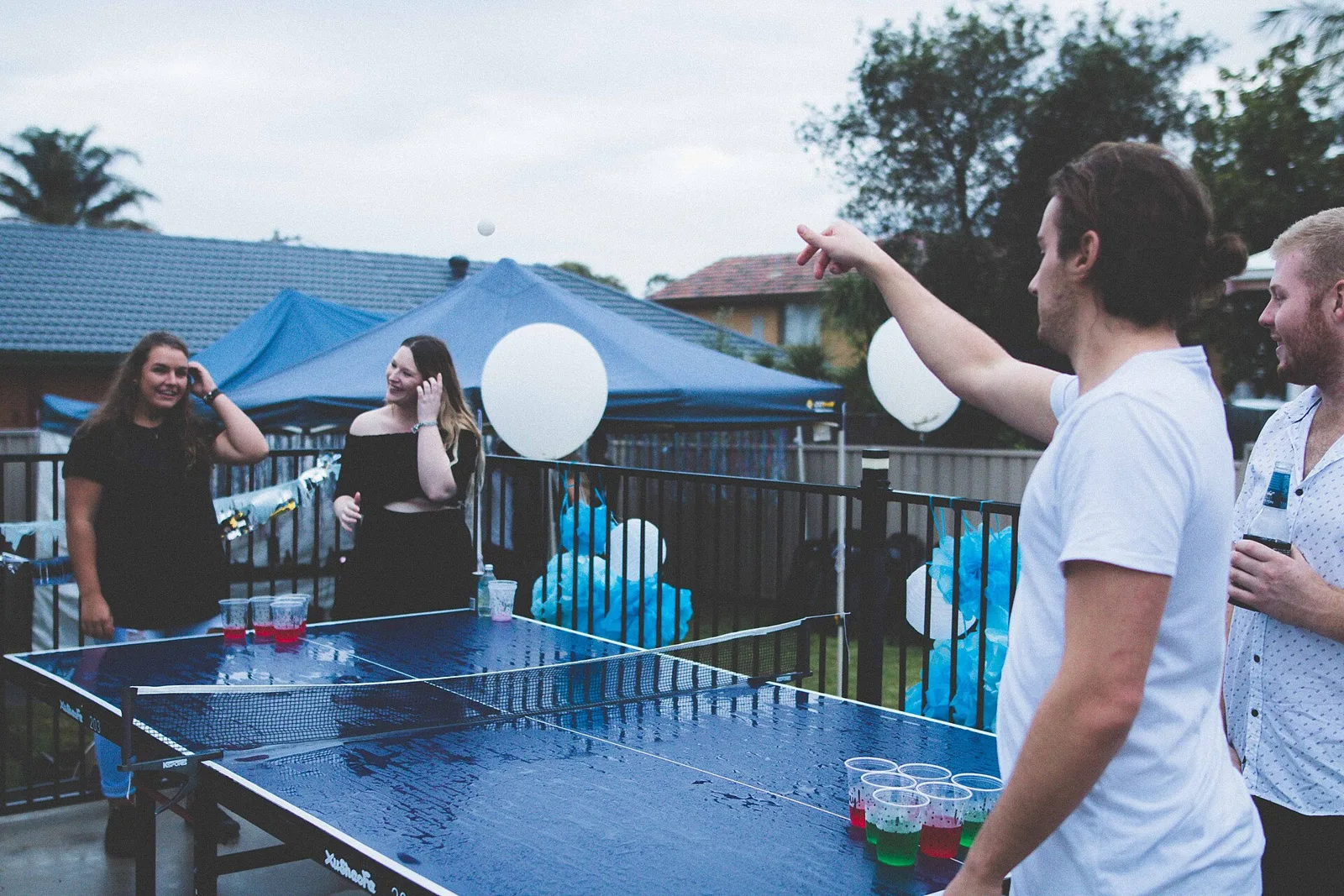
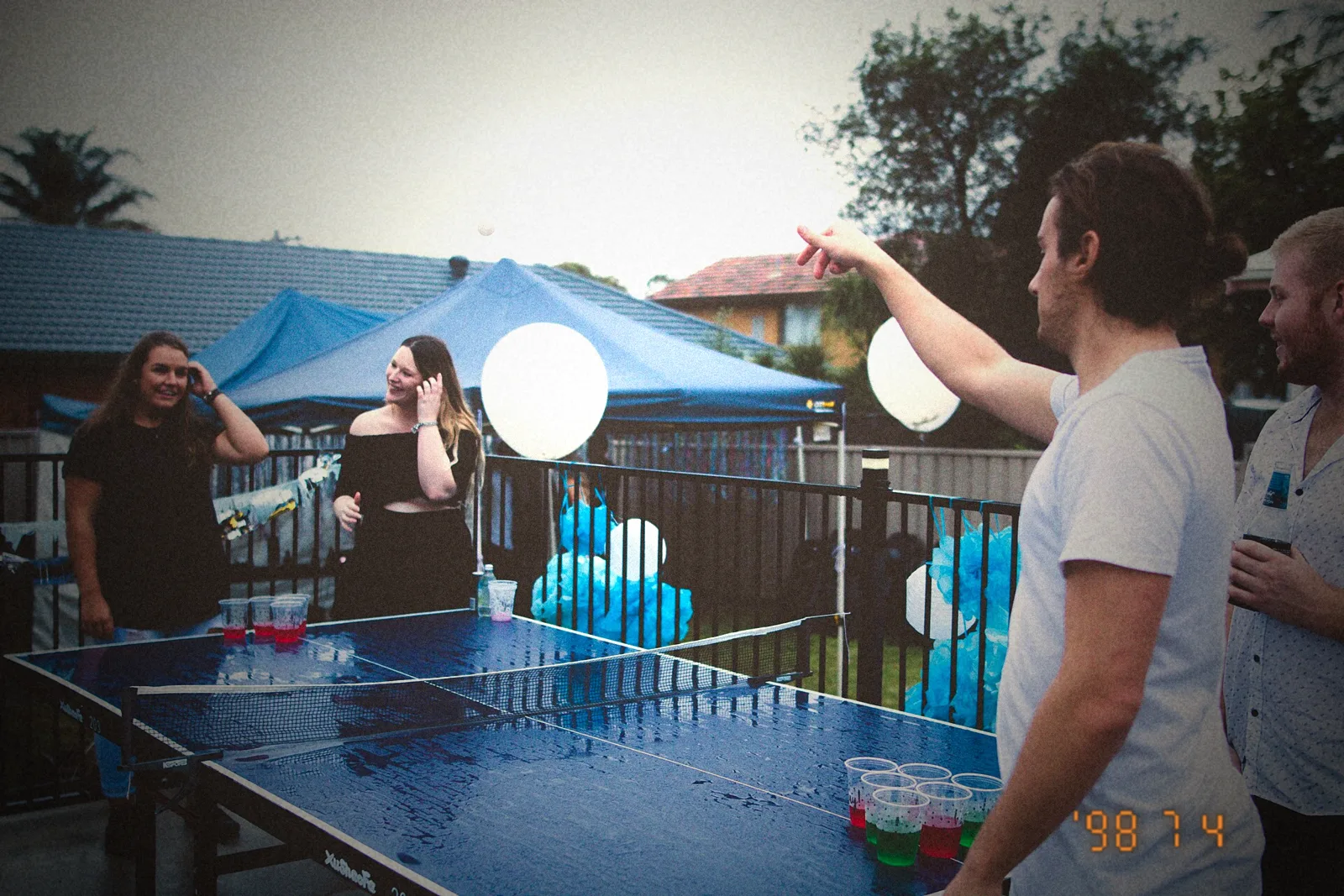
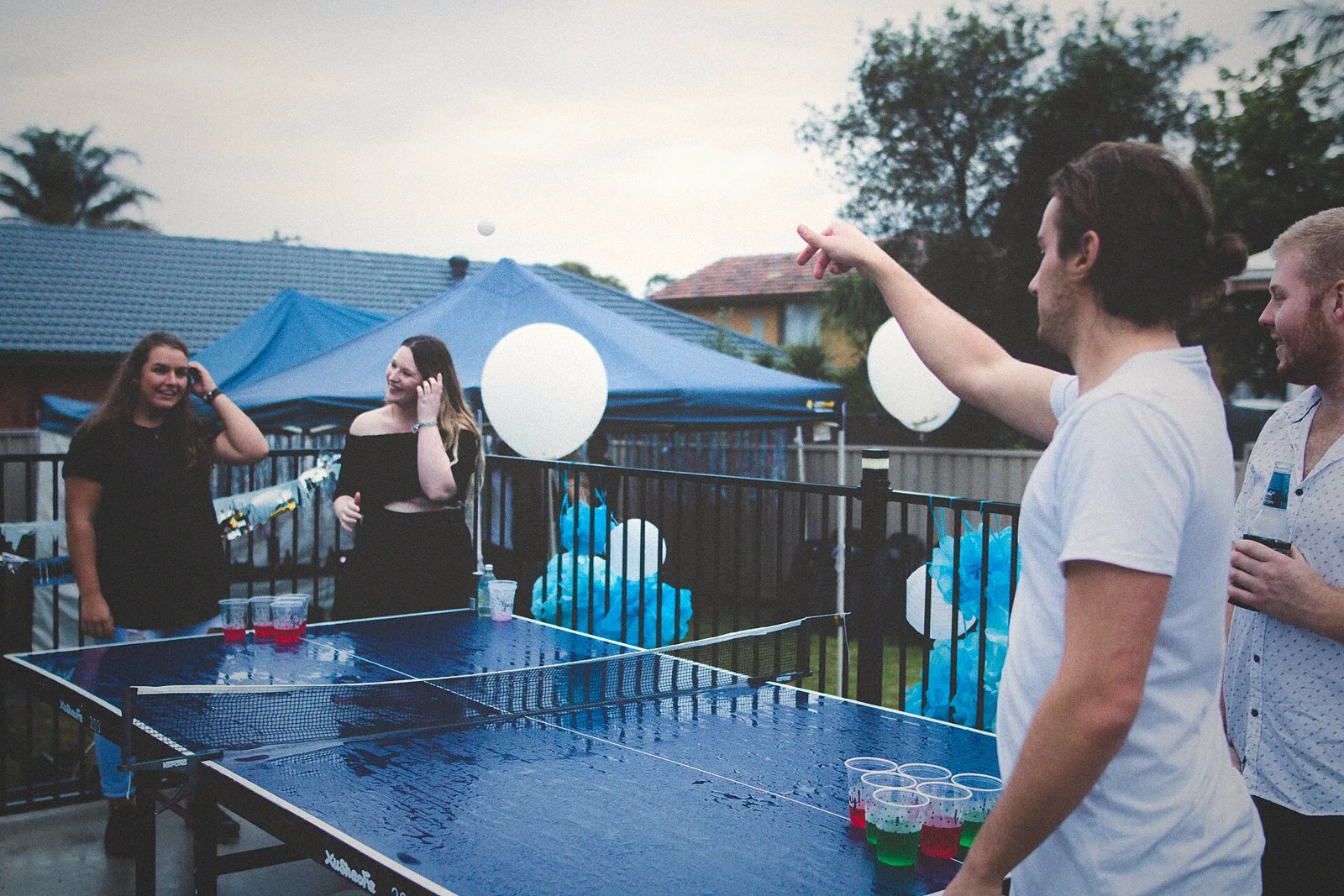
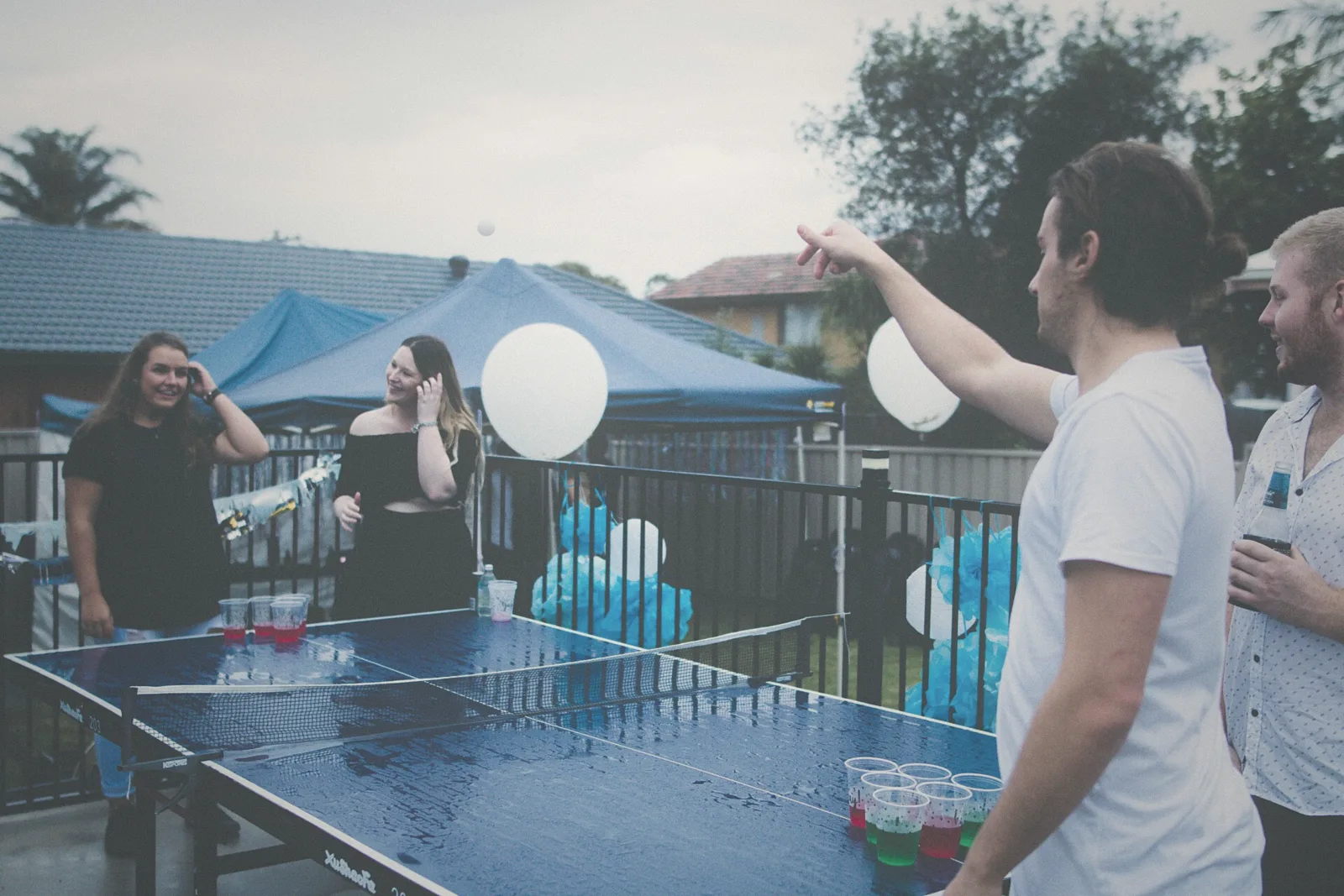
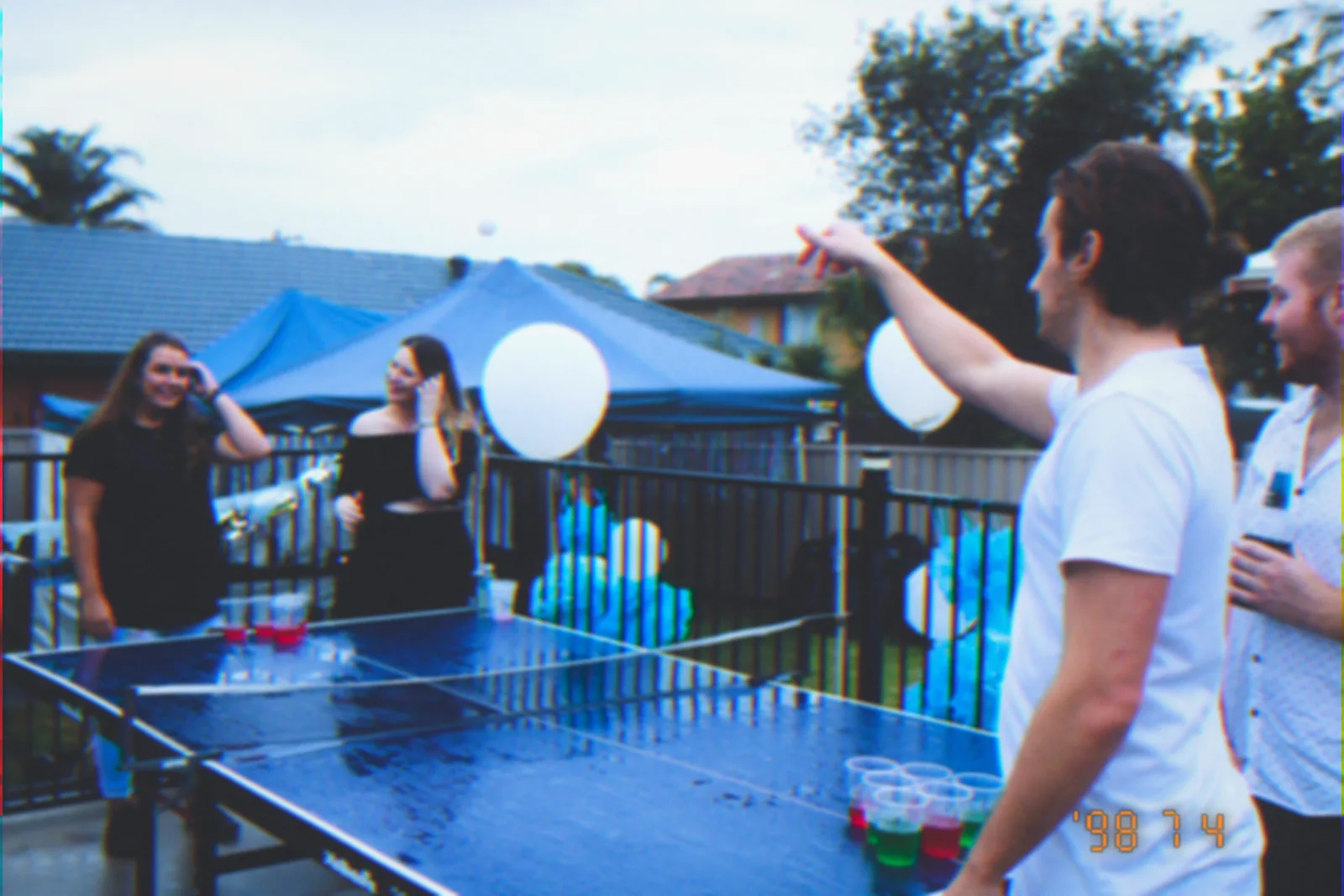
What each camera did to a photo
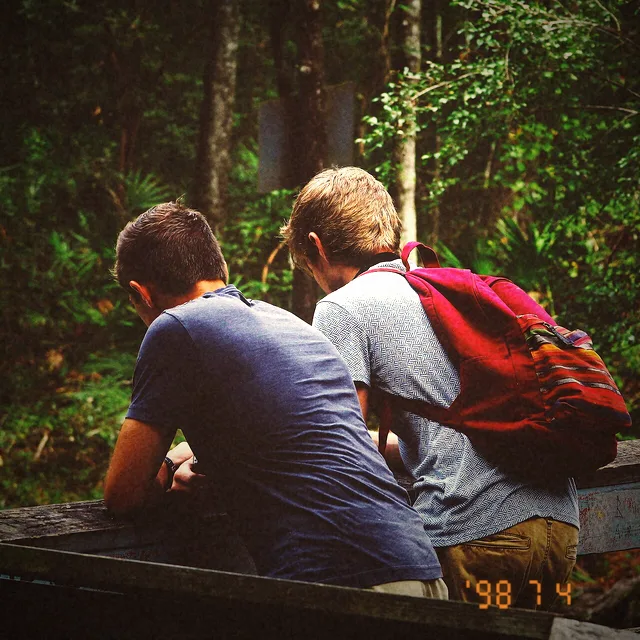
Fixed focus, a plastic lens and a small built-in flash. Most used fast film (ISO 400 or 800), so grain was easy to see. Faces near the flash came out bright; the rest of the room fell off fast.
Usually better glass and autofocus, and often a date back. Sharper and cleaner than a disposable, still with film grain and warm prints.
The print developed by itself in a few minutes. Colors were soft, contrast was low and highlights went creamy.
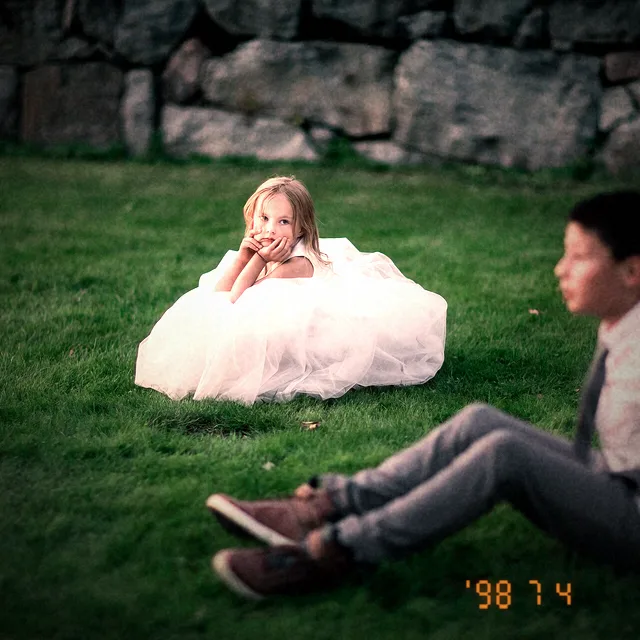
Made for video, not stills. A paused frame is soft, colors bleed a little and the date and time sit in the corner.
What are you making look like film?
Turn guests' phone photos into a disposable-camera set
Set the look once and every next photo opens with the same settings, so the whole set matches. Collect the photos guests took on their phones after the day and give them all the Disposable look. Good for a thank-you slideshow or a shared album.
Try Disposable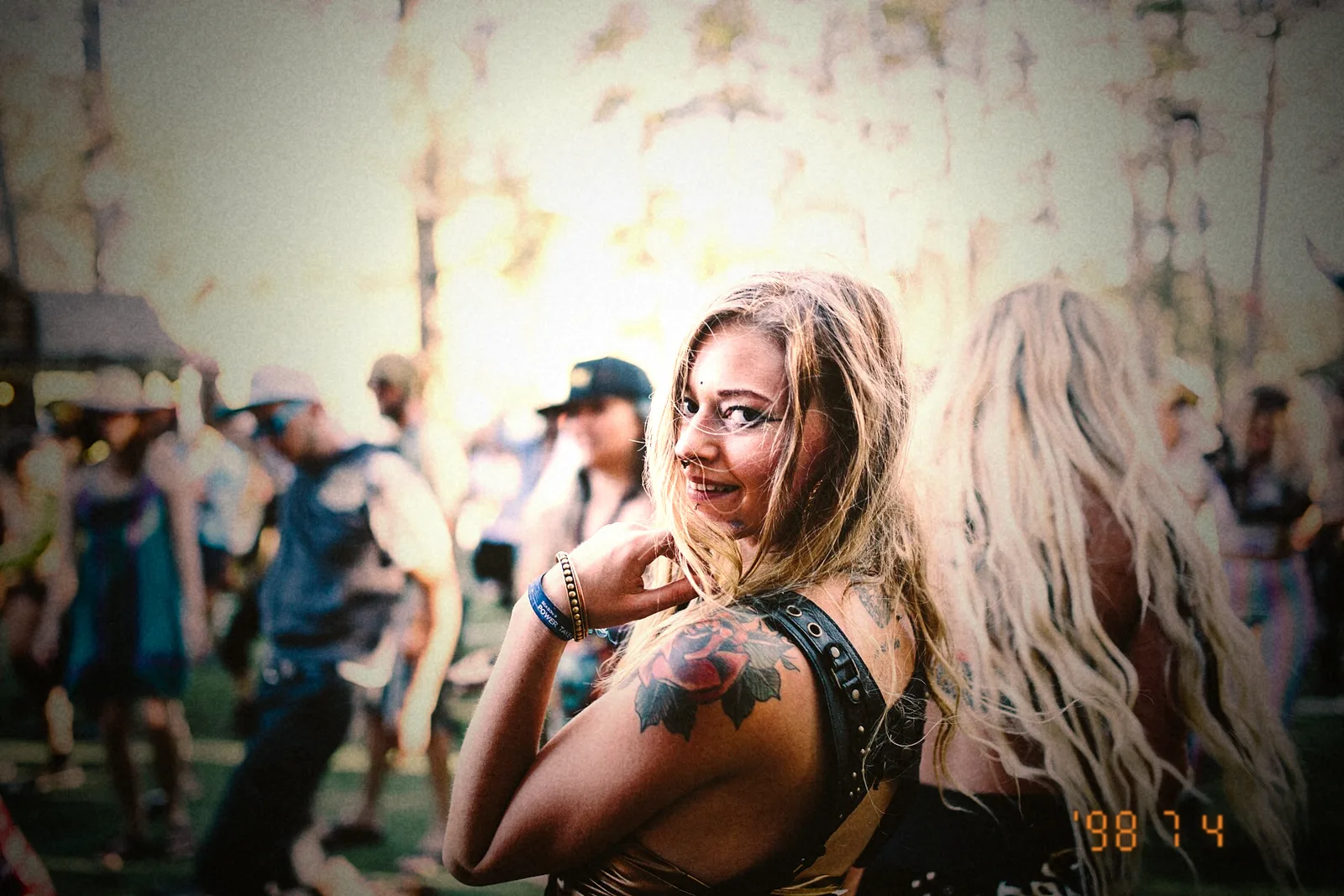
The flash-lit party shots everyone remembers
Birthdays, house parties and bachelorettes. Disposable throws bright flash on faces and lets the room go dark, the way a cheap camera did.
Edit a party photo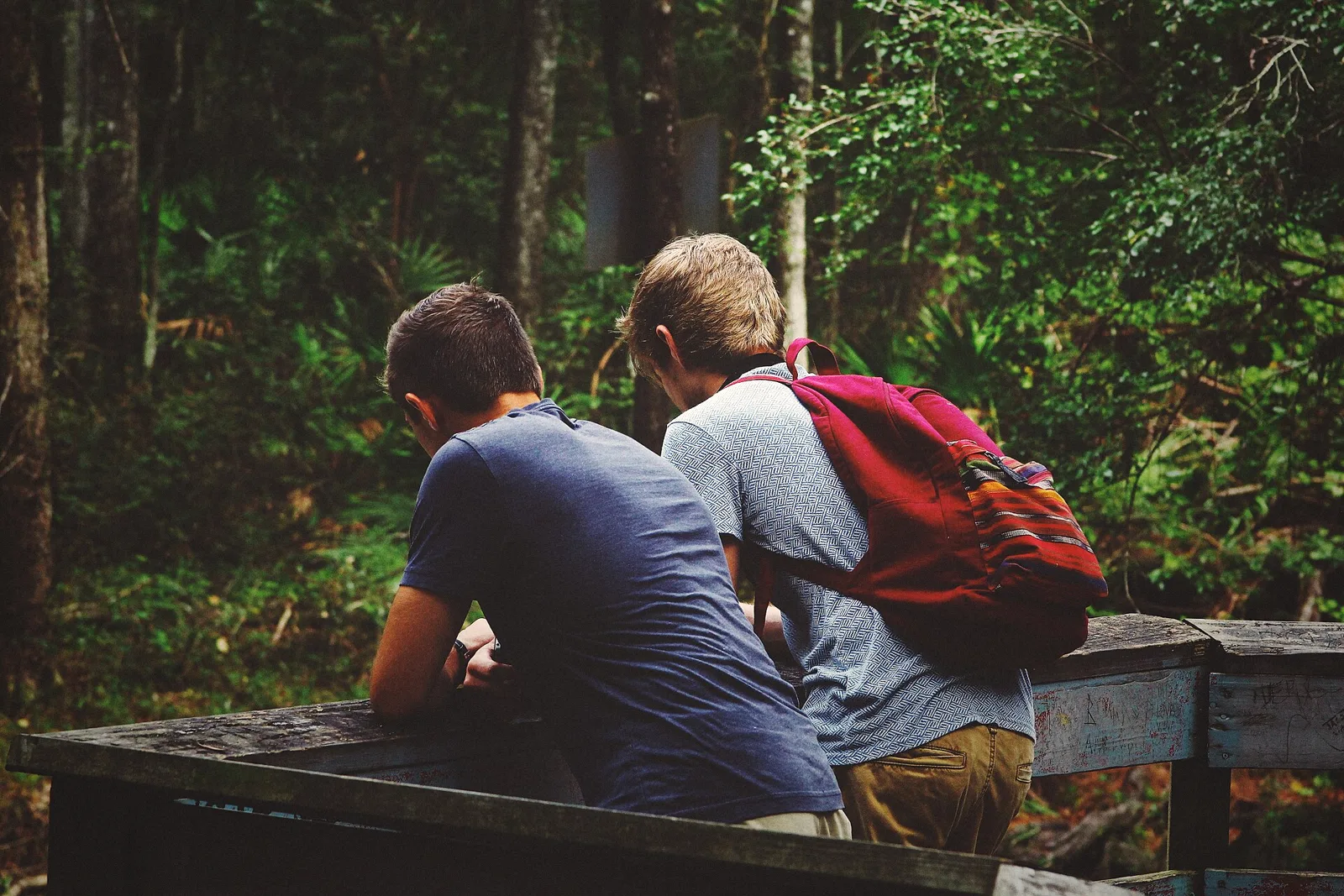
A trip that looks like one roll of film
Shoot on your phone, finish in Film compact. Fine grain and warm prints make a week of photos look like they came back from the lab together.
Try Film compact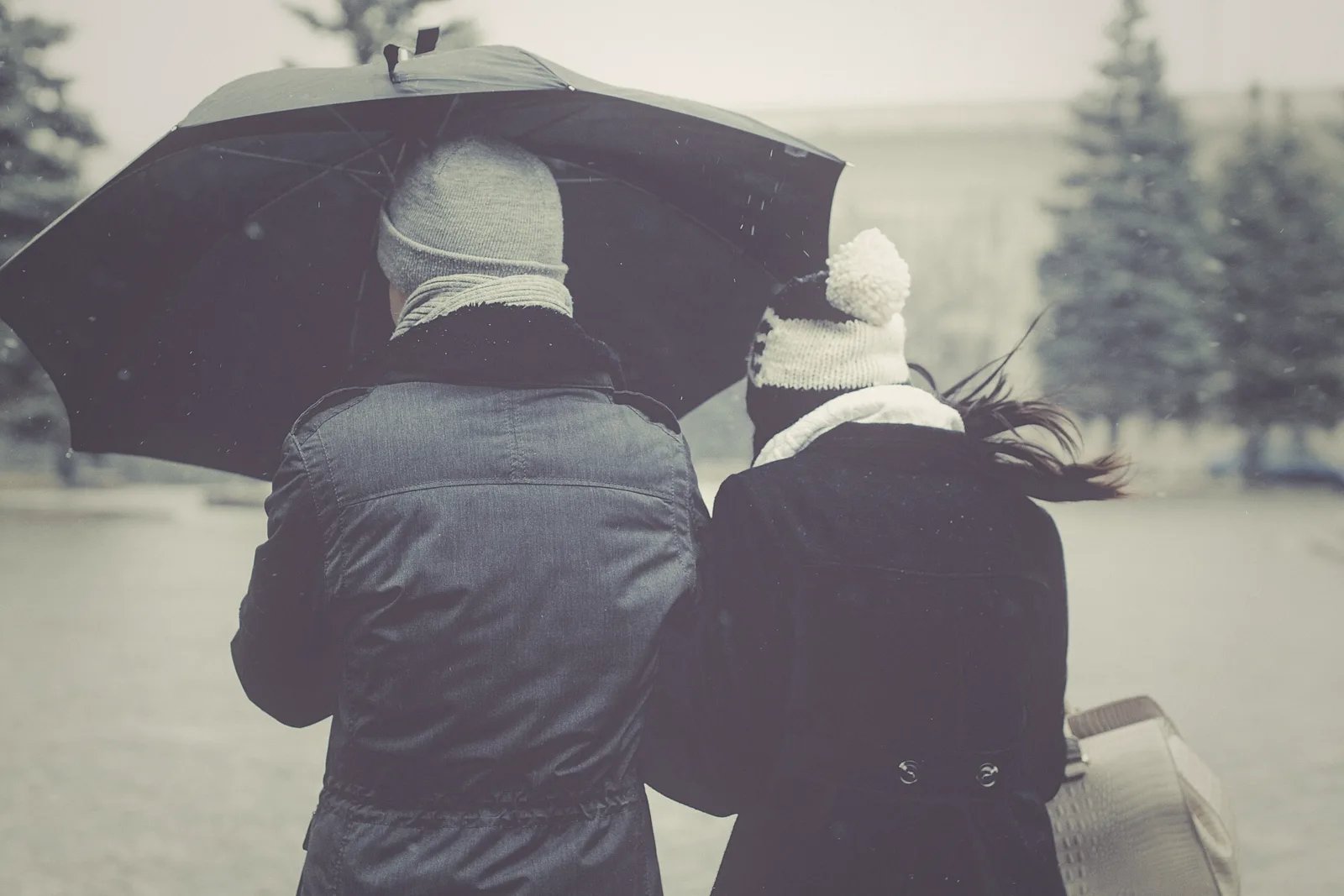
Small prints for a wall, a wallet or a card
Instant gives soft, creamy color that suits close-up photos of two people. Print it small and it looks like it came out of the camera.
Try Instant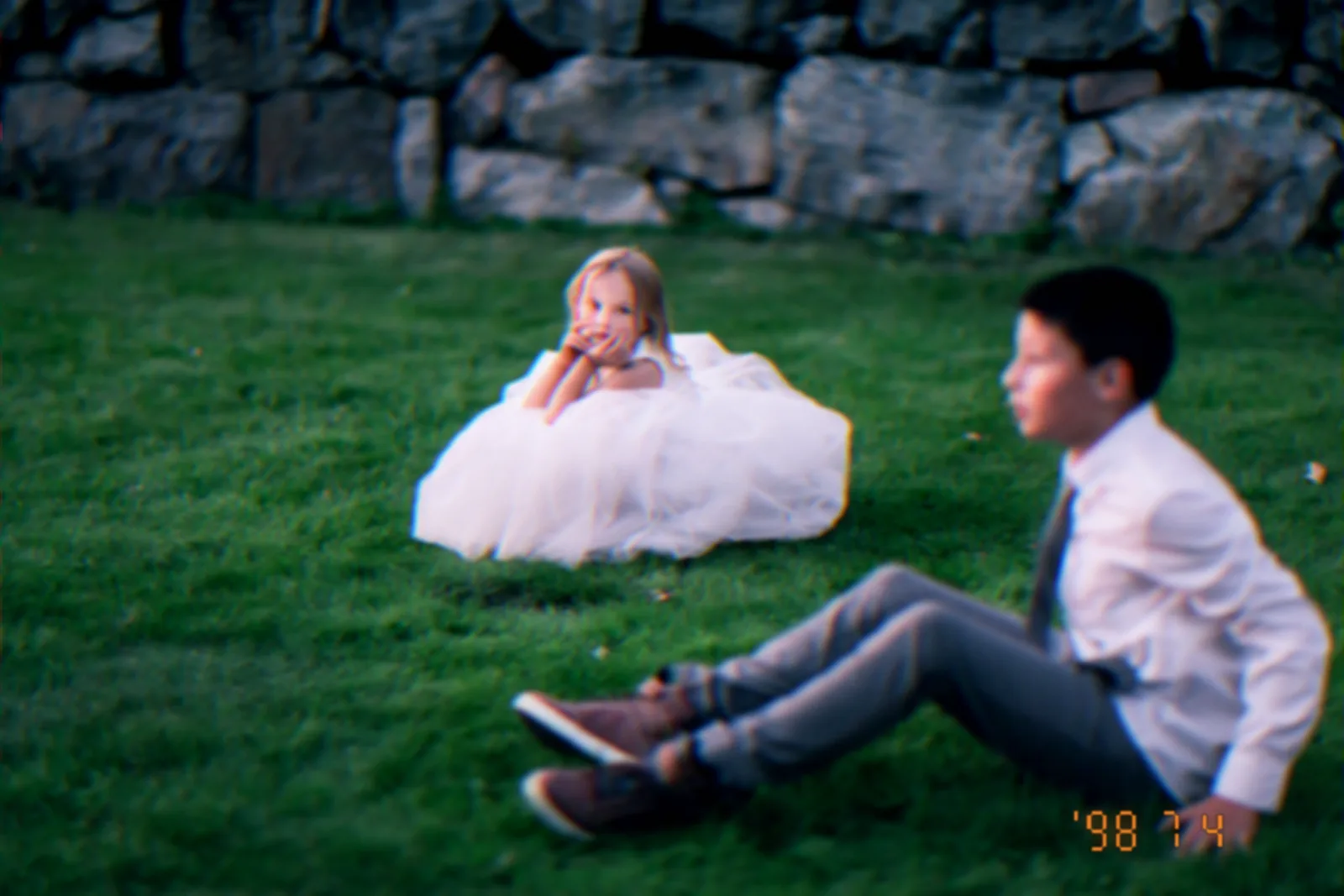
A home-video still for a reunion post
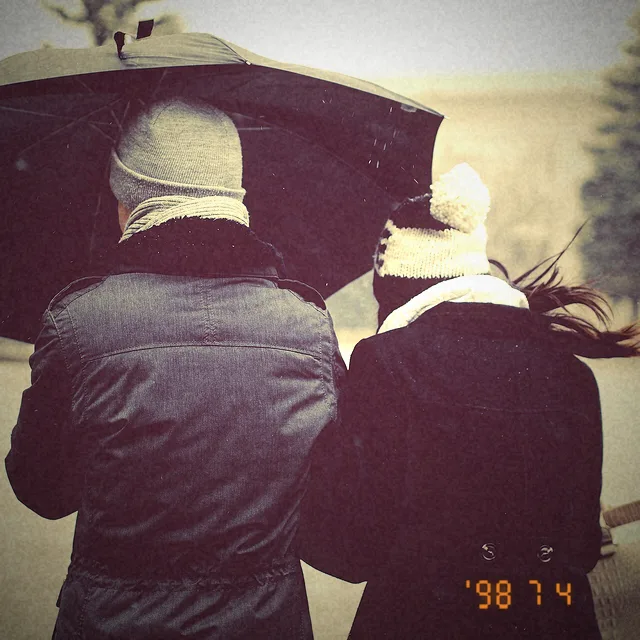
Camcorder still makes a new photo look like a paused frame from a family tape. Set the date and time to the real day for a "remember this?" post.
Try Camcorder still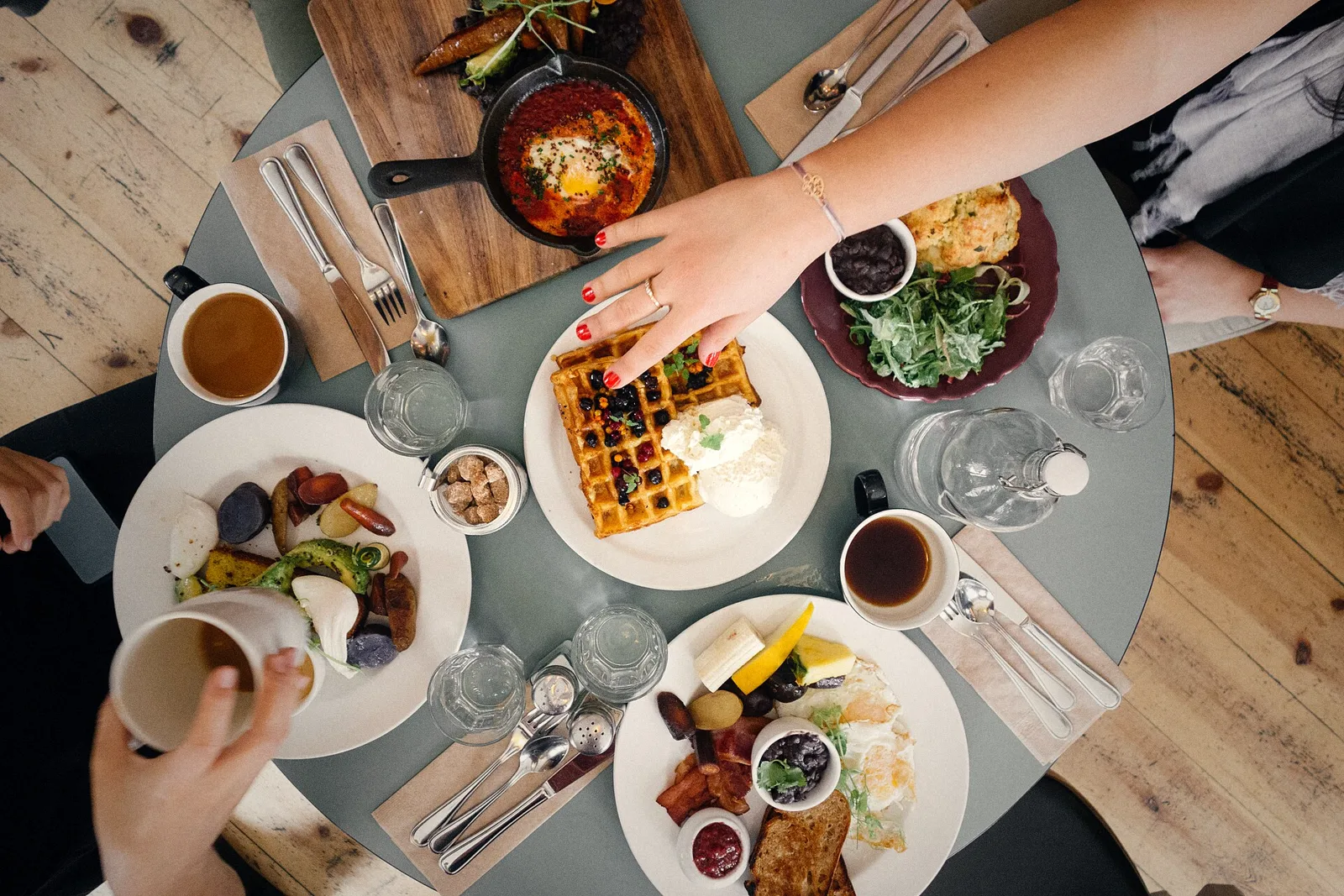
Event recaps with an analog feel
Cafés, bars, run clubs and pop-up markets: give the night's photos one film look so the recap post feels like an event, not a stock gallery.
Make a recapOne wedding, one roll
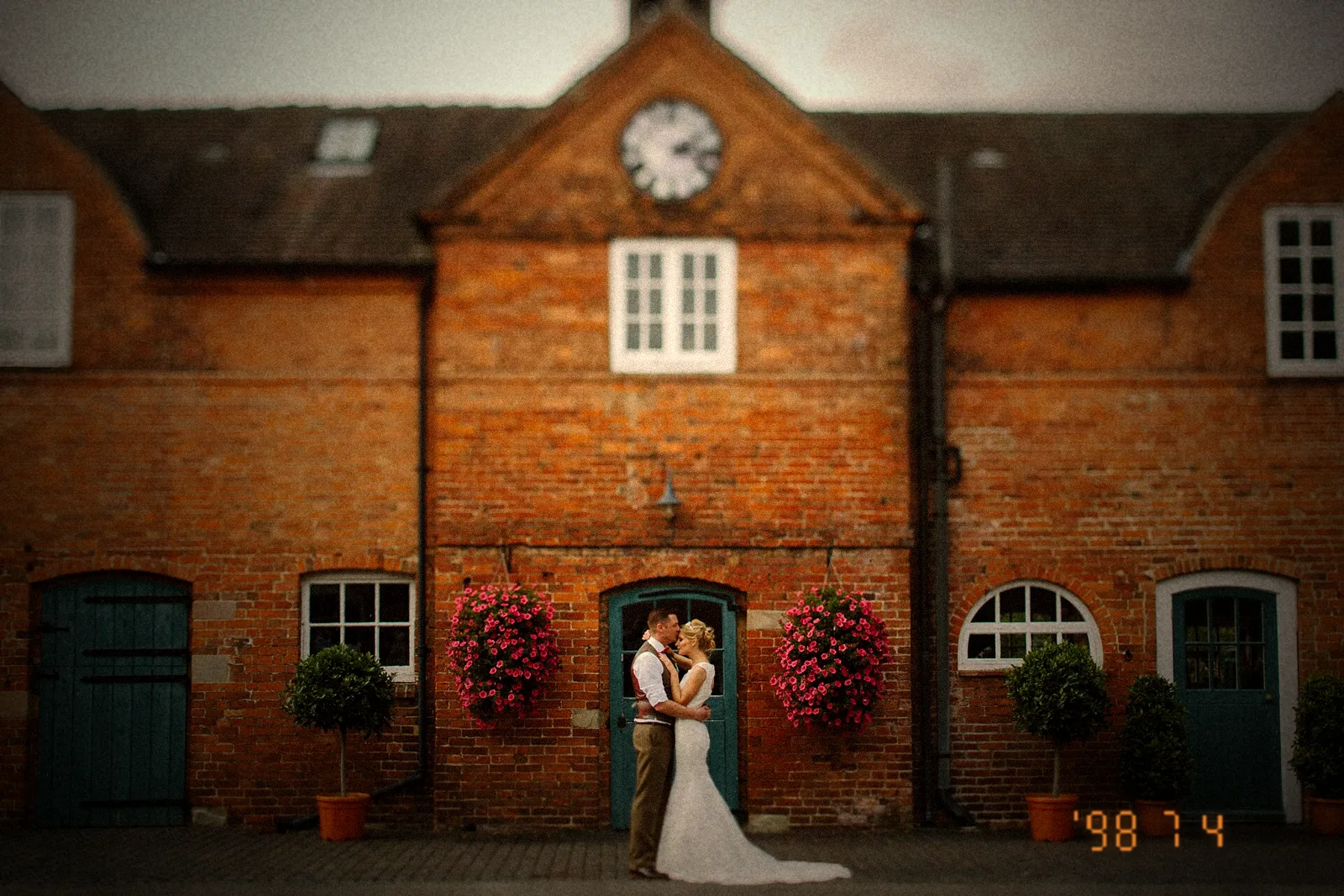
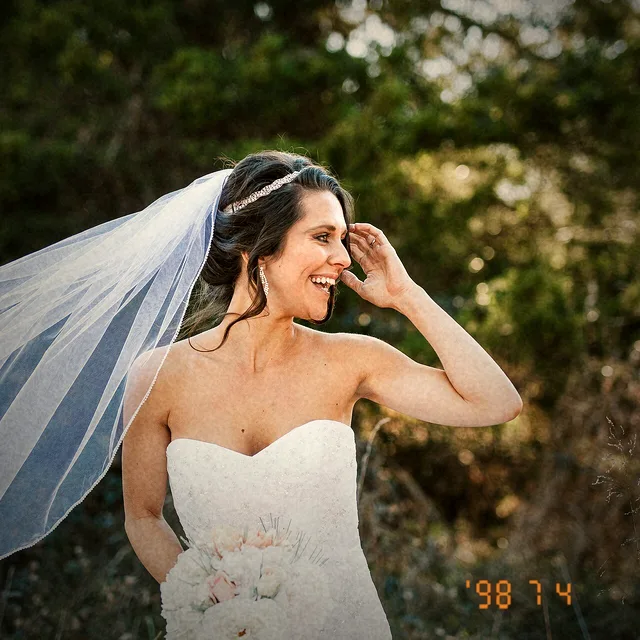
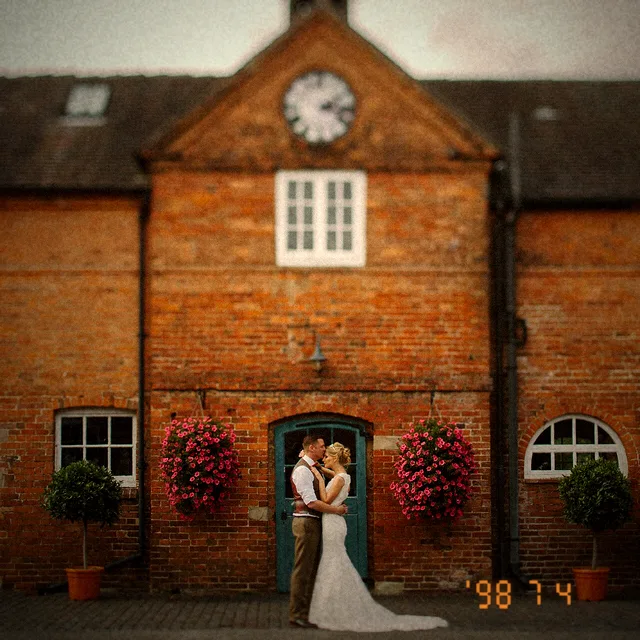
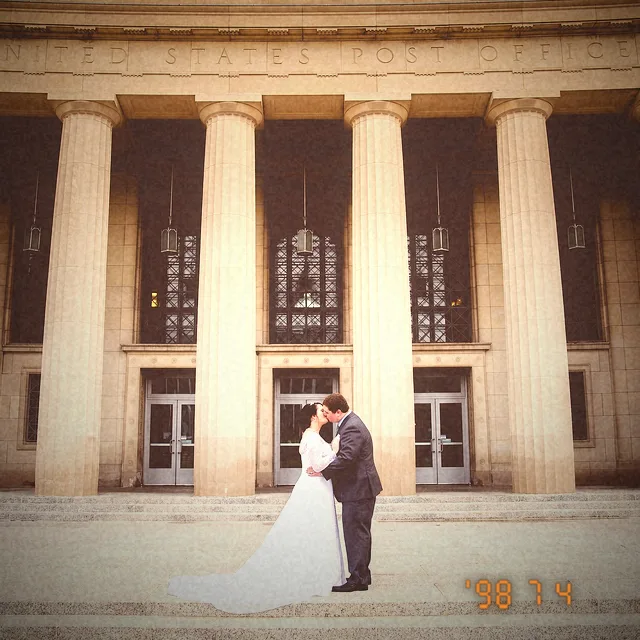
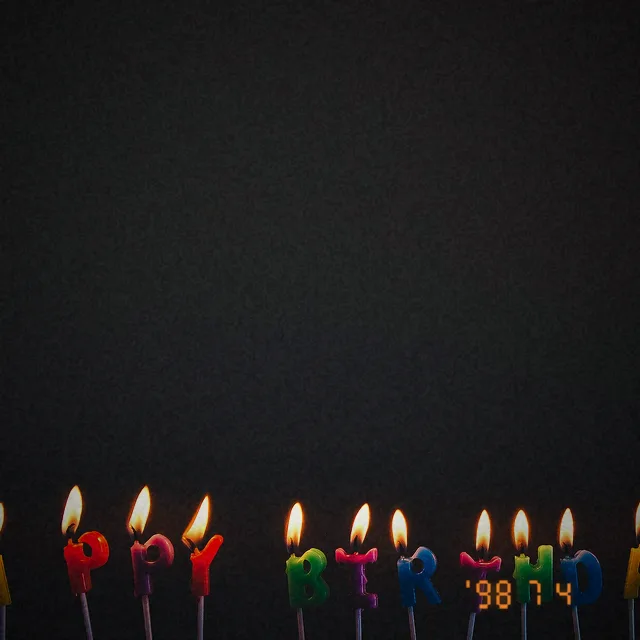
Nine guest photos with Disposable at the default strength. Different phones, different light, one look across the set.
How to use the old camera filter in 4 steps
Choose a photo
Pick a JPG, PNG, WebP or HEIC (iPhone) photo. It stays in this browser tab.
Pick a camera
Start with Disposable, or switch to Film compact, Instant or Camcorder still.
Set strength, flash and the date
Lower the strength to keep more of the original. Move the flash slider to control how fast the background falls into shadow.
Download
Save at the photo's own size, then open the next photo. The same settings are still there.
How the old camera filter works
Each camera look changes the light and color your photo already has. You get a flash-style bright center, darker edges, warmer or cooler color and grain that shows most in the mid-tones. Camcorder stills also get a softer image and a date overlay.
It's a fixed formula, not AI, so the same settings are applied the same way to every photo: a whole wedding or trip comes out like one roll, and everyone stays the same person. It all runs inside this browser tab: photos are never uploaded, and the download comes out at the size you opened.
- Nothing is uploaded
- Faces stay the same
- Full size out
Worried it won't look real?
Will it look like a cheap app filter?”
App filters usually lay one color over everything. These looks start with light, flash and fall-off, then color. If it is too strong, lower the strength.
What if the photo was taken in daylight?”
Lower the flash slider. Daylight film photos had grain and warm color, but no flash spot.
Will I lose quality?”
Grain and softness are part of the look and can be turned down. The resolution stays the same.
How to shoot photos that pass for film
Use the flash at night and stand close: a disposable's flash only reached a few meters. In daylight, keep the sun behind you and don't zoom; a disposable had one wide lens.
Take one shot, not twenty. Film photos caught people mid-laugh with eyes half closed, and that is a big part of why they feel real. Crop out phones and screens before you apply the look.
Old camera filter FAQ
Is this the same as a disposable camera app?
No. Disposable camera apps for weddings and parties collect photos from guests during the event. This filter works afterwards, on photos you already have, and doesn't need an account or an app.
How do I get the disposable camera look on iPhone photos?
Open this page in Safari, choose the photo, pick Disposable and download. The photo stays on the phone.
What does a camcorder filter do?
It makes a still photo look like a paused frame from an old home video. Detail gets softer, colors bleed a little and the date and time sit in the corner.
Can I add the date like old cameras did?
Yes. Switch the date stamp on and type any date. It is printed on the downloaded image only.
How do I make a whole set of photos match?
Edit the first photo, download it, then open the next one. Your camera look, strength and date stay set, so every photo comes out the same.
Which camera look is best for group photos?
Film compact. It keeps faces even across the frame, while Disposable makes people at the back go dark.
More photo tools
Make it look like it came back from the lab.
Pick a camera, set the strength, download.
Make my photo look like film