Sepia Filter
Turn any photo into a warm brown print that looks like it came out of a 1910s family album. Free, in your browser, and your photo never leaves your device.
- ✓Runs on your device
- ✓Nothing is uploaded
- ✓Free, unlimited
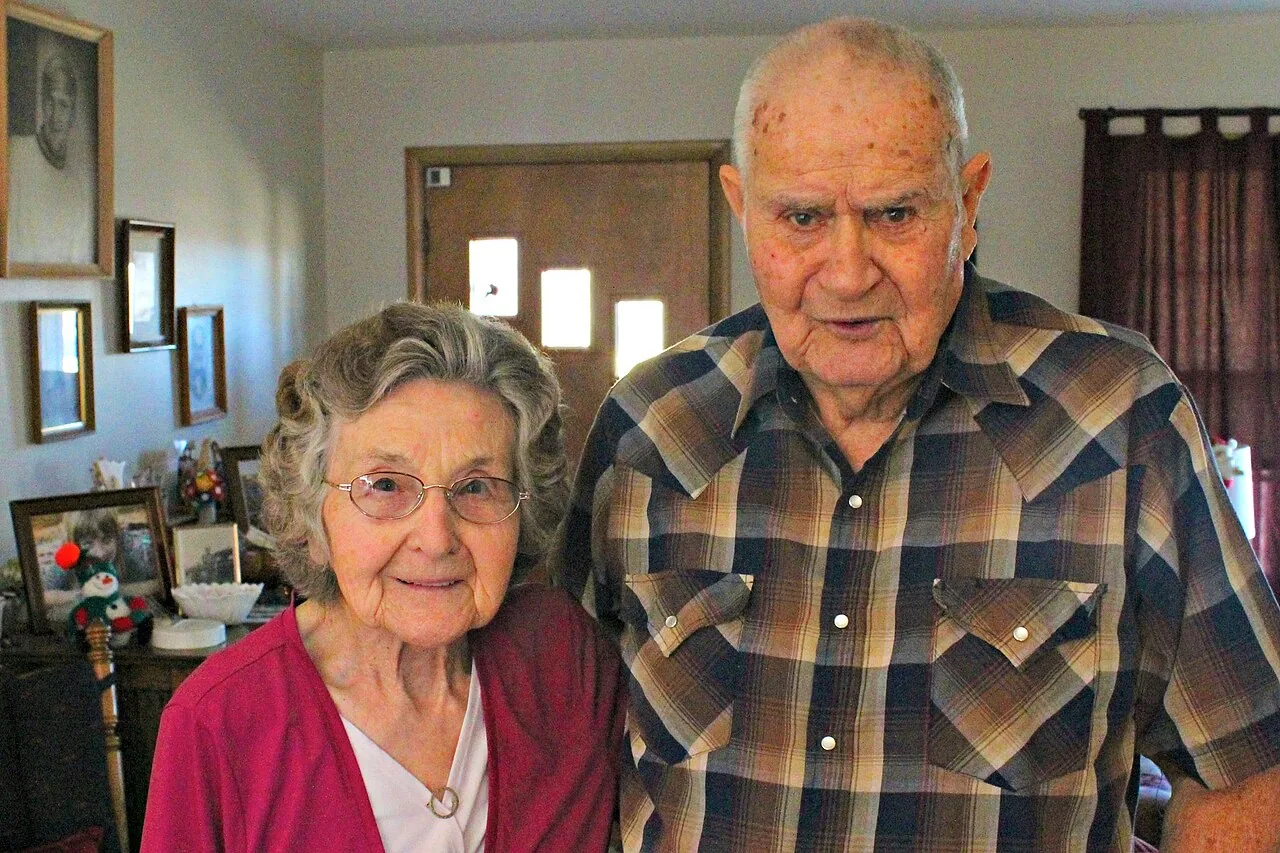 OriginalClassic sepia
Drop a photo here
or paste with Ctrl+V
Free, unlimited, no sign-up. Nothing is uploaded.
Want to remove the brown from an old photo instead? Restore old photos →
What is a sepia filter?
A sepia filter turns a photo into one color: creamy highlights and coffee-brown shadows, the look of prints made around 1880–1930. Those prints were brown because darkroom toners turned their silver into silver sulfide, which also helped them last. The name comes from sepia ink, made from cuttlefish.
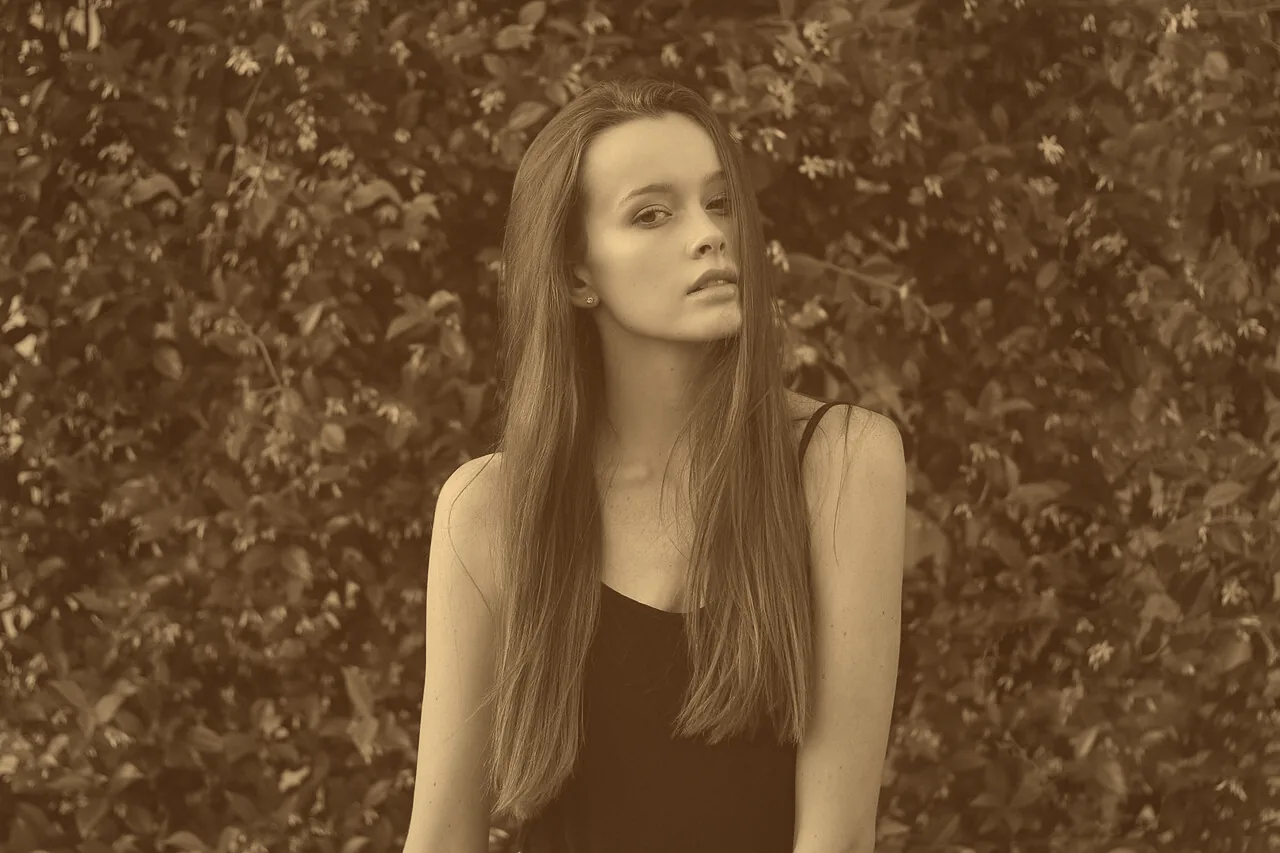
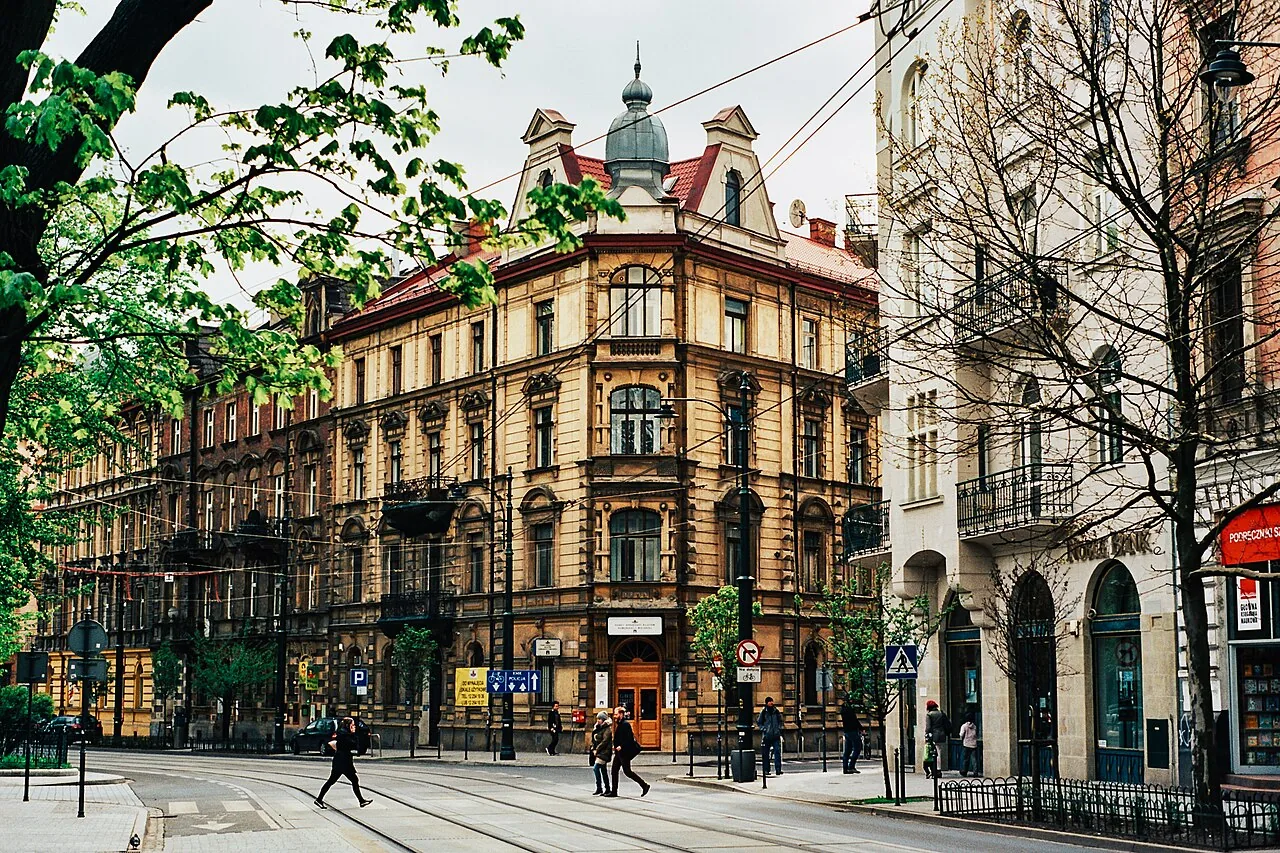
From today to 1910, same face
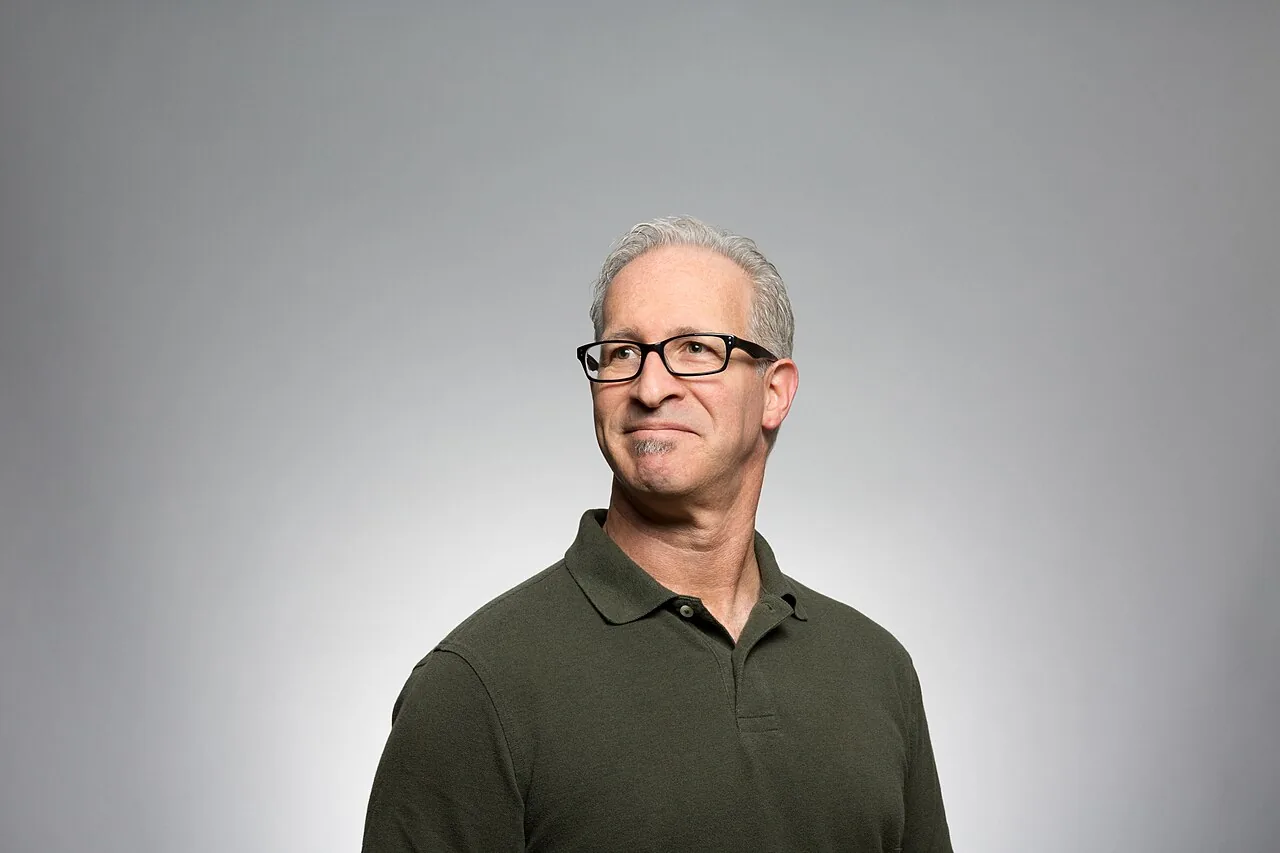
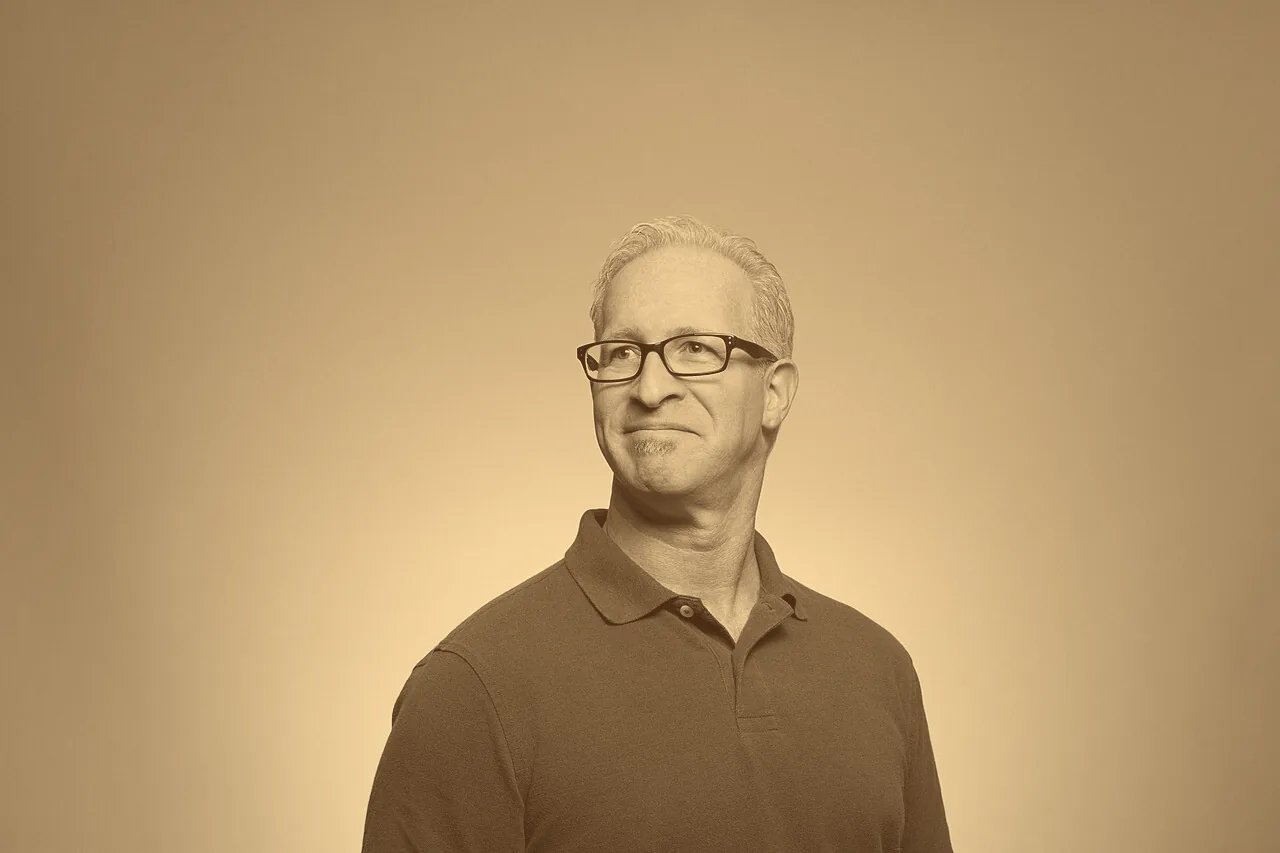
Same photo, original and Classic sepia at the default strength.
 Before
 After
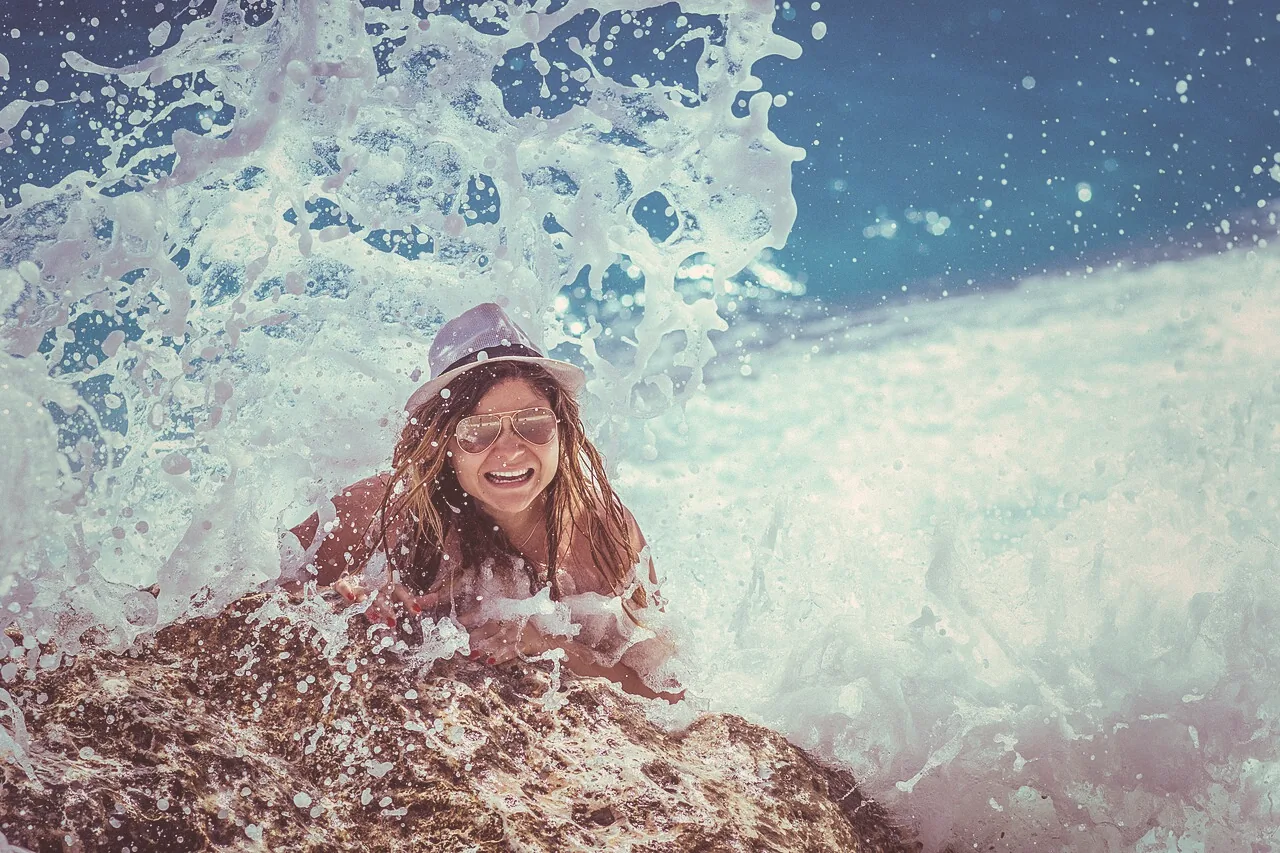
Portrait
Skin keeps its shading; shadows turn brown instead of black.
 Before
 After
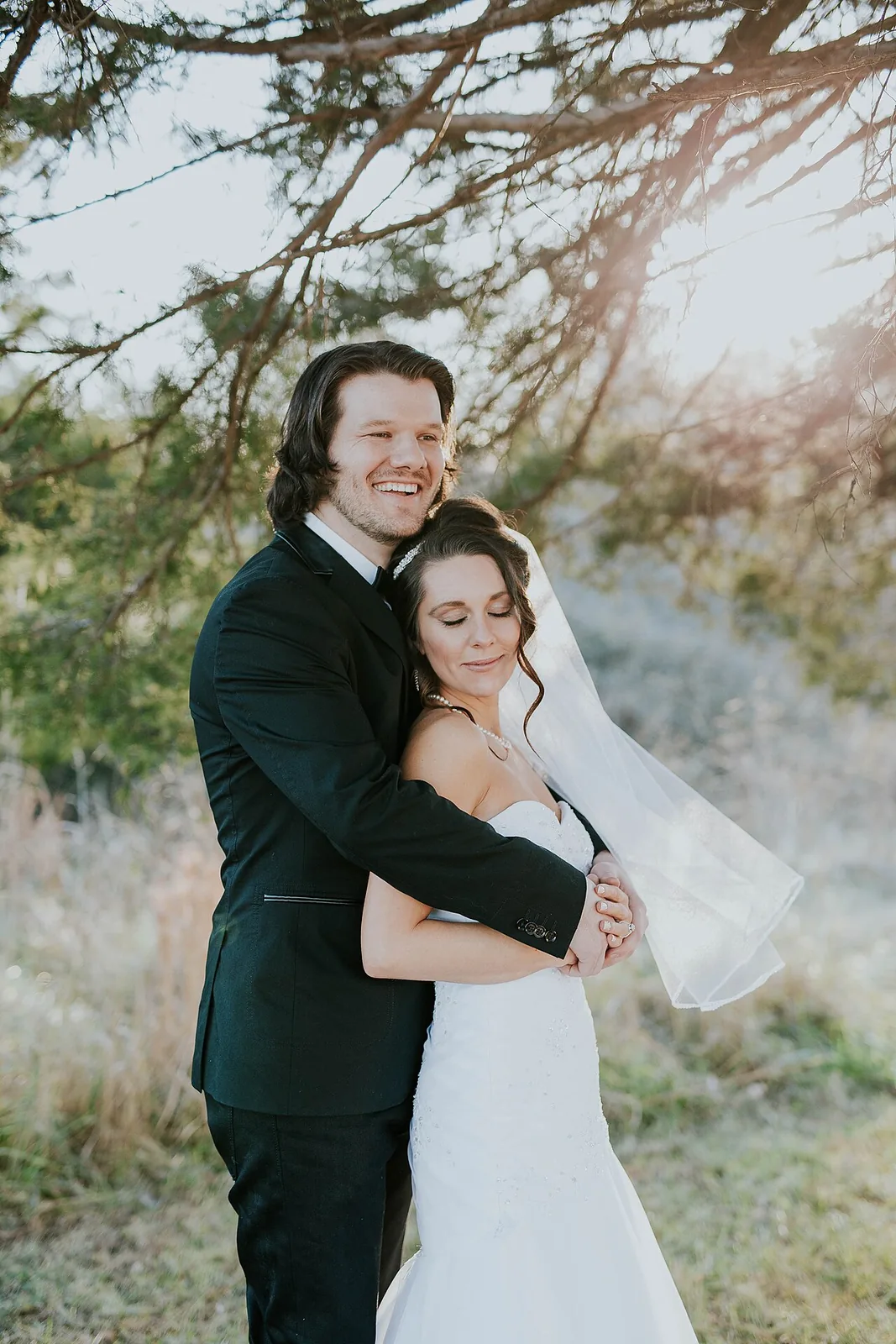
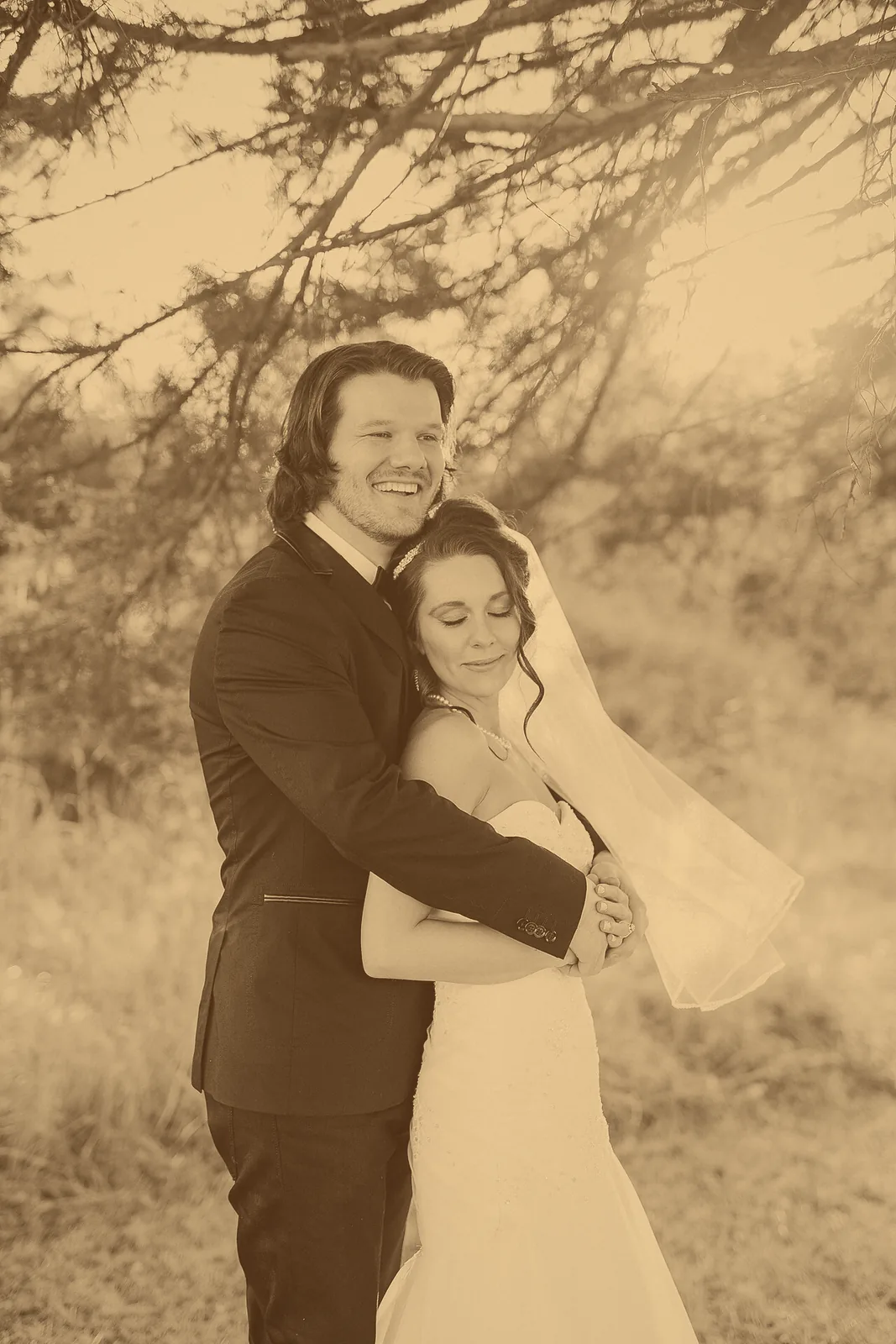
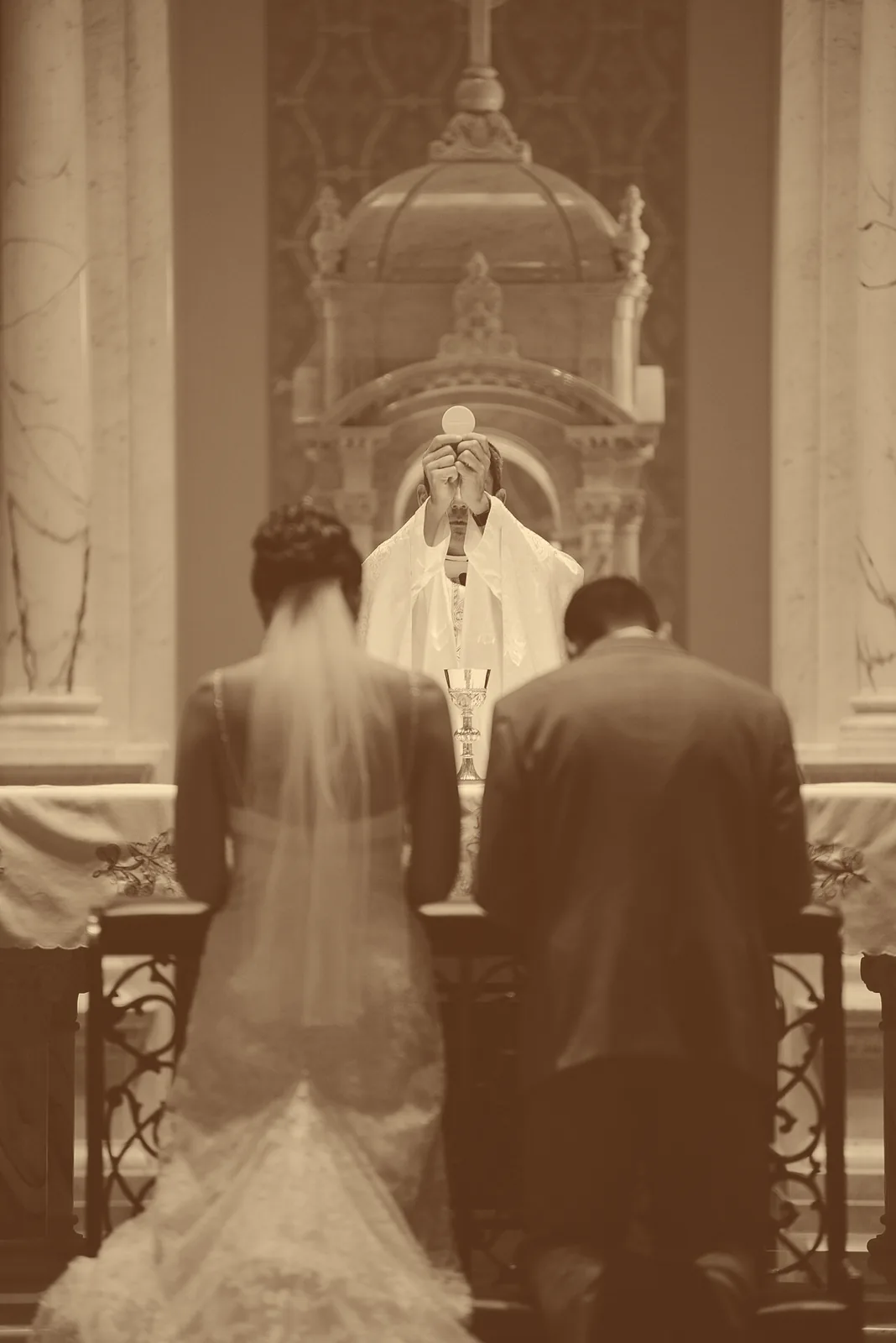
Wedding couple
White dress goes ivory, not grey.
 Before
 After
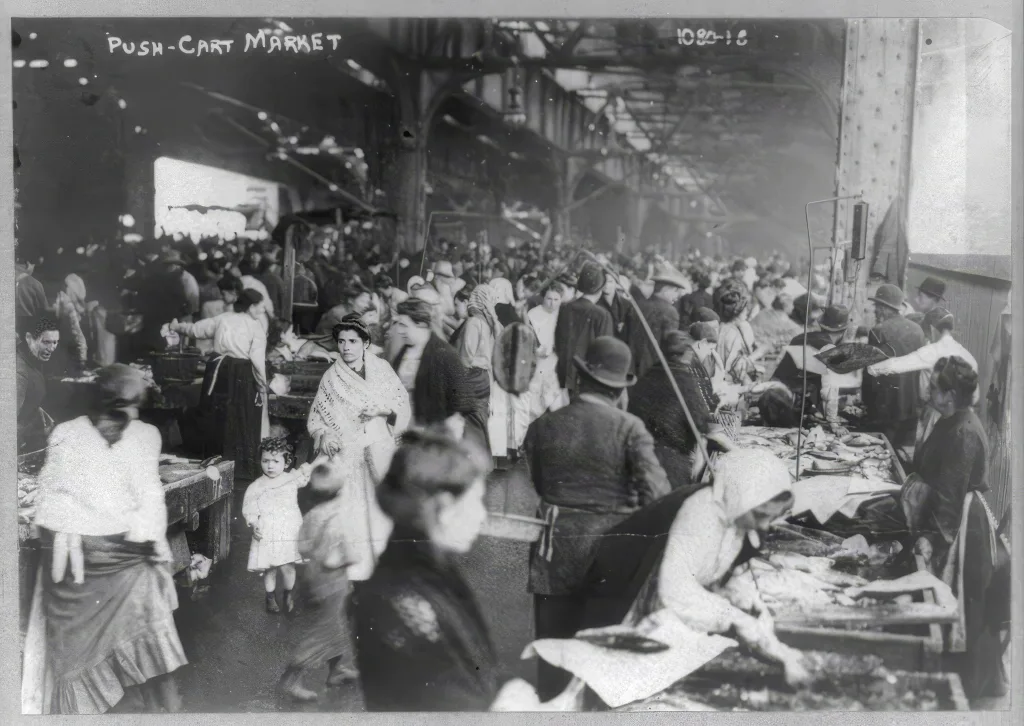
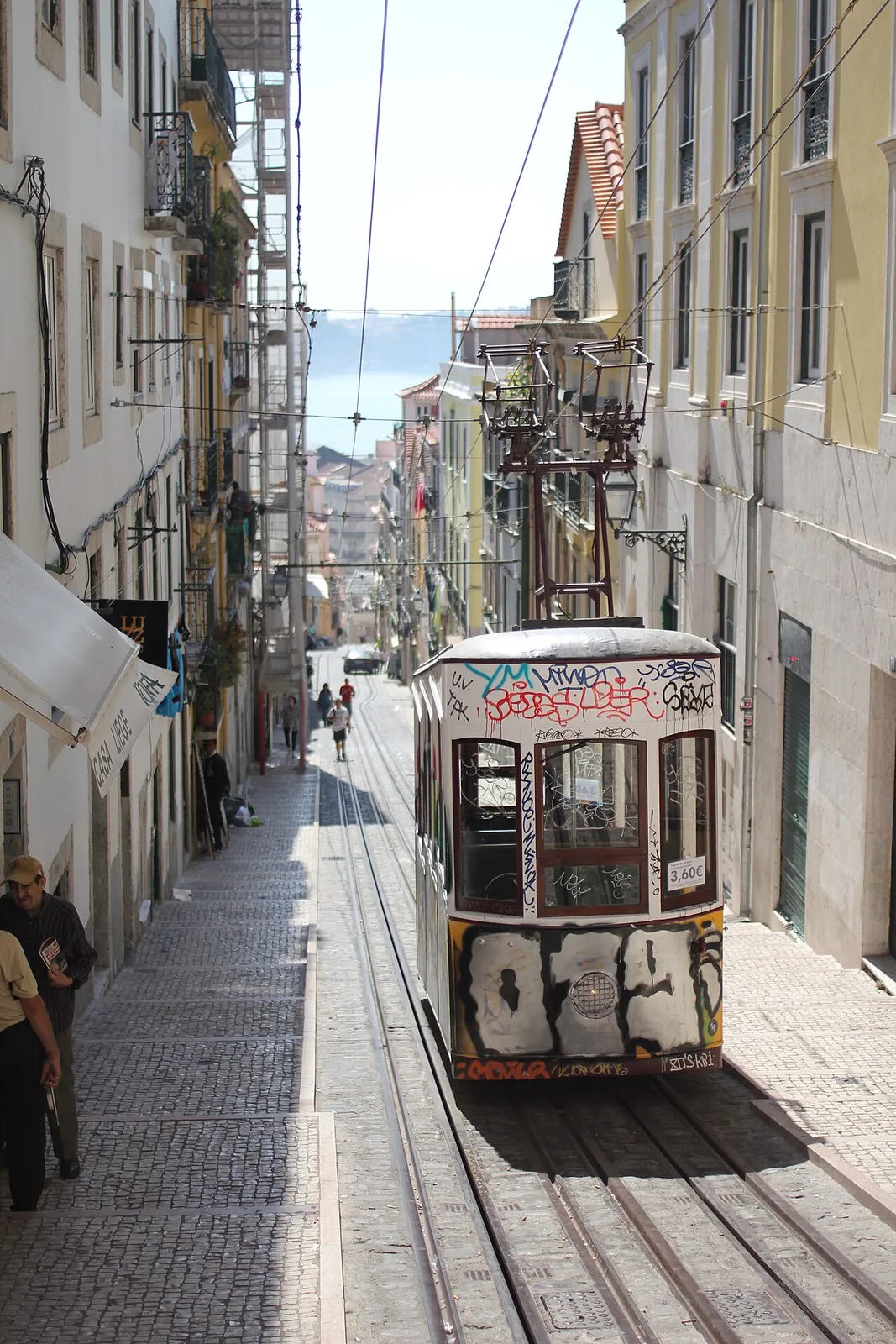
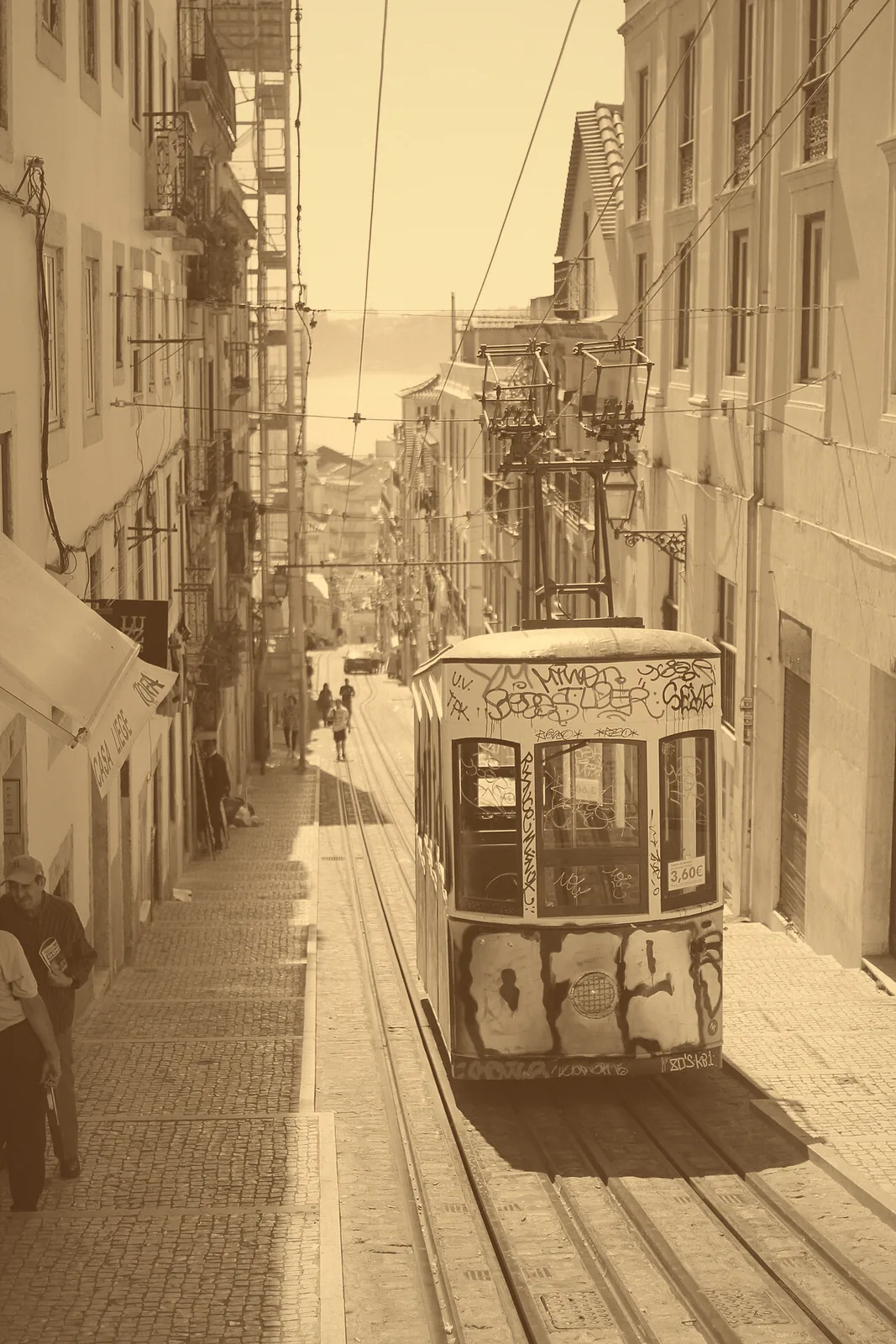
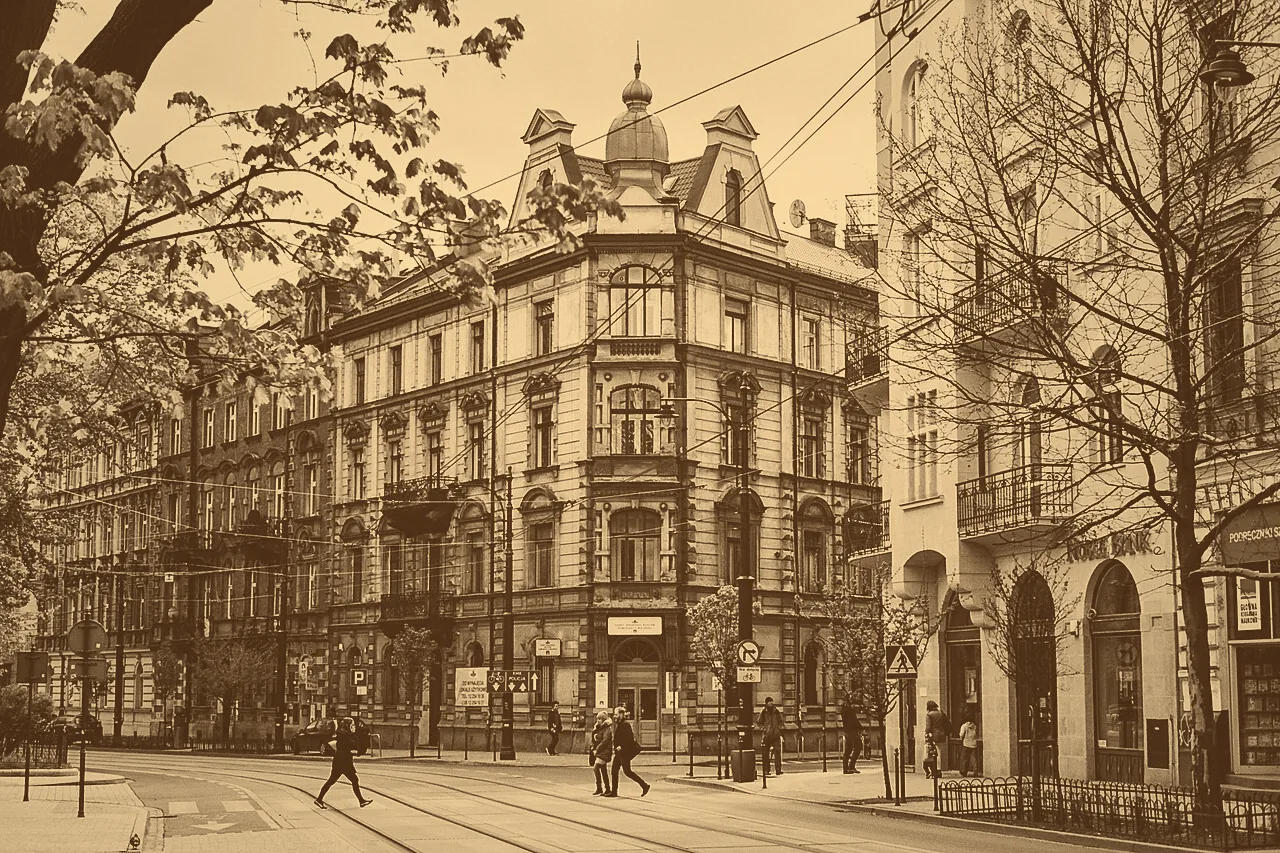
Street and buildings
Brick and stone read like an old postcard.
 Before
 After
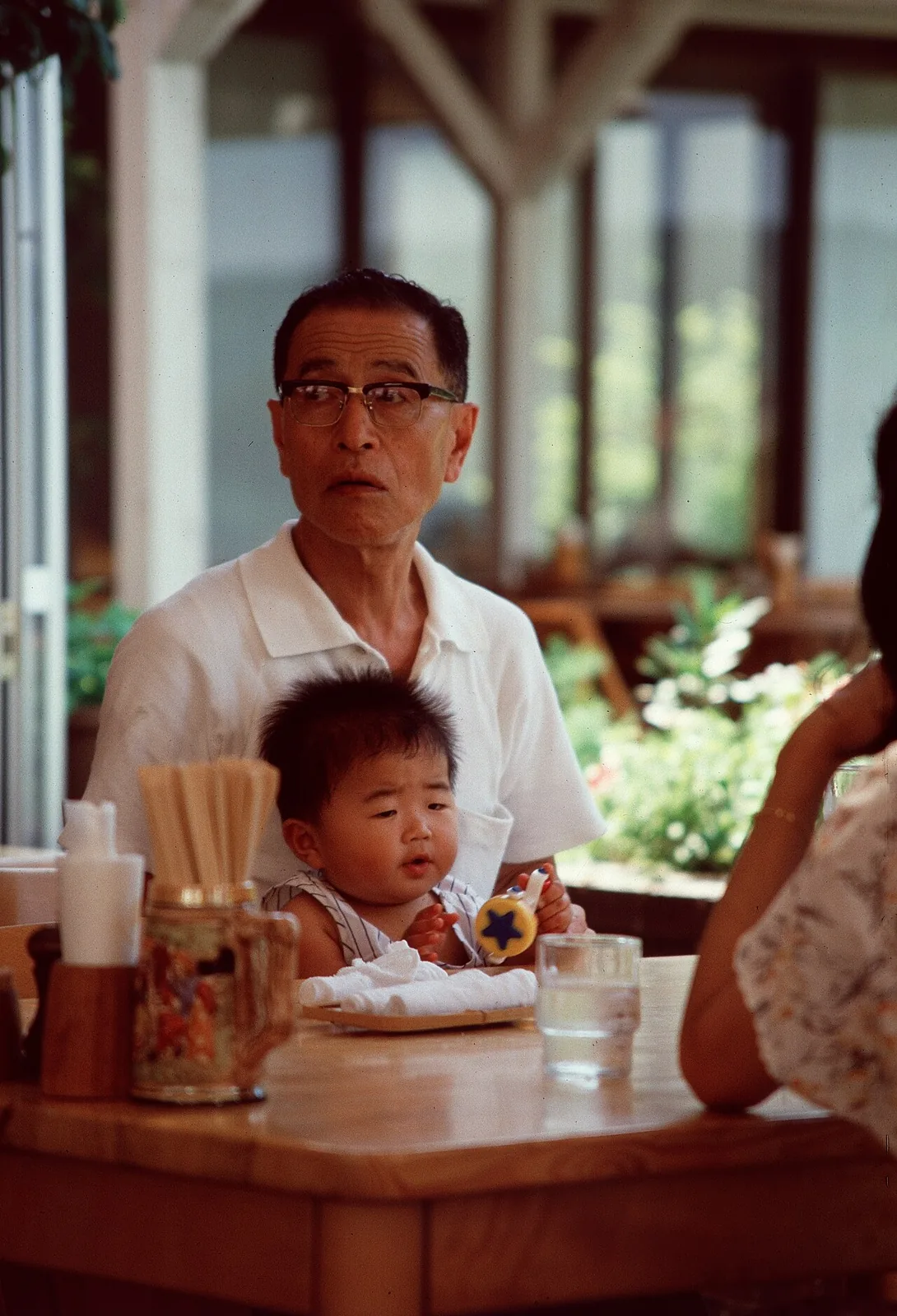
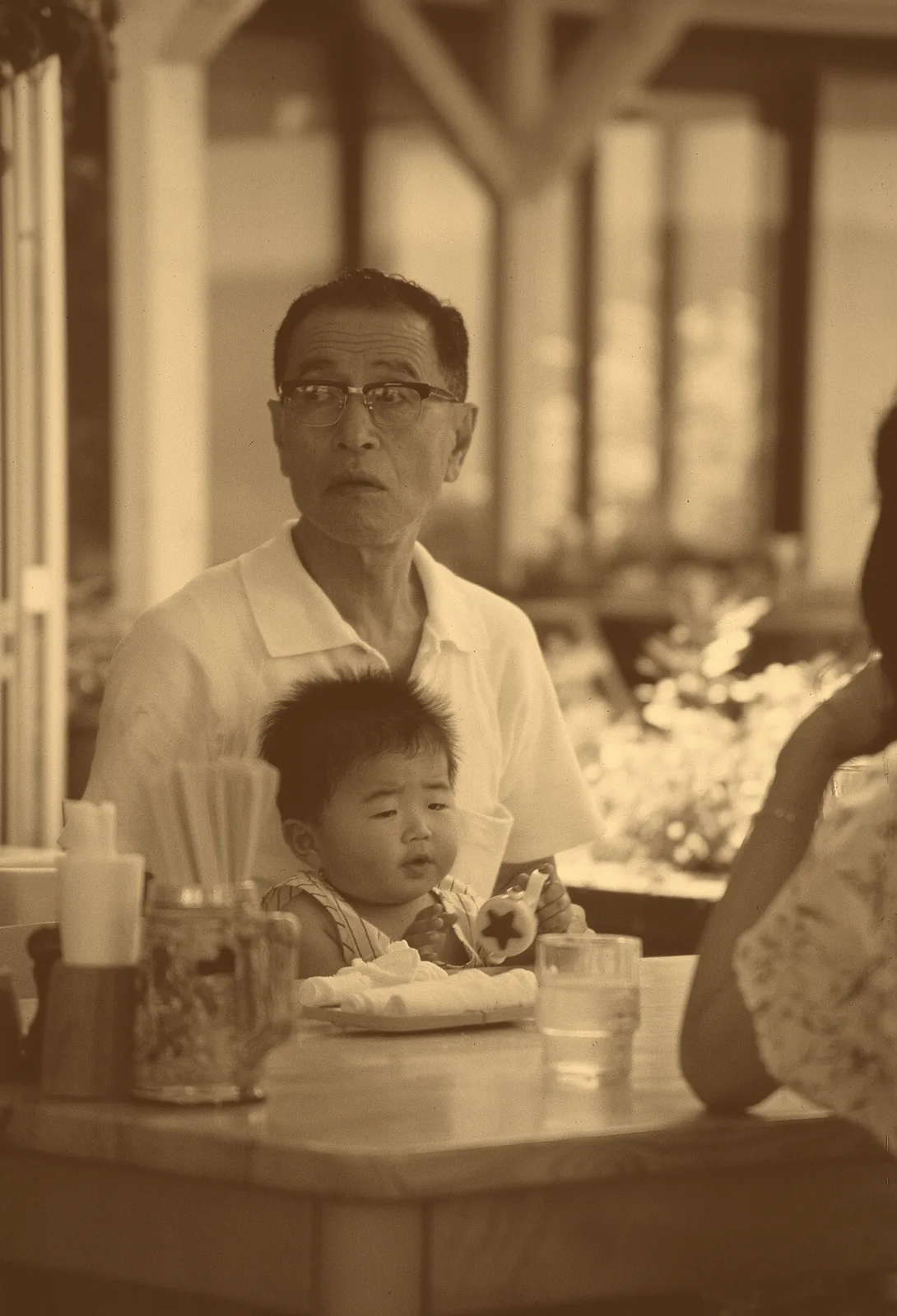
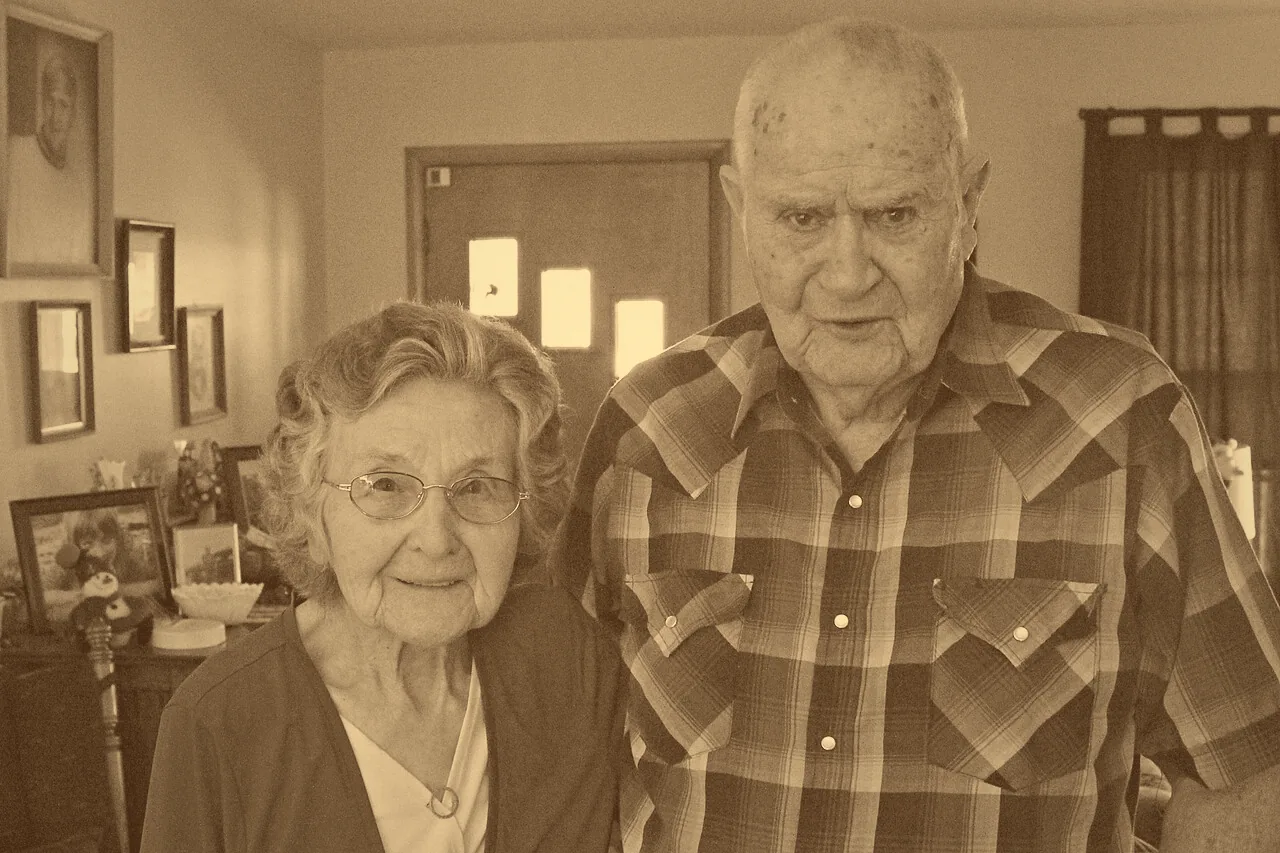
Family at the table
Everyone looks like they belong in the same album.
Who uses a sepia filter?
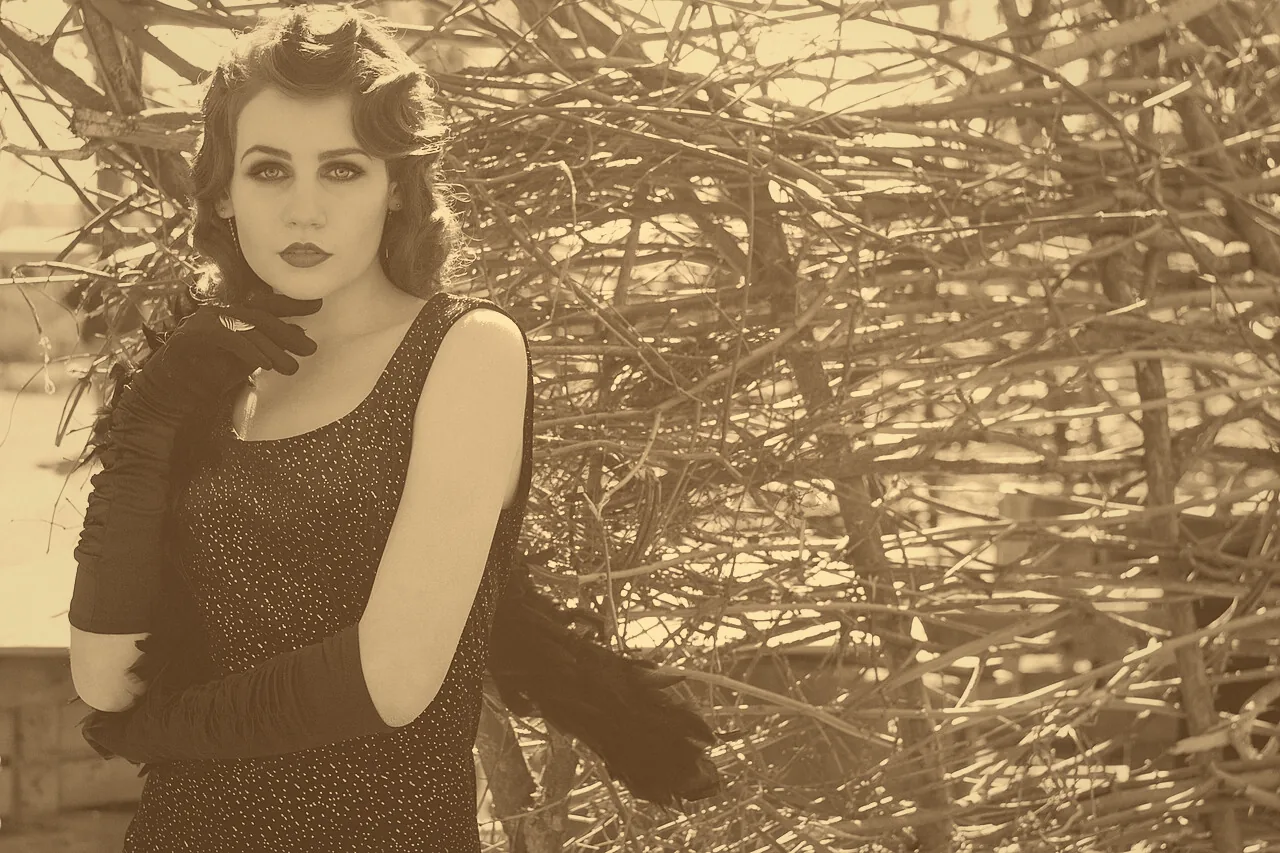
Make a picture look old for a history project
A scene from 1912, a costume as a historical figure, a poster about your town: sepia sets the period at a glance. Classic sepia with a little grain prints well on a home printer, and the file stays at full size.
Make it sepia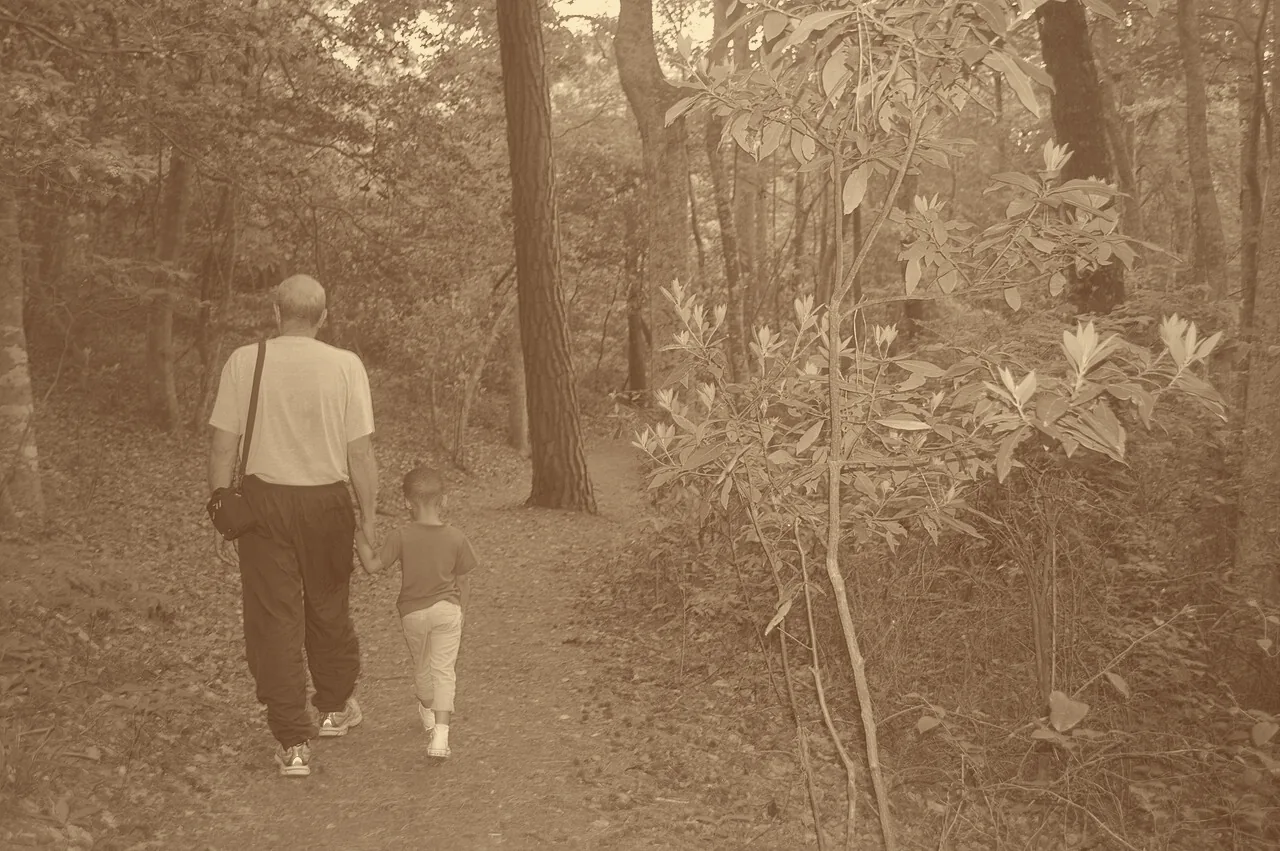
Match new photos to your grandparents’ pictures
Building a family tree or a family history book, where the old side is brown and the new side is bright color? Run the modern photos through Warm studio so both generations sit on the same page without clashing. If the old photos are the problem, faded, yellowed or cracked, repair them first with Restore old photos.
Match my photos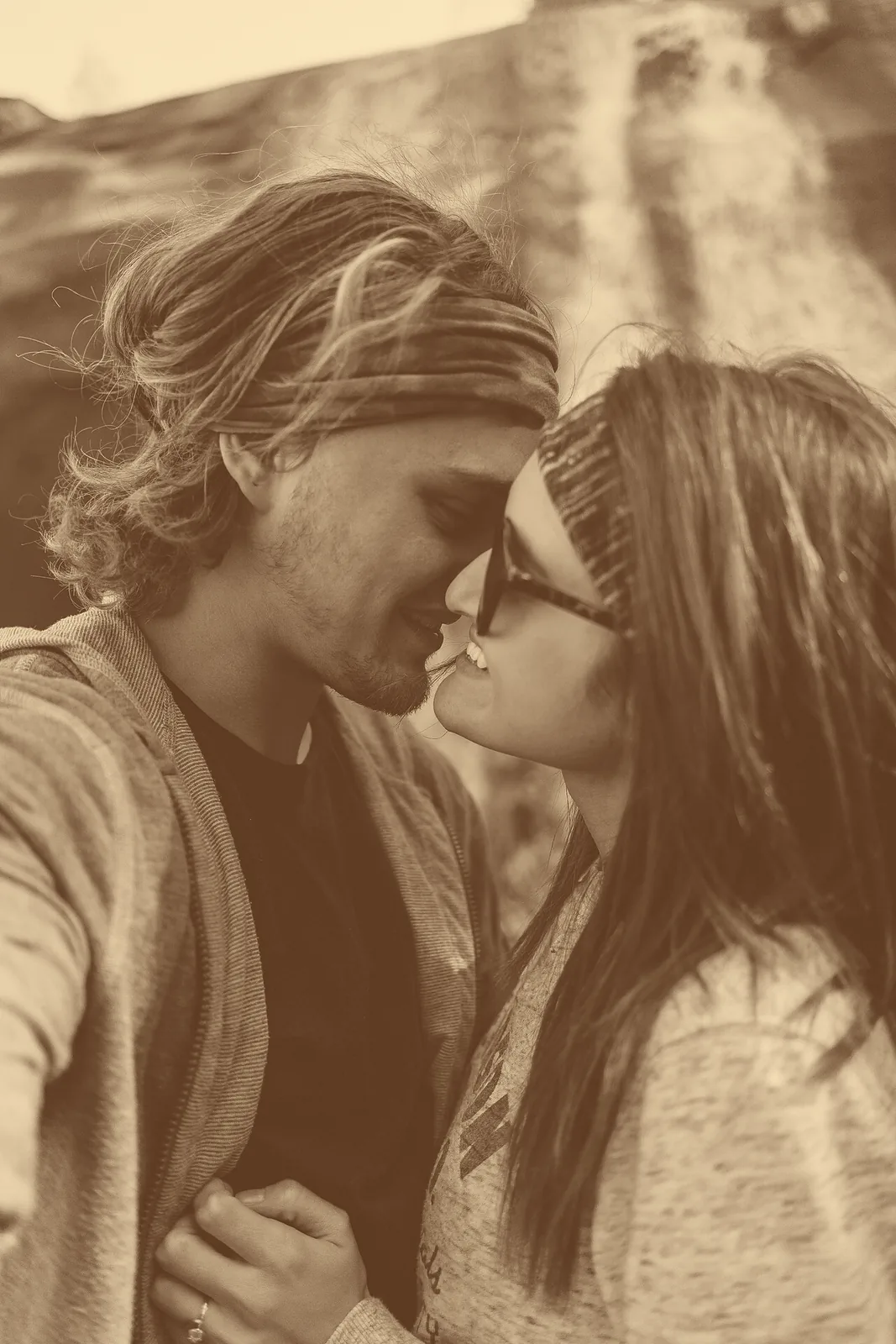
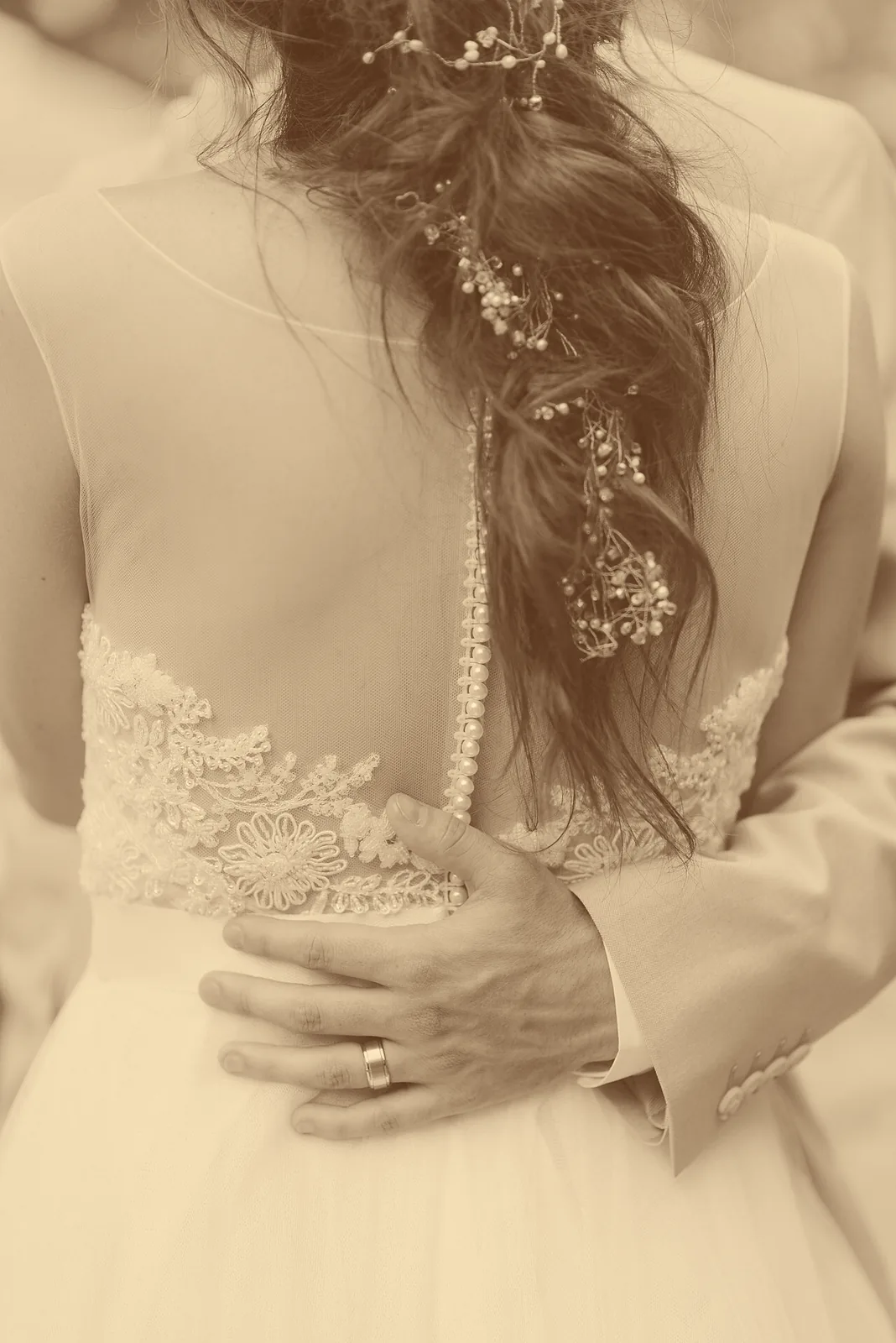
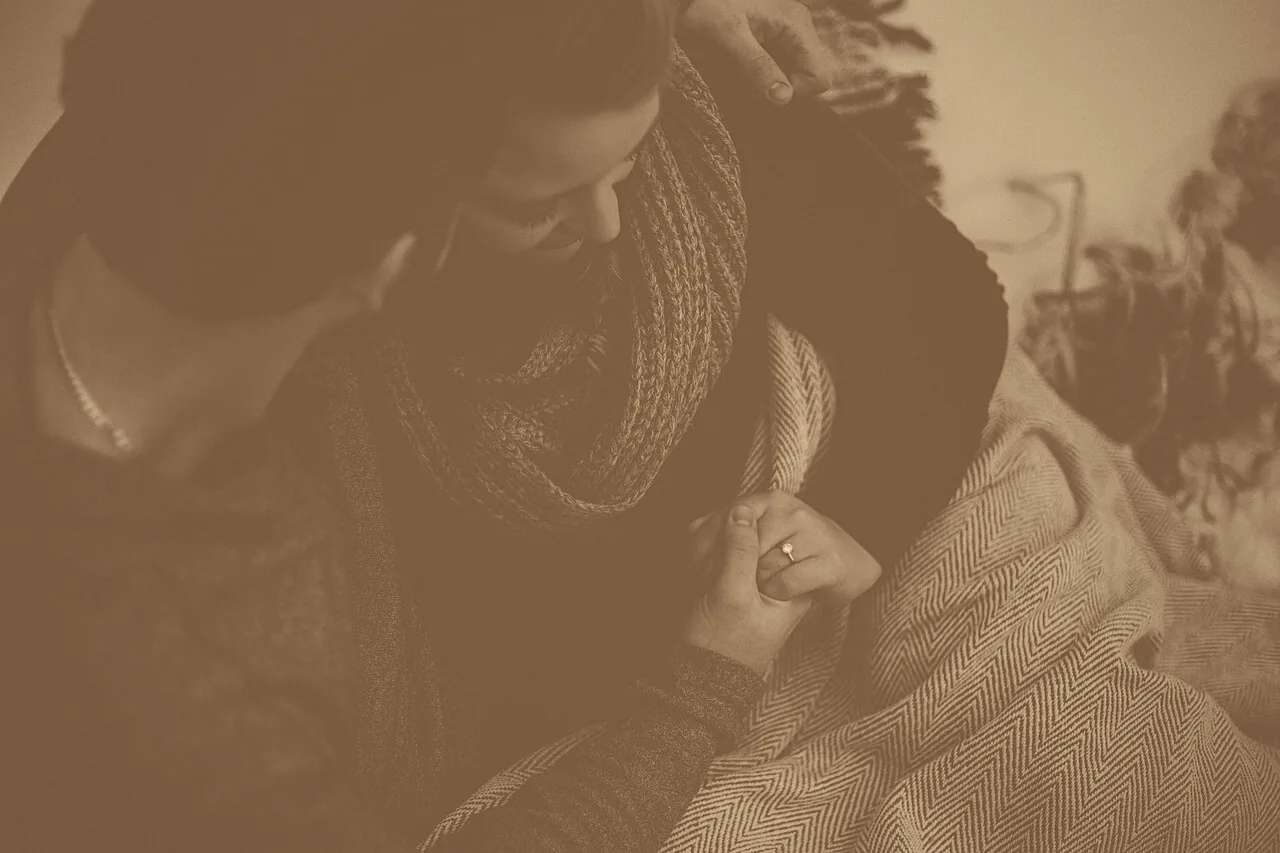
Sepia for a save-the-date or invitation
An engagement photo in sepia feels timeless on cream card stock. Warm studio keeps skin soft and the dress ivory. Use the same preset and strength on every photo so the invitation, the website and the welcome sign match.
Try Warm studio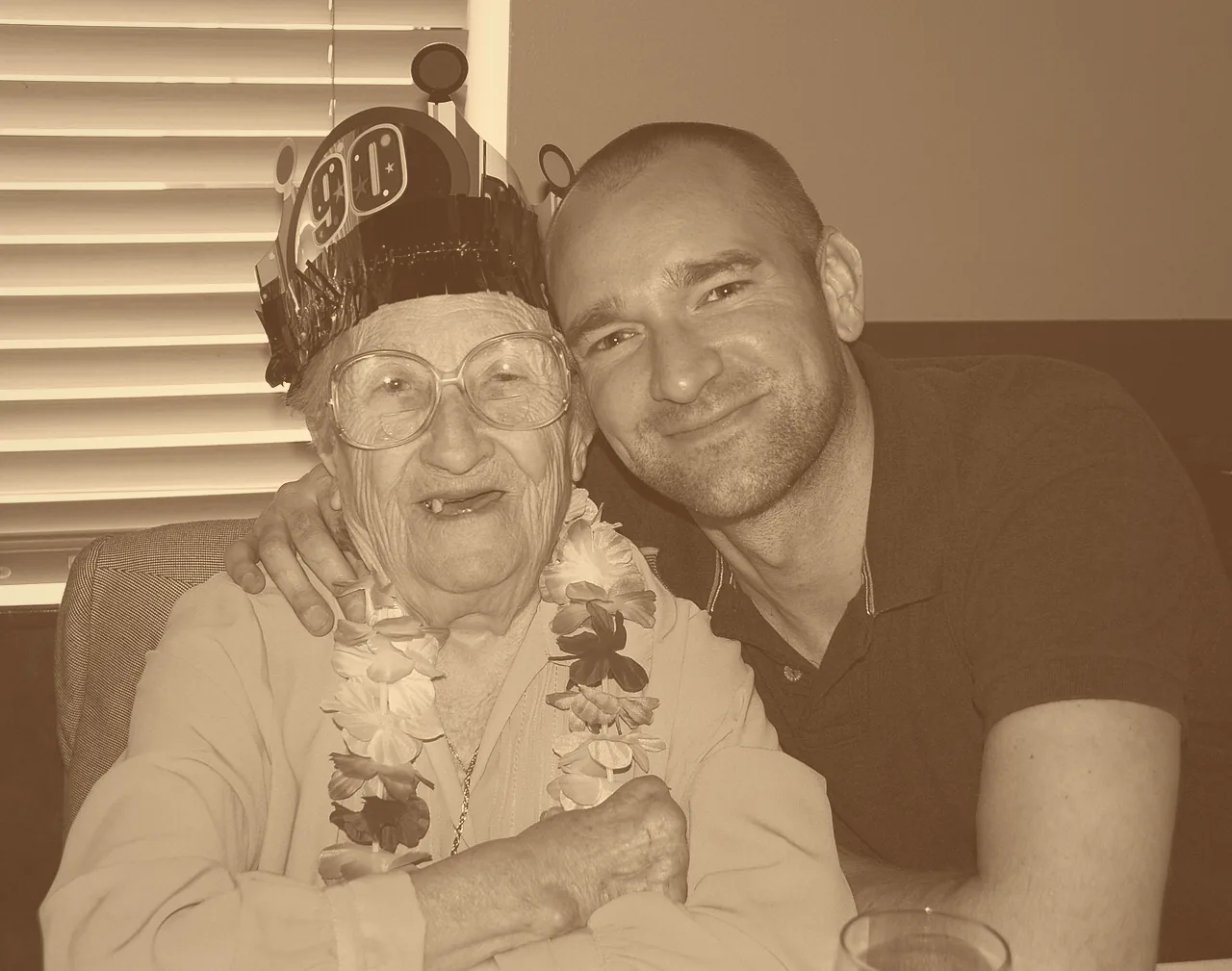
Photos for a 60th birthday board or a memorial
Childhood snapshots, wedding photos and recent pictures look like they come from one life when they share one tone. Soft brown is gentle on faces and quiet enough for a service program or a memorial board.
Try Soft brown
A brown tone for Instagram or TikTok
For a café shot, a travel photo or a throwback post, a full-strength sepia can look heavy on a phone screen. Soft brown at around half strength gives the warmth without hiding the photo.
Try it on a postOne tone, one album
Use the same preset and strength on every photo so they match.
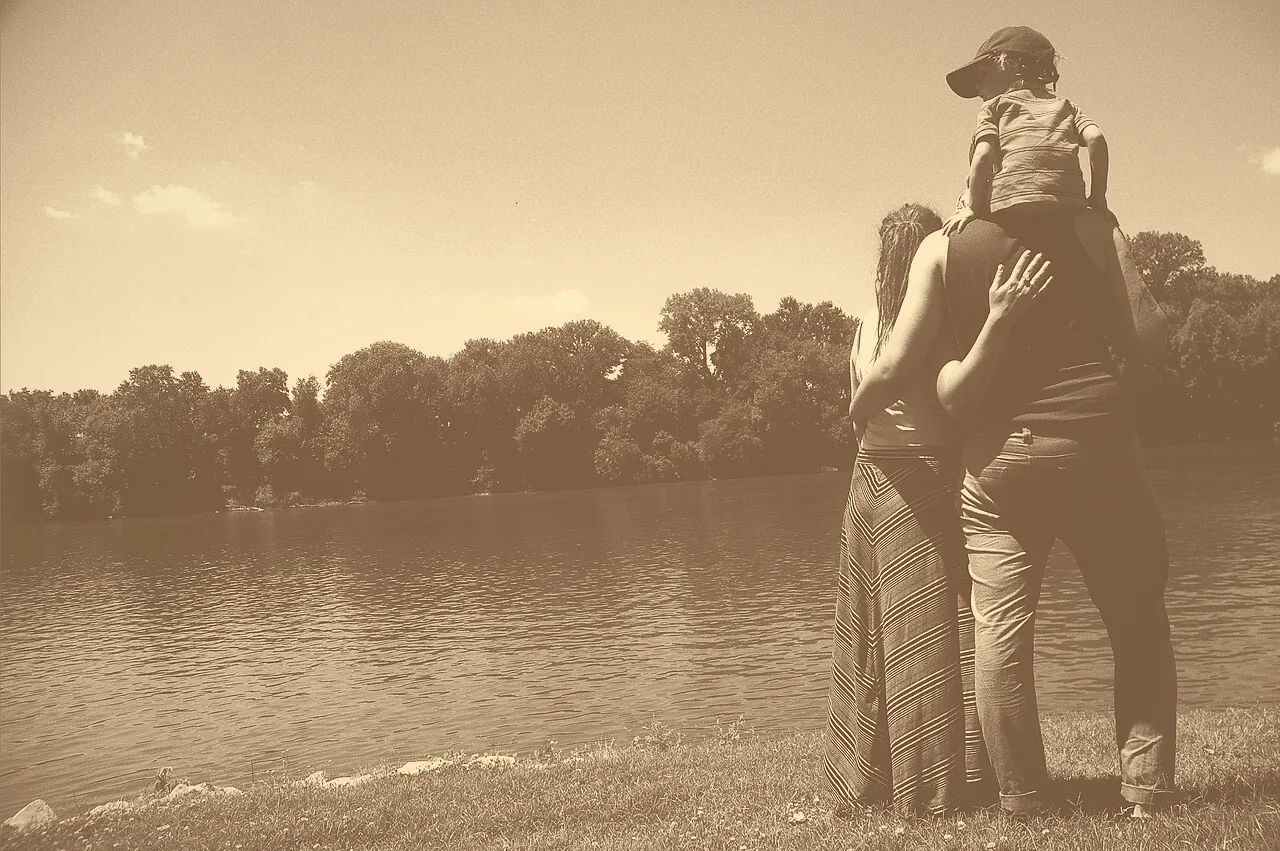
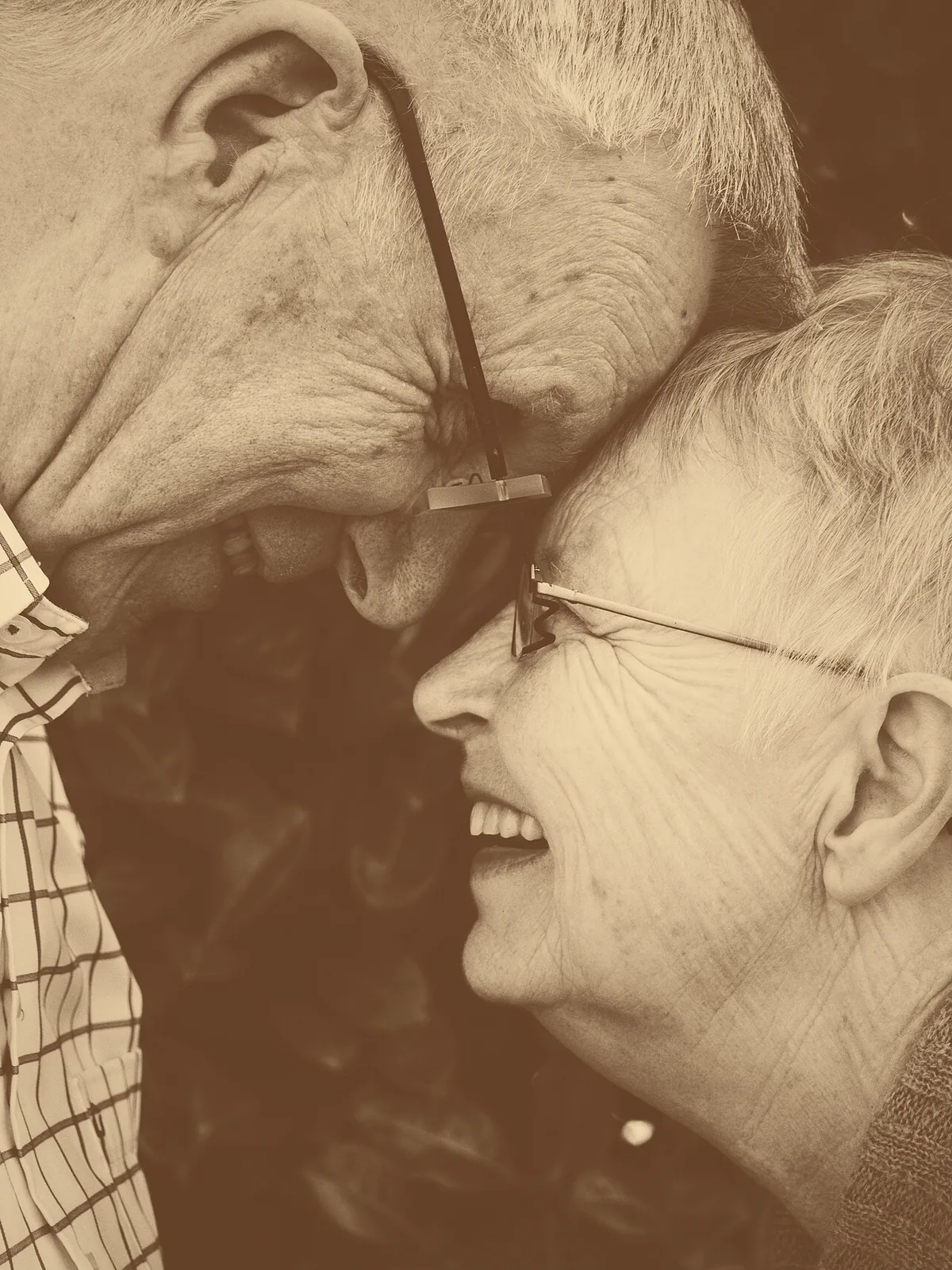
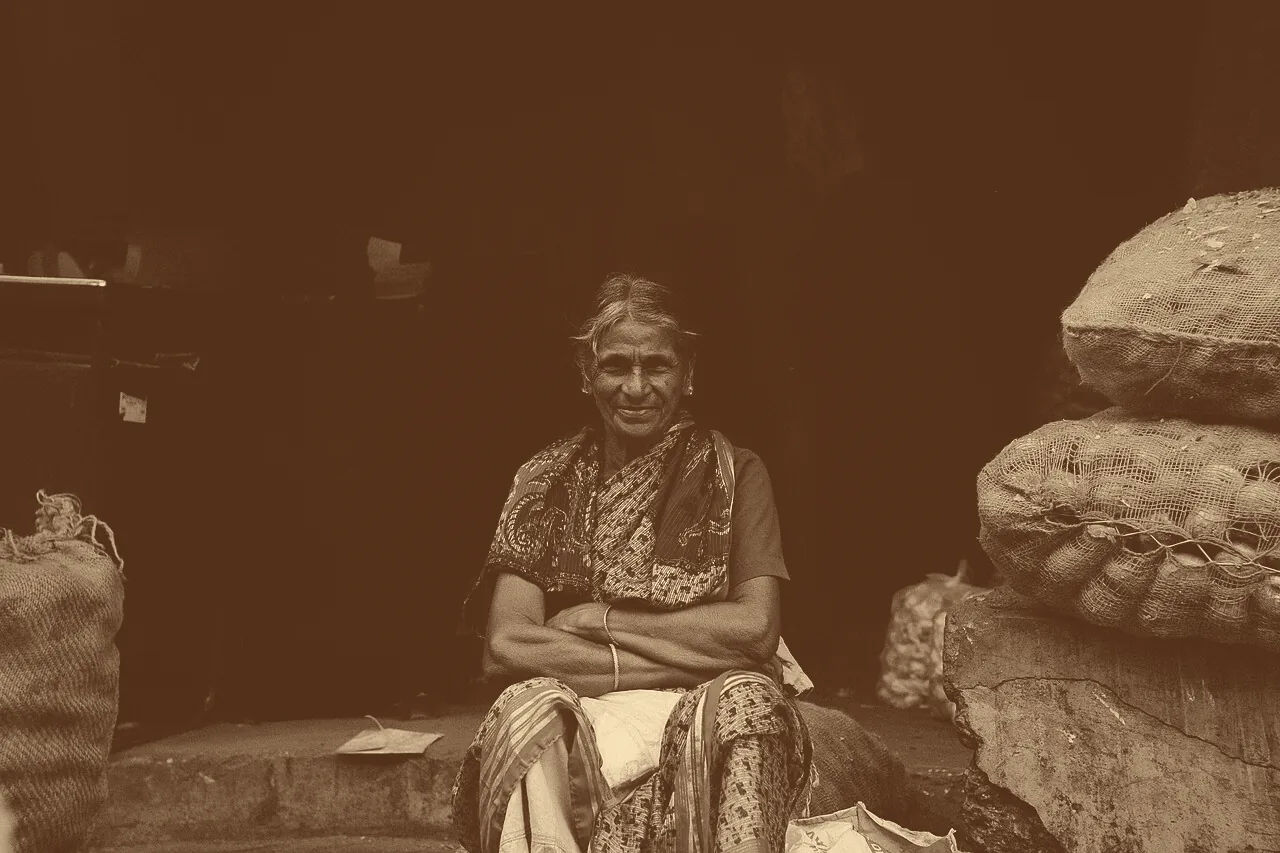
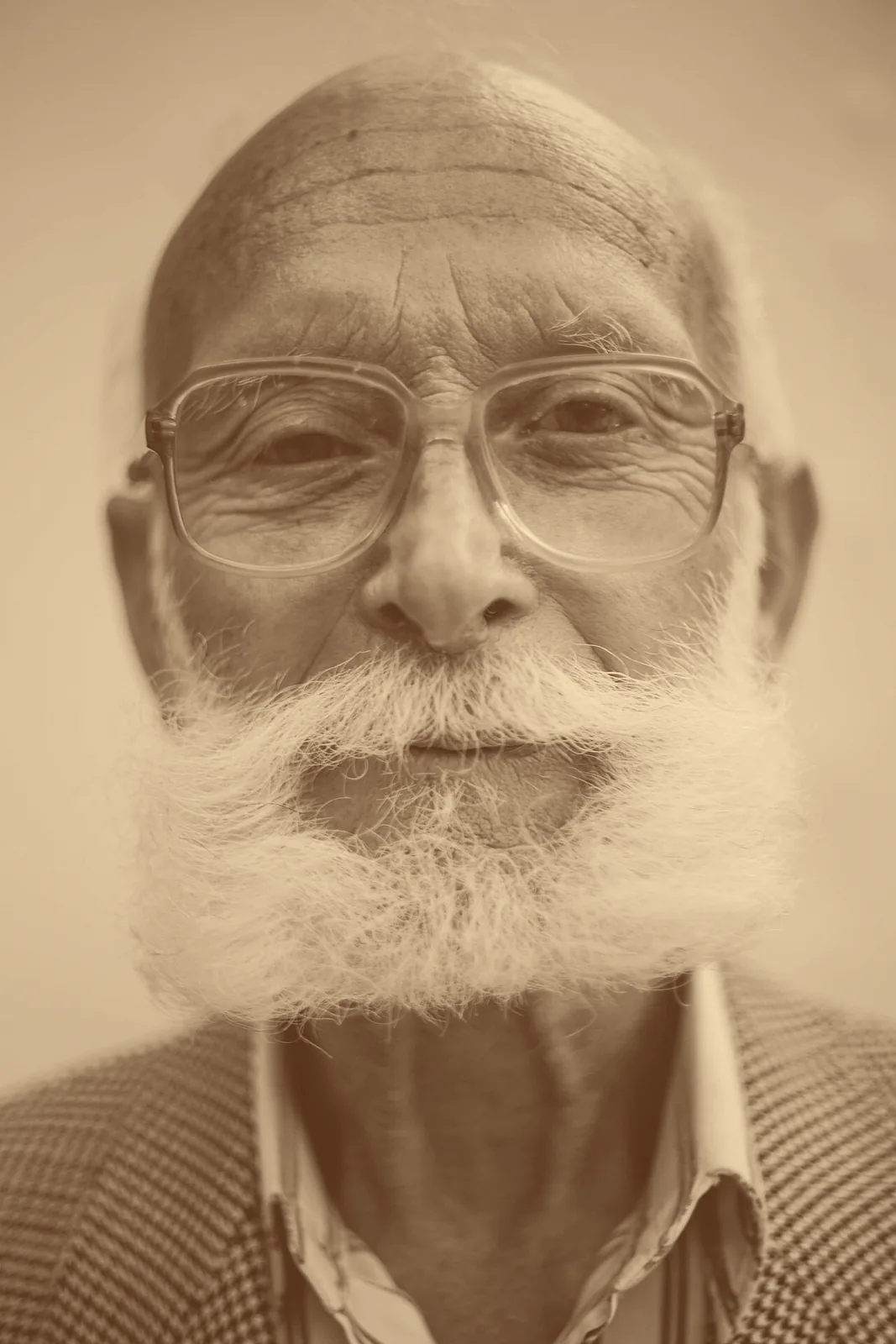
How to make a photo sepia in 4 steps
Choose a photo
Pick a JPG, PNG or WebP. It stays in this browser tab.
Pick a tone
Start with Classic sepia. Each tone shows a short note on where its color comes from.
- BeforeAfter
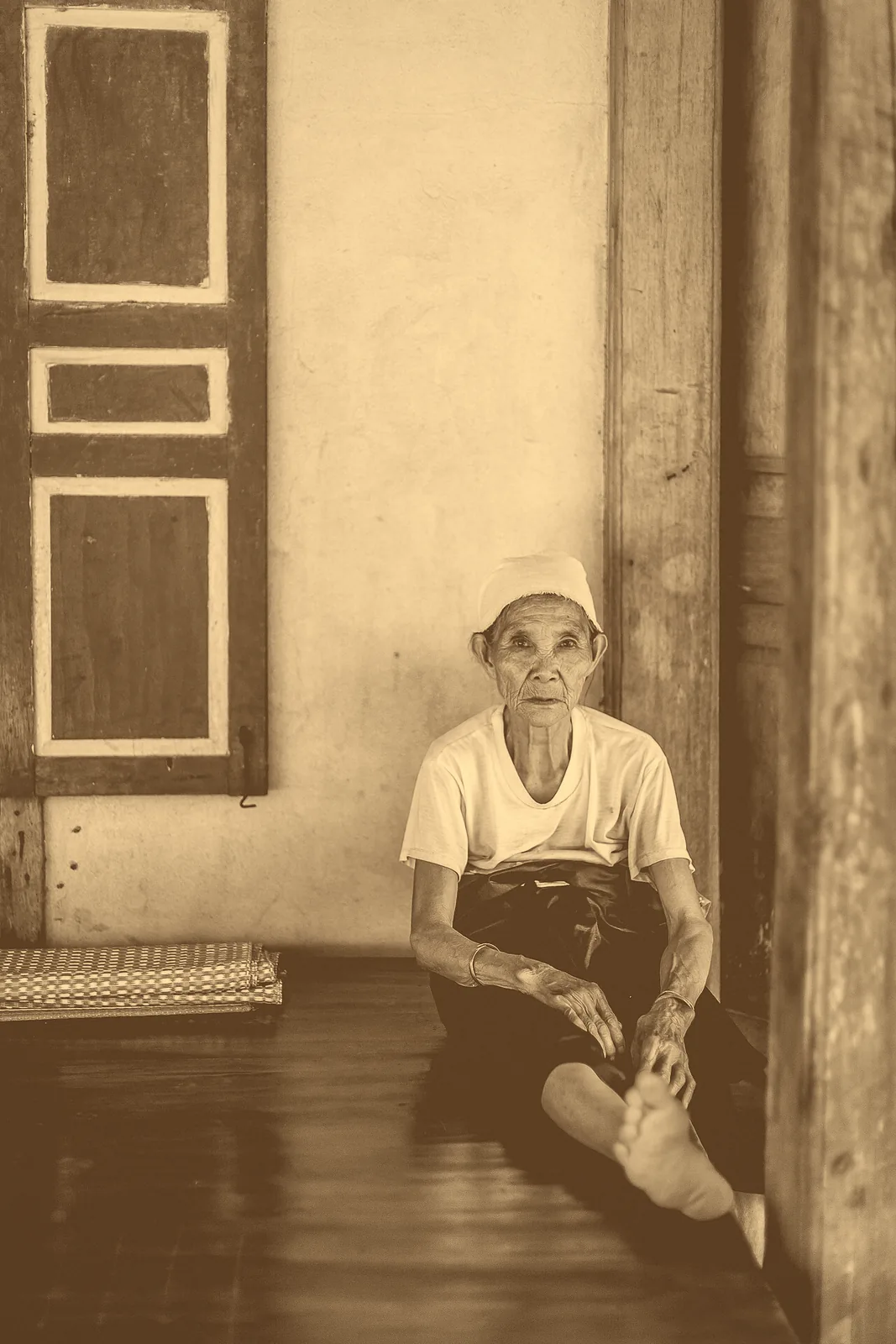
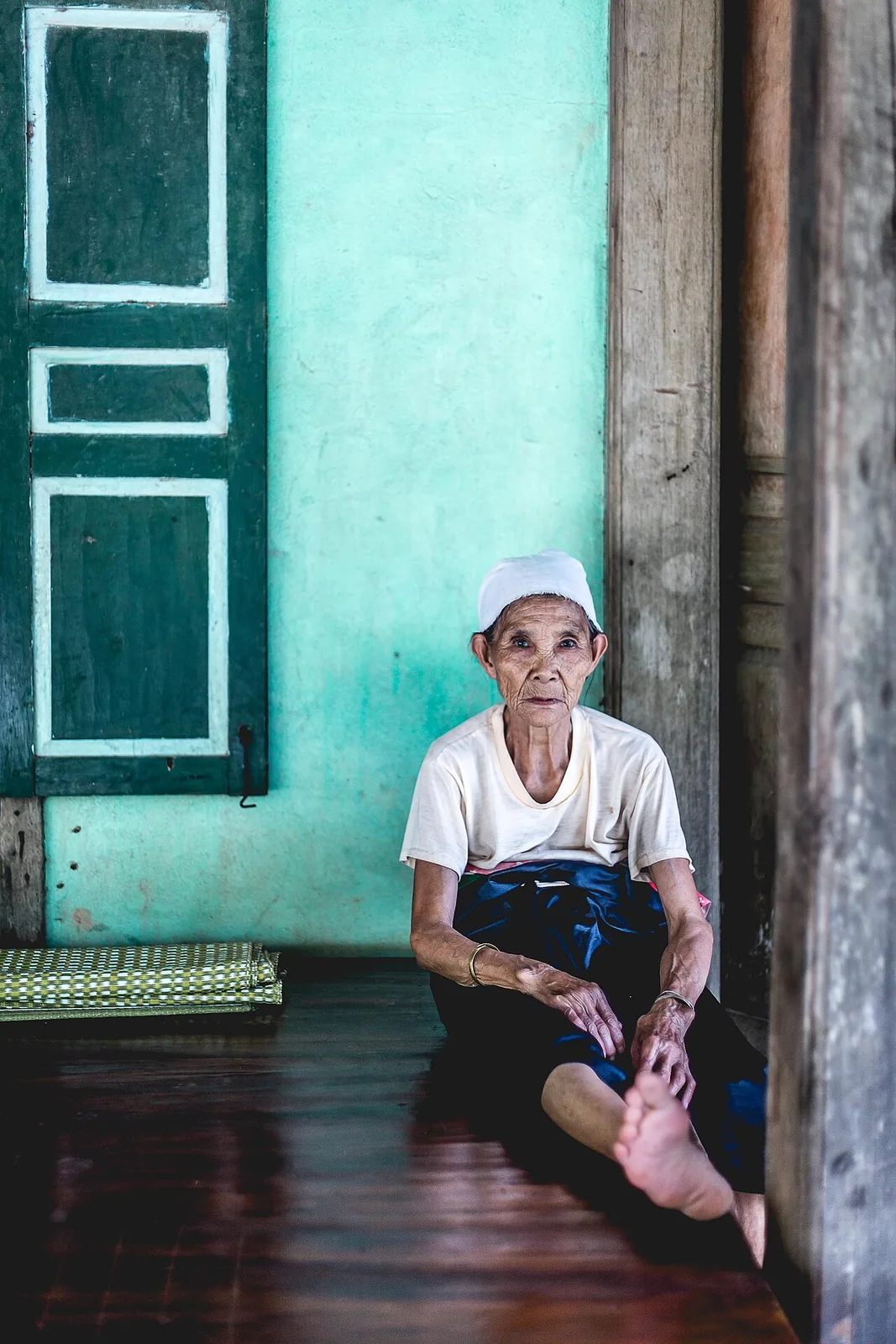
Set the strength
Drag toward 100 for a full antique print, or lower it to keep a hint of the original color.
- BeforeAfter
Download
Save at the photo’s own size. Your original is not changed.
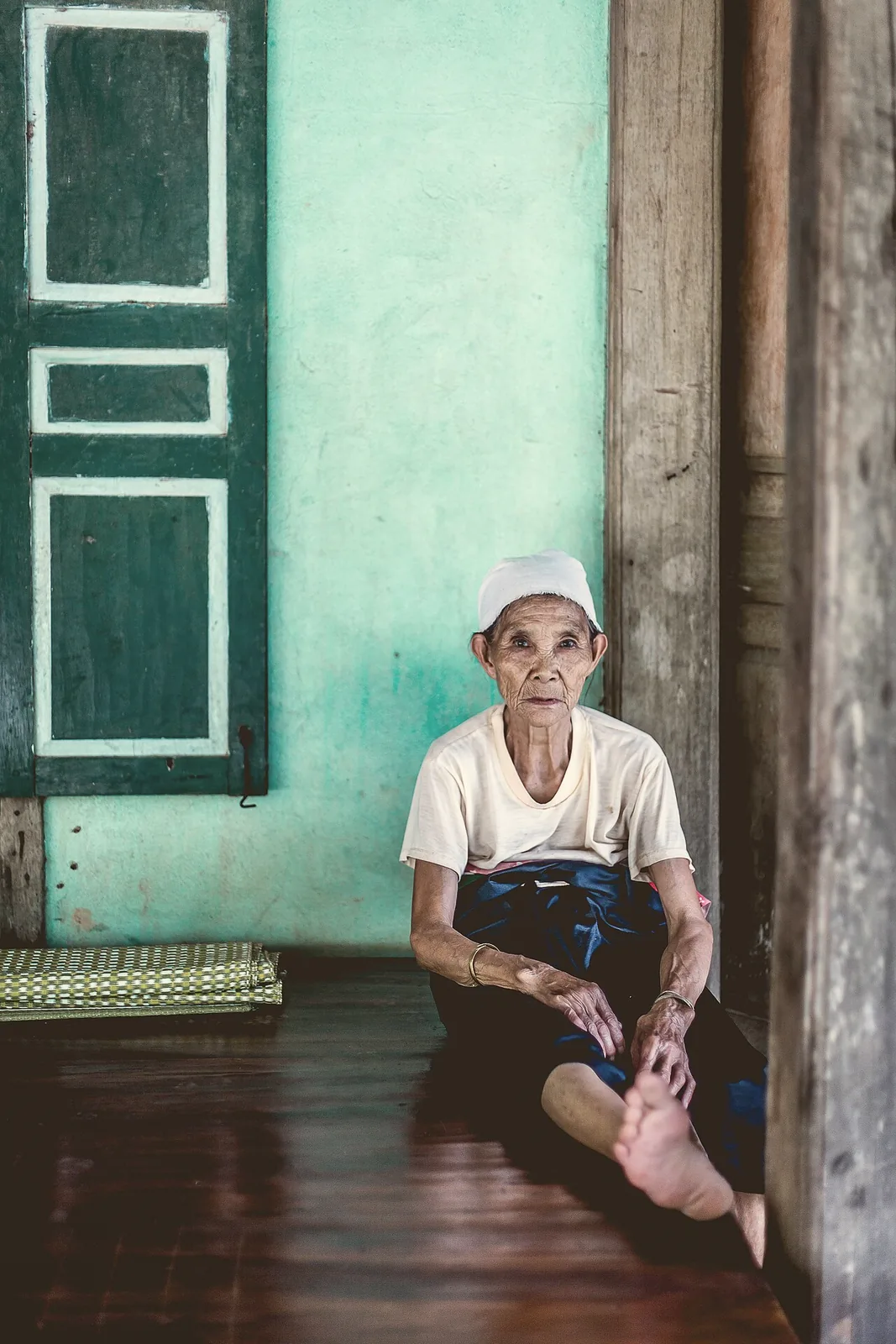
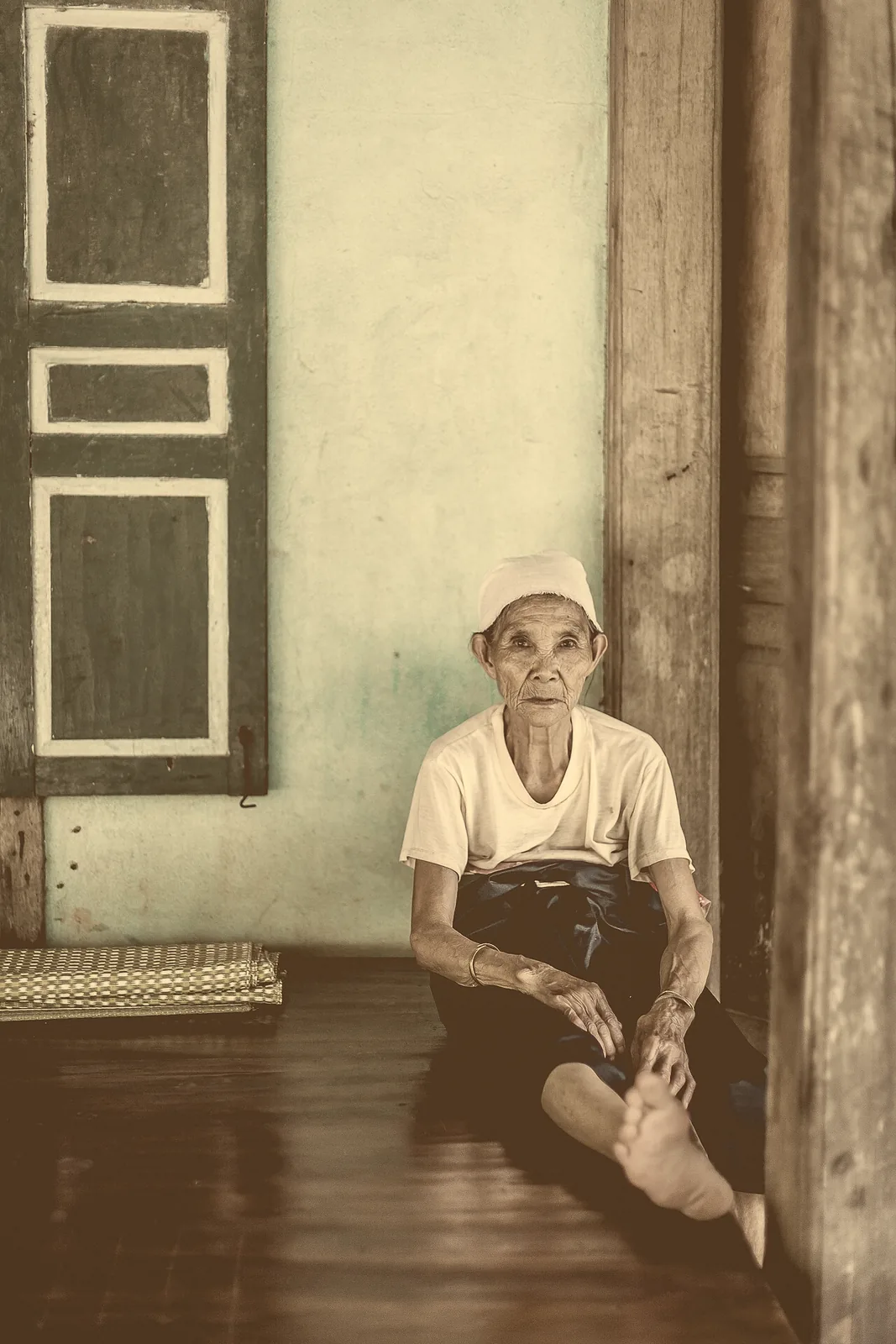
Five tones, and why they look that way
Classic sepia
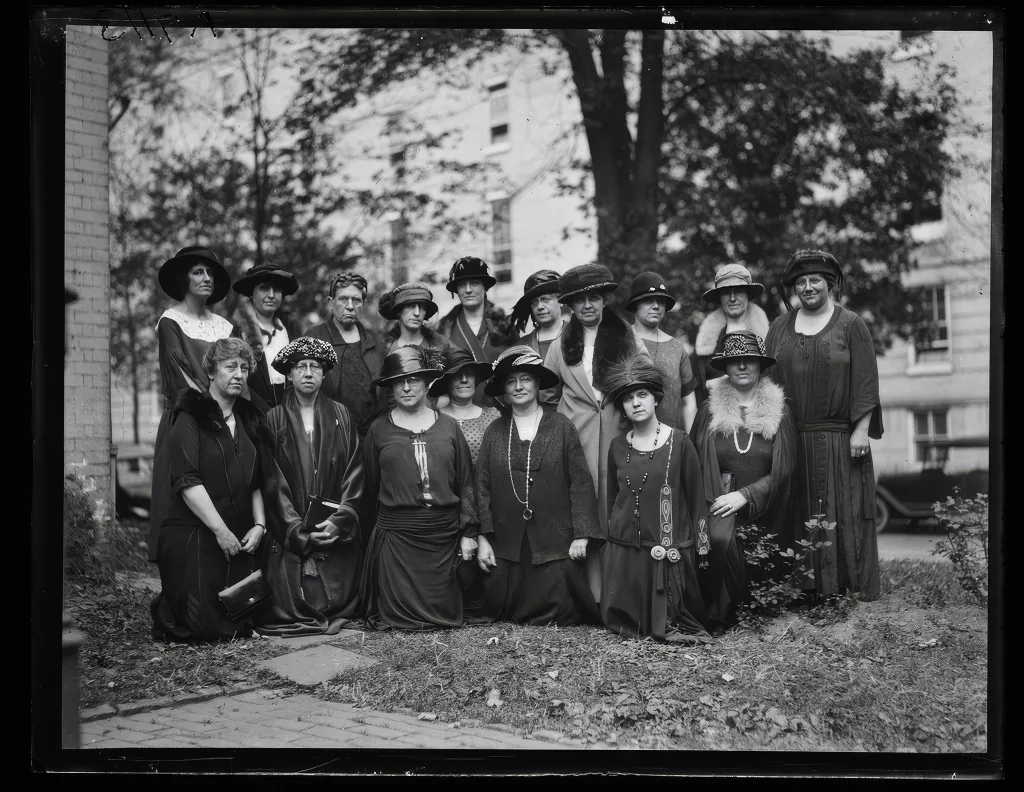
Cream highlights, dark brown shadows, light grain. The look of a cabinet card from around 1900, when sepia toning was the standard finish.
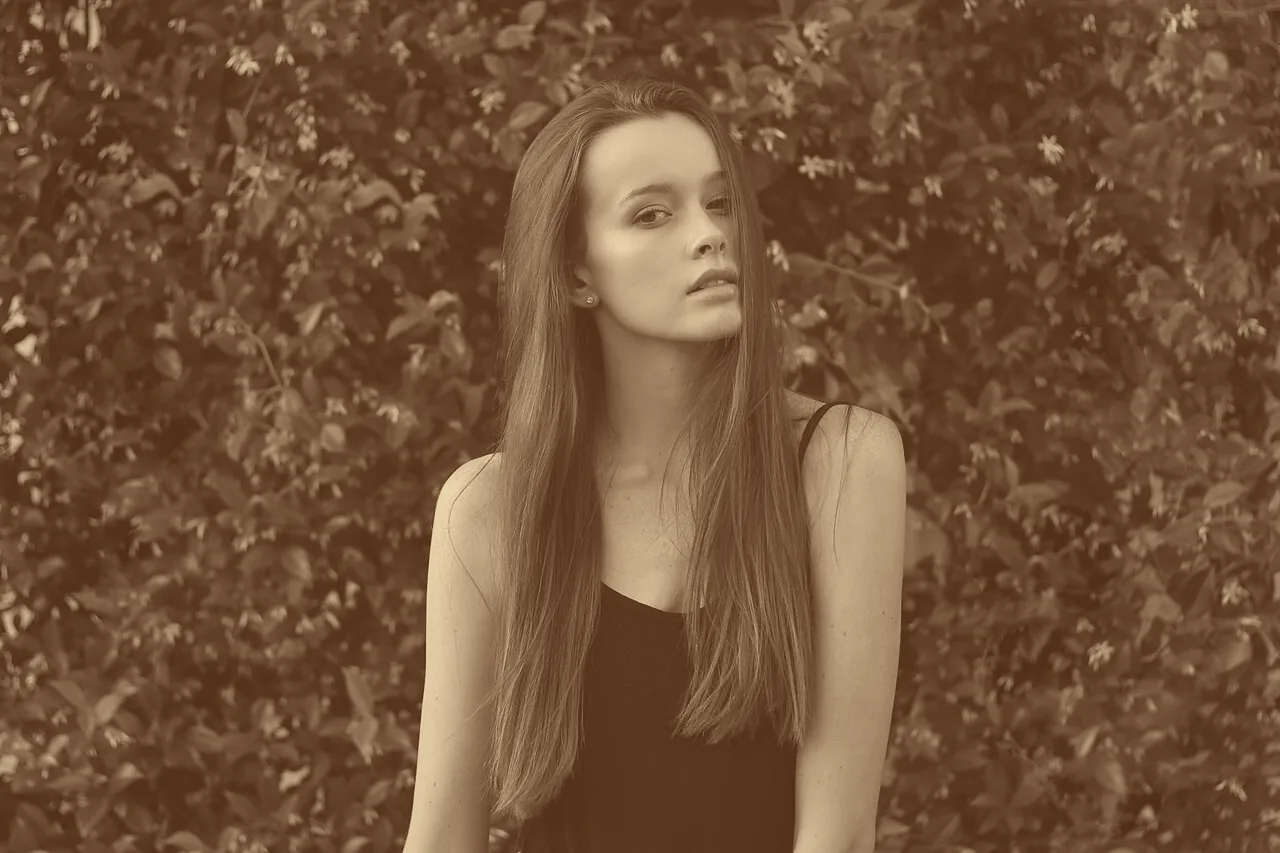
Warm studio
Brighter and softer, with gentle contrast. Closer to a studio portrait from the 1920s–40s, kind to skin.
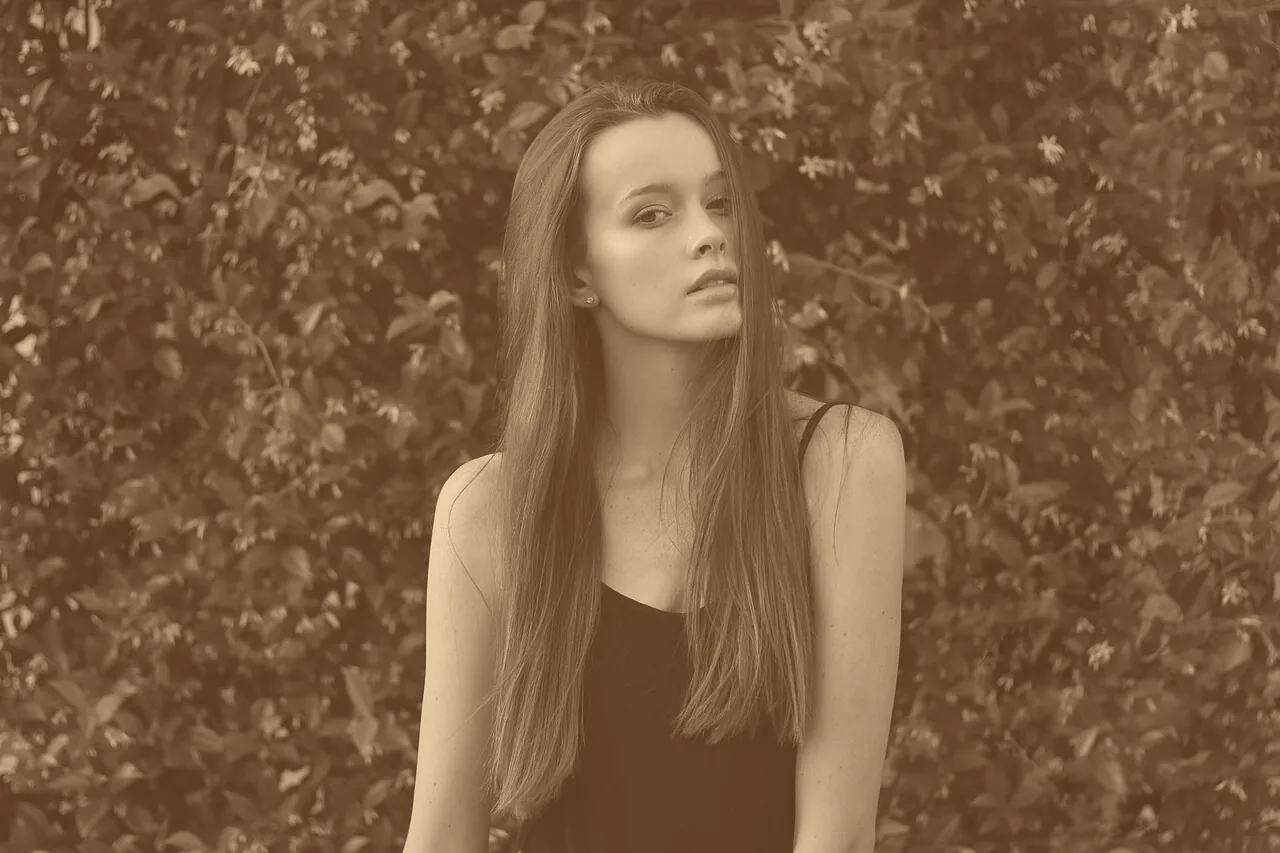
Soft brown
Lifted blacks, pale highlights, low contrast: a print that has sat in an album for decades.
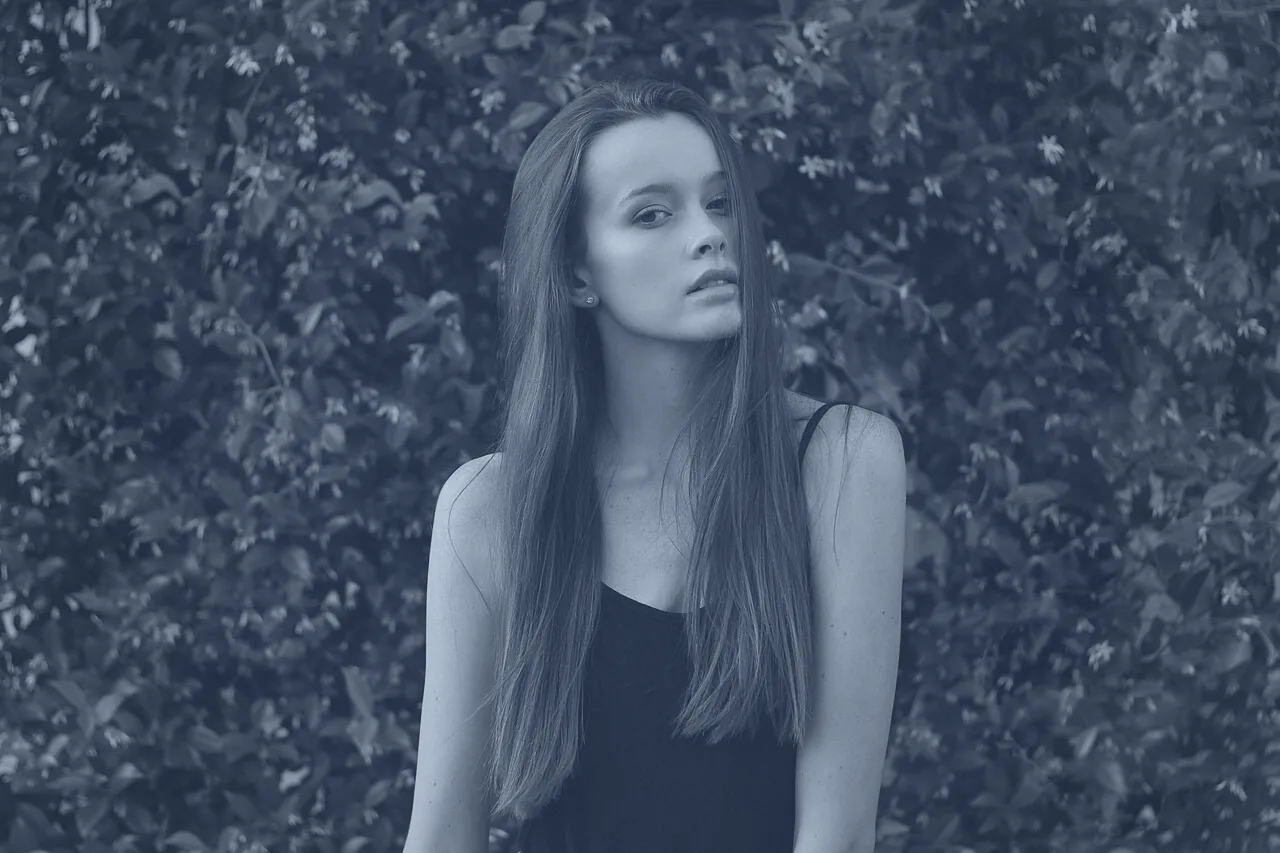
Cool selenium
Blue-black instead of brown. Selenium toner gave prints a cooler, deeper black and helped them last.
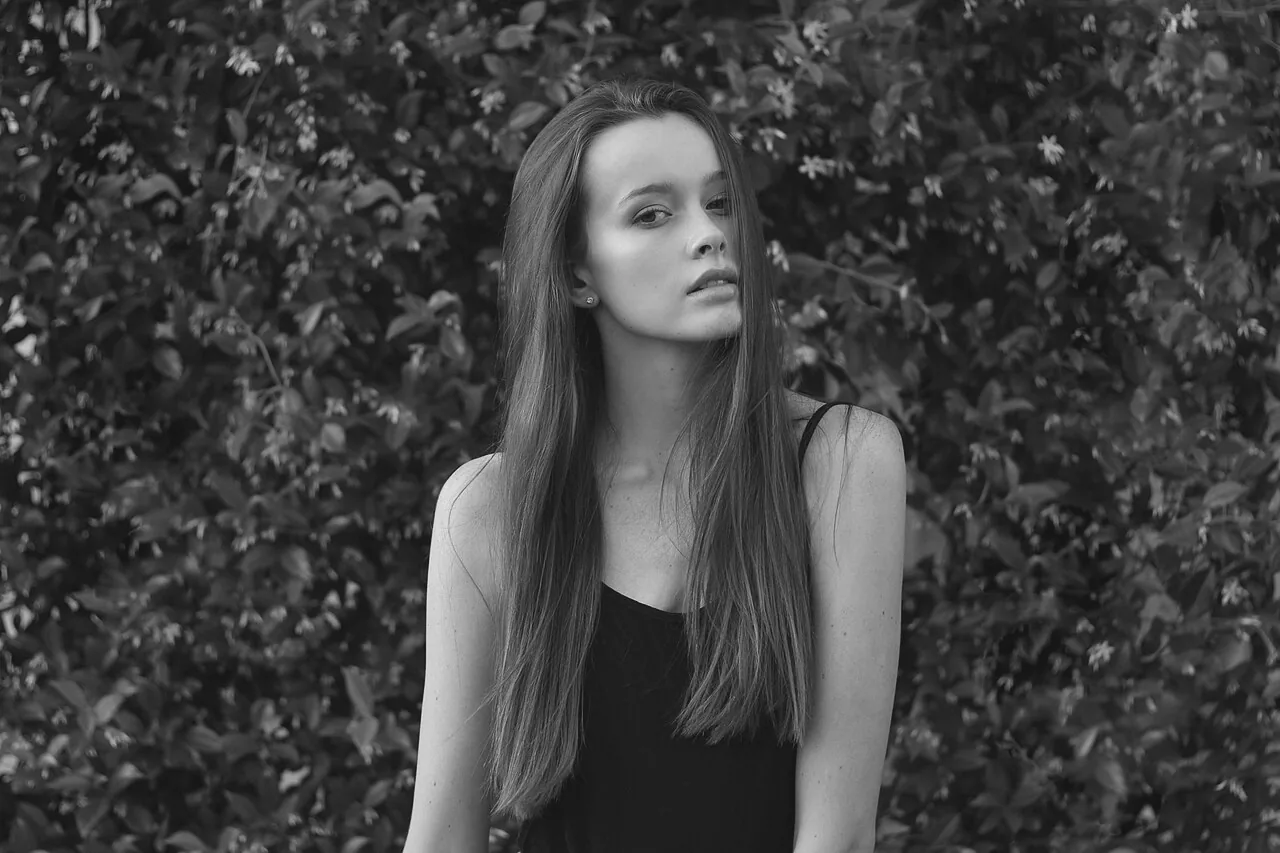
Black and white
No tone at all, just a clean monochrome with a little grain, for when brown is too warm.
What the filter changes, and what it leaves alone
A sepia filter maps brightness to tone. The light parts of the photo turn cream, the dark parts turn brown, and a little grain and a soft vignette add age. Nothing is redrawn, so every face, letter and edge stays exactly where it was.
It all runs inside this browser tab. Your photo never reaches a server, so there is nothing to delete afterwards. The download comes out at the size you opened, as a JPEG, or a PNG if you started with one.
Nothing is uploaded · Faces stay exactly the same · Full size out
Worried it will look fake?
Will it look like a cheap filter?
Flat sepia looks fake because it tints everything one brown. These tones keep shadows darker than highlights, as real prints did, and you can turn grain and vignette down.
Will my photo get too dark?
Sepia shadows are brown, not black, so a dim photo can feel muddy. Brighten it first, or pick Soft brown, which lifts the blacks.
Can I go back to color?
Yes. Slide the strength to 0 at any time. The download is a new file.
Photos that make the best sepia
Sepia looks most convincing on photos that could have been taken a hundred years ago. Soft light helps the most. Window light or a cloudy day gives the smooth gradients old prints had; hard noon sun turns into blank cream patches.
Then look for anything that gives the date away. Phones, logos, plastic chairs and LED signs read as modern even in brown, so crop them out before you add the tone. Clothes matter too: plain fabrics, wool, lace and hats look period, while bright sportswear never quite does.
Side by side with the real thing
REFERENCE
Compare with a real 1900s print
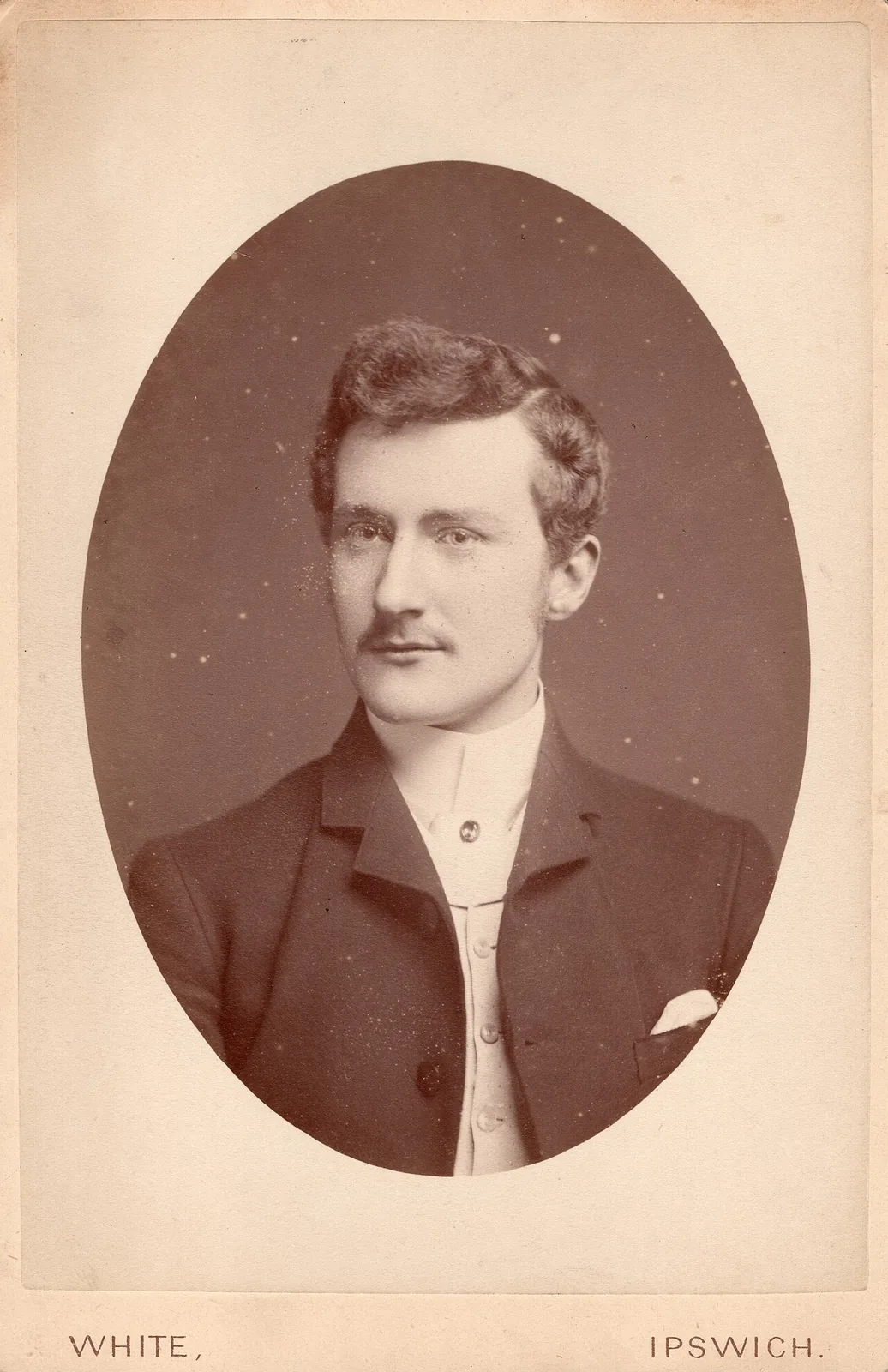
Put your result next to a genuine sepia print from the same era and adjust grain and vignette until they sit together.
Sepia filter FAQ
What is the difference between sepia and black and white?
Black and white runs from black to white through grey. Sepia runs from dark brown to cream, so it feels warmer and older. For plain grey tones, use the black and white photo filter.
What color is sepia?
A reddish brown, close to the color of strong coffee or old ink. In a sepia photo it runs from that brown in the shadows to cream in the highlights.
Why were old photos sepia?
Darkroom toners turned the silver in the print into silver sulfide, which made it brown and helped it resist fading. Many photos from 1880–1930 were finished this way.
How do I make a photo sepia on iPhone?
Open this page in Safari, choose the photo, pick a tone and download. The photo stays on the phone and nothing needs to be installed.
Sepia filter vs vintage filter: which do I want?
Sepia makes the photo one brown tone, like a print from before 1940. A vintage filter keeps the color but fades it, like a 1970s or 1980s print. For color film, try the vintage filter.
Is sepia good for printing?
Yes. Download at full size and print on matte or cream paper for the most period look.