Light Leak Filter
Add the warm glow of light leaking into a film camera: orange and red from the edge of the frame, soft haze, a streak or two. Choose where it comes from. Free, in your browser, and your photo never leaves your device.
- ✓Runs on your device
- ✓Nothing is uploaded
- ✓Free, no sign-up
Drop a photo here or paste with Ctrl+V
Free, no sign-up. Nothing is uploaded.
How do I add a light leak to a photo?
Choose a photo, pick a leak and drag it to the edge it should come from. Set the strength and how far it spreads. Keep it away from faces and let it fall on darker areas, where real leaks show most. Download at full size.
One photo, four kinds of leak
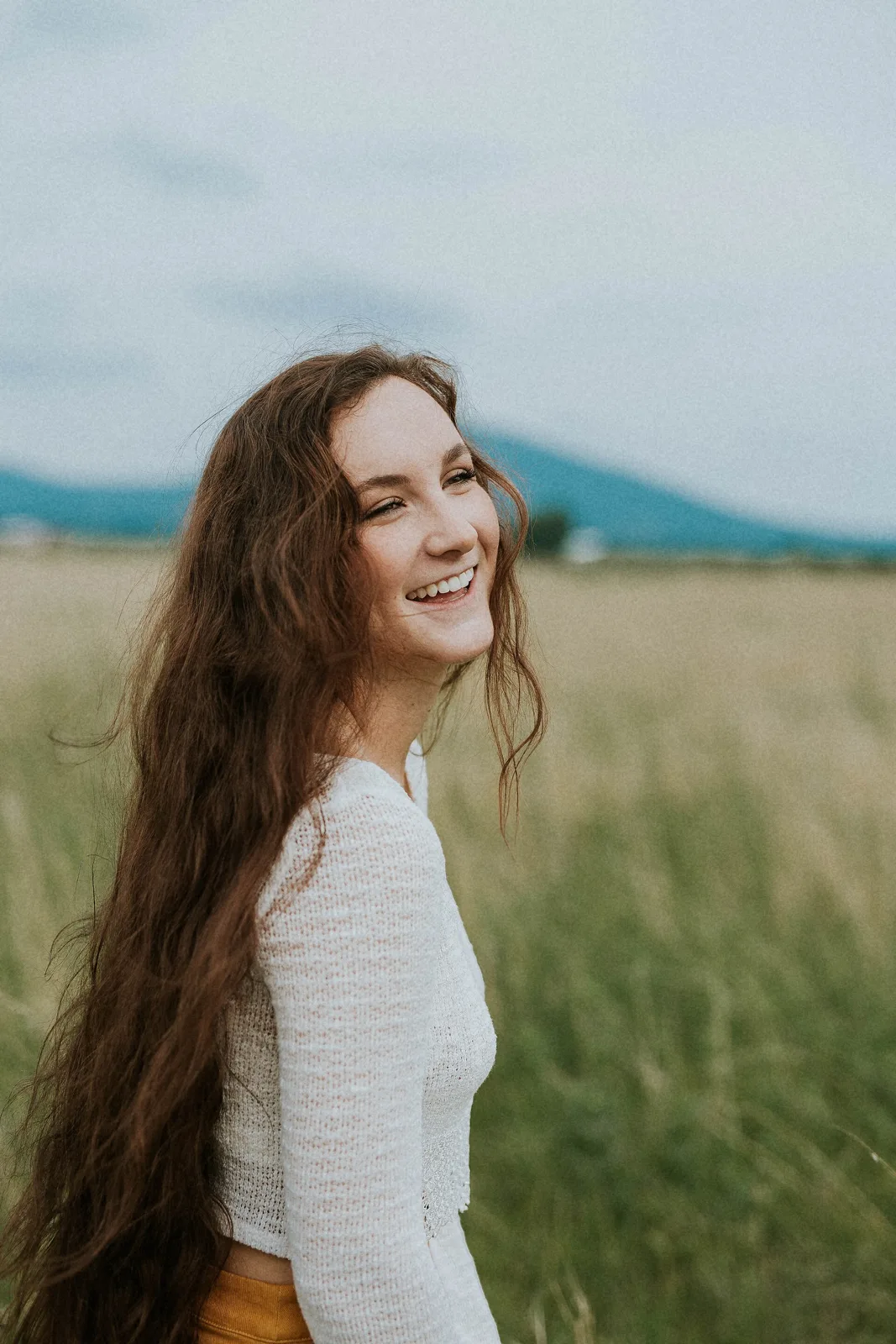
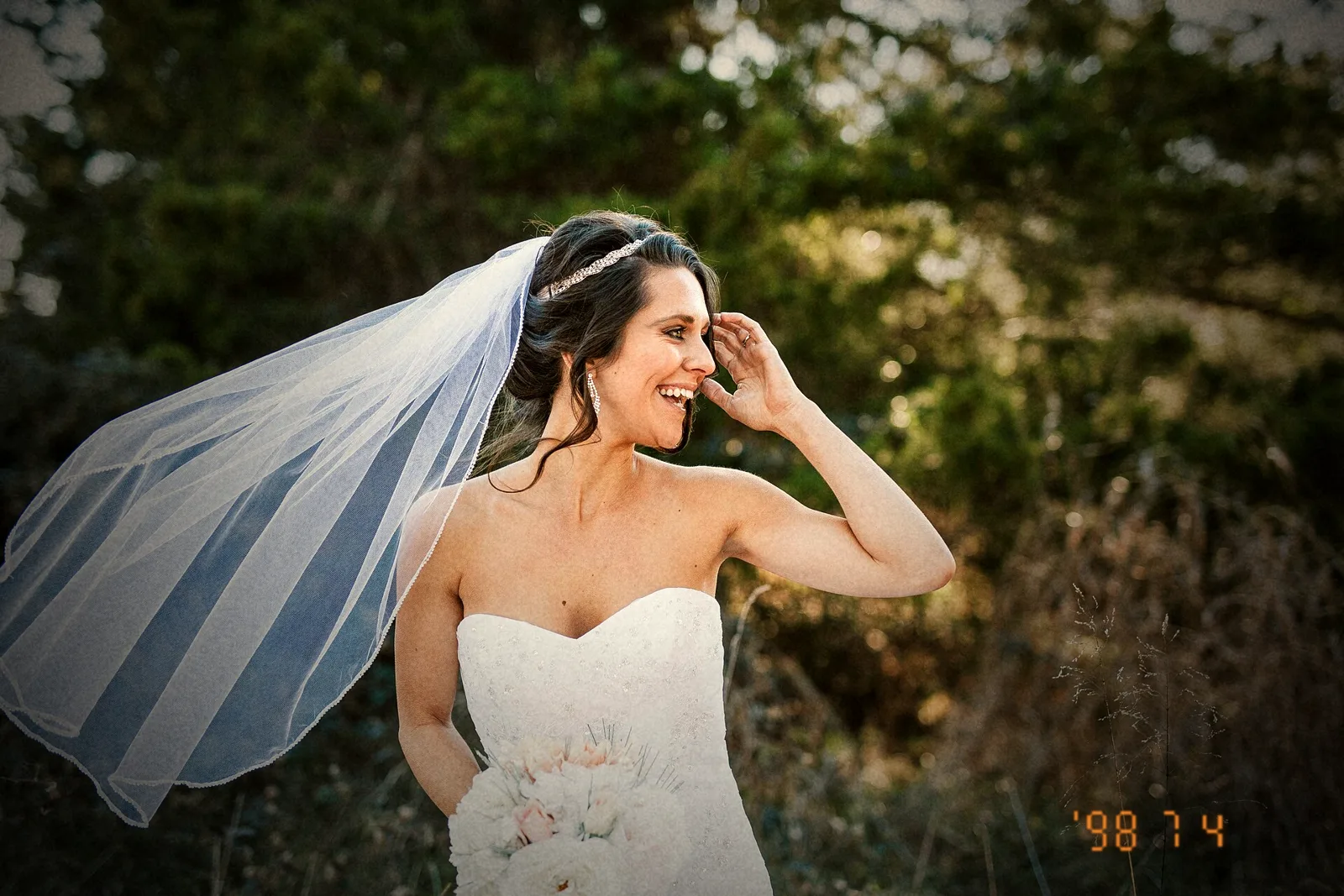
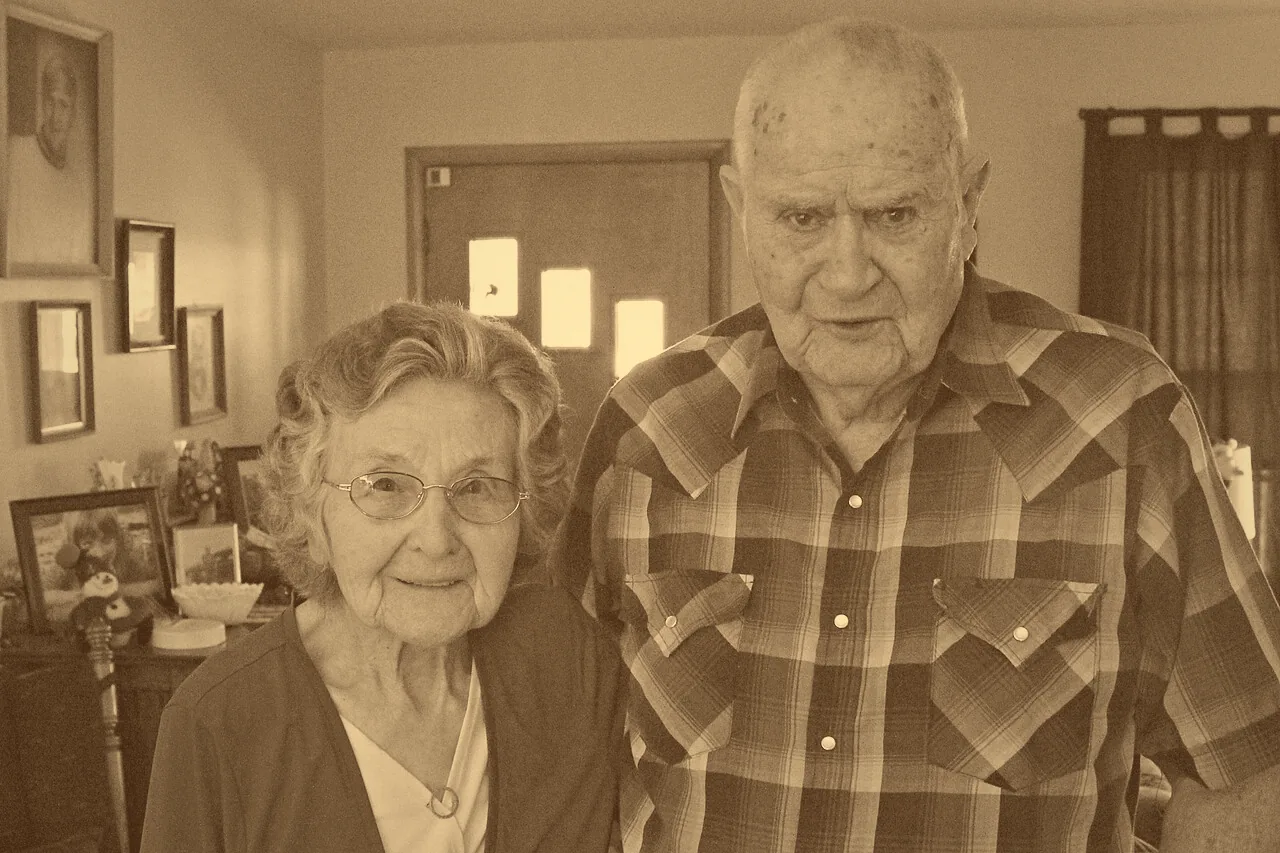
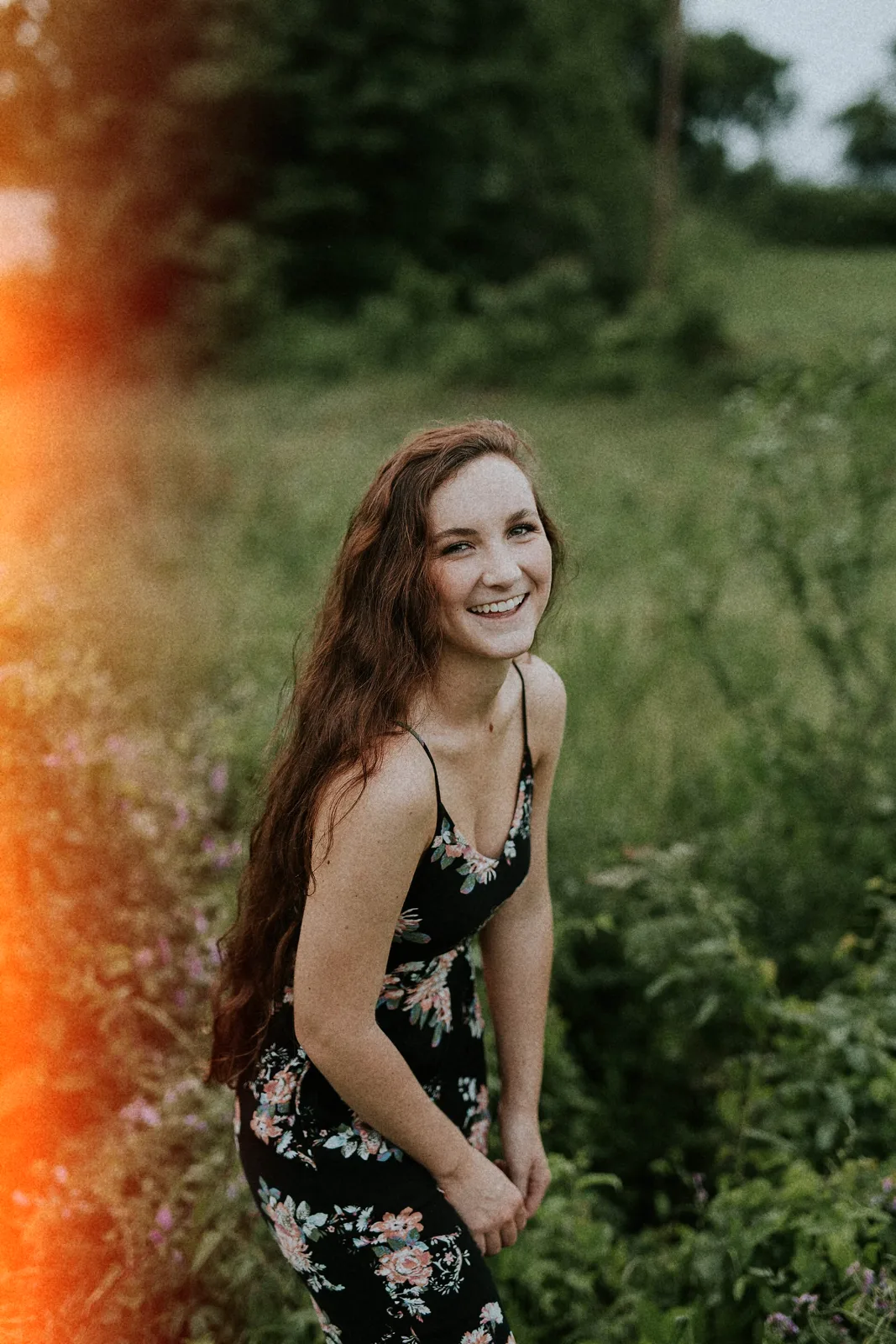
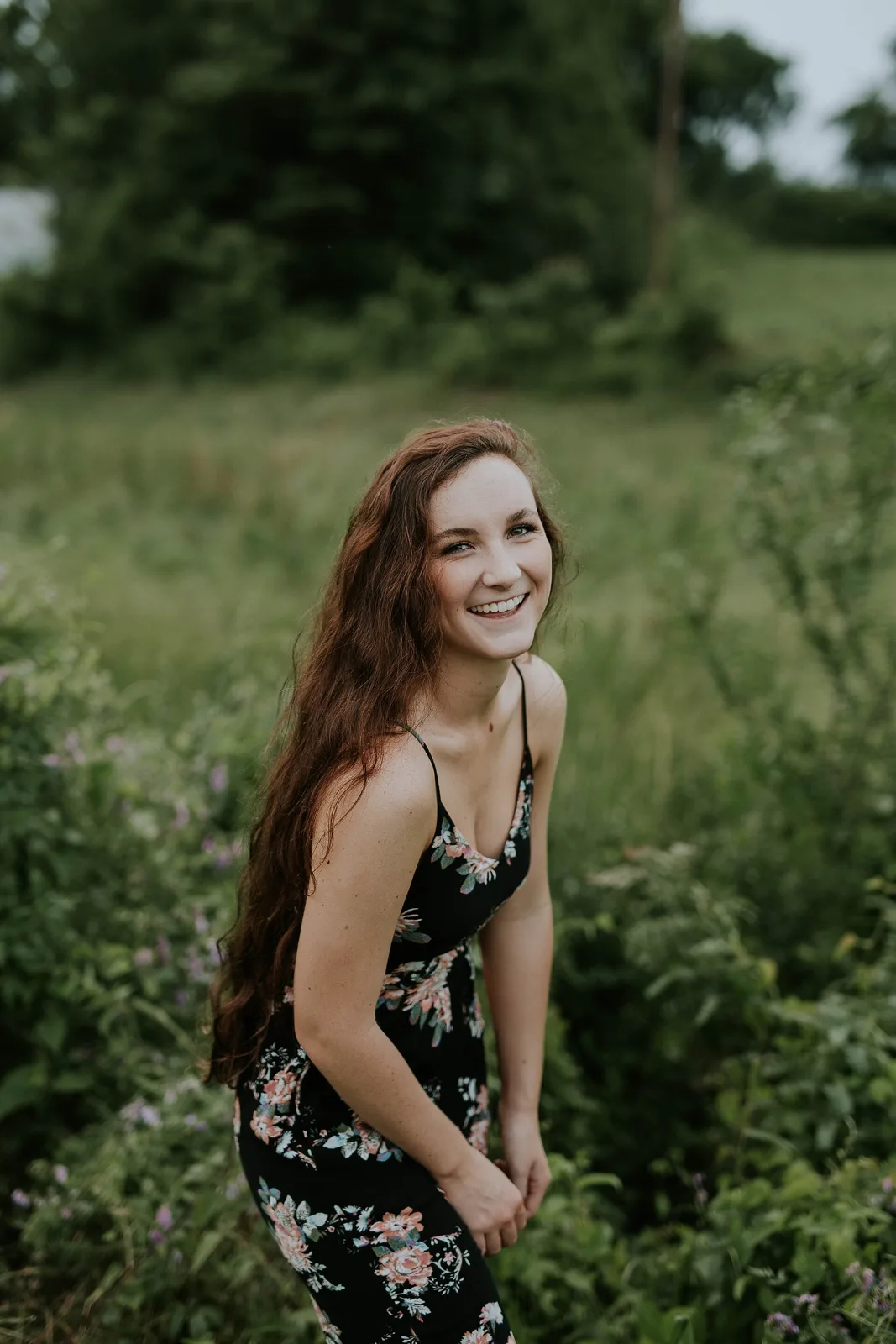
The same photo, original and four leaks at the default strength.
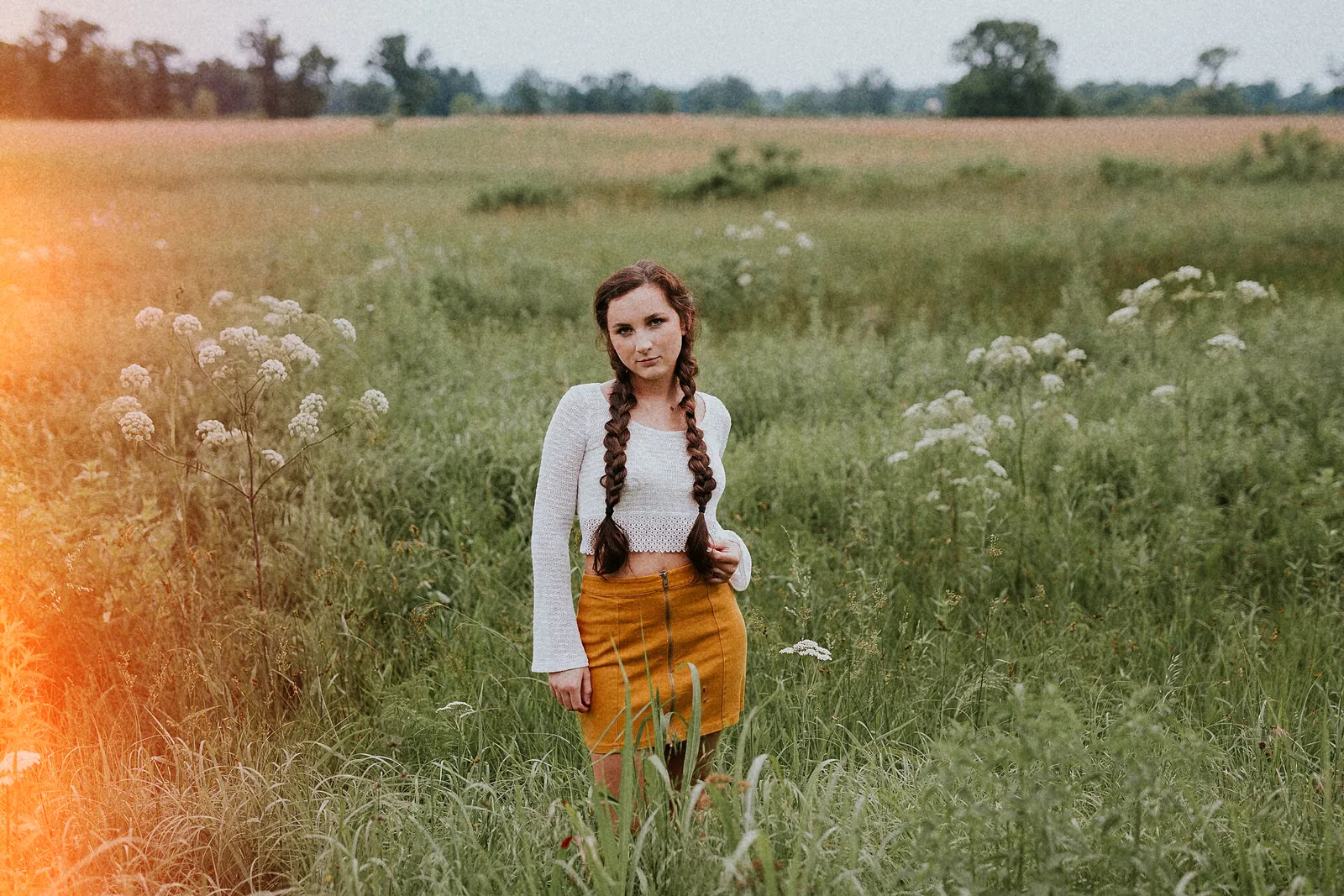
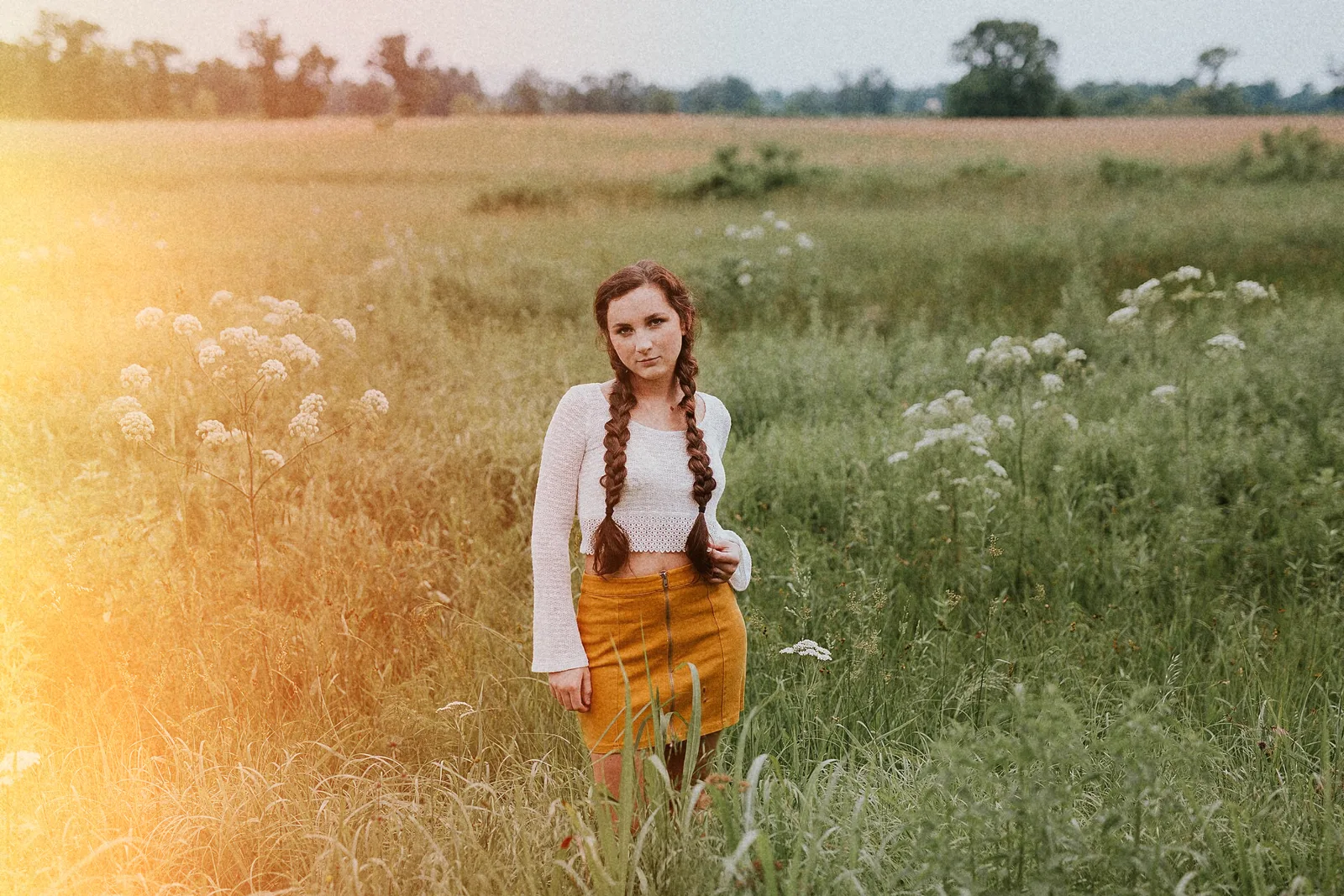
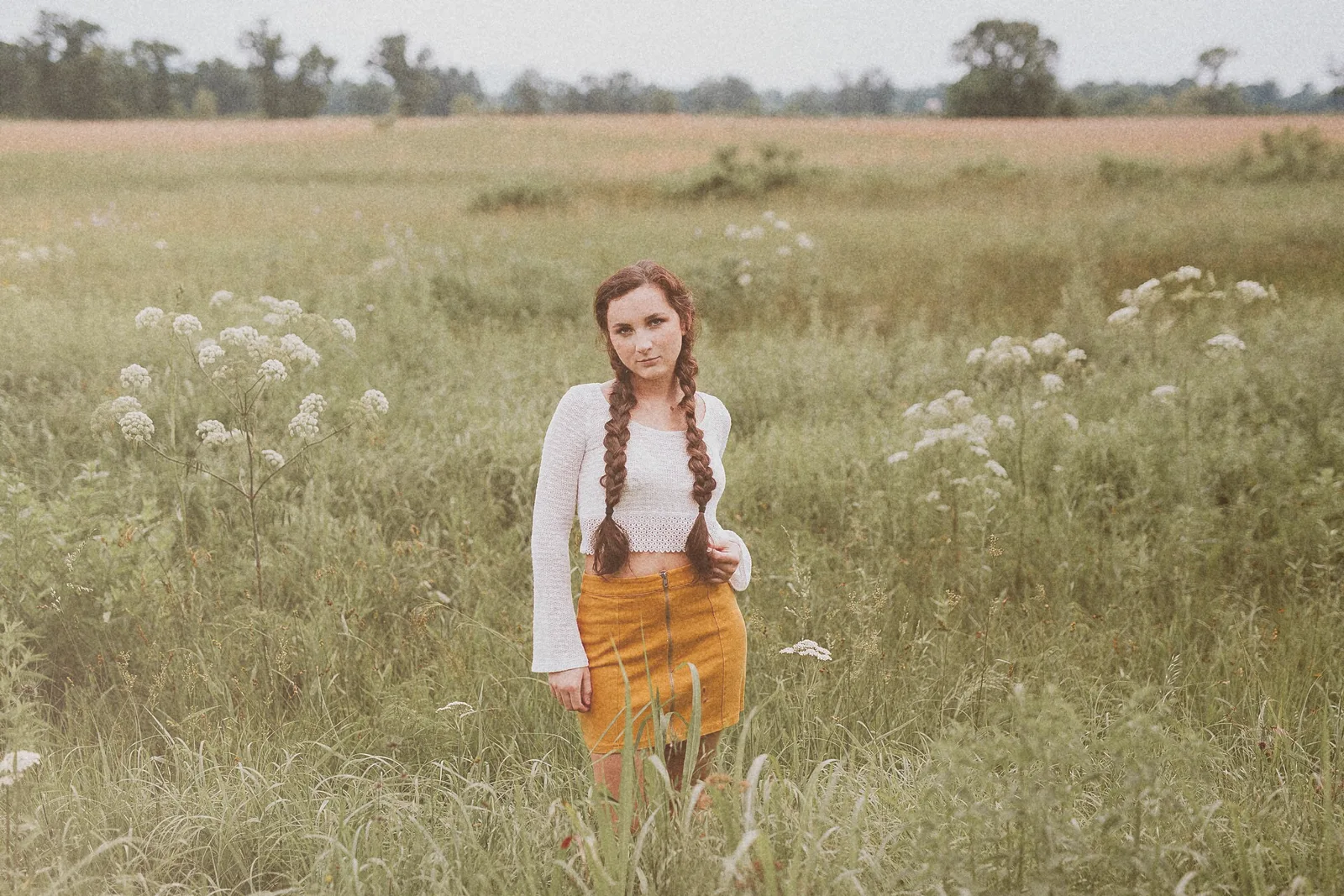
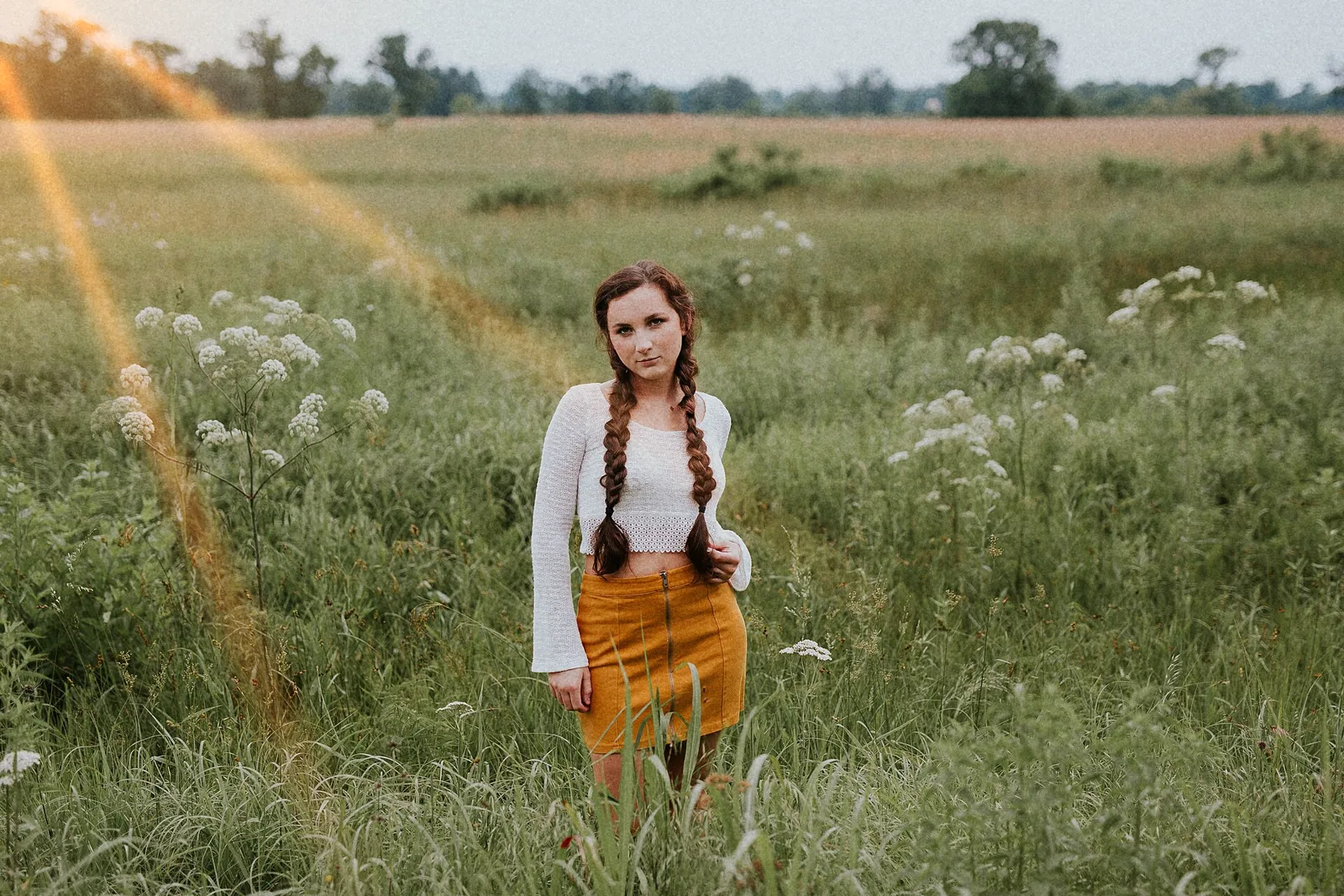
What a light leak actually is
A film camera is a light-tight box. When light got in where it shouldn't, through a worn seal, a cracked body or a back opened too early, it exposed part of the film by accident.
On color film, light that slipped in from behind reached the red-sensitive layer first, which is why many leaks look red and orange. Because they came through gaps, they usually start at an edge and fade toward the middle. And the leak changed from frame to frame.
Where a leak looks real
Coming from an edge
Most real leaks start at the side or a corner of the frame, not in the middle.
On darker areas
A leak shows on shadows, sky at dusk or a dark background. On bright white areas it barely shows.
Away from faces
A leak over a face looks like a mistake you'd crop. Put it on the empty side of the frame.
Matching the light
If the sun is on the left, let the leak come from the left. It then reads as part of the scene.
What are you adding light leaks to?

A film look that changes from post to post
On a real roll, every frame leaked a little differently. Turn on Vary each photo and every image in a carousel gets its own leak, in the same colors, so the set looks like one roll without looking copied.
Try Edge burn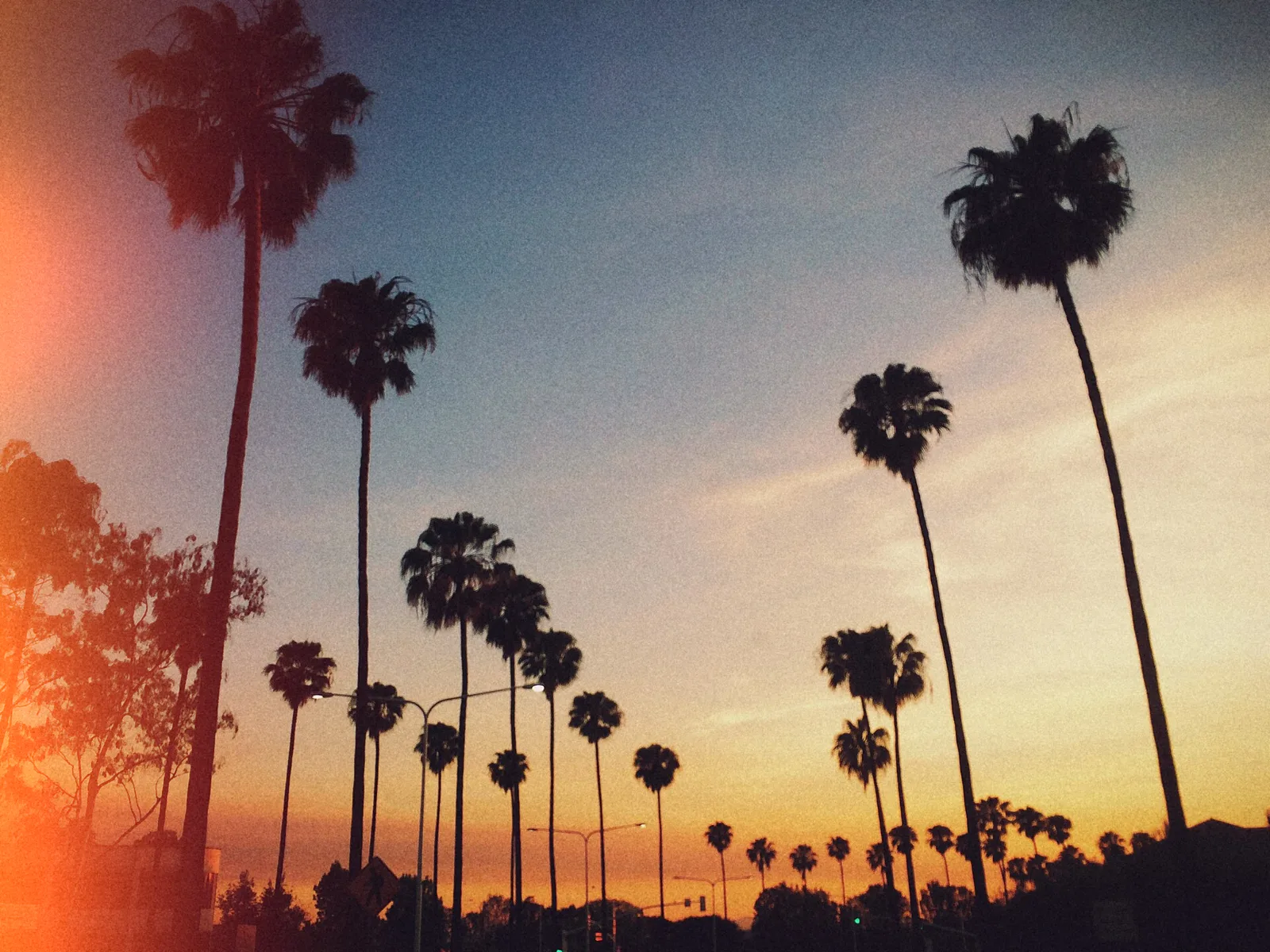
Make a sunset photo feel warmer than the phone saw it
Beaches, rooftops, road trips and the last light of the day. Let the leak come from the sun's side and keep the strength low; the light then looks like it was always there.
Add a warm leak
Soft, dreamy portraits without retouching
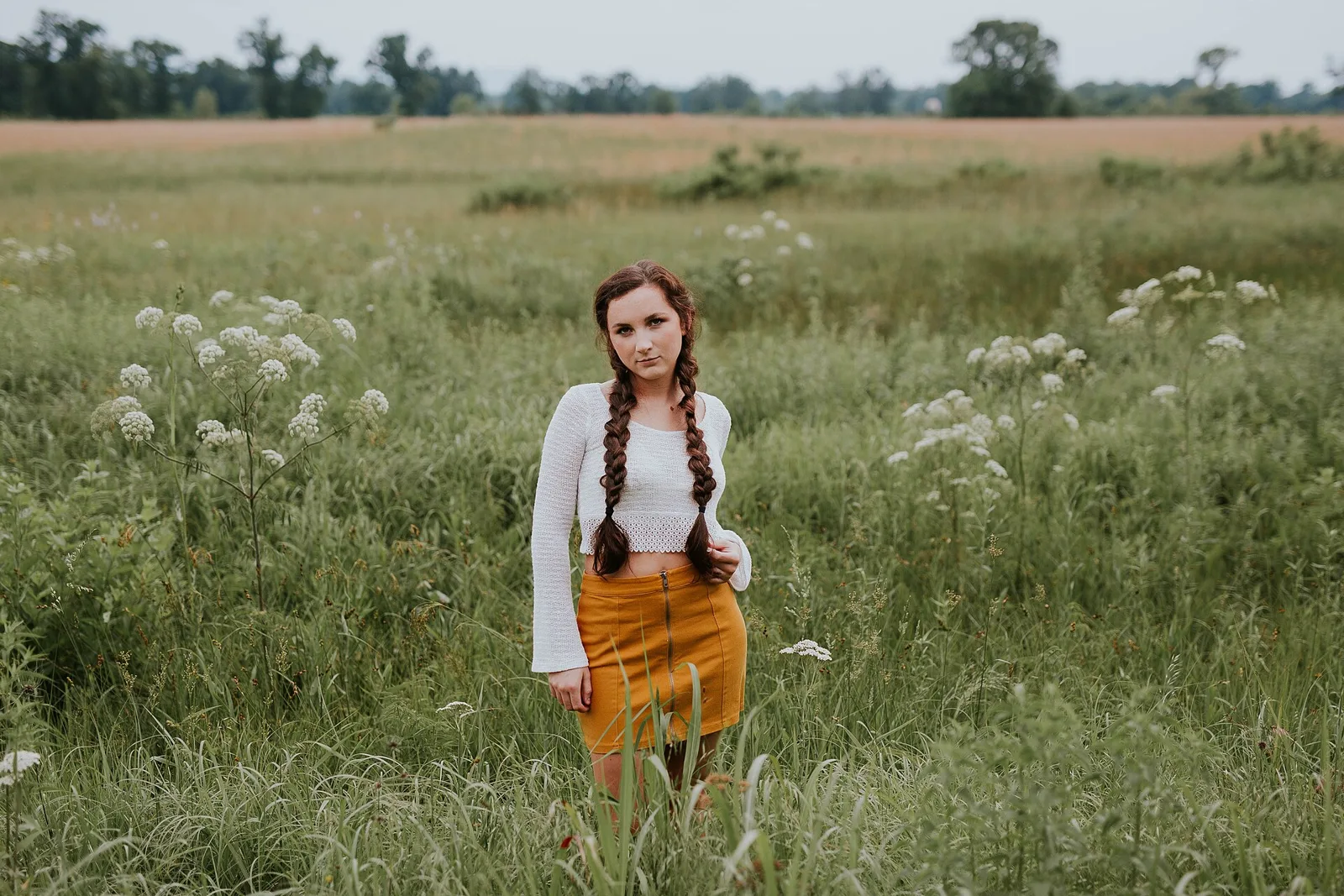
Soft haze adds a peach glow that suits couples, flowing dresses and backlit fields. Place it behind the couple so faces stay clear.
Try Soft haze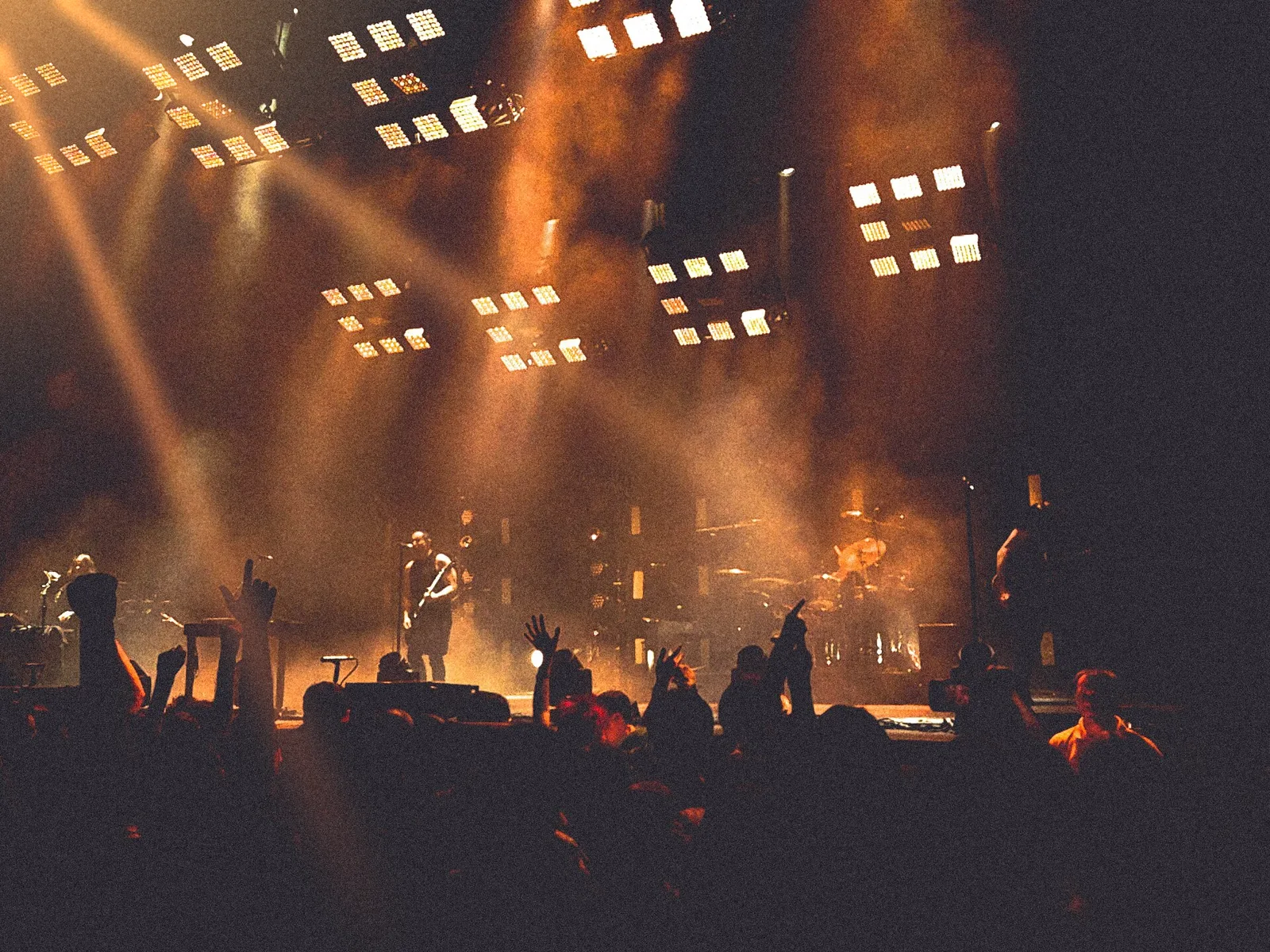
Stage light, haze and a little chaos
Night shots already have dark areas for a leak to land on. Streaks over a crowd or a dark stage look like a camera that's been around.
Try Streaks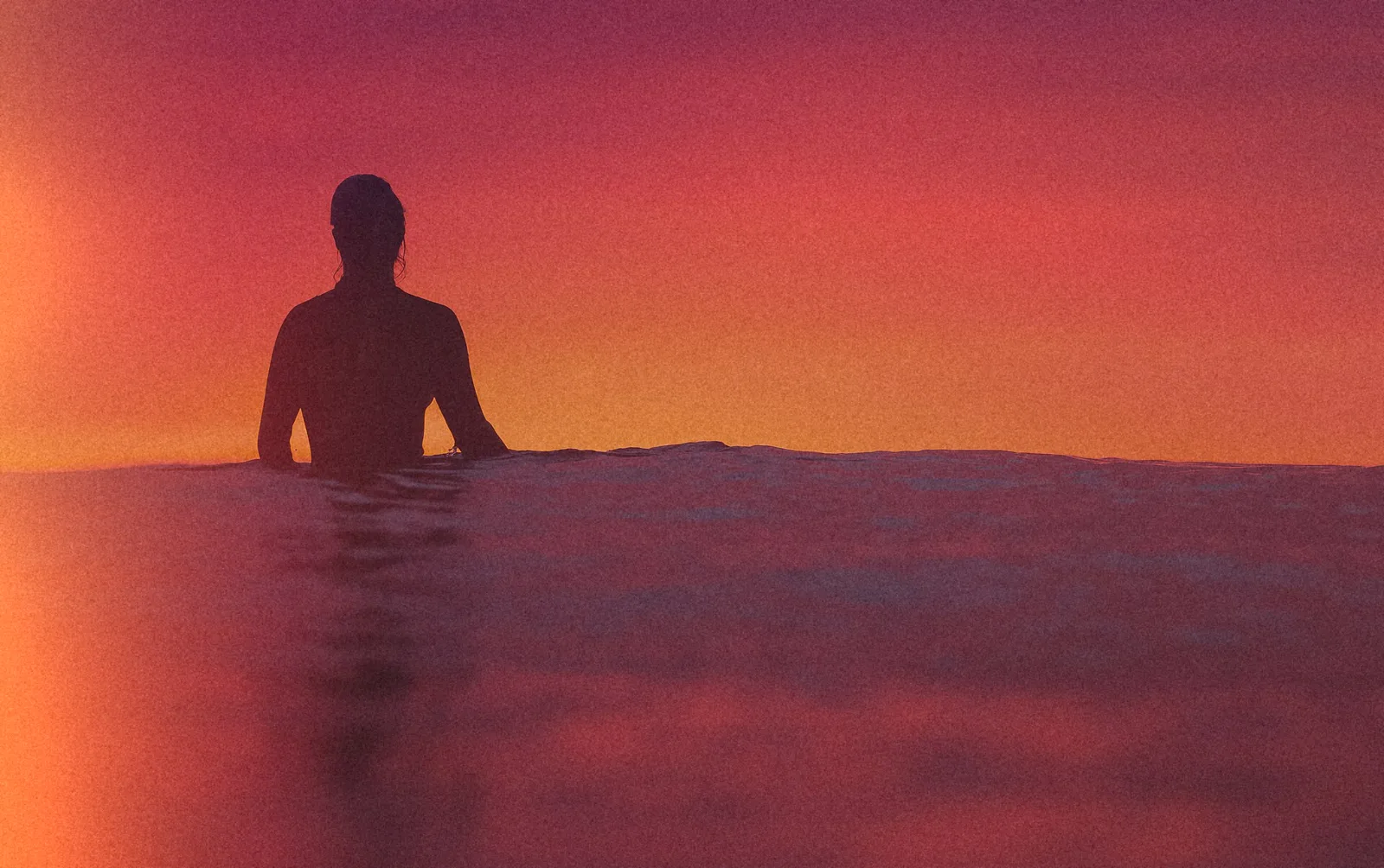
Cover art, thumbnails and lyric posts
A leak adds warmth and movement to a single cover, a playlist image or a video thumbnail. Keep the leak on the side away from the title.
Make a cover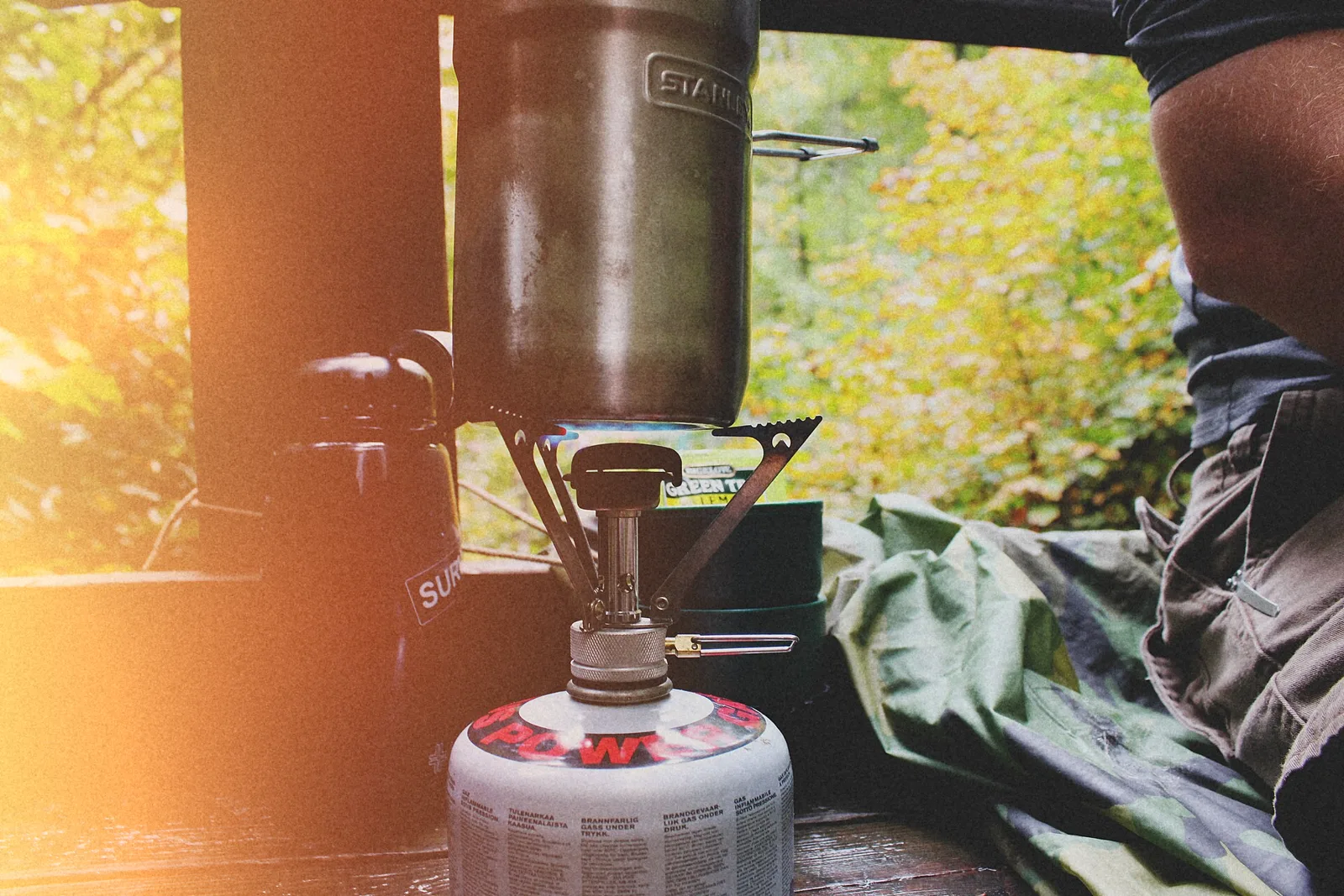
A warm, analog feel for small brands
Cafés, candle makers, vintage shops and wedding vendors: a soft edge leak gives product and venue photos the same warm mood across a feed.
Try End of rollHow to add a light leak in 4 steps
Choose a photo
Pick a JPG, PNG, WebP or HEIC (iPhone) photo. It stays in this browser tab.
Pick a leak
Start with Edge burn, or switch to End of roll, Soft haze or Streaks.
Place it and set the color
Drag the leak to the edge you want. Set strength and spread, and change the two colors if orange doesn't suit the photo.
Download
Save at the photo's own size. Turn on Vary each photo before opening the next one if you're editing a set.
How the light leak is made
The leak isn't a stock overlay stretched over your photo. It's drawn for your image at its own size, from the edge you choose, with two colors that blend into each other and fade toward the center.
It's added like light: bright areas get brighter and dark areas pick up the most color, the same way film reacted. No AI decides where the light goes. You do, so it can stay off faces, and nothing in the photo is redrawn. It all runs inside this browser tab: your photo is never uploaded.
- Nothing is uploaded
- Drawn for your photo's size
- Faces stay the same
Worried it will look like a sticker?
Will it look fake?”
Fake leaks usually sit in the middle, cover a face or are the same on every photo. Start from an edge, keep strength moderate and turn on Vary each photo for a set.
Will it wash out the photo?”
Only where the leak is. Lower the spread to keep most of the frame untouched.
Can I combine it with grain?”
Yes. Grain and a date stamp are in the same editor, so you can build a full film look in one step.
How to shoot a photo that suits a light leak
- Leave space.A leak needs somewhere to land, so shoot with some empty sky, wall or shadow on one side of the frame instead of filling it with your subject.
- Shoot into or across the light.Late afternoon sun, backlit hair and window light already push warmth into the frame, and a leak from the same side looks natural. Flat midday light and white backgrounds give a leak little to work with.
 OriginalEdge burn
Light leak filter FAQ
What is the difference between a light leak and a lens flare?
A lens flare is caused by a bright light in front of the lens: it makes rings, spots or a hazy veil, often in line with the sun. A light leak comes from inside the camera, so it glows in from the edge of the frame and has no rings.
What is a film burn effect?
People use it for the same thing: the orange and red glow from film being exposed to stray light. Heavy film burns at the start or end of a roll are what End of roll copies.
Why are light leaks usually orange or red?
On color film, light that got in from behind reached the red-sensitive layer first. That leaves a warm red, orange or yellow glow.
Can every photo in a set get a different leak?
Yes. Turn on Vary each photo. The colors and strength stay the same, while the shape and position change a little each time, like frames on one roll.
Do light leaks work on black and white photos?
Yes, as a soft white glow. On a black-and-white print a leak shows as a pale grey-white glow, not orange.
Does it work on iPhone photos?
Yes. Open this page in Safari, choose the photo, place the leak and download. It stays on the phone.
More photo tools