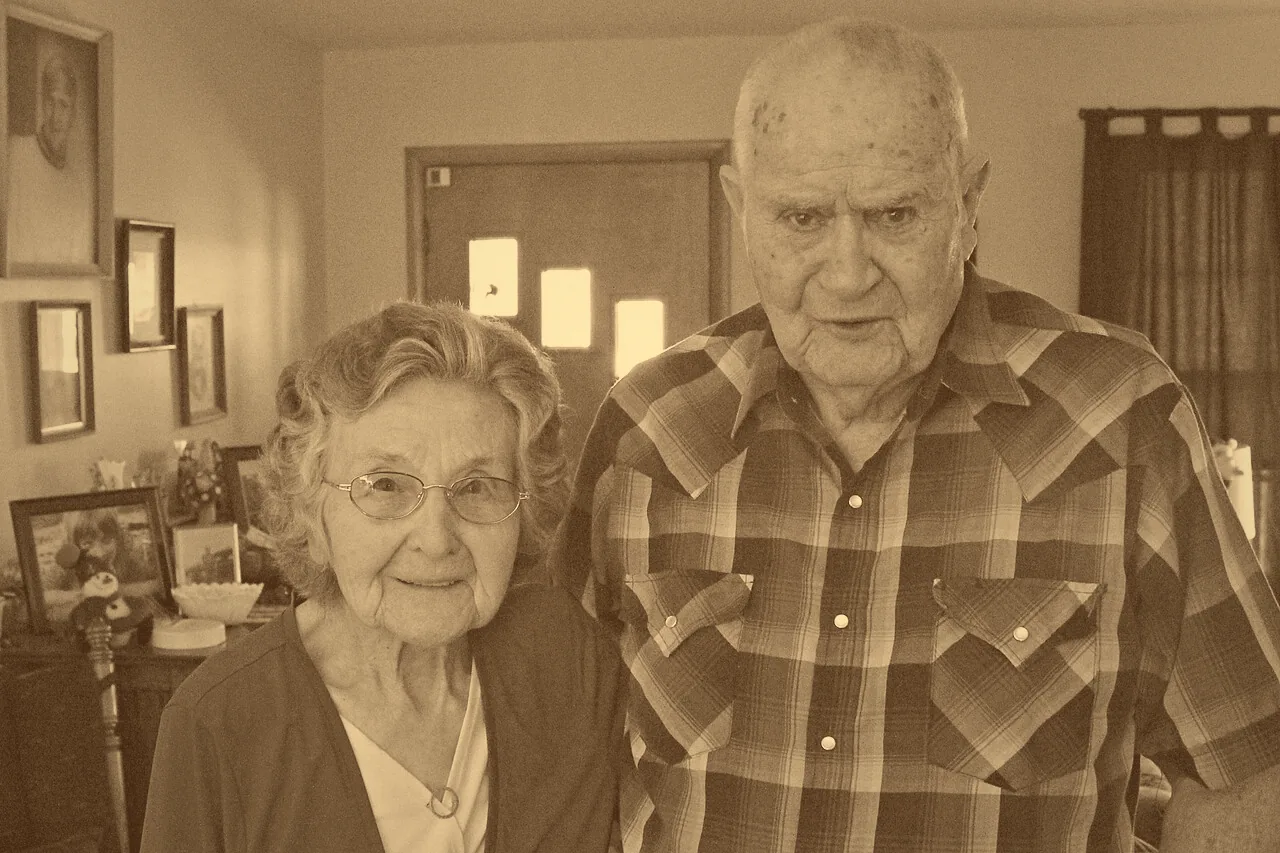
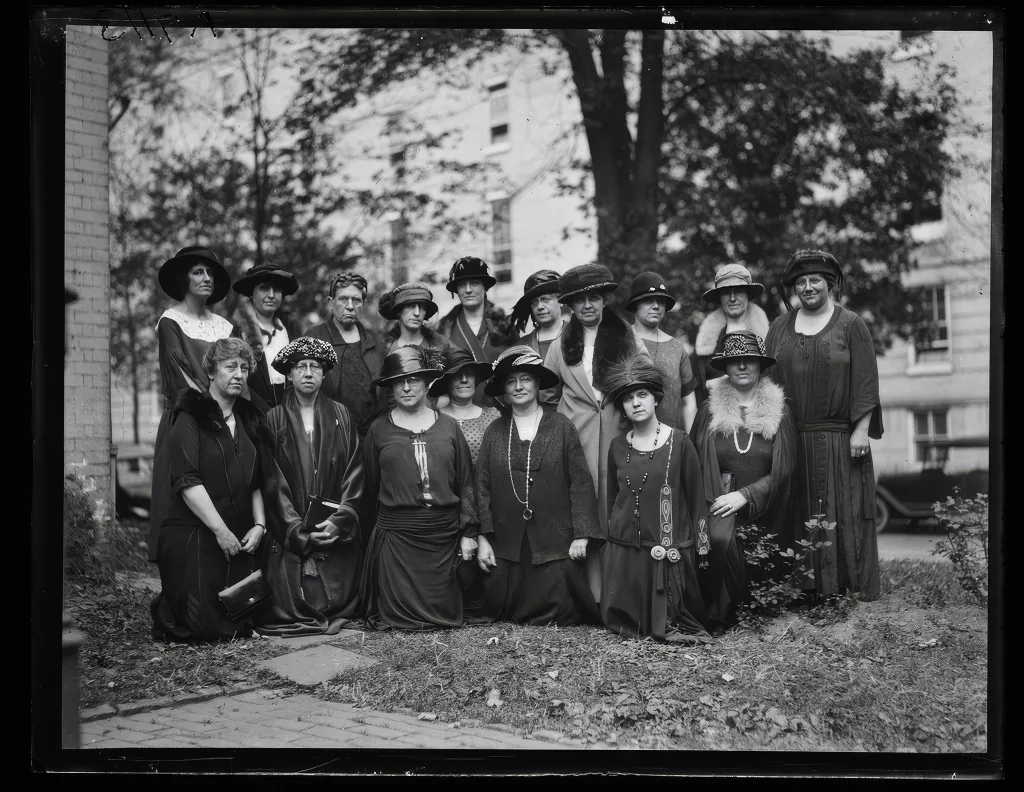
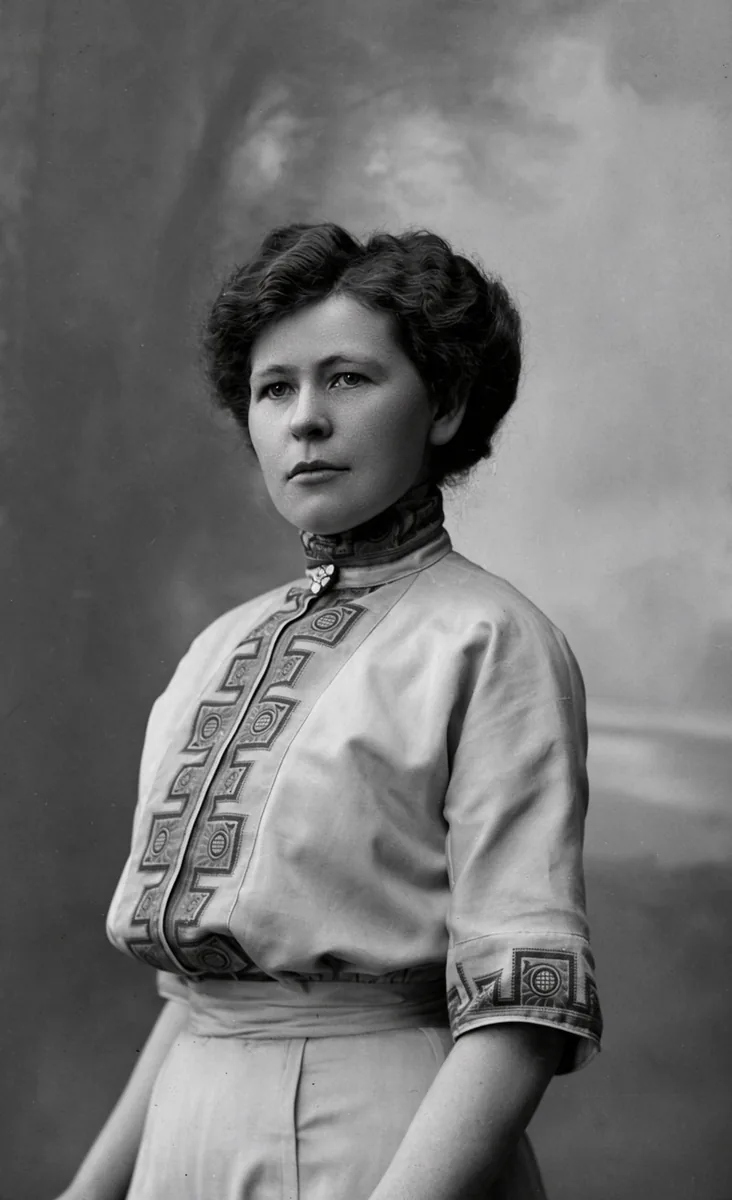
90s Photo Filter
Turn a phone photo into a 1990s snapshot: warm print color, film grain and the orange date stamp in the corner. Free, in your browser, and your photo never leaves your device.
- ✓Runs on your device
- ✓Nothing is uploaded
- ✓Free, no sign-up


Drop a photo here or paste with Ctrl+V
Free, no sign-up. Nothing is uploaded.
Have a real 90s photo that's faded or scratched? Restore old photos →
How do I make a photo look like the 90s?
Copy a film compact and a one-hour lab print: warm highlights, a slight magenta cast, blacks lifted to soft grey, fine film grain and an orange date in the bottom-right corner, written like '95 6 14. One-hour print (strength 80, grain 20, date on) does all of it in one step, so you don't need a second app for the date stamp. Turn grain down to about 10 for close-up faces.
One photo, four kinds of 90s print
The same photo, original and four looks at the default strength.
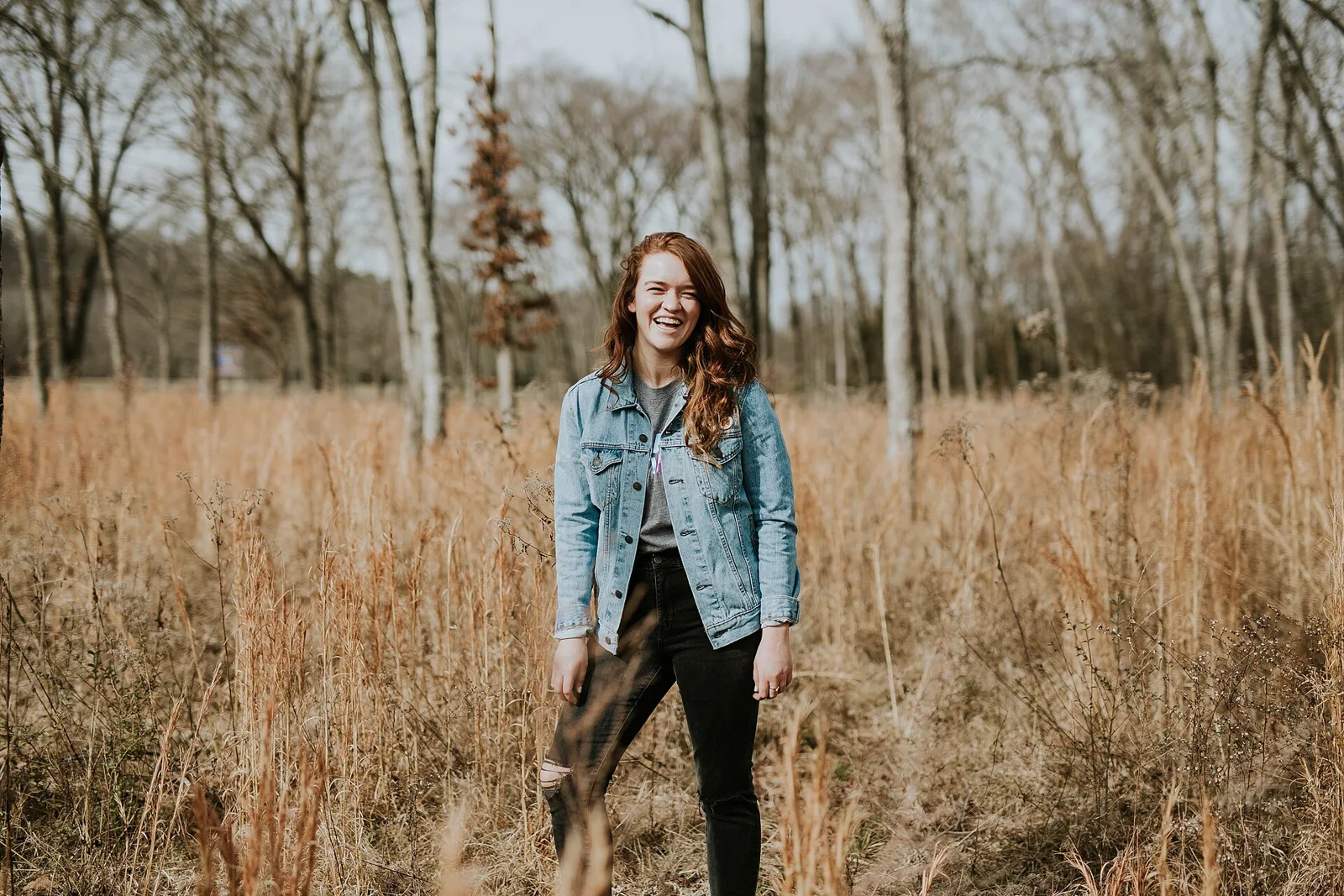
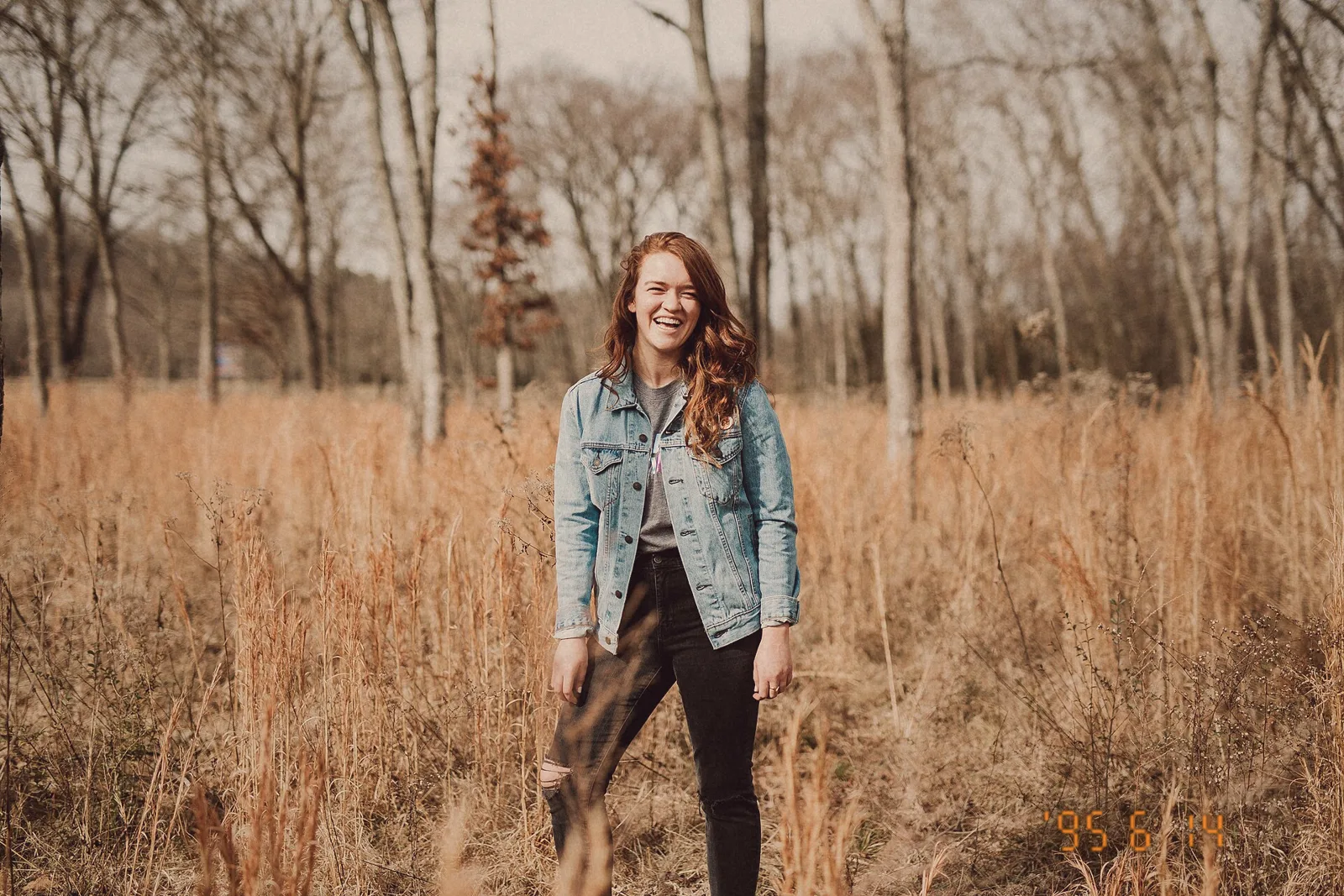
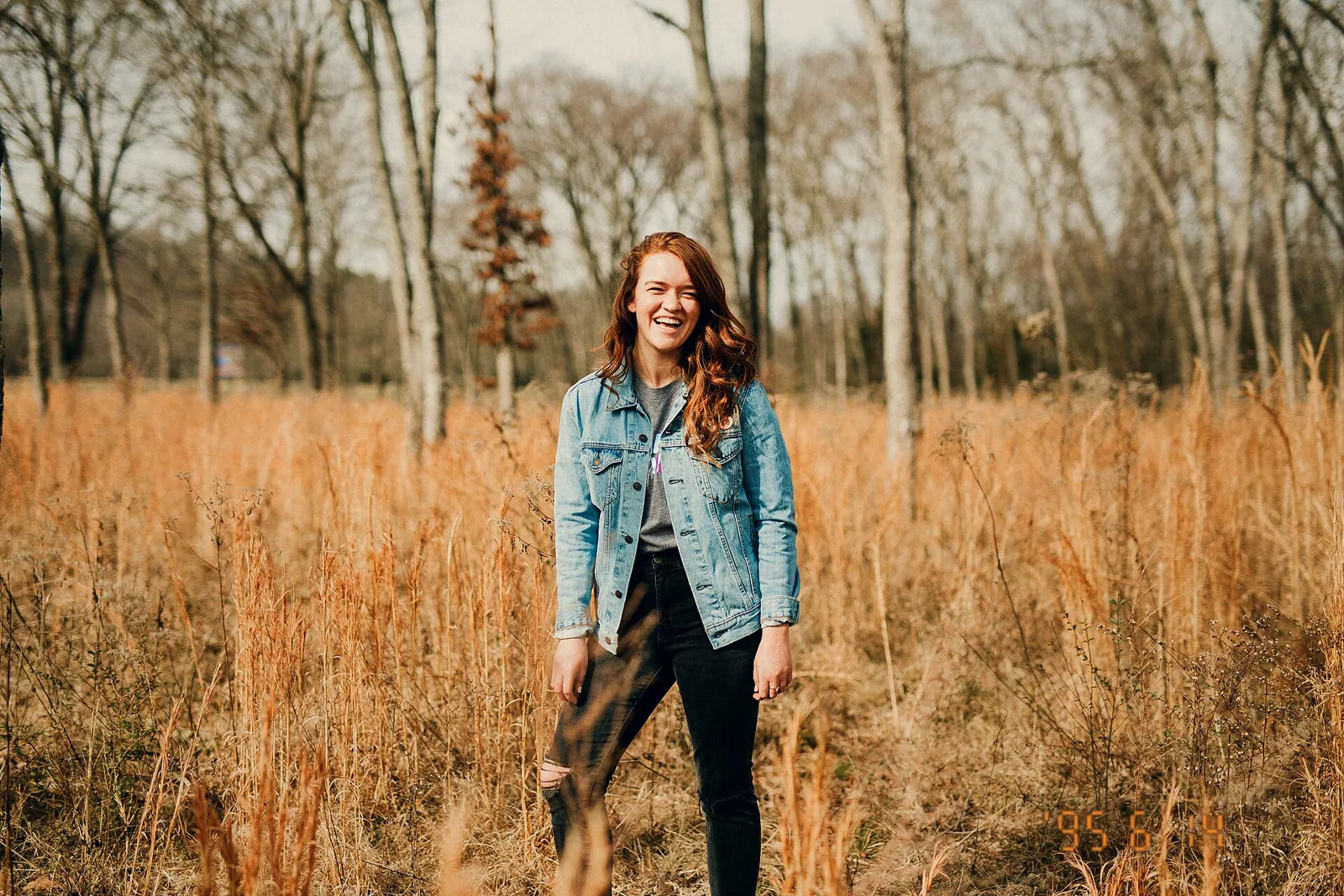
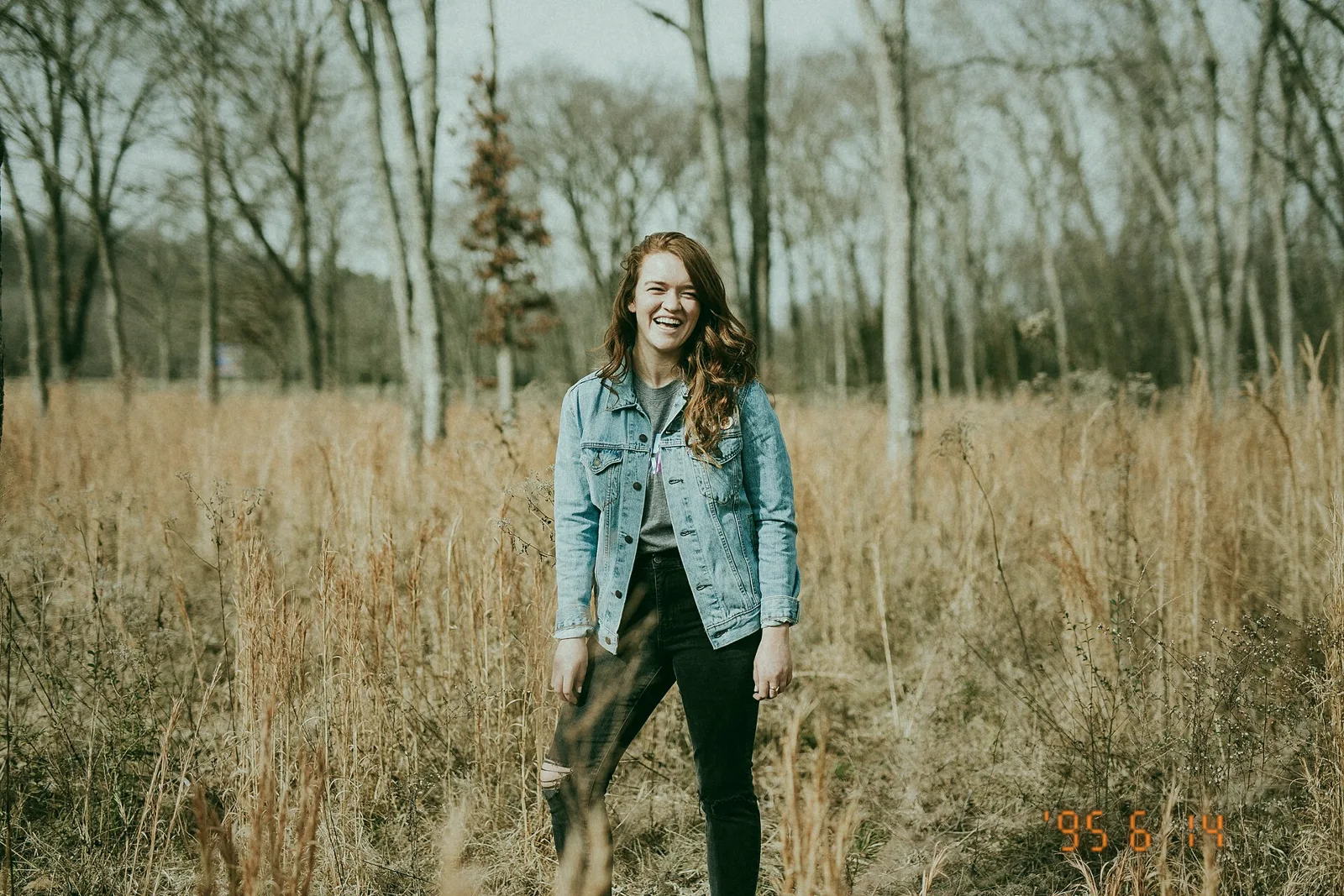
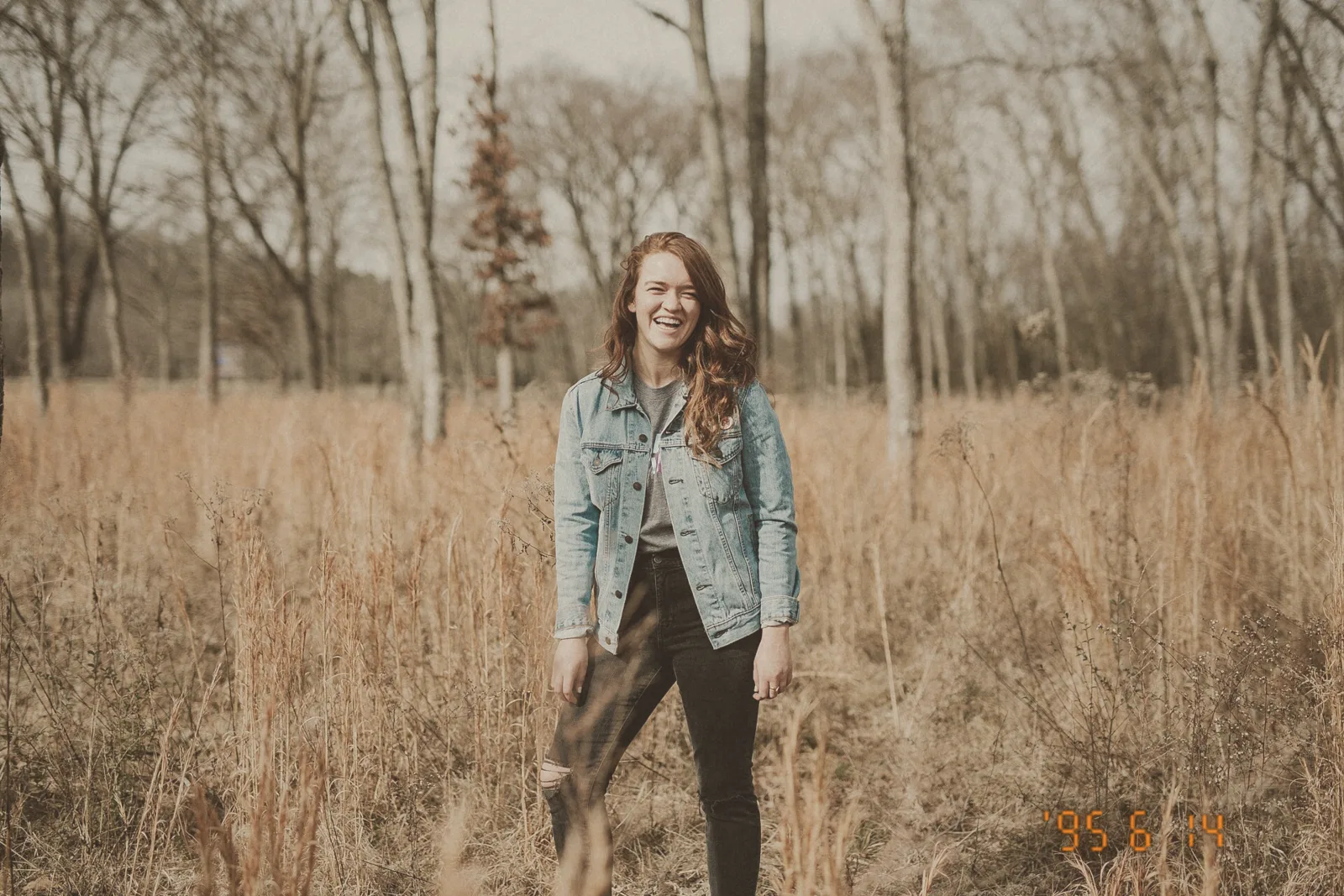
About that orange date
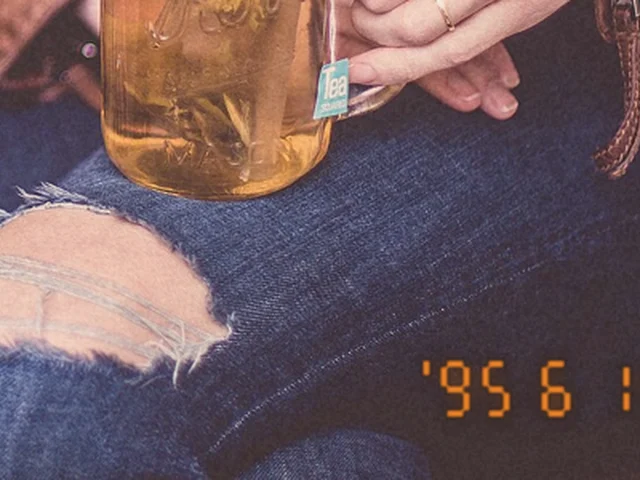 How it got there
A tiny light in the camera back exposed the digits onto the film: on some cameras a small bulb shining through an LCD, on others a row of LEDs. On color film they printed orange-red with a soft glow.
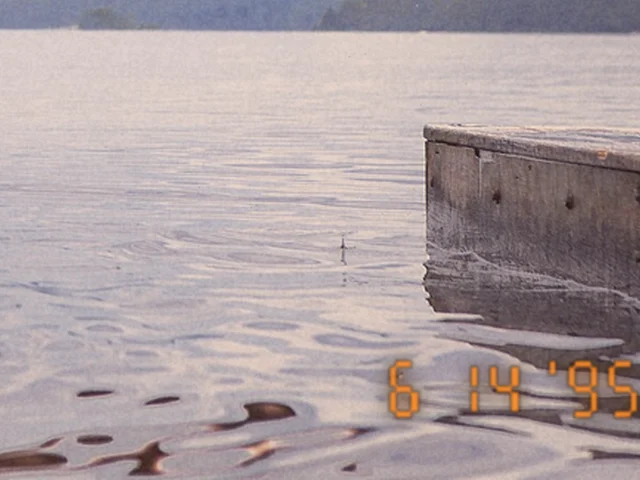 Where it sat
Usually the bottom right of the frame, in plain seven-segment digits, slightly blurry at the edges and never perfectly aligned.
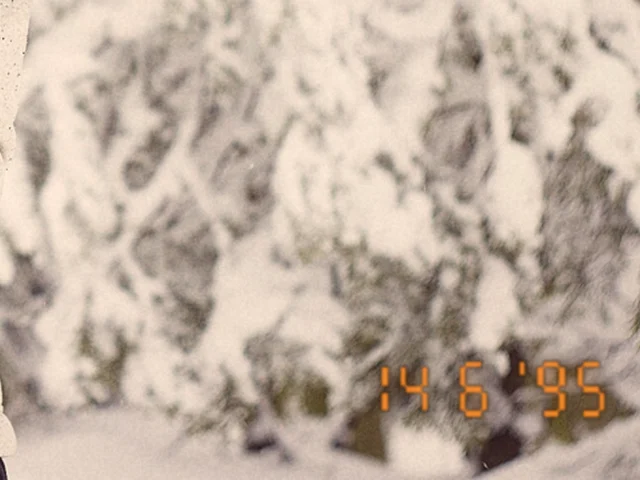 How it was written
Year first ('95 6 14), month first (6 14 '95) or day first (14 6 '95), depending on the camera and the country. Some cameras could print the time instead.
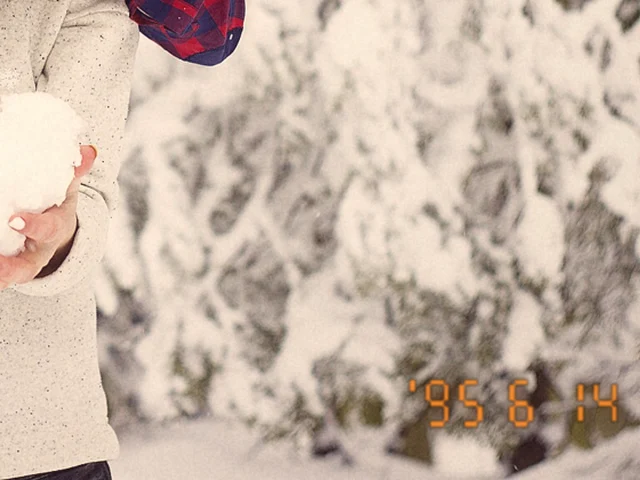 When it disappears
On a white wall, snow or a bright sky, the orange digits almost vanish. Real ones did too, which is part of why a stamp that is always perfectly readable looks fake.
Many 90s film compacts had a date back: a feature that printed the date onto every picture as you took it. It is the single detail that makes a photo read "90s" at a glance.
Here, the stamp starts with the date the photo was taken, if the file has one, or today's date. Type the real day the photo was taken or a date that means something, pick one of the three formats, or turn it off. The date is only printed on the image you download.
90s film, Y2K digital or disposable?
One photo, three looks. If your edit looks too cold or too clean, you may want a different decade.
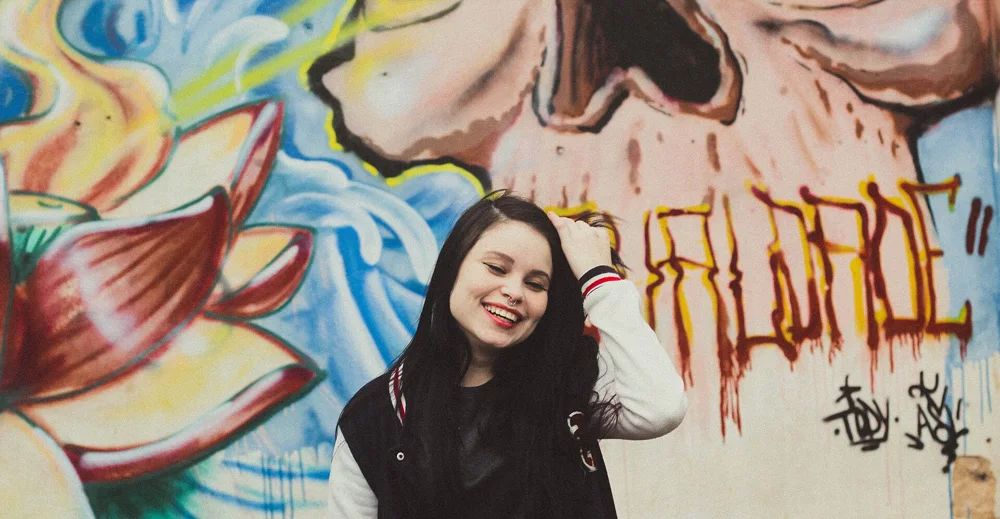
Original
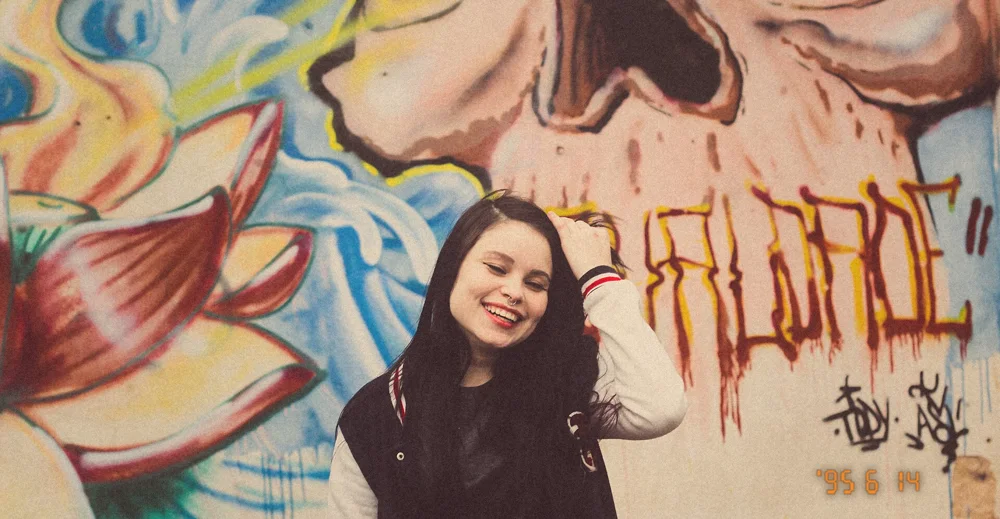
90s
Warm lab color, soft highlights, fine film grain and an orange date. This page.
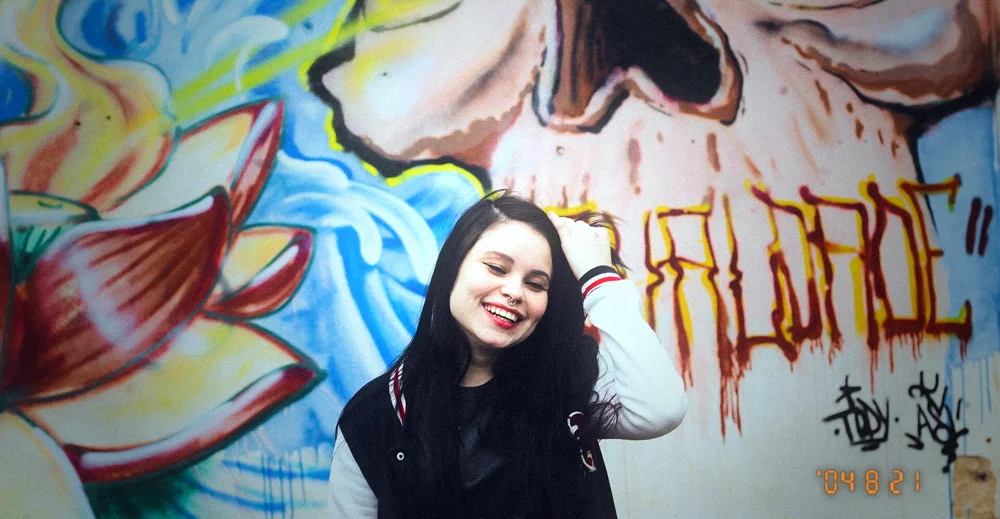
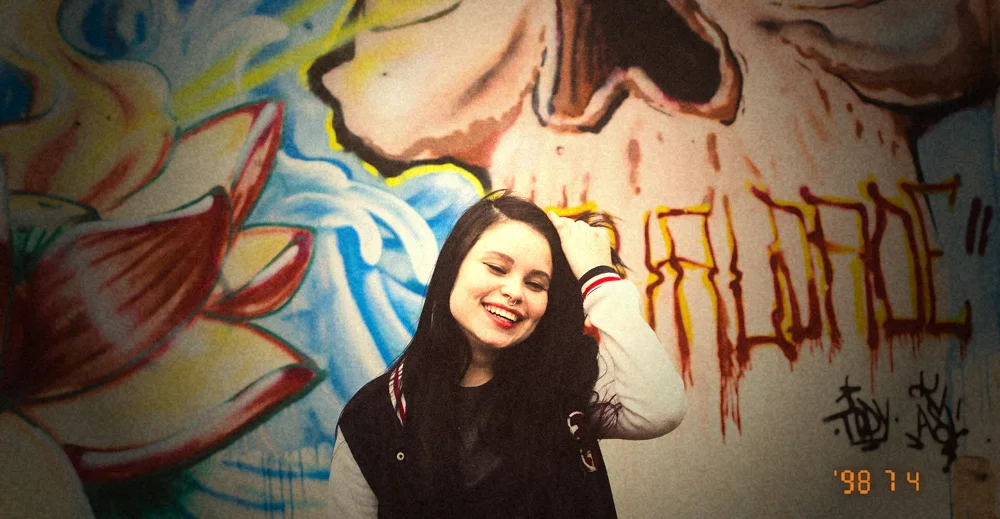
What are you making 90s?
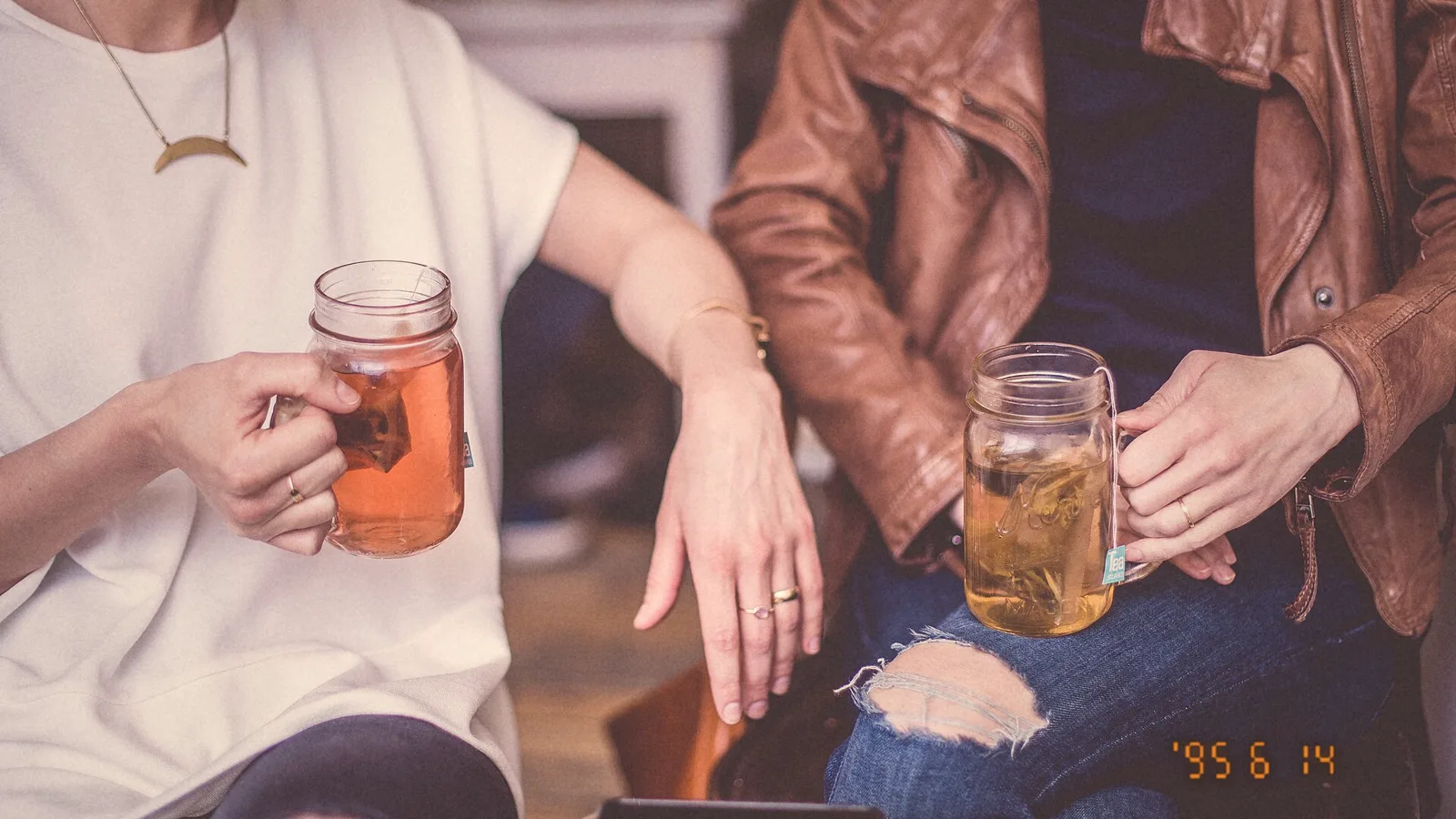
A feed that looks like a shoebox of prints
Coffee runs, beach days, nights out: One-hour print gives every post the same warm lab color and grain. Your settings stay when you open the next photo, so a carousel matches.
Try One-hour print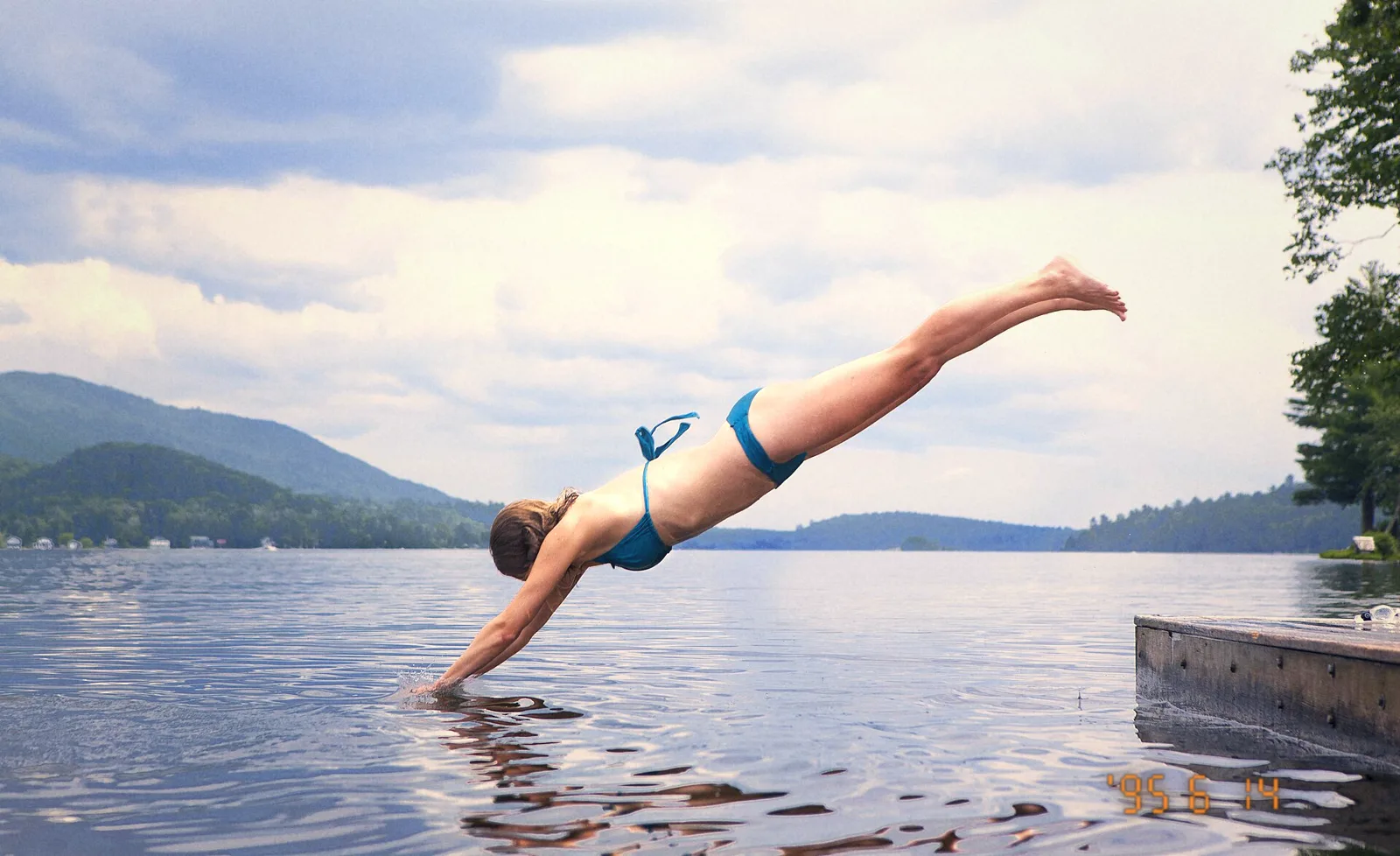
Holiday photos that feel like a roll of film
Road trips, campsites, a week by the sea. Summer '95 pushes the blues and oranges the way consumer film did, and the date stamp marks the day.
Try Summer '95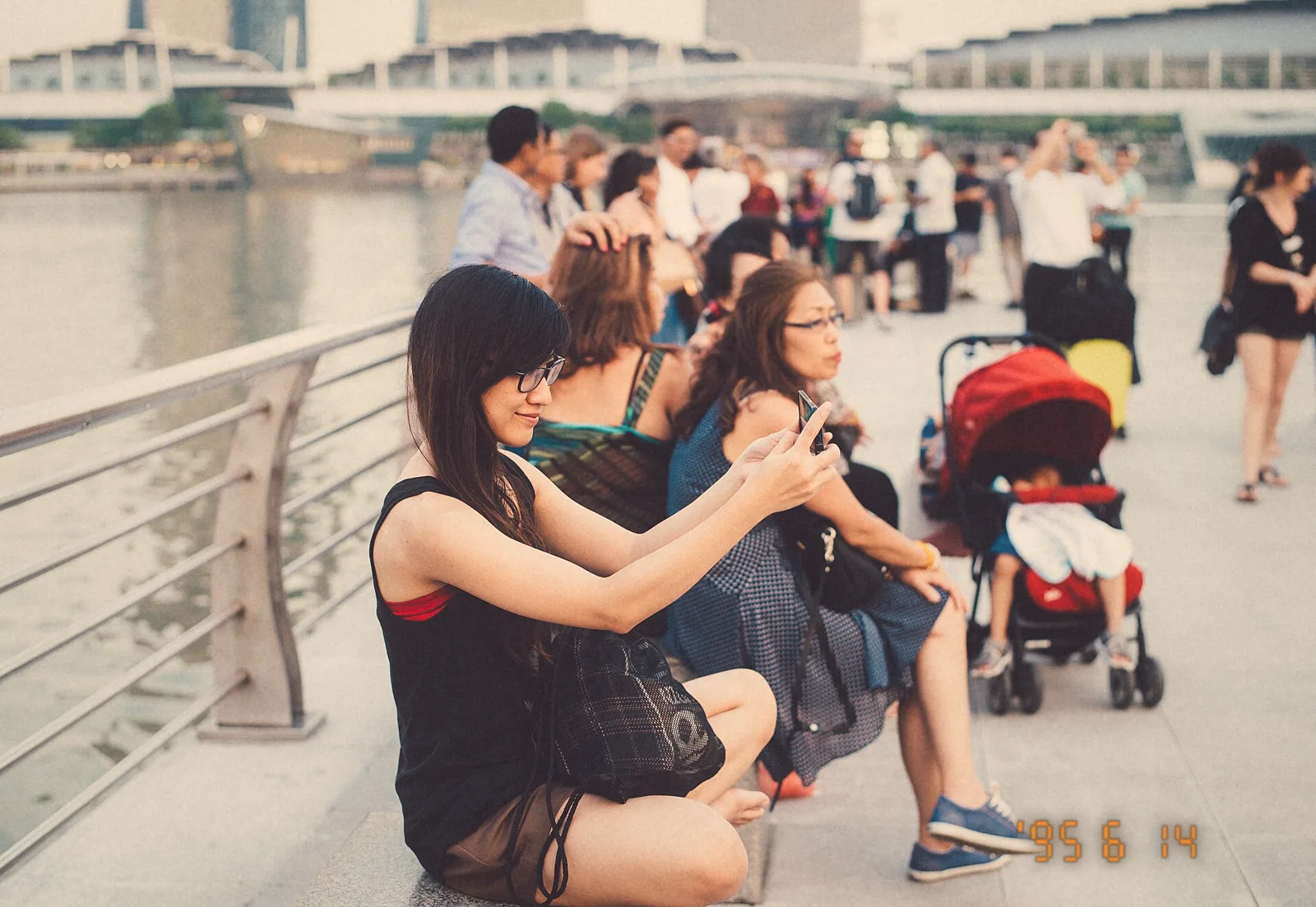
Copy an old family photo, then match the look
Say you and your siblings are recreating a photo from 1996. Shoot the new version in the same pose, run it through the 90s filter and put both side by side. If the old one is faded or damaged, restore it first so the pair looks even.
Restore the original
A 90s-themed party or a "then and now" board
Invites, slideshows and photo boards for a 30th, a reunion or a 90s night. Album page brings new photos closer to real prints from the time.
Try Album page
Put your anniversary on the photo
Set the date stamp to the day you met or got married. It turns a normal photo into the kind of print you'd keep in a wallet.
Add a date
Covers, flyers and merch with a 90s feel
Green-cast print gives a new photo the slightly off color of cheap consumer film, a good fit for a demo cover, a gig flyer or a skate shop post.
Make a flyerA shoebox of prints
Left: nine photos as they were shot, by different people in different light. Right: the same nine with One-hour print at the default strength. Warm whites, soft blacks and the date in the corner make them look like one stack back from the lab.






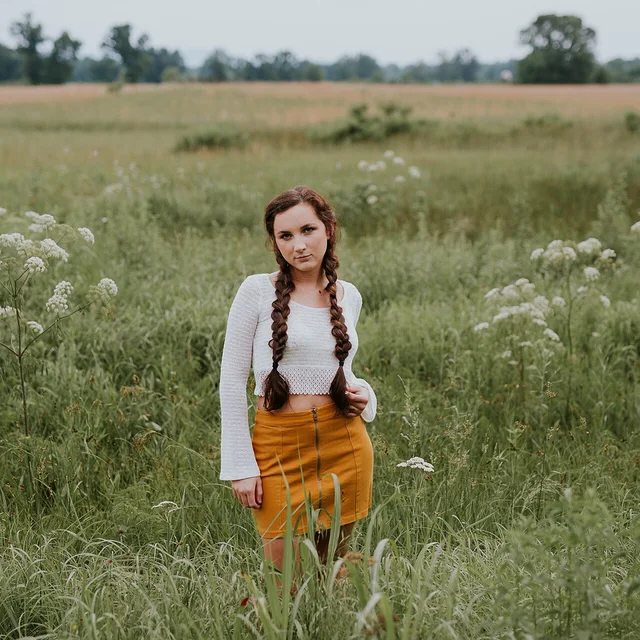
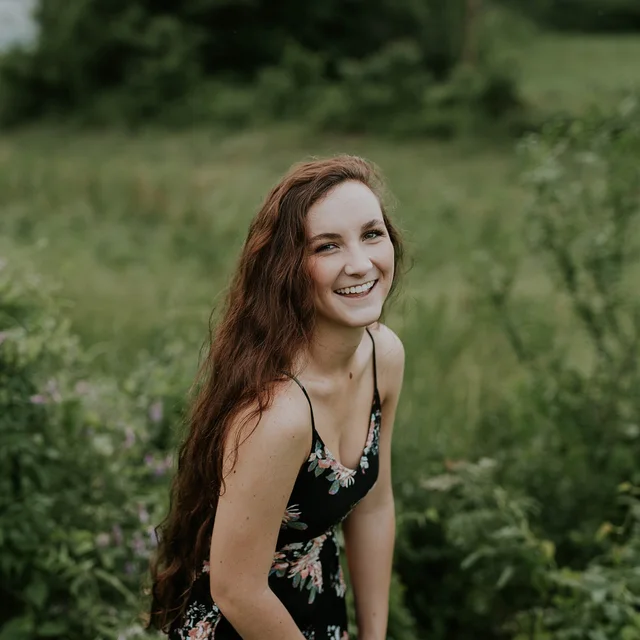
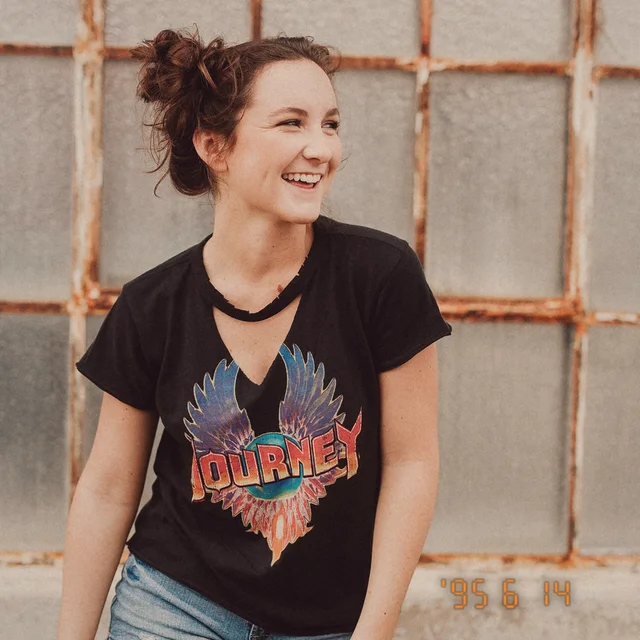
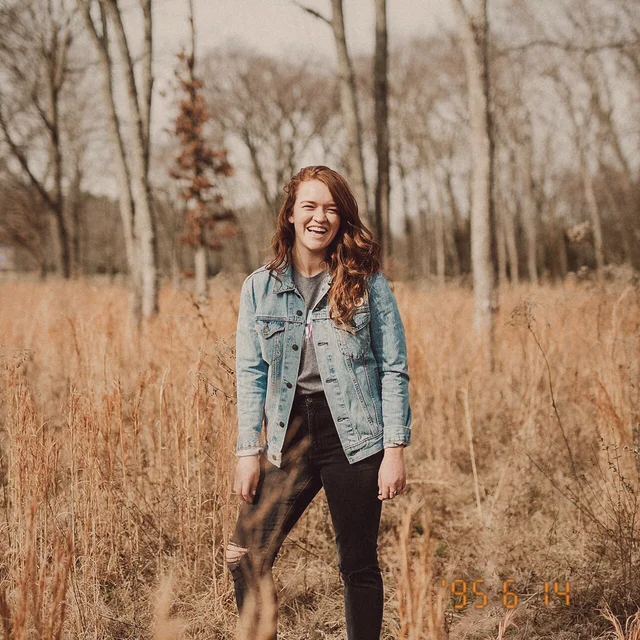

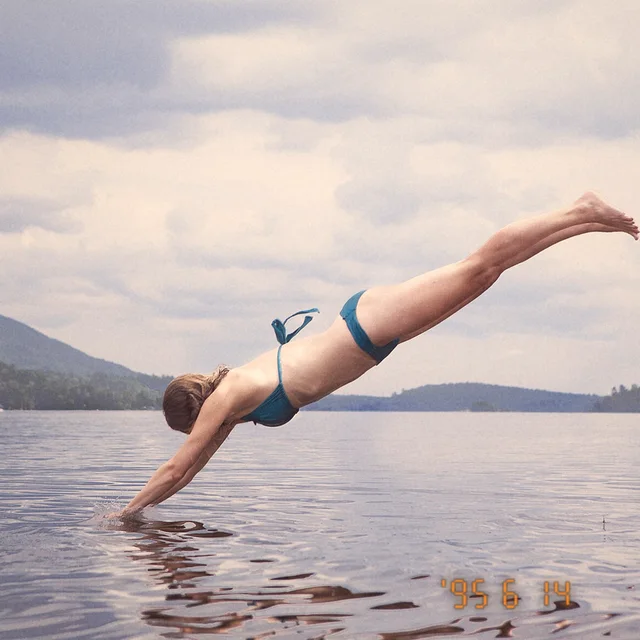



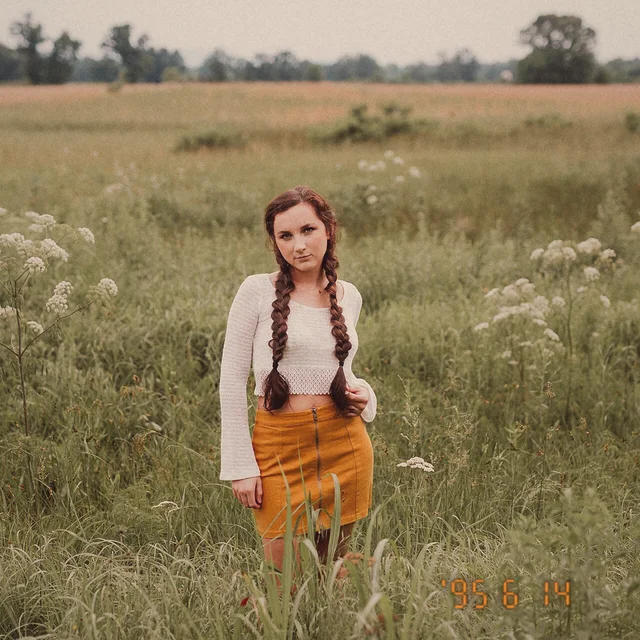
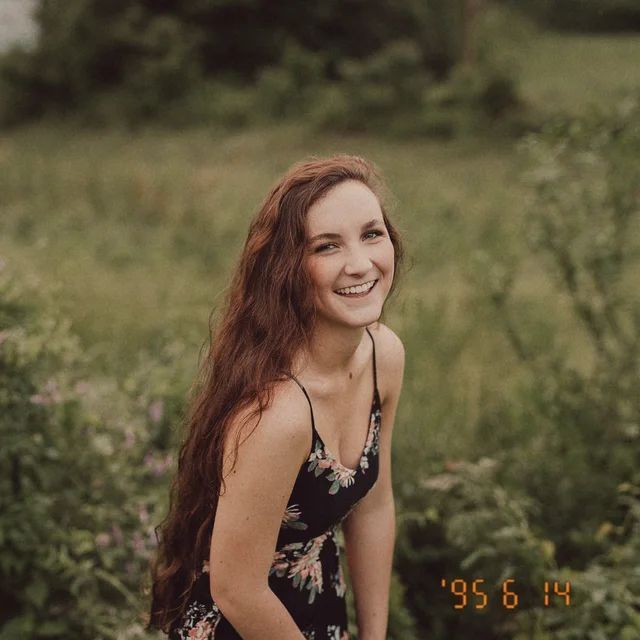
How to add a 90s filter in 4 steps
Choose a photo
Pick a JPG, PNG, WebP or HEIC (iPhone) photo. It stays in this browser tab.
Pick a print
Start with One-hour print, or switch to Summer '95, Green-cast print or Album page.
Set the date and grain
Keep the suggested date, type another one or switch the stamp off. Turn grain down for close-up faces.
Download
Save at the photo's own size. Your original is not changed.
How the 90s filter works
The filter shifts your photo's own colors the way 90s film and lab printing did. Highlights get warmer, blacks softer, and grain shows most in the mid-tones. Then it prints the date in the corner.
Unlike AI 90s yearbook apps, it doesn't generate a new portrait. There's no AI involved, so the people in your photo stay exactly who they are. It all runs inside this browser tab: your photo is never uploaded, and the download comes out at the size you opened.
- Nothing is uploaded
- Faces stay the same person
- Full size out
Worried it will look like a filter?
Will it look fake?”
The usual giveaway is a strong orange tint and huge grain. These looks keep skin believable. If it still feels strong, lower the strength.
Does the date stamp ruin the photo?”
It sits small in the corner, like the real thing. You can switch it off.
Will I lose quality?”
Grain is part of the look and can be turned down to 0. The resolution stays the same.
How to shoot a photo that passes for 1995
Shoot in daylight or with the phone's flash, not in mixed LED light. Stand a few steps back and leave room around people: family snapshots rarely filled the frame.
Hide what didn't exist yet: phones, earbuds, smart watches and newer car shapes. Baggy jeans, film cameras, landline phones and plain T-shirts help. Don't straighten it. Real snapshots were a little crooked.
Want the 80s instead?
80s prints were warmer and punchier than 90s ones, with glossy paper and stronger reds. For that look, use 80s warm on the vintage filter page and add the date here.
90s photo filter FAQ
How do I add a date stamp to a photo?
Choose a photo here, switch the date stamp on and type the date. It is printed in orange digits in the bottom-right corner of the download.
Do I need an app to add grain, warm color and a date stamp?
No. All three happen here in one step, in the browser: pick a print, keep the date stamp on, download.
Can I use the real date the photo was taken?
Yes. Type it in. The date only appears on the image you download; your original file is not changed.
What is the difference between a 90s filter and a Y2K filter?
90s photos were film: warm color, grain, soft highlights. Y2K photos were early digital: cooler color, clipped highlights and flash. For the digital look, use the Y2K photo editor.
Why do 90s photos look warm?
Most were printed in one-hour labs, and color varied from lab to lab, but many prints came out warm. Years in an album could fade and shift the color further.
Does it work on iPhone photos?
Yes. Open this page in Safari, choose the photo and download. It stays on the phone.