VHS Filter
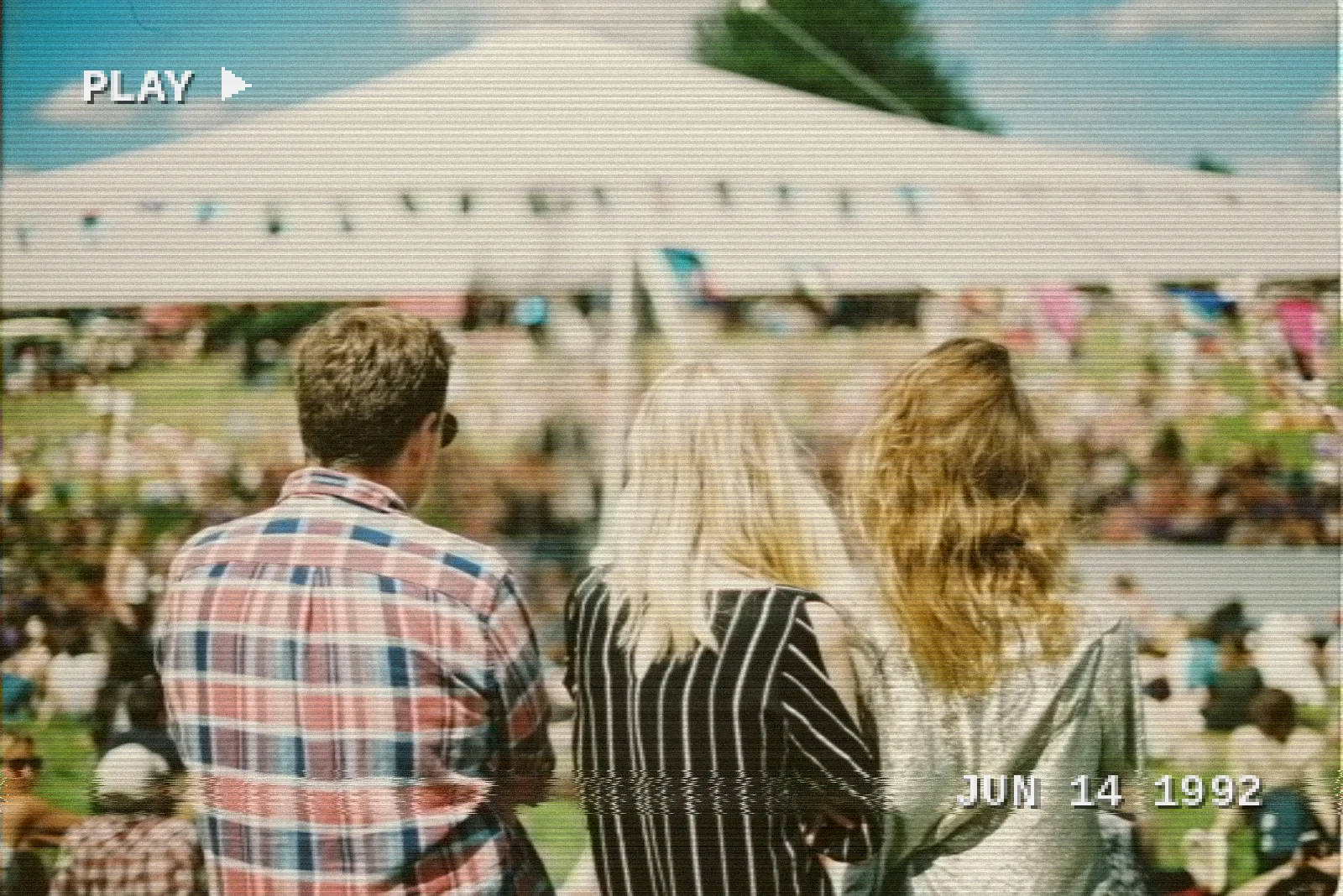
Make a photo look like a frame from an old VHS tape: soft picture, colors bleeding sideways, scan lines, a tracking wobble and PLAY in the corner. Free, in your browser, and your photo never leaves your device.
- ✓Runs on your device
- ✓Nothing is uploaded
- ✓Free, no sign-up

Drop a photo here or paste with Ctrl+V
Free, no sign-up. Nothing is uploaded.
How do I make a photo look like VHS?
Soften the detail, let red and blue smear a little to the side, add thin horizontal scan lines and a band of tracking noise, then put PLAY and the date on screen in blocky white letters. Pick a tape below, set the strength and download.
One photo, four tapes
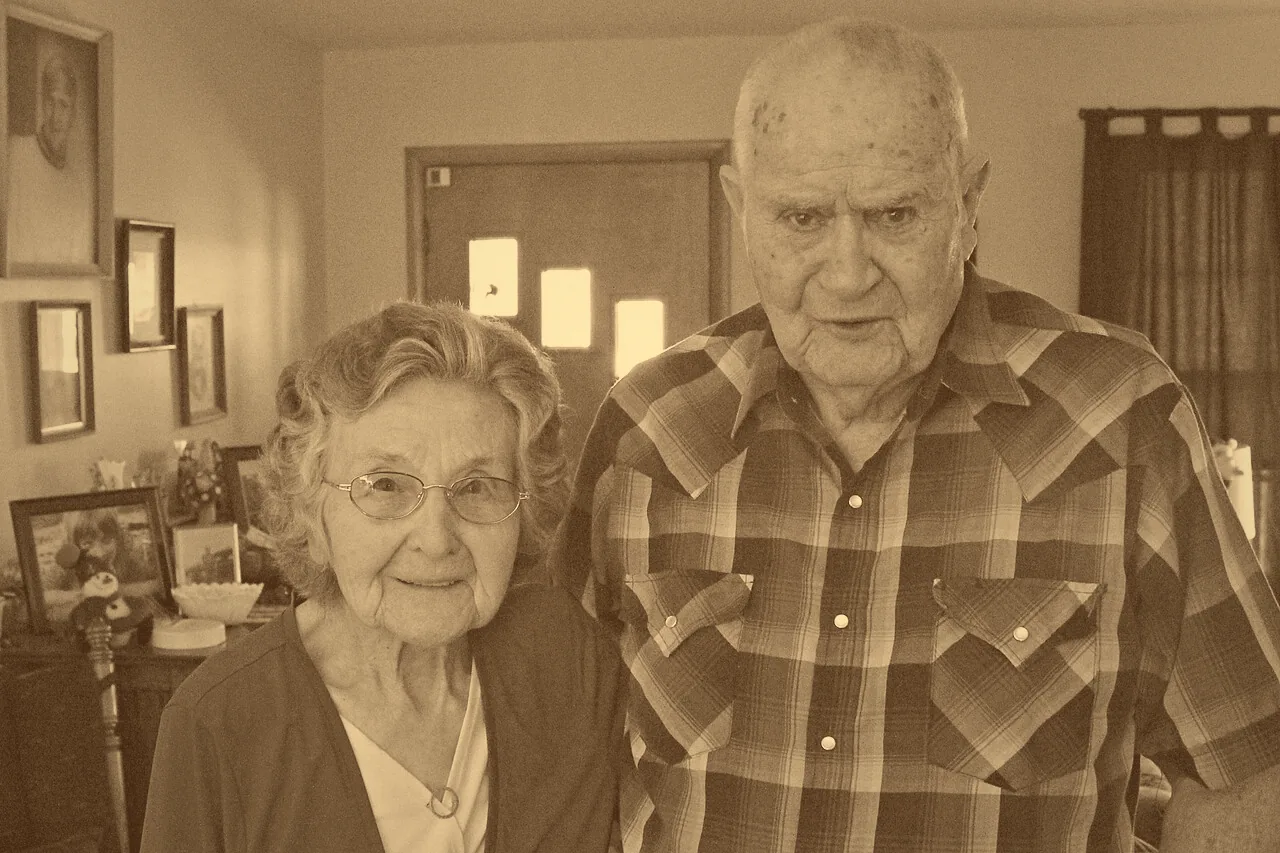
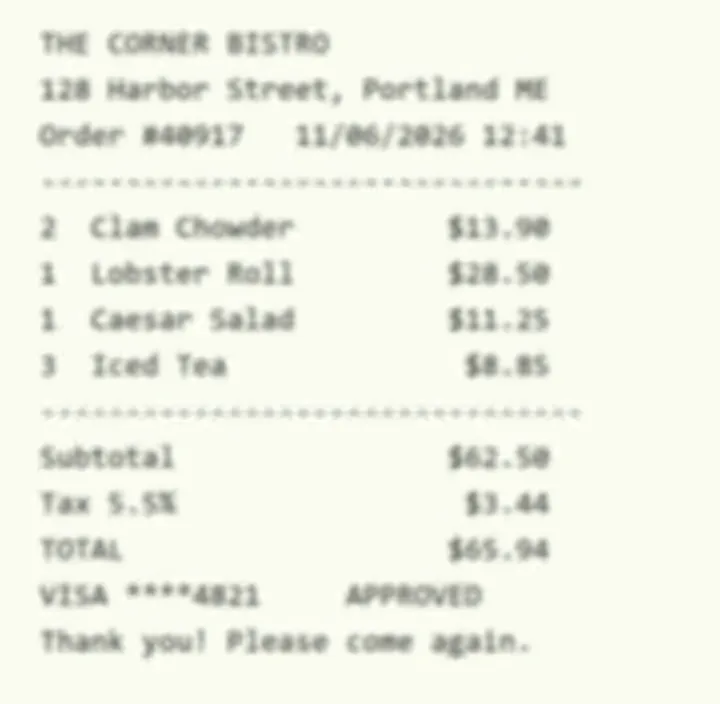
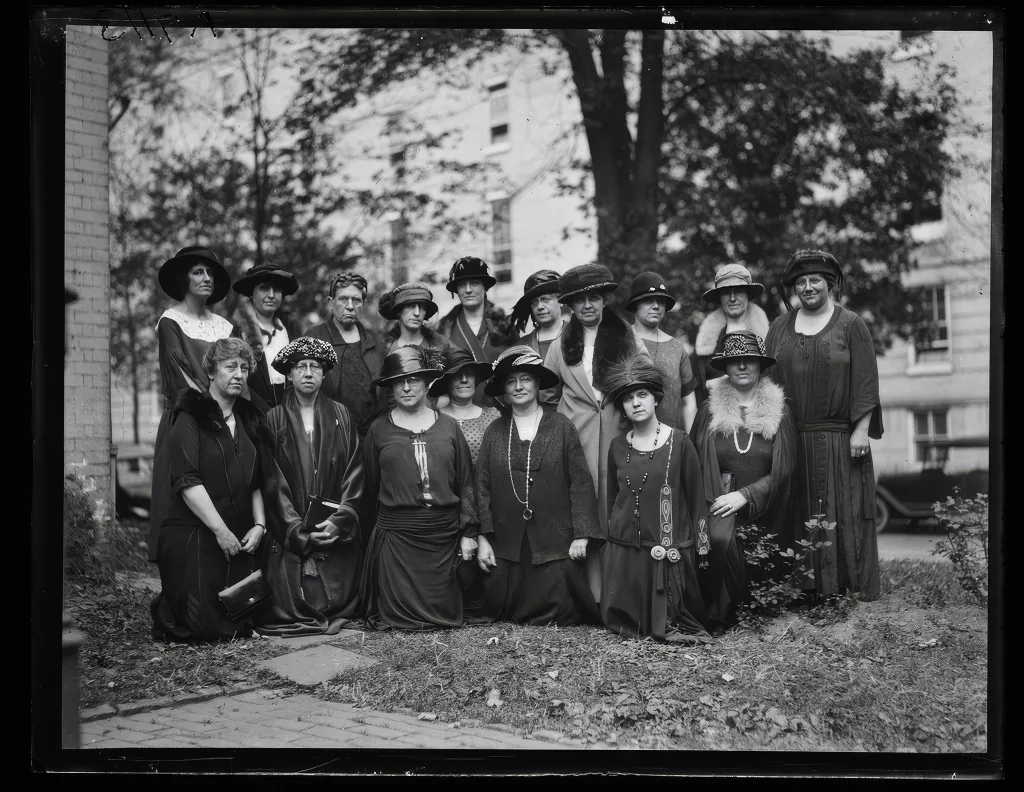
The same photo, original and four looks at the default strength.




Why VHS looked like that
Standard VHS resolved about 240 lines of horizontal detail (S-VHS managed about 400), so everything looked soft.
Color was stored with even less detail than brightness, so reds and blues spread sideways past the edges of things.
CRT TVs drew the picture as horizontal lines, and on a big screen you could see them.
When the player's heads didn't follow the tracks on the tape, bands of noise rolled across the picture until someone adjusted the tracking.
Camcorders could record the date and time into the picture, and VCRs showed PLAY on the TV, both in plain white letters.
What are you making VHS?
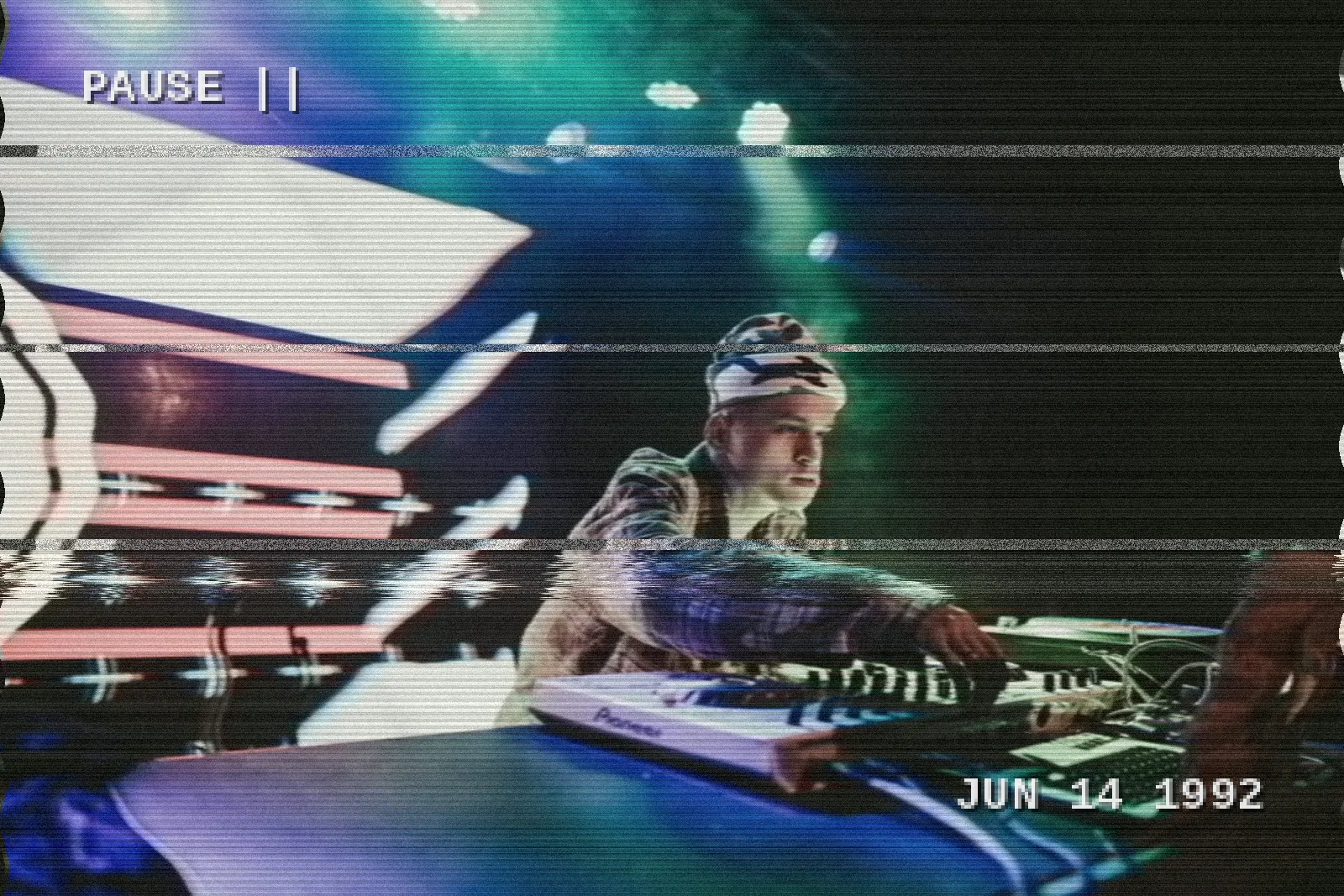
A thumbnail that looks like found footage
A VHS still on the cover makes a video look like a home movie or a throwback. Worn tape adds the tracking lines people recognize at a glance.
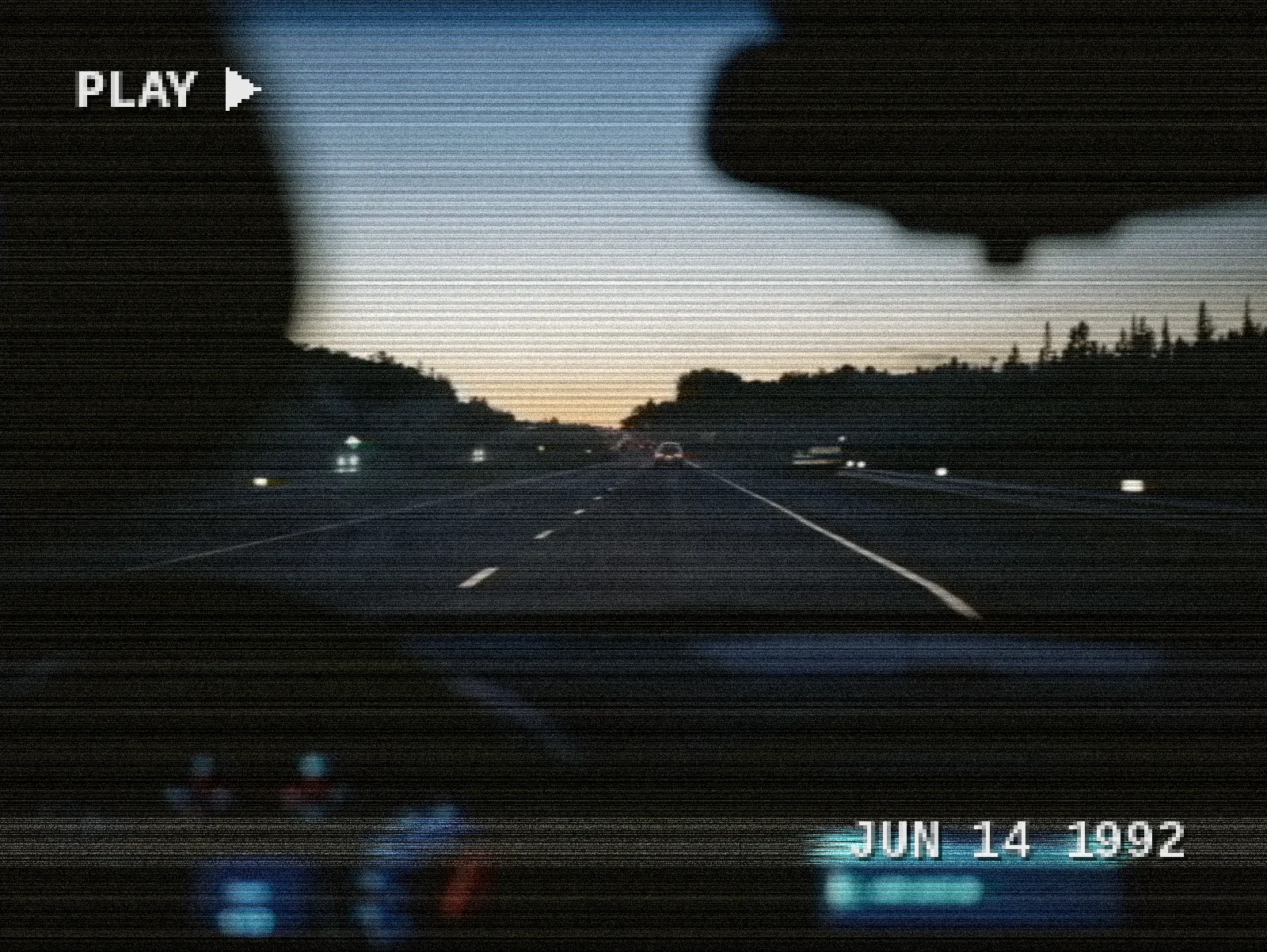
Try Worn tape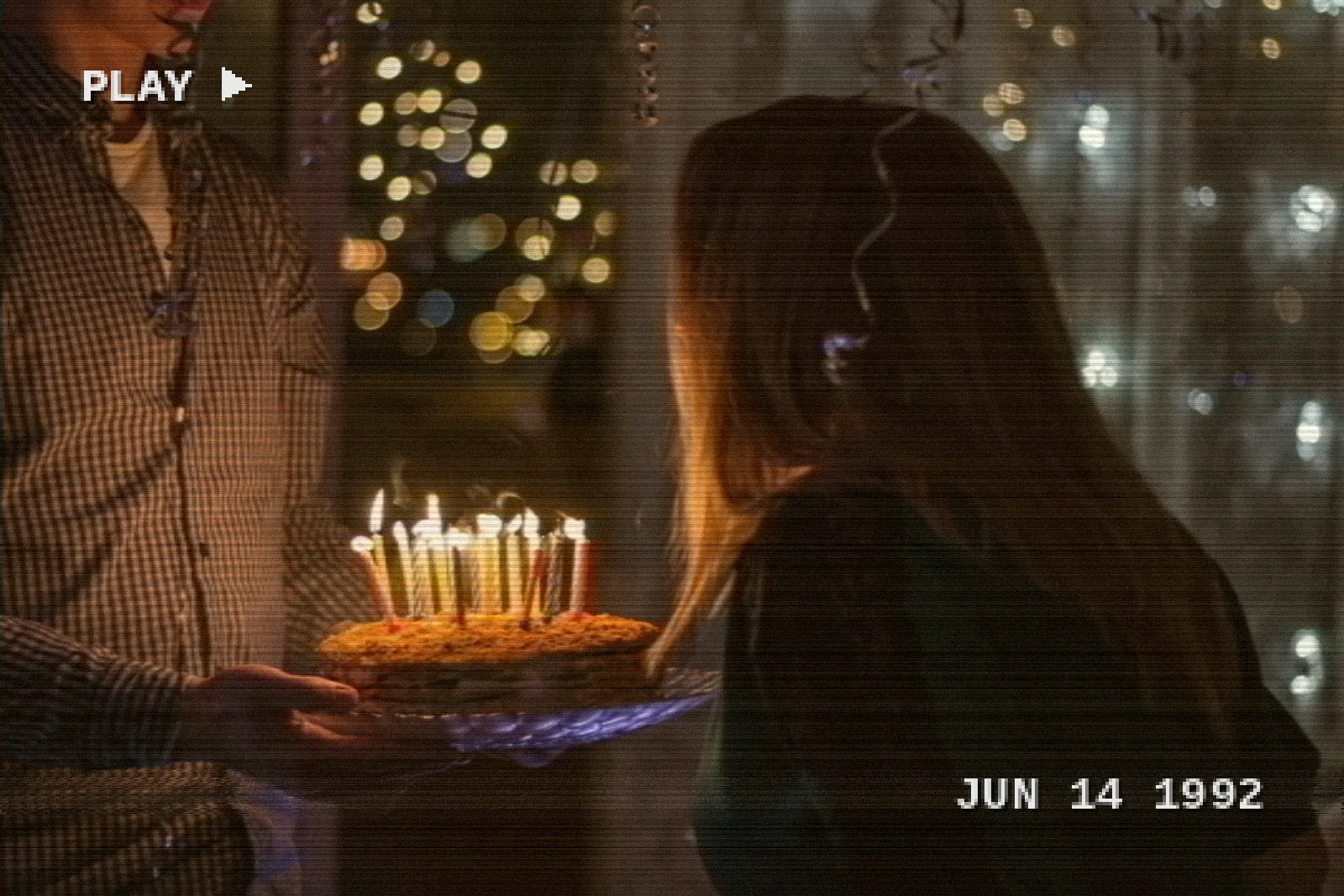
A "home video" still for a birthday or reunion
Turn a new family photo into a frame that looks like it came off a tape in the attic. Set the date to the day it happened.
Try Home tape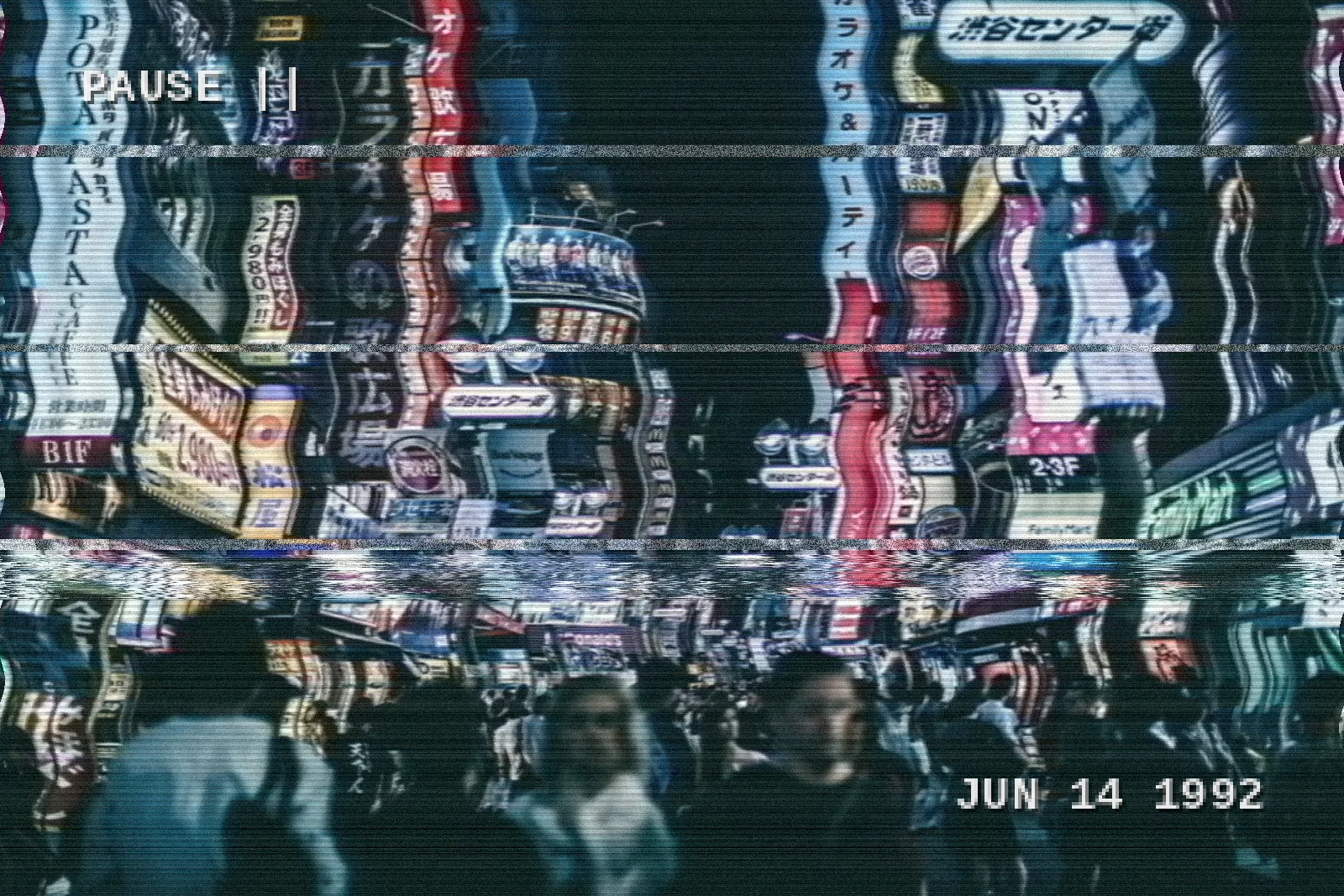
Lo-fi, synthwave and indie covers
A VHS frame with scan lines and color bleed fits lo-fi playlists, synthwave covers and band posters. Paused gives the strongest look.
Try Paused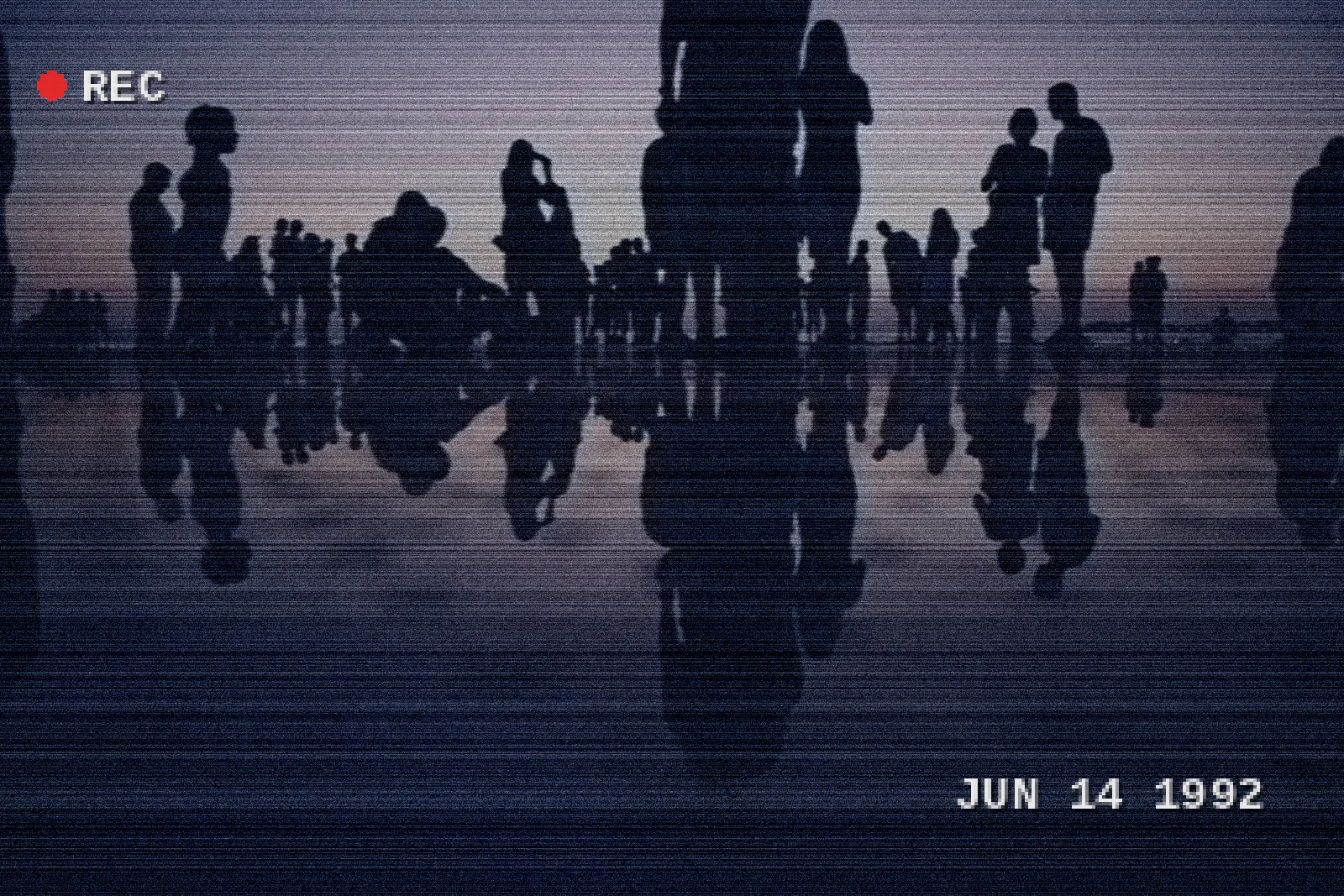
Camcorder-at-the-party energy
Night recording makes dark party photos grainy and blue, like someone filmed the whole night on a camcorder.
Try Night recording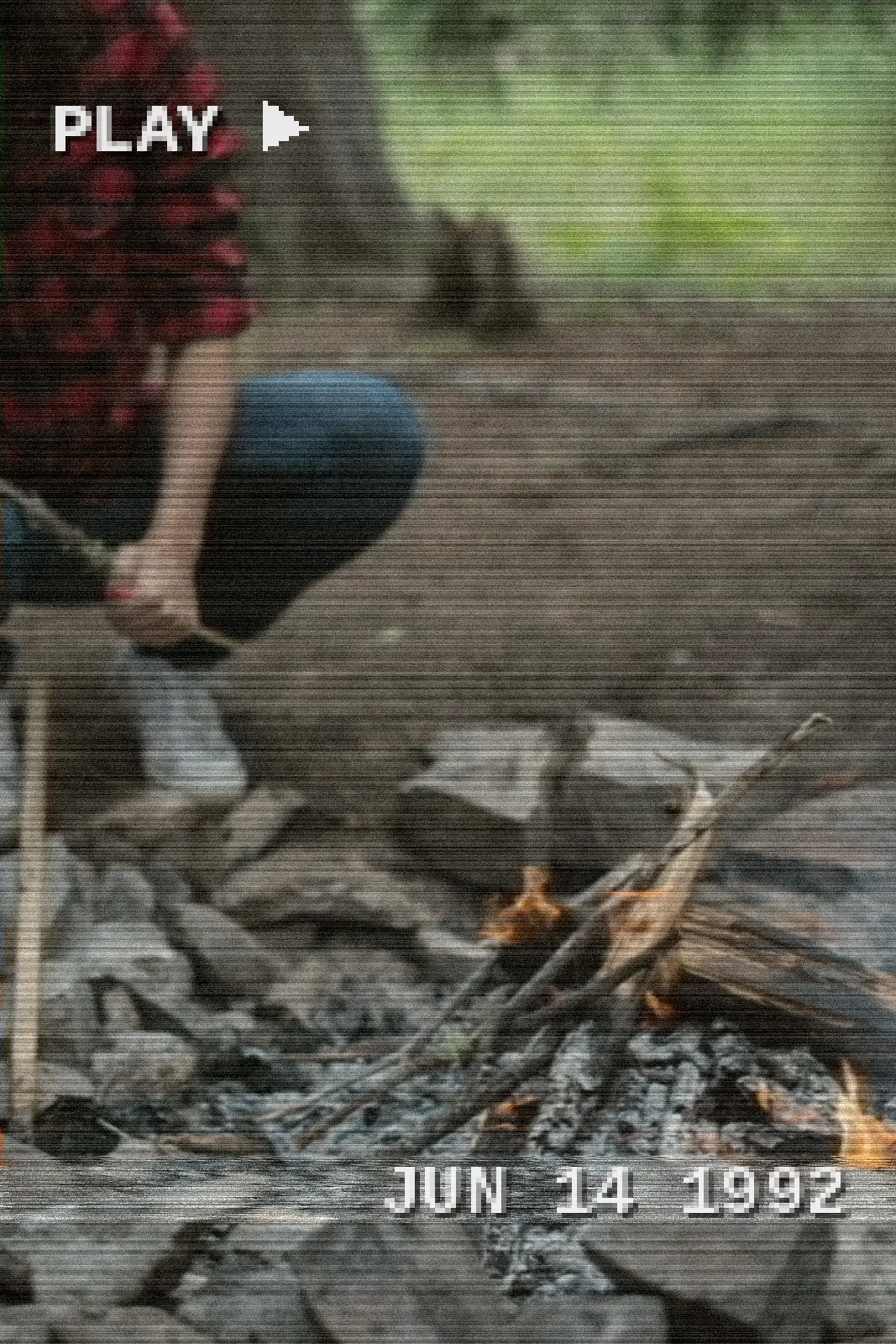
Found-footage stills
Creepy hallway, dark woods, a costume party: Worn tape and Night recording give the grainy, broken look of found-footage horror.
Make it creepy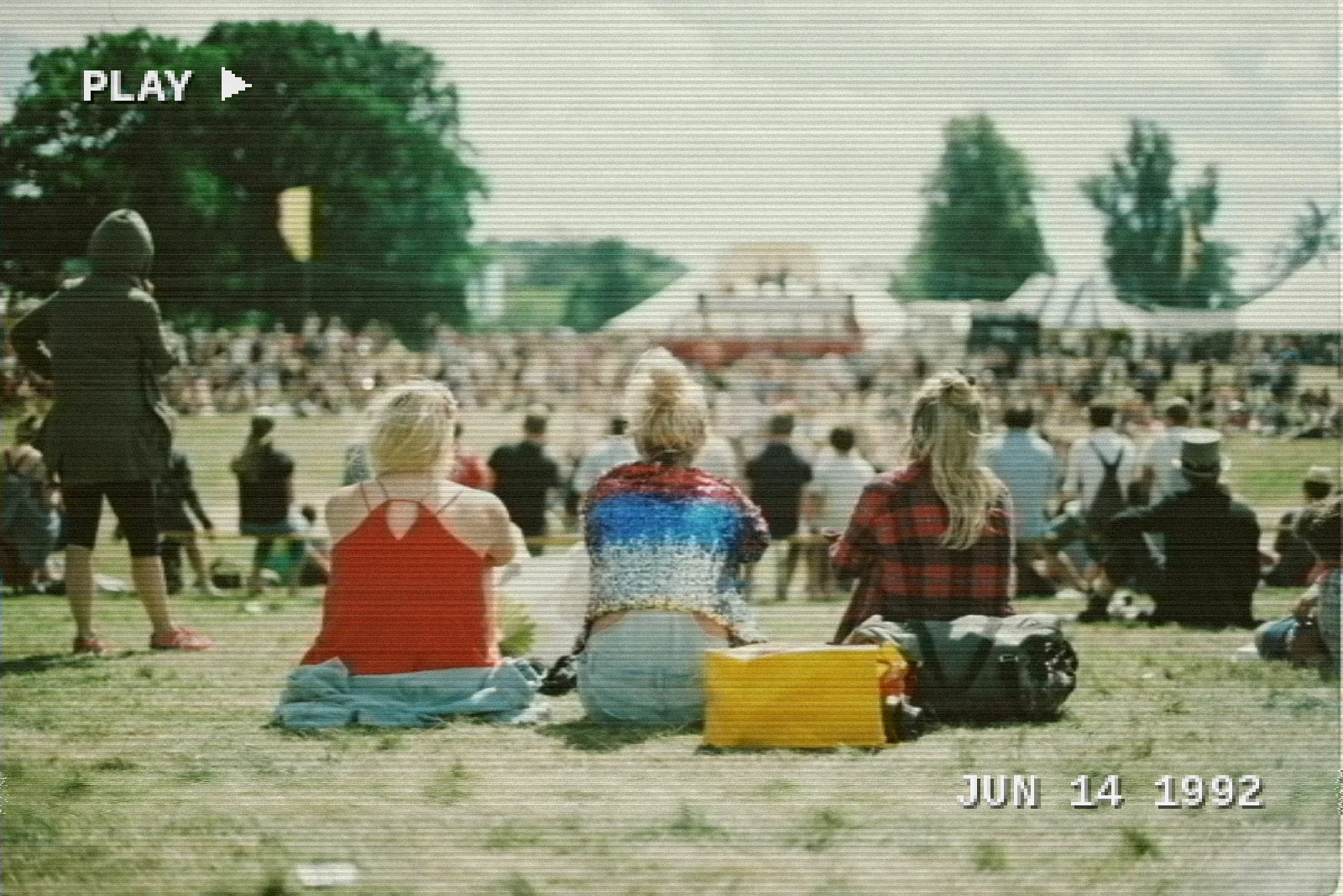
Retro launches and 90s-themed events
Merch drops, retro nights and arcade bars: a VHS still in a post or flyer says "90s" before anyone reads the text.
Make a flyerHow to add a VHS filter in 4 steps
Choose a photo
Pick a JPG, PNG, WebP or HEIC (iPhone) photo. It stays in this browser tab.
Pick a tape
Start with Home tape, or switch to Worn tape, Night recording or Paused.
Set tracking and the screen text
Move the tracking slider for more or fewer noise bands. Turn PLAY and the date on or off, and type any date.
Download
Save at the photo's own size. Your original is not changed.
How the VHS filter works
The filter copies what a tape did to a picture. It softens detail, shifts color sideways, draws scan lines, adds bands of tracking noise and prints the on-screen text.
None of it is AI, so faces aren't redrawn, and PLAY and the date are typed as real text instead of the jumbled letters AI images can produce. It all runs inside this browser tab: your photo is never uploaded, and the download comes out at the size you opened.
- Nothing is uploaded
- Faces stay the same
- Full size out
Worried it will look like a cheap glitch filter?
Will it look fake?”
Fake VHS usually means rainbow glitch blocks everywhere. Real tapes were mostly soft and smeared, with a noise band now and then. Start with Home tape.
Will faces get distorted?”
Tracking bands shift a thin strip of the picture sideways. If one crosses a face, lower the tracking.
Will I lose quality?”
Softness is part of the look. The download keeps your photo's resolution.
How to shoot a photo that passes for VHS
Shoot wide and at eye level, the way someone holding a camcorder would. Indoor lamp light, a living room, a birthday cake or a backyard look right; modern screens give it away.
Movement helps. A little blur from someone turning or laughing looks like a paused video, not a posed photo. Crop to a 4:3 shape before you start for the old TV frame.
VHS vs glitch effect
A glitch effect breaks a picture into colored blocks and shifted slices, like corrupted digital files. VHS is analog: soft, smeared and striped. If you want broken pixels, use a glitch tool; if you want home video, use this.
VHS filter FAQ
What is the difference between a VHS filter and a camcorder filter?
A camcorder filter copies the look of footage from a home video camera. A VHS filter adds what the tape did to it: tracking lines, scan lines and color bleed. For the cleaner look, use Camcorder still on the old camera filter.
Can I change the date and the PLAY text?
Yes. Type any date, and switch PLAY, the date or both off.
Can I add a VHS effect to a video?
Not here. This tool works on photos.
Why is VHS color so smeared?
VHS stored color with much less detail than brightness, so colors spread past edges, especially reds.
Does it work on iPhone photos?
Yes. Open this page in Safari, choose the photo and download. It stays on the phone.