Black and White Photo Filter
Turn a color photo into black and white the way photographers did on film: choose how skies, skin and greens turn grey, then add contrast and grain. Free, in your browser, and your photo never leaves your device.
- ✓Runs on your device
- ✓Nothing is uploaded
- ✓Free, no sign-up

Drop a photo here or paste with Ctrl+V
Free, no sign-up. Nothing is uploaded.
Want a brown, antique tone instead? Sepia filter →
How do I make a photo black and white?
Choose a photo and pick a look. Classic converts it evenly. Red sky darkens blue sky so clouds stand out; Soft portrait keeps skin light and smooth. Then set contrast and grain, and download at full size.
One photo, four kinds of black and white
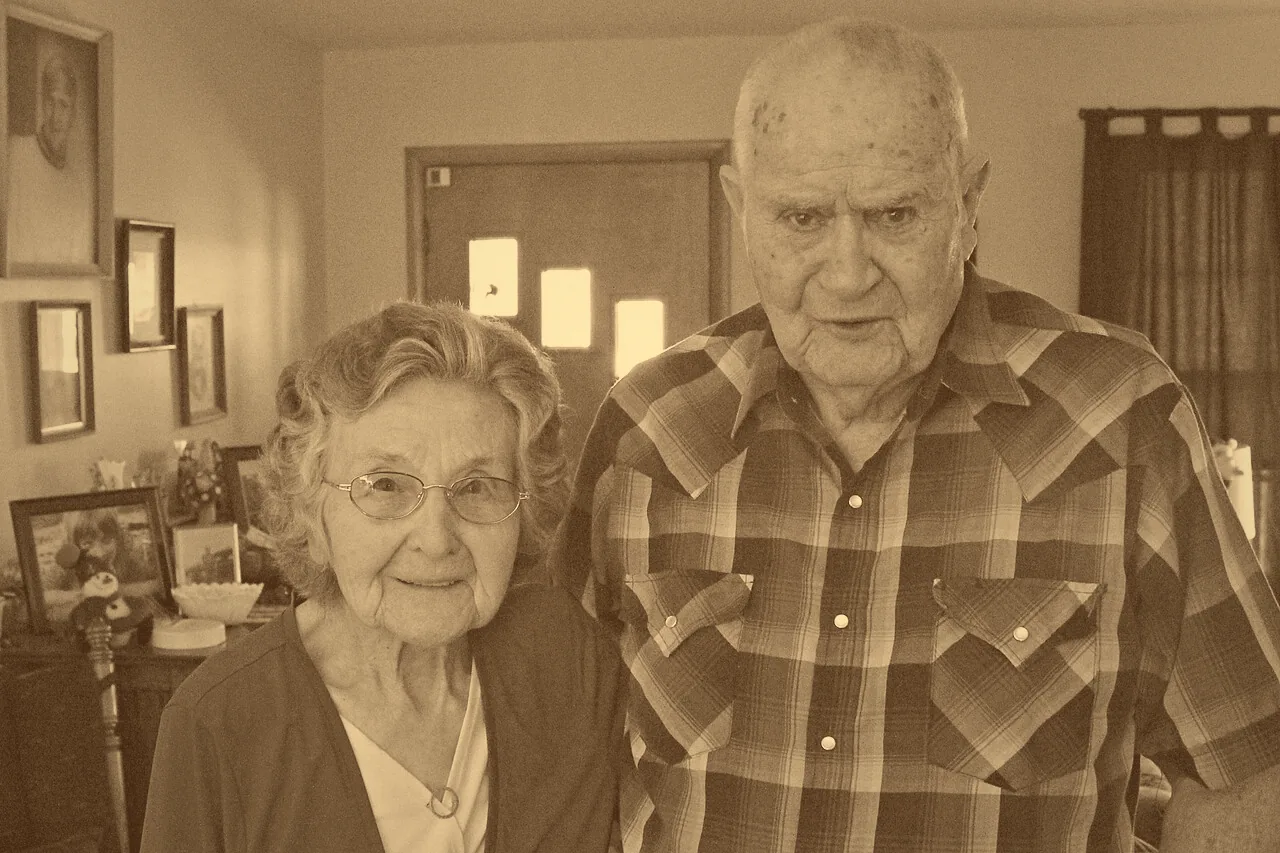
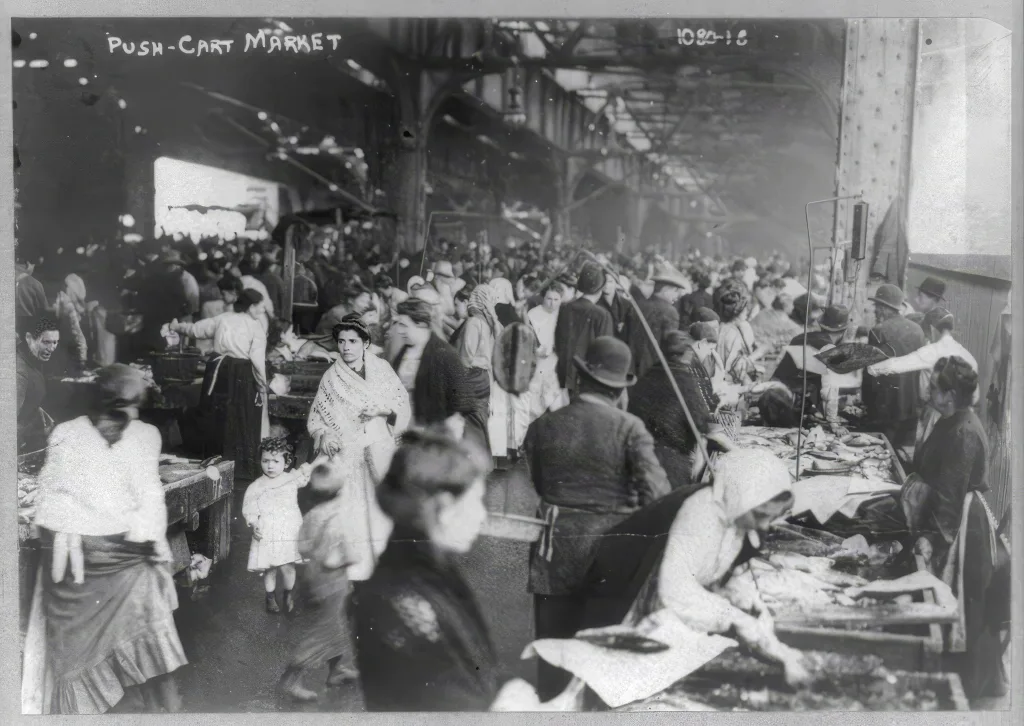
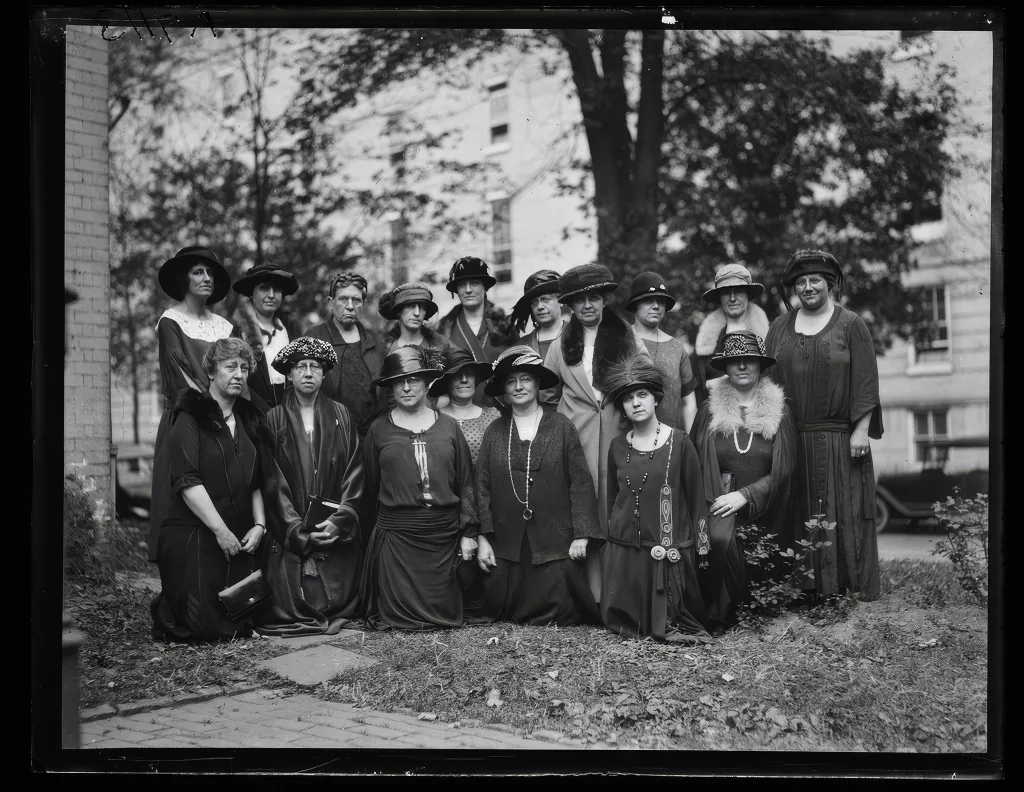
The same color photo turned black and white four ways at the default strength.
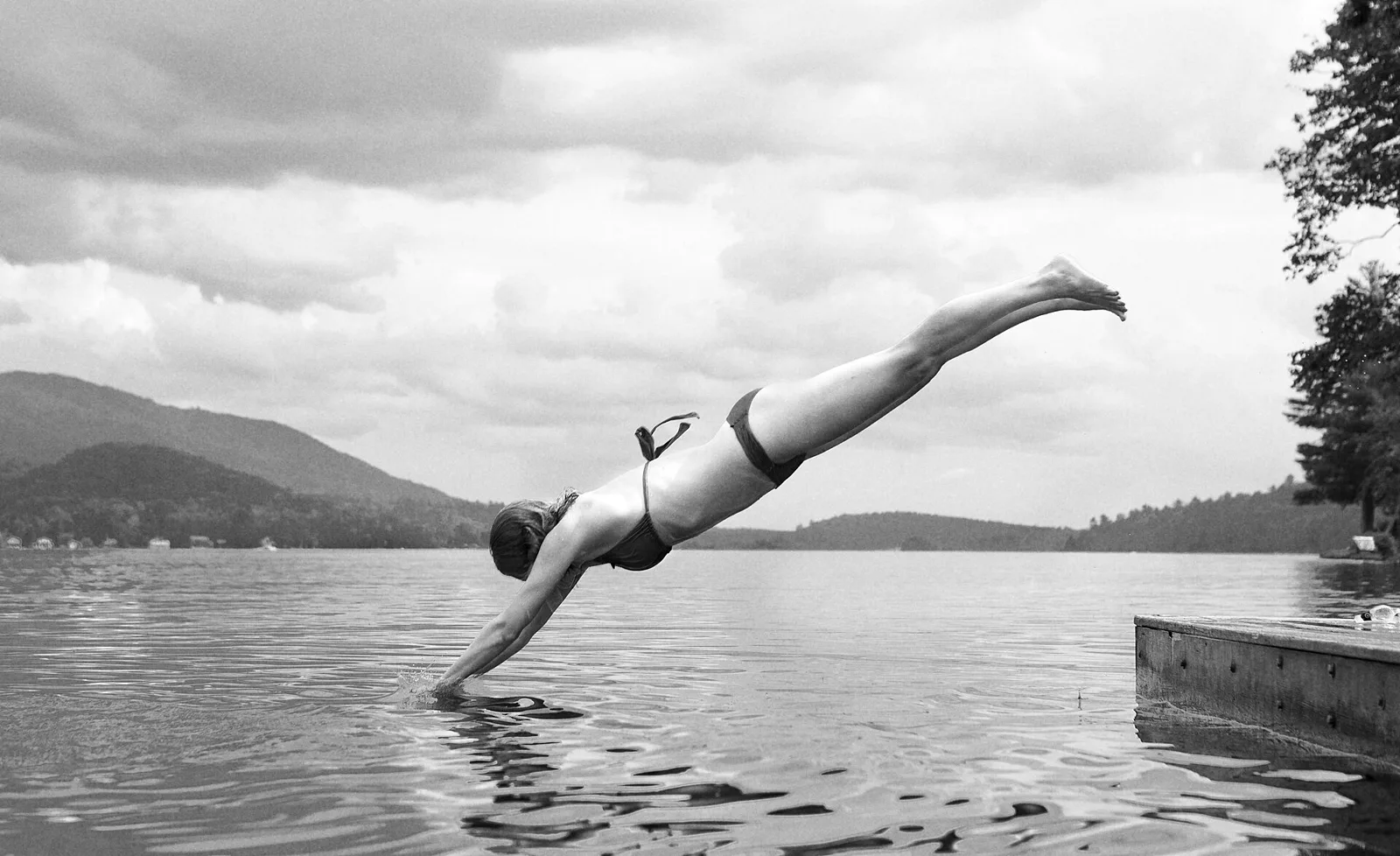
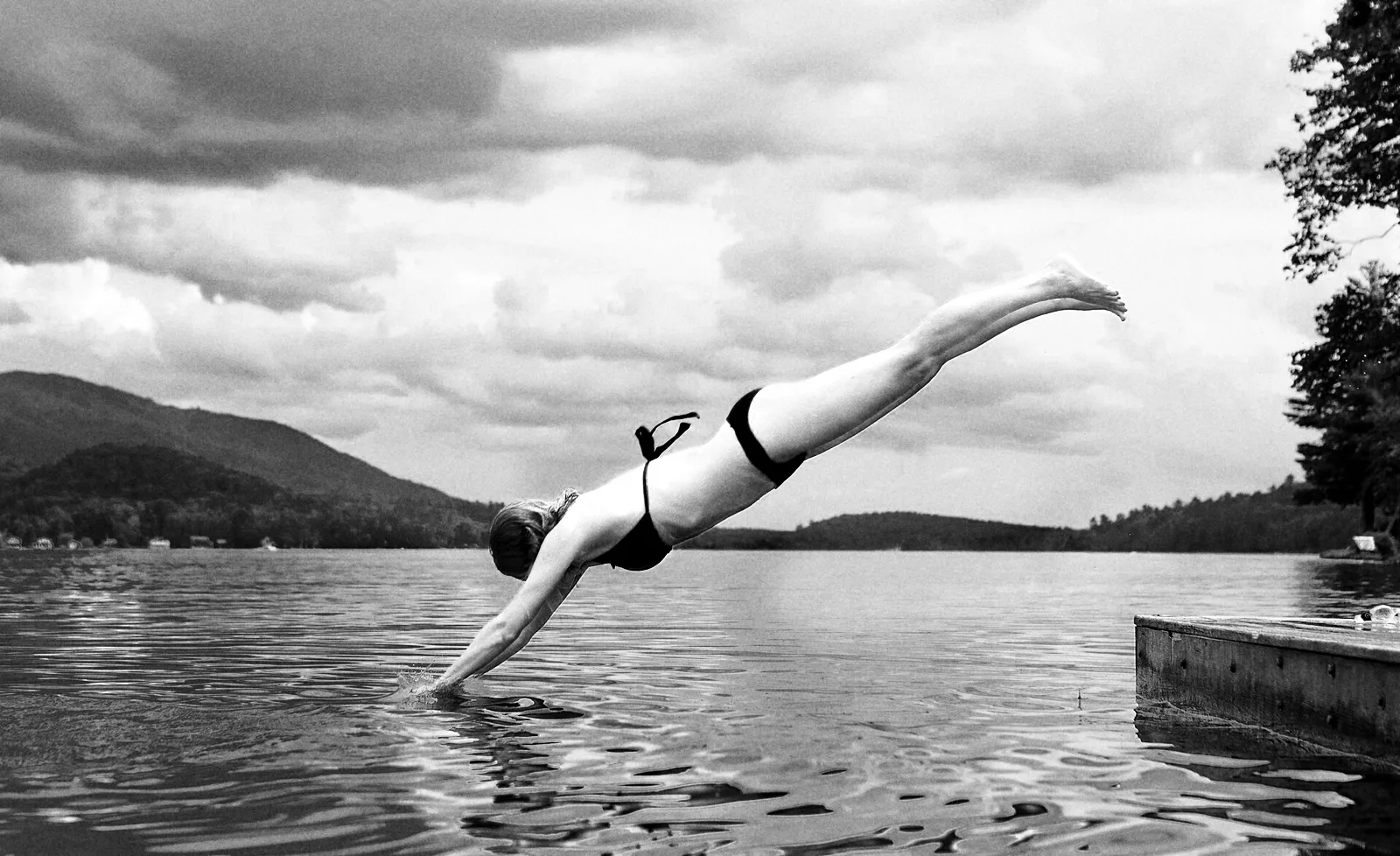
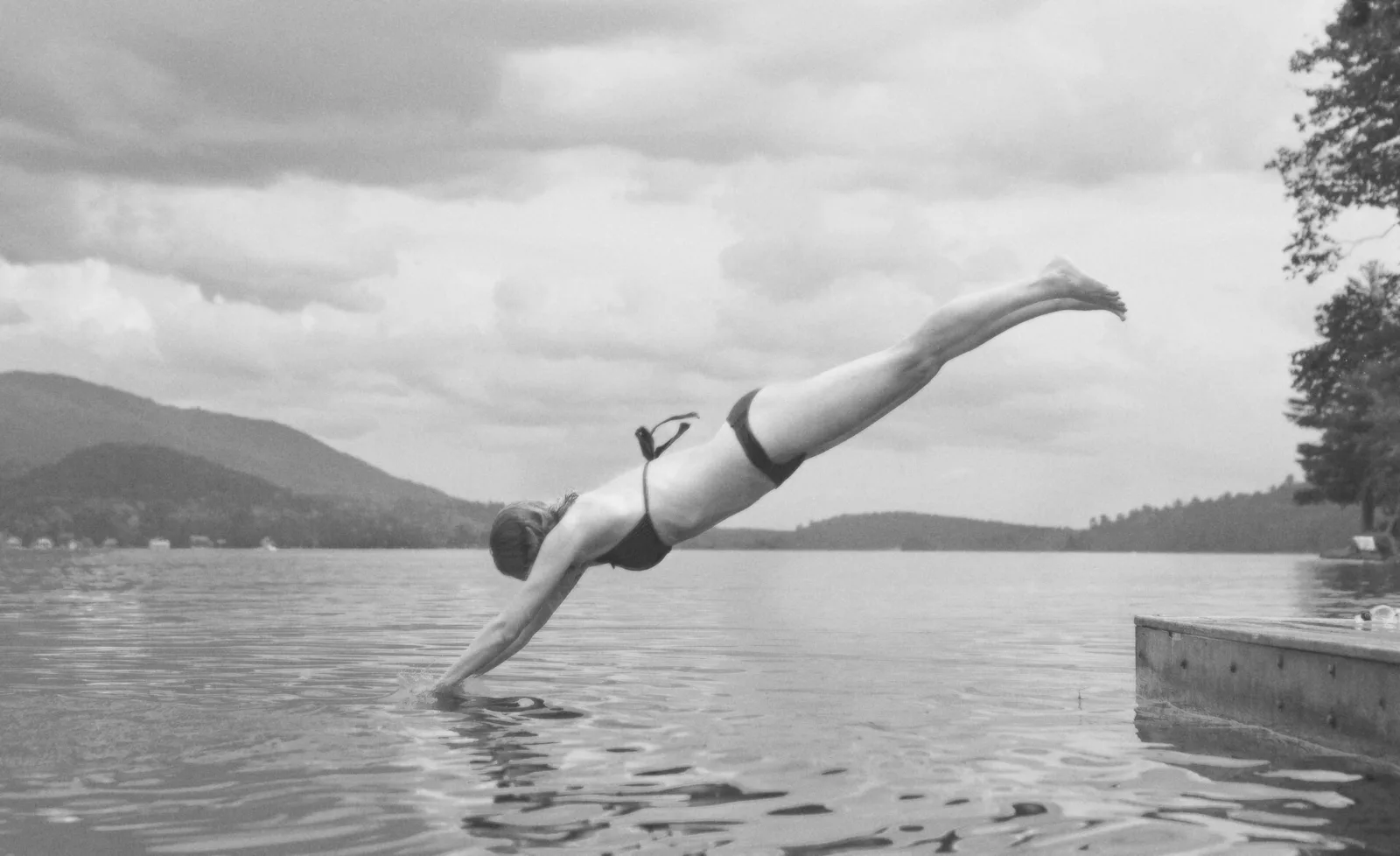
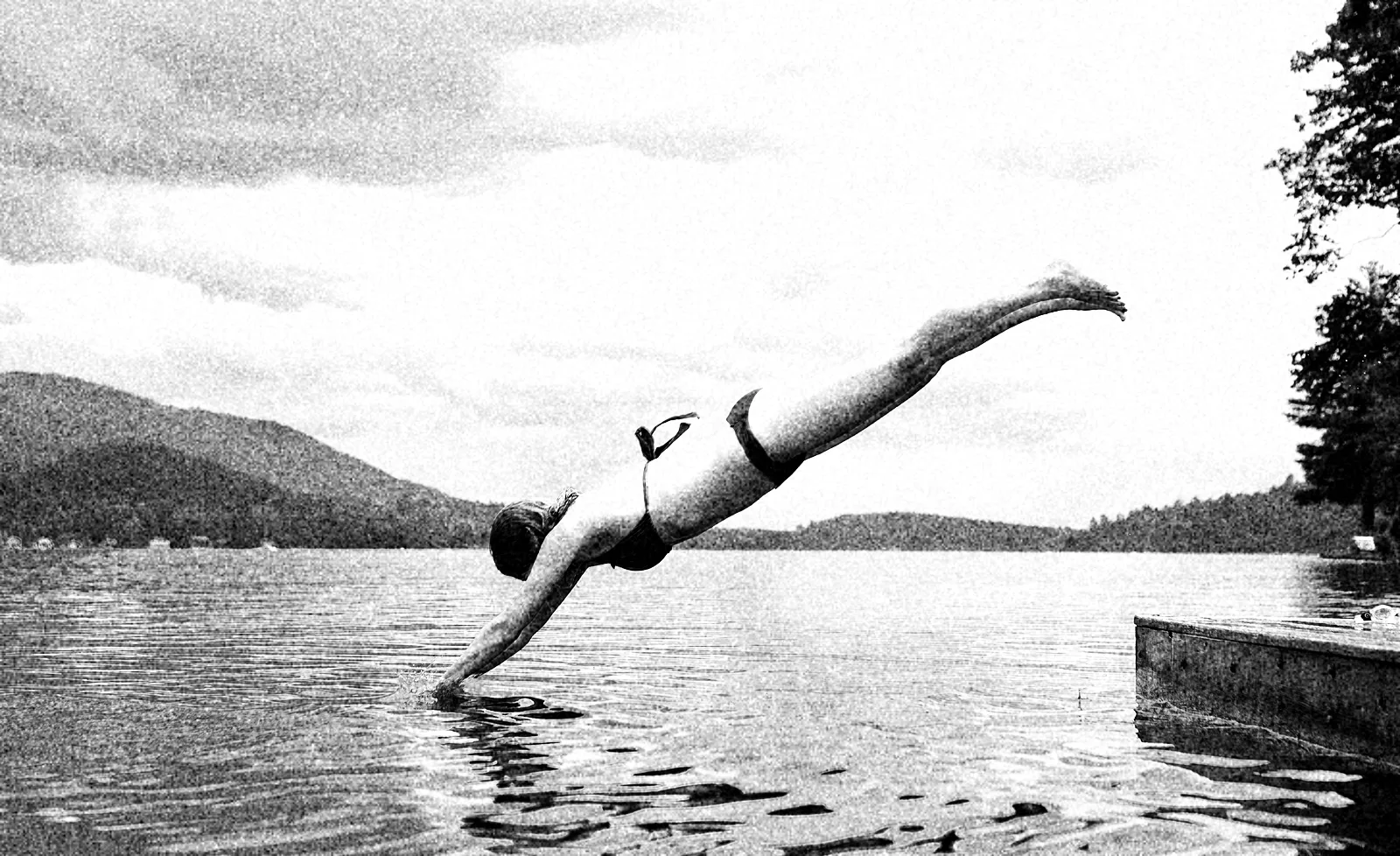
Why the same photo can turn grey so many ways
Blue sky turns dark, clouds pop, warm skin gets lighter and blemishes show less. Popular for landscapes and dramatic portraits.
A gentler version: a slightly darker sky, still natural.
Leaves and grass go lighter, lips and skin get more depth.
Black-and-white film saw every color as a shade of grey. Photographers changed which colors came out light or dark by putting a colored glass filter on the lens.
This filter does the same thing on your photo's own colors, so two photos with the same grey sky can still look completely different.
What are you turning black and white?
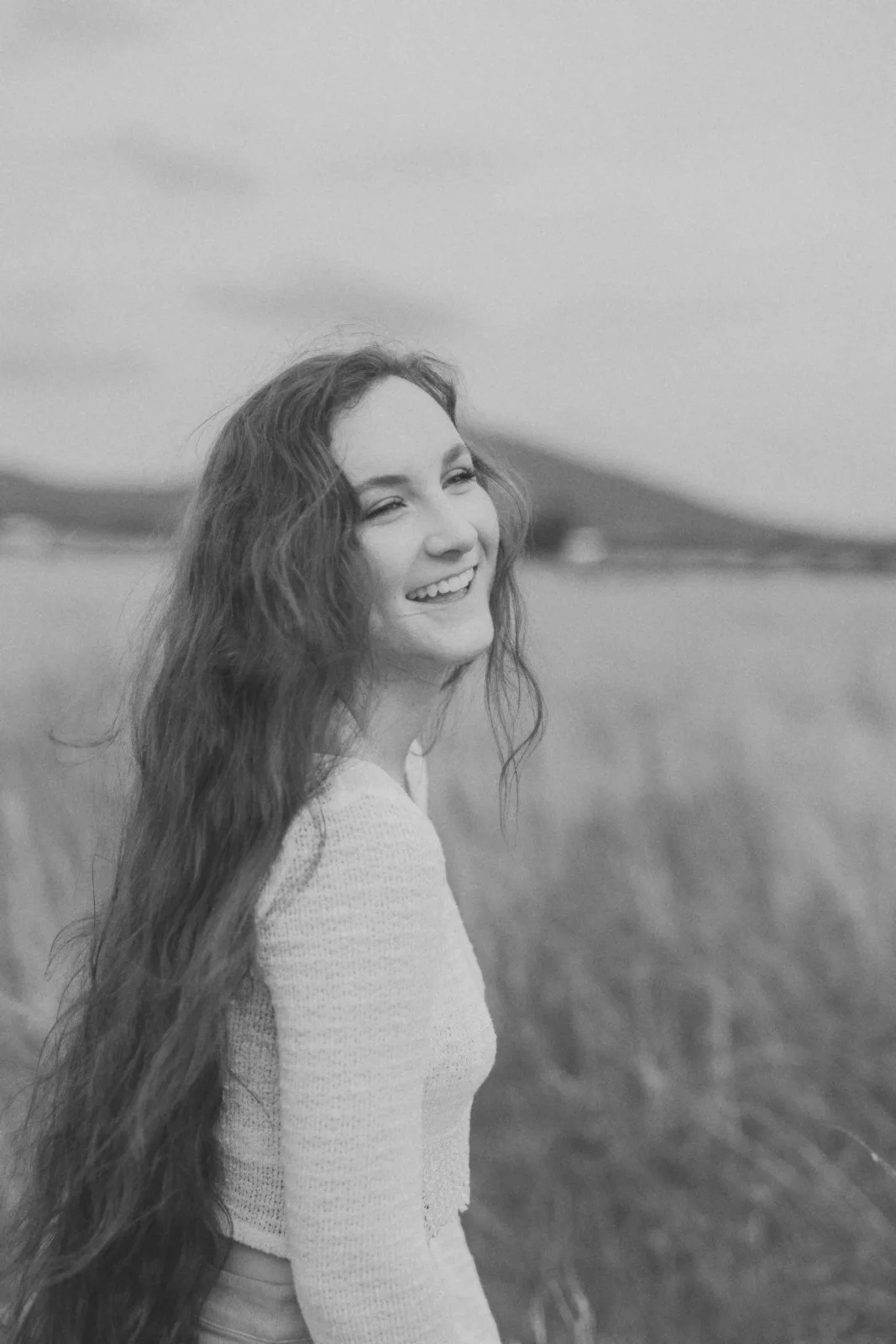
A timeless portrait that doesn't date
Profile photos, LinkedIn headshots, author photos. Soft portrait keeps skin light and even, and black and white hides a busy or badly colored background.
Try Soft portrait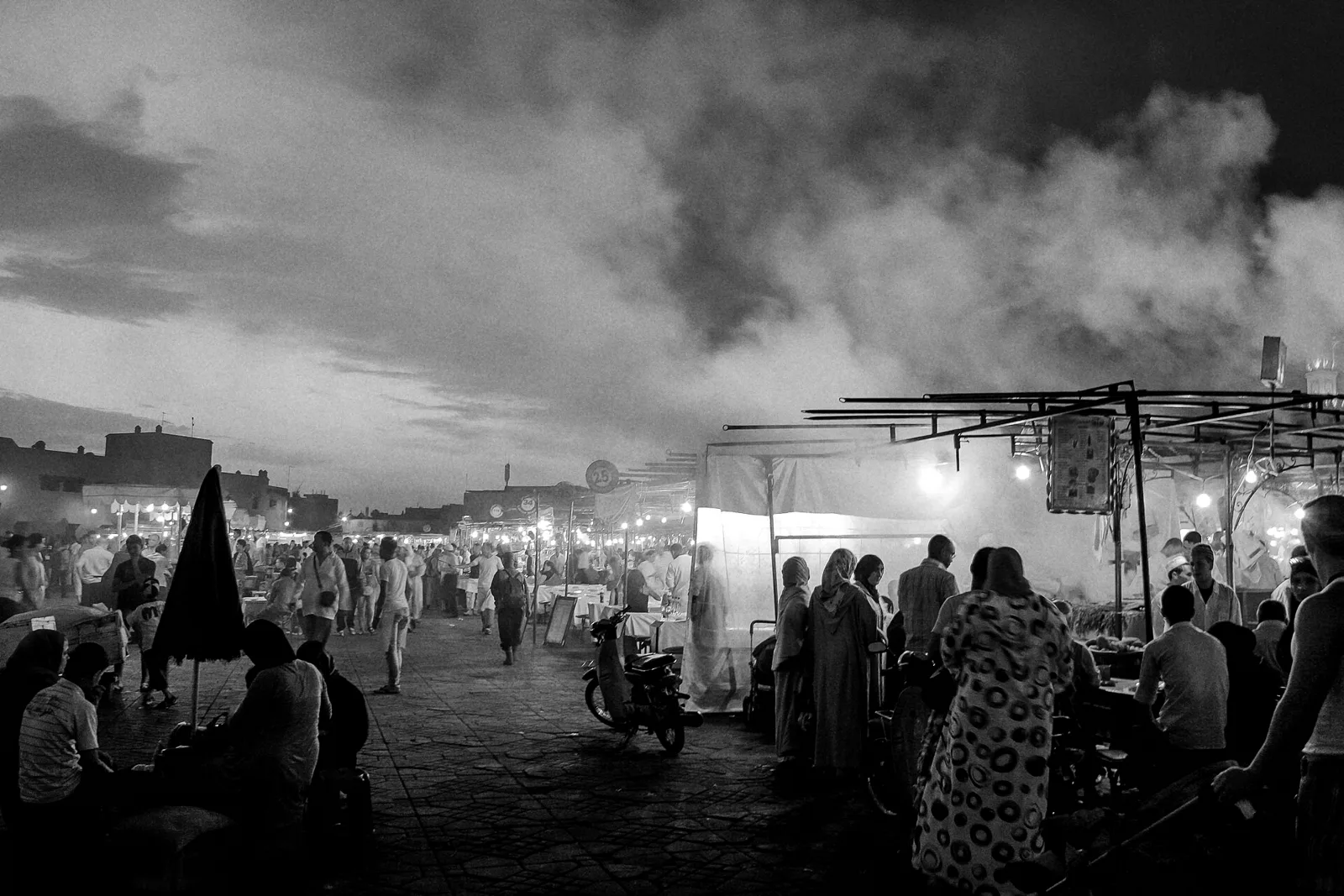
Save a photo the color ruined
Orange streetlights, green office lights or mixed window and lamp light make skin look wrong. In black and white the color cast is gone; only the light is left.
Fix a bad-color photo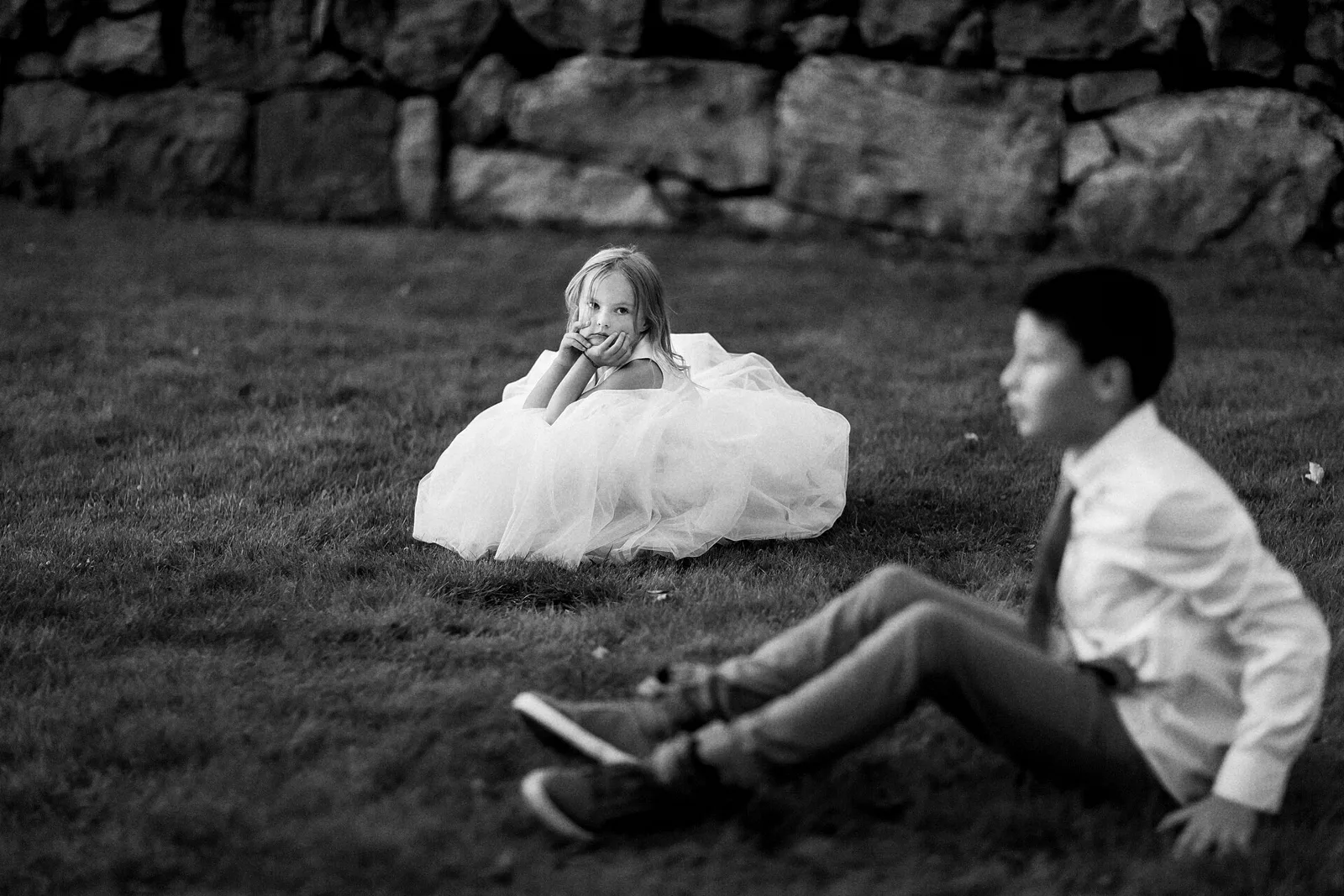
Match new photos to old family ones
Putting a wedding photo next to your grandparents' black-and-white wedding? Convert the new one with Classic and a touch of grain so the album reads as one family history.
Try Classic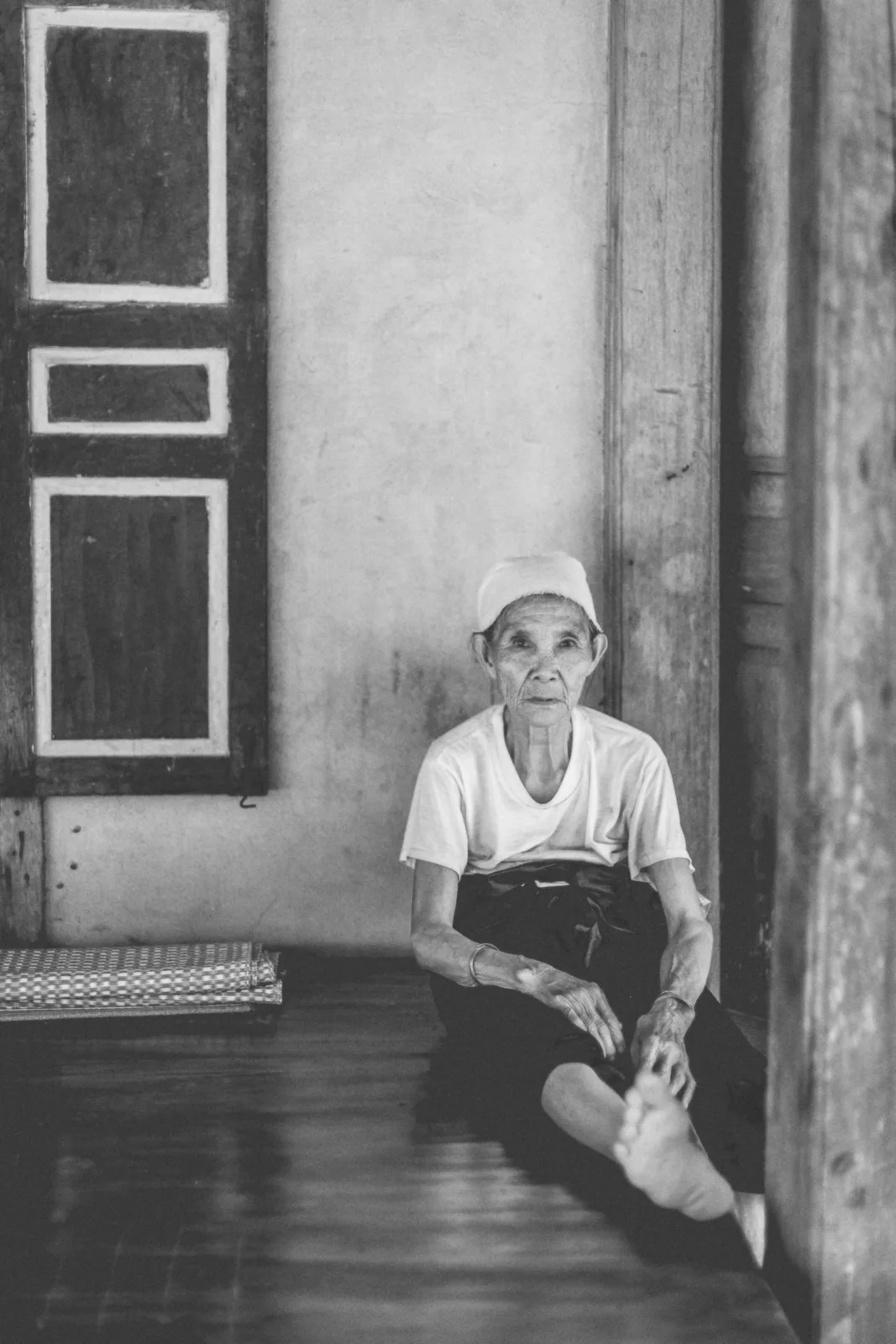
A calm, consistent look for a service
Slides, programs and photo boards often mix photos from many decades and cameras. Black and white makes them sit together quietly.
Make a tribute set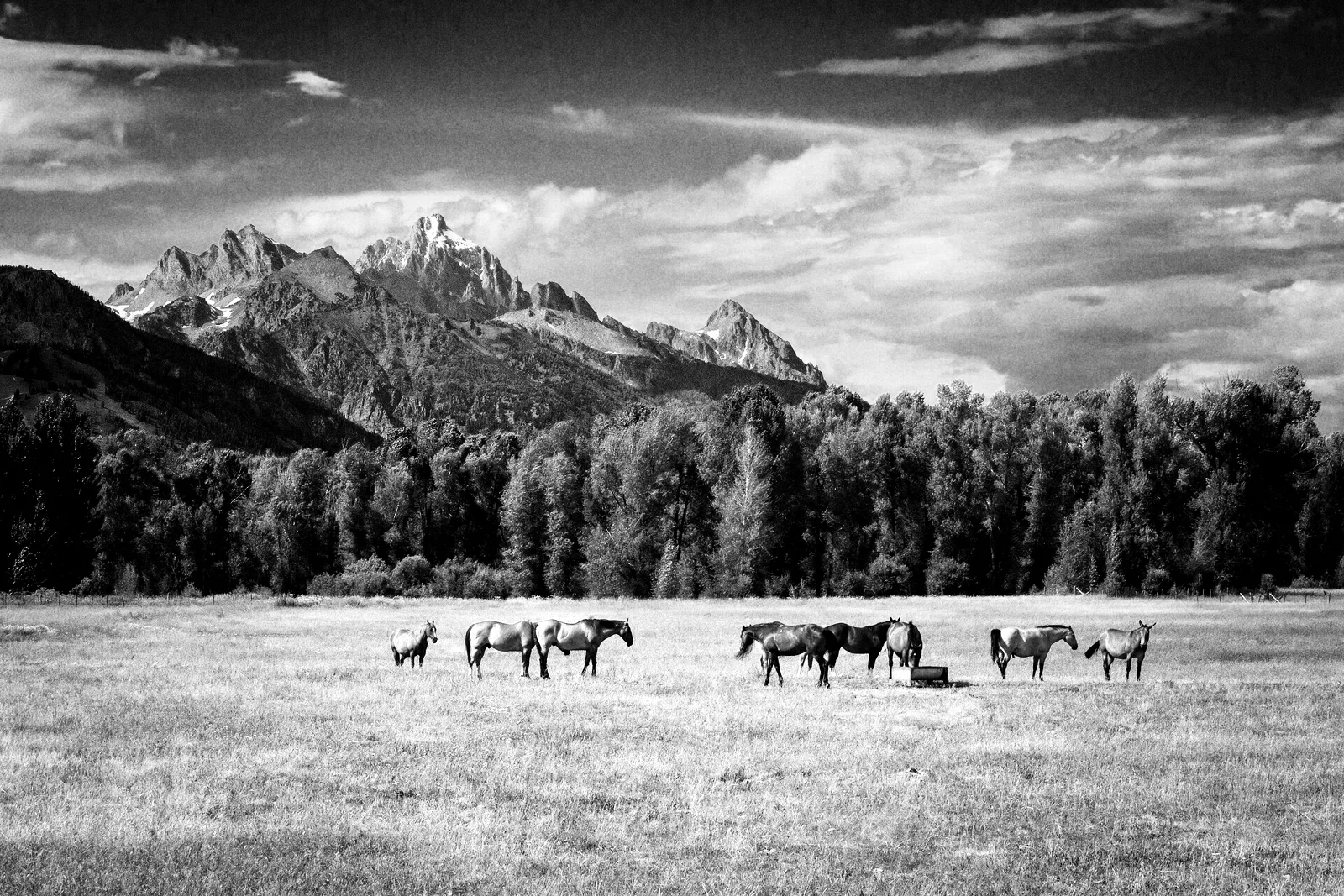
Light, shadow and dark skies
City streets and markets look stronger without color pulling attention; Grainy street adds documentary contrast. For mountains, coasts and buildings, Red sky turns blue into deep grey so clouds and stone stand out.
Try Red sky
A calm, matching look for a shop or a portfolio
Product shots taken on different days rarely match in color. In black and white that difference is gone, as long as the light is similar. Good for jewelry, ceramics, menus and portfolio pages; use the same look and contrast on every photo.
Try ClassicHow to make a photo black and white in 4 steps
Choose a photo
Pick a JPG, PNG, WebP or HEIC (iPhone) photo. It stays in this browser tab.
Pick a look
Start with Classic, or switch to Red sky, Soft portrait or Grainy street.
Set contrast and grain
Raise contrast for drama, lower it for faces. Add grain for a film feel.
Download
Save at the photo's own size. Your original color photo is not changed.
How the black and white conversion works
A basic grayscale conversion mixes the colors with one fixed recipe, which leaves many photos flat and grey. This filter decides how bright each color becomes, the way a colored filter on black-and-white film did, then sets contrast and grain.
Removing color needs no AI: it's exact math on the colors already in the photo, so nothing is guessed or redrawn and faces stay the same person. Going the other way is different, because the colors have to be guessed. That's what the AI in Colorize photo is for. It all runs inside this browser tab: your photo is never uploaded, and the download comes out at the size you opened.
- Nothing is uploaded
- Faces stay the same
- Full size out
Worried it will look flat?
Why do some black and white photos look dull?”
Colors that look different can turn into the same grey, a red shirt against green grass for example. Try another look; one of them will separate the two.
Will skin look blotchy?”
Use Soft portrait. Red-heavy conversions lighten warm skin so blemishes show less; green-heavy ones show more texture.
Can I go back to color?”
Your original isn't changed. The download is a new file.
How to shoot a photo that works in black and white
Look for light, not color. Side light from a window, low sun and hard shadows make shapes and texture, and that's what black and white shows best. A photo that only works because of a bright color usually falls flat in grey.
Overcast days suit portraits: soft light, no harsh shadows on faces. For skies, shoot when there are clouds; a plain blue sky turns into an empty grey patch whatever filter you use.
Black and white photo filter FAQ
What is the difference between black and white and grayscale?
Both mean a picture with no color. Grayscale usually means a quick conversion with one fixed formula; black and white, as photographers use it, means choosing how each color turns grey and setting the contrast for the photo.
Black and white vs sepia: which one?
Black and white is neutral grey. Sepia is one brown tone, like an early 1900s print. For sepia, use the sepia filter.
Which look is best for dark skin?
Soft portrait or Classic, with contrast kept moderate. Grainy street's hard contrast can push darker skin too far into shadow.
Can I turn a black and white photo back into color?
Not with this filter. For an old black-and-white photo, the colorize tool adds color.
Does it work on iPhone photos?
Yes. Open this page in Safari, choose the photo and download. It stays on the phone.