Add Grain to Photo
Add film-style grain to any photo, from a fine texture to heavy push-processed grit. Choose the amount, size and color. Free, in your browser, and your photo never leaves your device.
- ✓Runs on your device
- ✓Nothing is uploaded
- ✓Free, no sign-up
Drop a photo here or paste with Ctrl+V
Free, no sign-up. Nothing is uploaded.
How do I add grain to a photo?
Add fine monochrome noise that is strongest in the mid-tones and fades toward pure black and white, the way film grain does. Good starting points: amount 15–25 for portraits, 30–45 for travel and street, 45–60 for black and white and concerts. Use color noise only for an early-digital look. Here, Medium (amount 24) is the default: change the amount and size, then download at the photo's original resolution. Free, no sign-up, and the photo never leaves your browser.
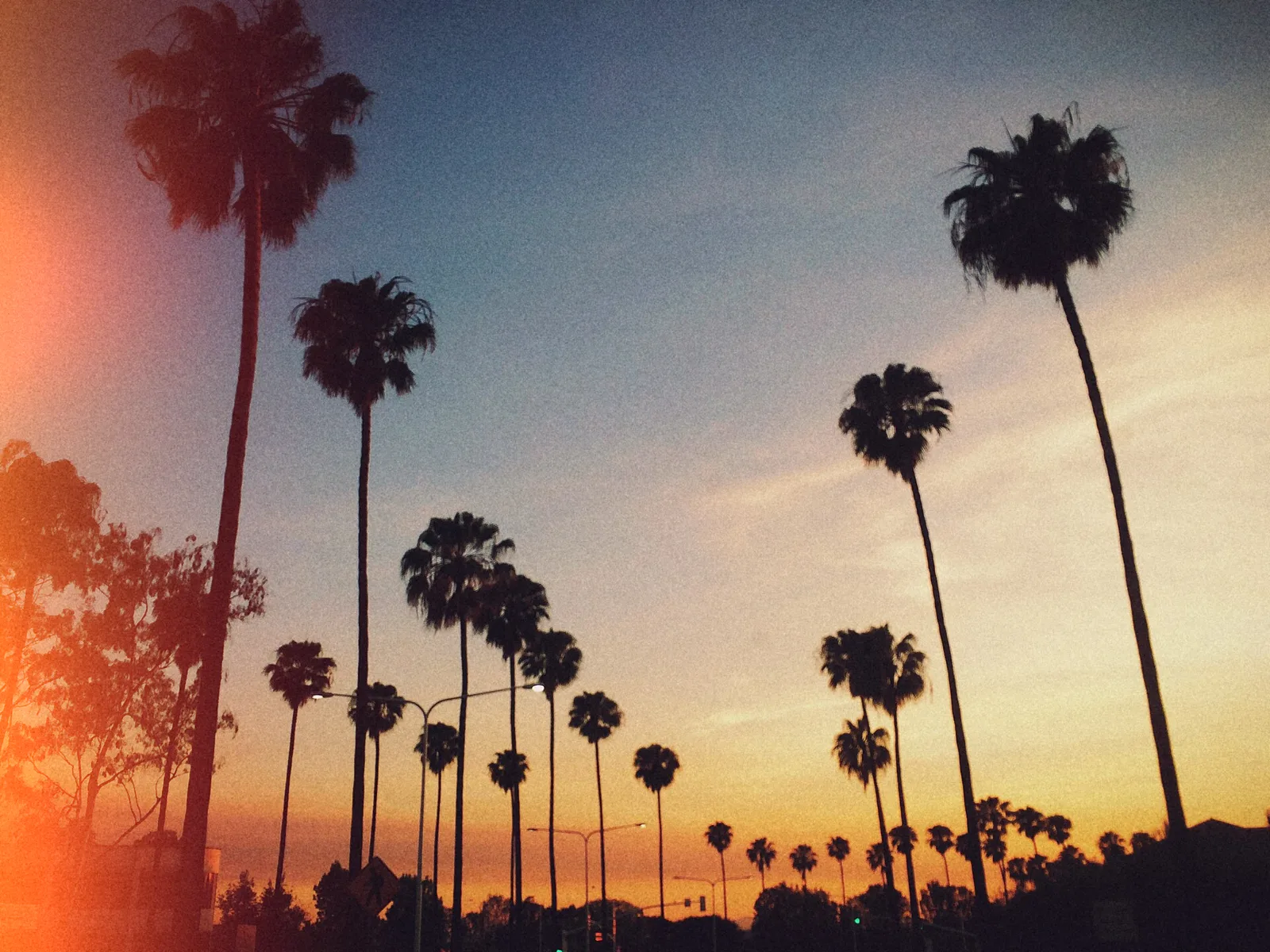
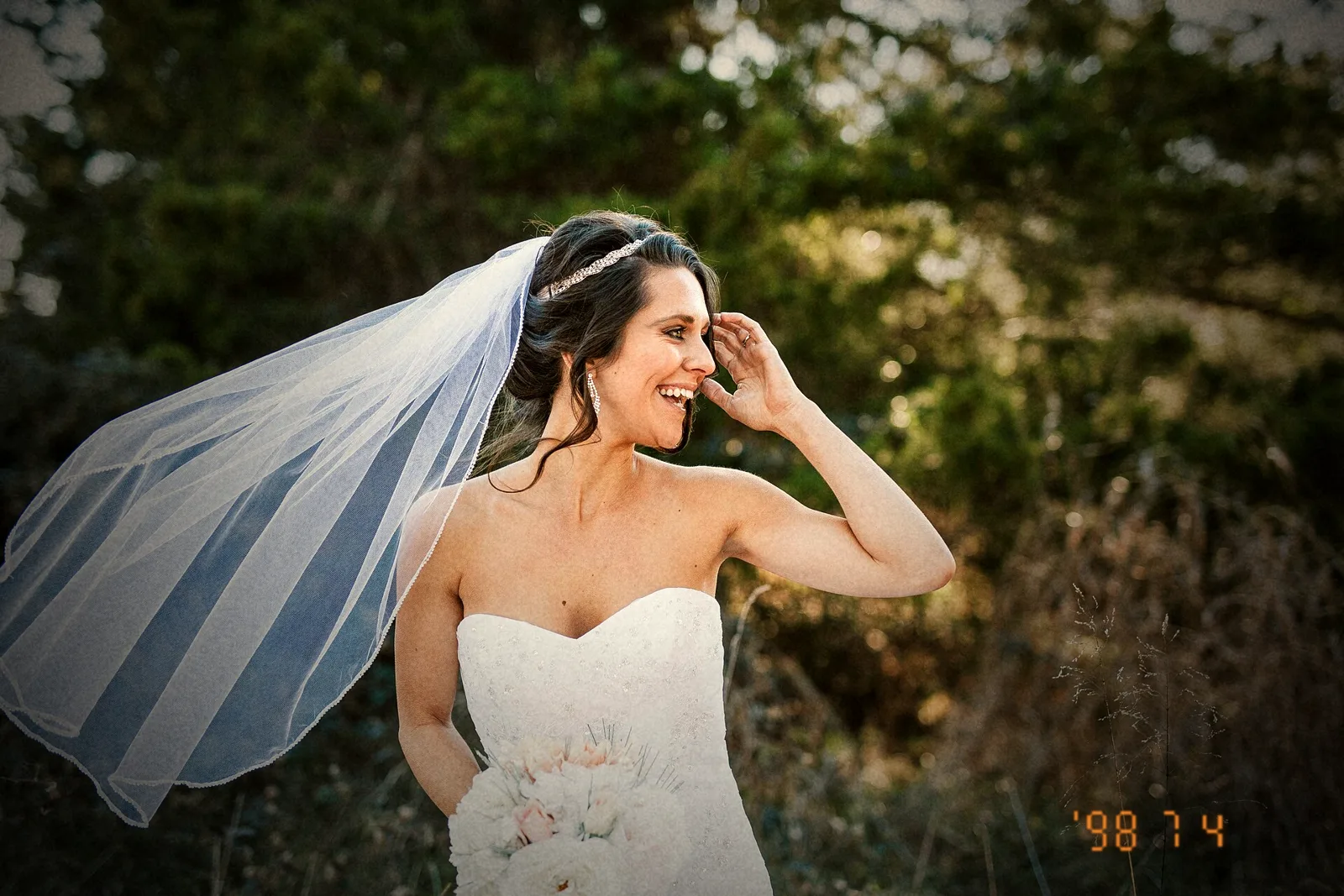
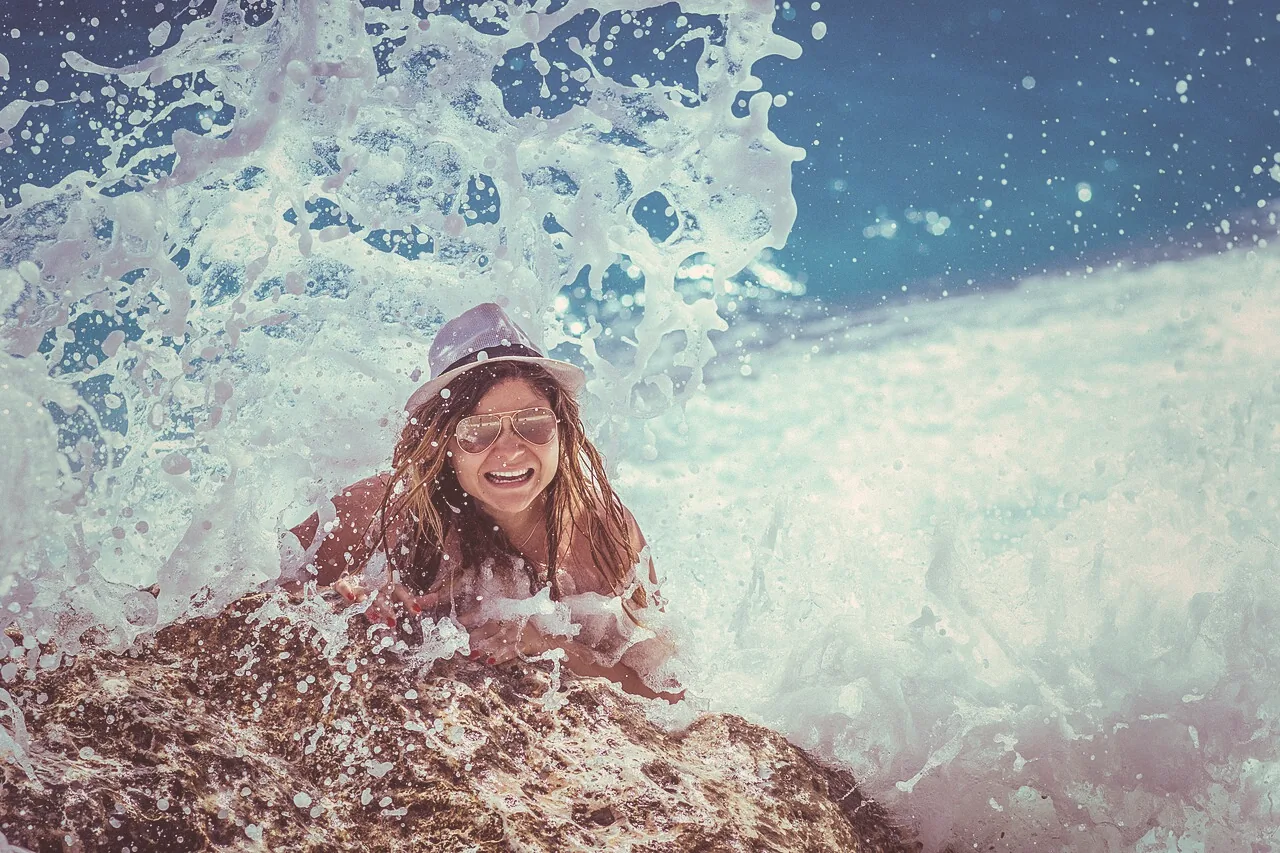
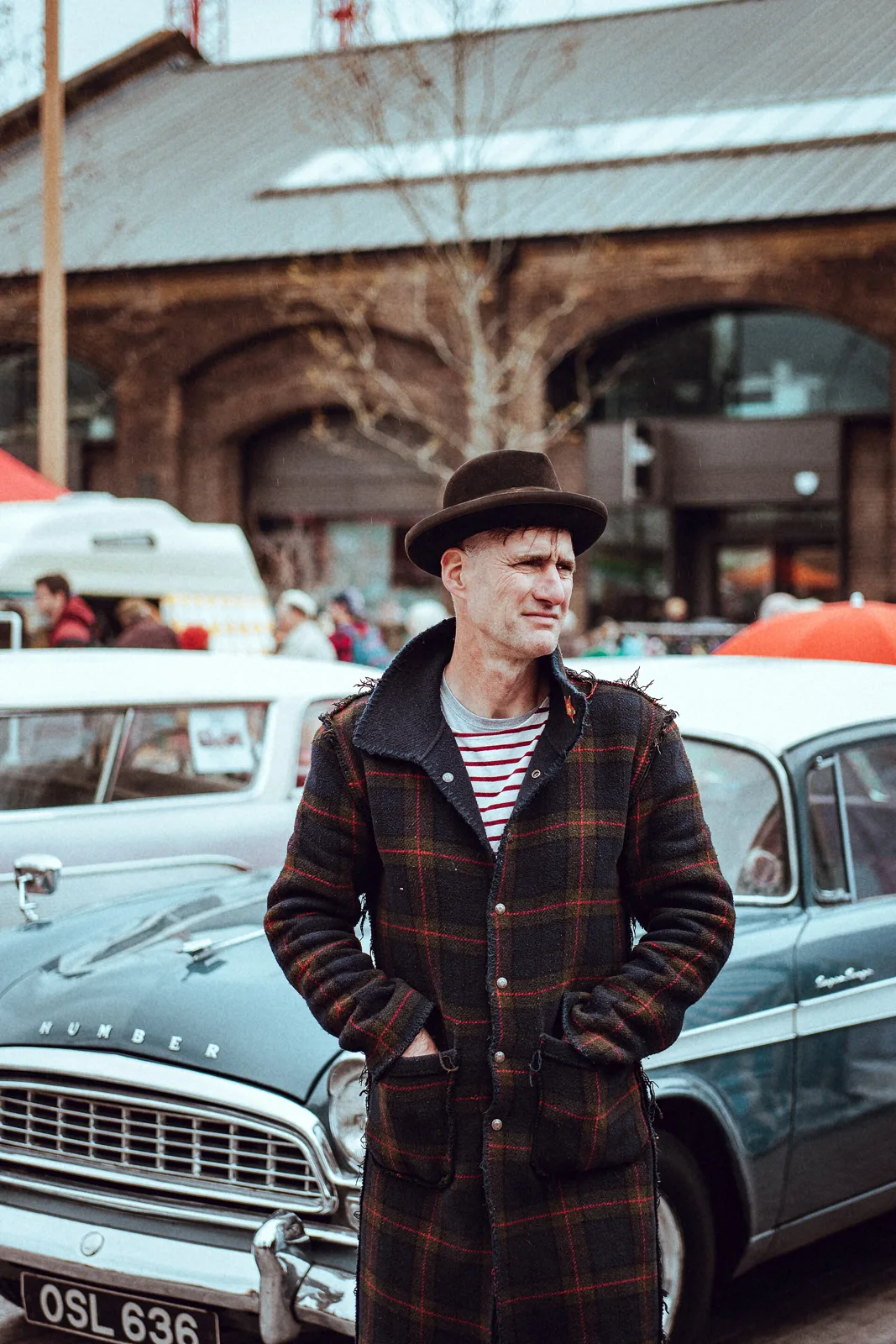
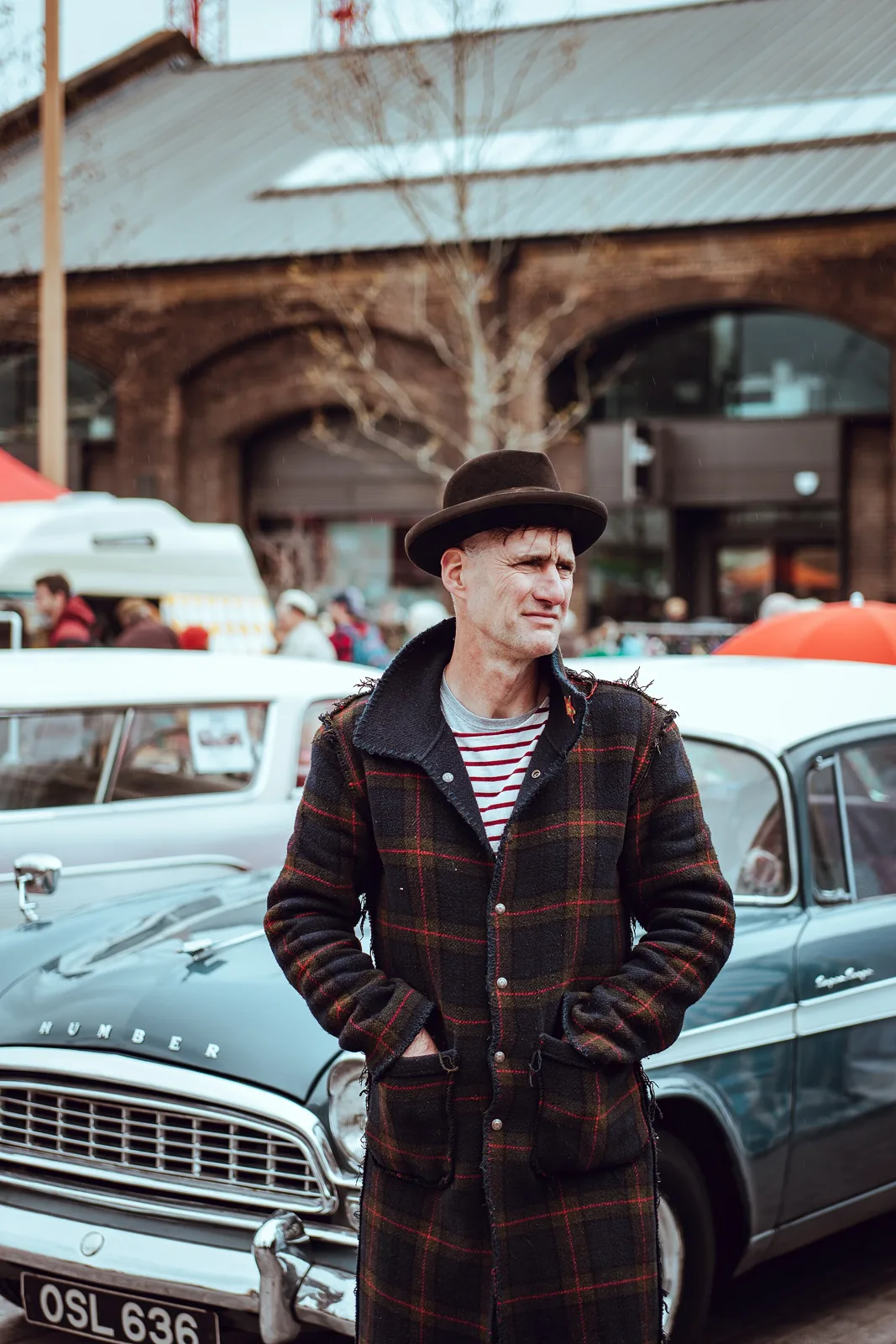
One photo, four kinds of grain
The same photo with each starting point. Close-ups are zoomed to 300% so you can see the grain.
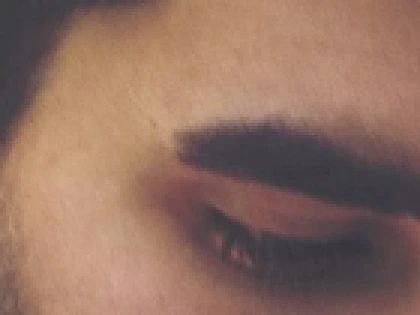
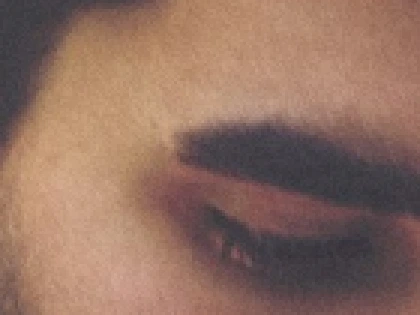
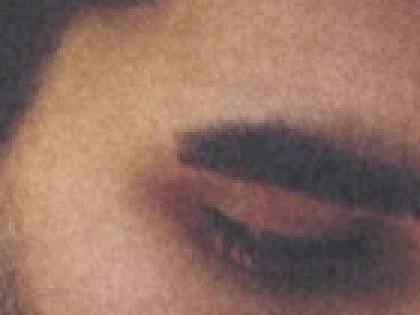
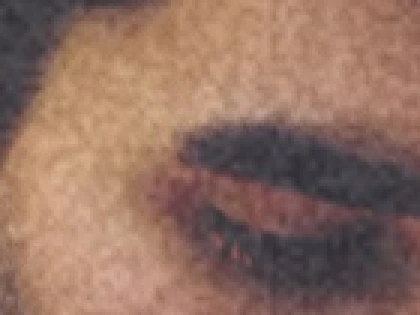
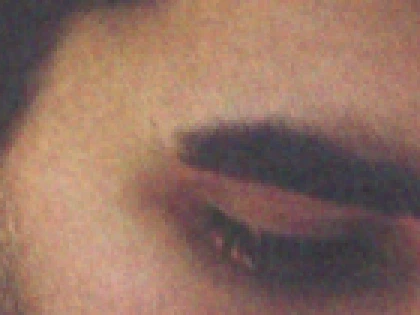
Film grain vs digital noise
The same crop three ways. Look at the face and the dark background.



This tool makes film grain by default. Color noise is there when you want the early-digital look on purpose.
Why add grain?

Make a phone photo feel like film
Phone noise reduction smooths a lot away. A little grain brings back texture in skin, sky and walls, so the photo looks shot rather than processed.
Try Medium
Make photos from different cameras match
A phone, a friend's phone and a real camera all render texture differently. The same grain on every photo makes a carousel, a portfolio page or an album sit together. Your settings stay when you open the next photo.
Match a set
Smoother gradients, more texture
Large areas of sky or flat color can show bands when printed or compressed. Fine grain hides those bands and gives posters and flyers a printed feel.
Try Fine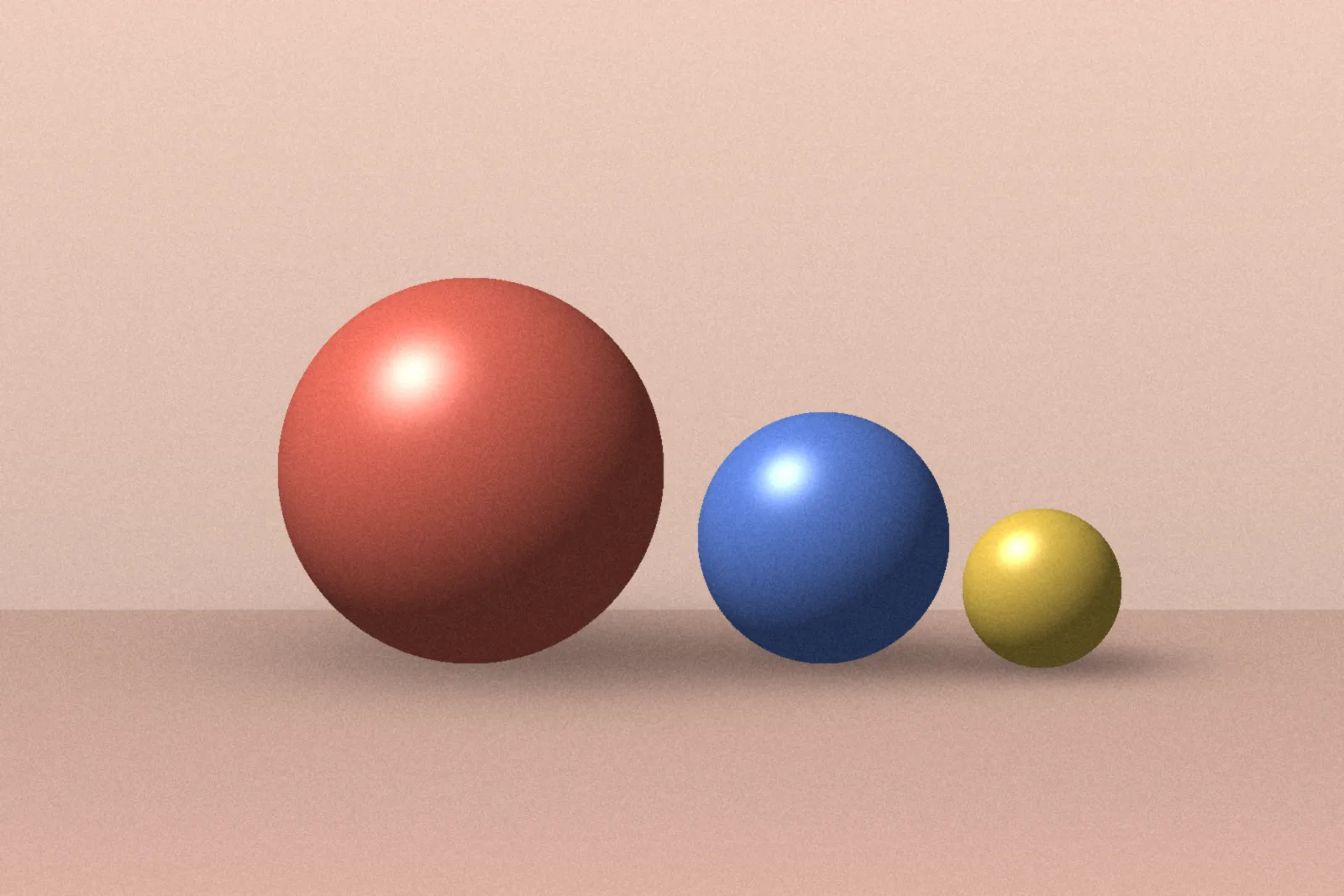
Take the plastic look off very smooth images
3D renders, digital paintings and AI images can look too perfect. Grain adds the small imperfections real photos have.
Add texture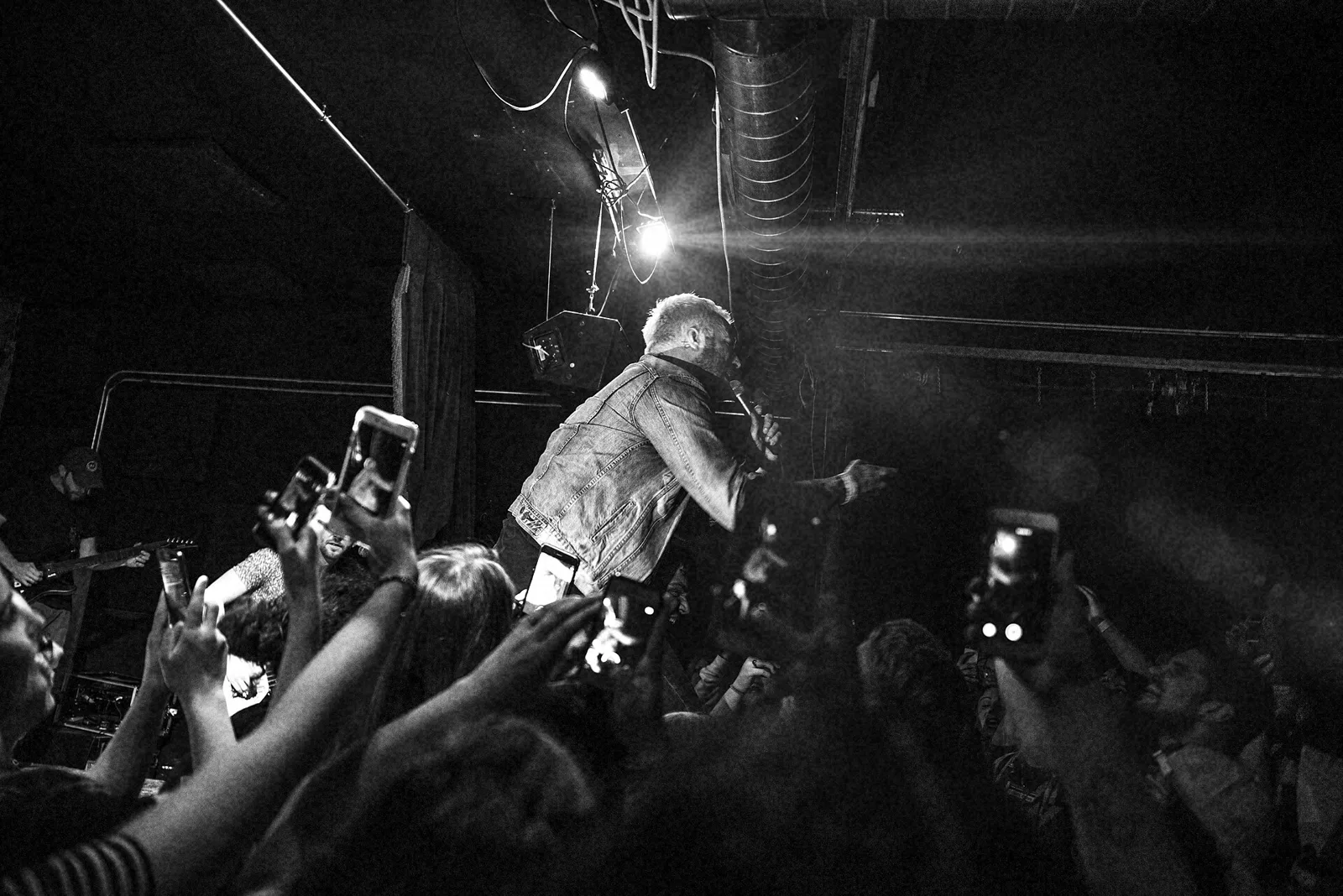
Grain is half of a black-and-white look
Mono photos without grain often look flat. Heavy grain suits street shots and concerts; Fine suits portraits.
Try Heavy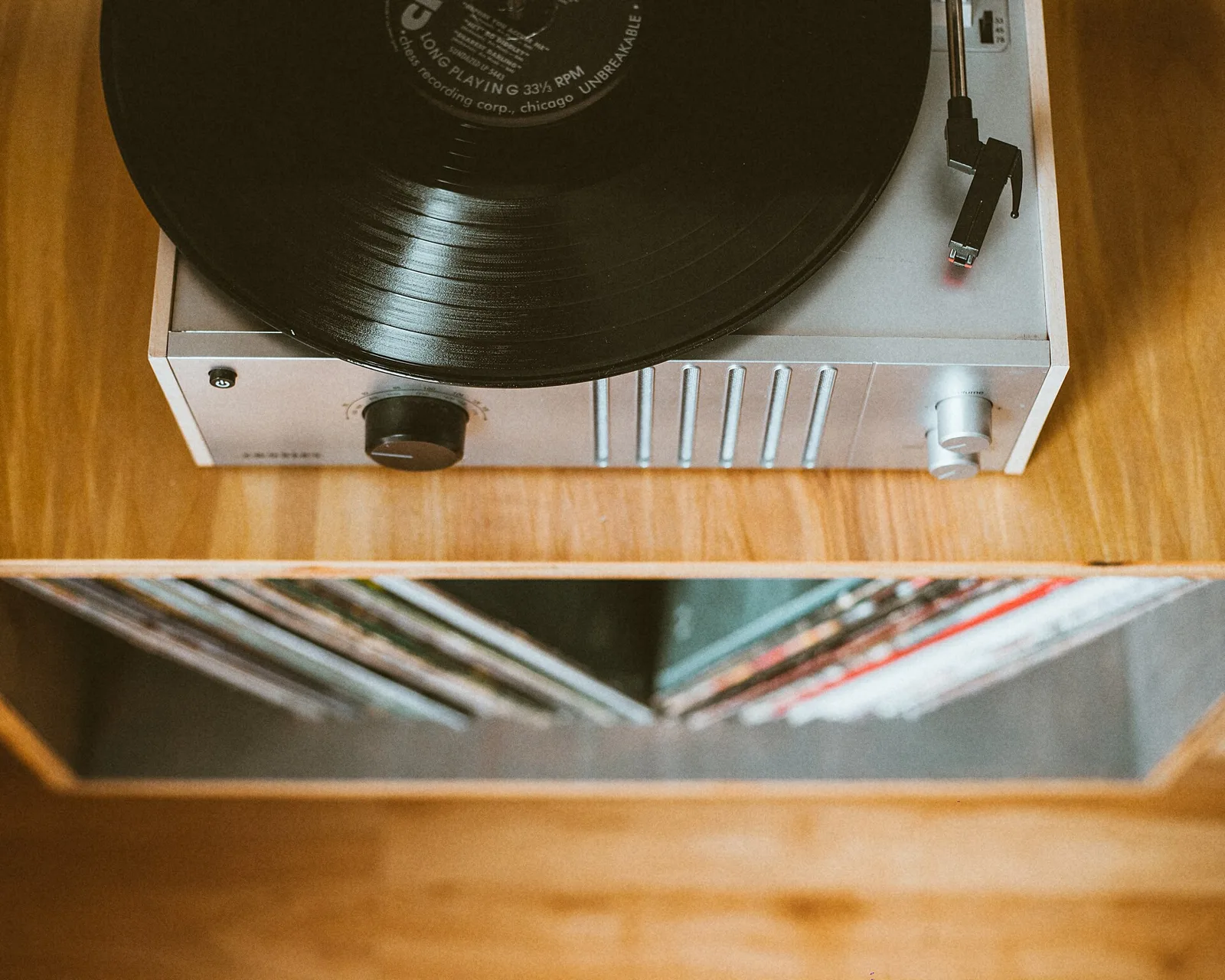
Album covers, thumbnails and brand posts
Mono grain adds texture without tinting, so brand colors stay the same. Keep it moderate if there is small text on top.
Make a coverHow to add grain to a photo in 4 steps
Choose a photo
Pick a JPG, PNG, WebP or HEIC (iPhone) photo. It stays in this browser tab.
Pick a starting grain
Start with Medium, or switch to Fine, Heavy or Color noise.
Set amount, size and color
Raise the amount for a stronger effect, the size for coarser grain. Switch between mono and color grain.
Download
Save at the photo's own size. Your original is not changed.
How the grain is added

The grain is built for the size of your photo. A 12-megapixel image and a small one get the same look at the same viewing size. It is strongest in the mid-tones and fades toward pure black and pure white, so shadows don't turn grey and highlights stay clean.
It's math, not AI: the same amount always gives the same grain, so amount 24 looks the same on every photo in a set. Colors, faces and sharpness are not changed; only texture is added. It all runs inside this browser tab: your photo is never uploaded, and the download comes out at the size you opened.
- Nothing is uploaded
- Colors stay exact
- Full size out
Worried it will ruin the photo?
Will it look like dirt on the lens?”
Not at sensible settings. Start with Medium and look at the photo at the size people will see it, not zoomed in.
Will grain make it blurry?”
No. Grain adds texture on top; sharpness stays the same. Very coarse grain can hide fine detail, so lower the size for portraits.
Can I take it back out?”
Set the amount to 0. The download is a new file, so the original is untouched.
How much grain to add
Judge grain at viewing size. A photo for a phone screen needs more than you think, because the screen shrinks it. A large print needs less.
Match grain to the light: more for night, concerts and black and white, less for portraits and bright daylight. If the photo will be shared on social apps, export a little stronger than looks right on your computer; heavy compression smooths some grain away.

Add grain to photo FAQ
Does adding grain make the file bigger?
Usually, yes. Grain is fine detail, and JPEG and WebP need more data to store it. Heavy grain can make a file noticeably larger.
Mono or color grain: which one?
Mono for most photos; it looks like film grain. Color grain looks like digital noise from an early camera or a phone at night.
Can grain hide a blurry photo?
It can make slight softness less noticeable, but it won't add detail. For a blurry photo, sharpen it first, then add grain.
Is a grain filter the same as adding noise?
They overlap. Most editors call it "add noise"; photographers call it grain. Mono grain is what some editors call monochromatic noise. Here, grain follows the image's tones like film, instead of spreading evenly.
How do I add grain to a photo on iPhone?
Open this page in Safari, choose the photo, set the grain and download. It stays on the phone.
More photo tools