Water Damaged Photo Restoration
Clear water stains, tide marks and mold spots from a dried, scanned photo, and bring back the faded color. Every face is checked against your scan.
- ✓Free to try
- ✓No sign-up
- ✓Faces checked against your scan

Drop a water-damaged photo here
or paste with Ctrl+V
Free to try, no sign-up. Download with a free account.
Still wet? Take a phone photo first, then see the first 48 hours below.
Can a water-damaged photo be restored?
Often, yes. Once the print is dry and scanned, stains, tide marks, mold spots and faded color can be repaired.
Image that the water fully washed away can only be filled with a guess. If a print is still wet, deal with that first, within 48 hours.
Still wet? Take a phone photo first
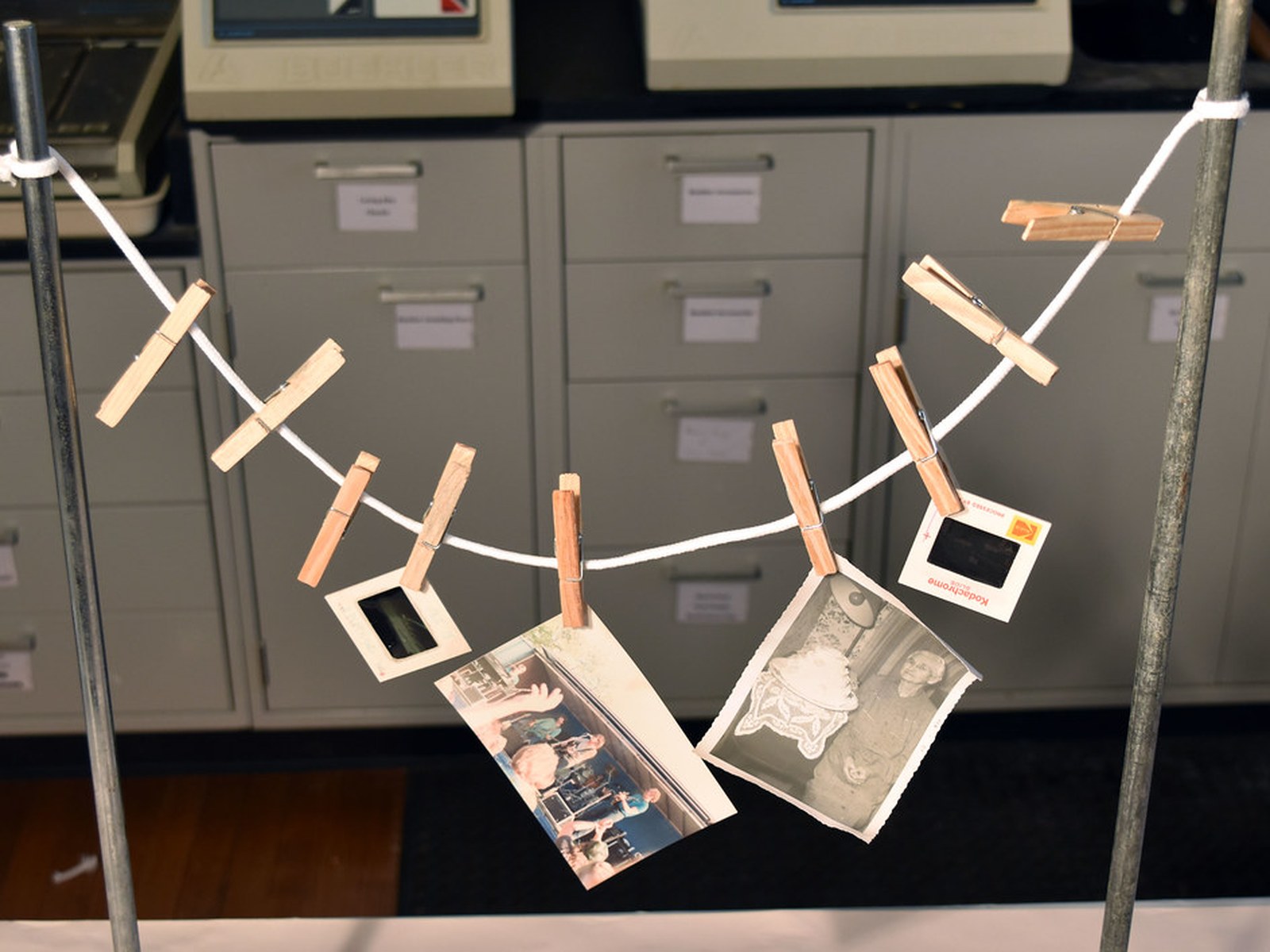
A wet print is never going to look better than it does today. Drying can curl it, stick it to its neighbours or let mold in, so take a quick phone photo before anything else.
Lay it face up, shoot straight down in daylight and leave the flash off. Don't wipe the surface to get a clearer shot; wet emulsion smears and lifts.
You can upload that photo straight away. Expect a softer result than from a dry scan, because water adds glare and darkens color. Once the print is dry, scan it and run it again.
Never put a wet print on a scanner. It sticks to the glass, and the picture can tear off when you lift it.
Stains gone, same faces
Before and after pairs from our own tests.
BeforeAfterA family snapshot with a brown tide line
The ring of staining cleared and the faded color brought back.
 Before
 After
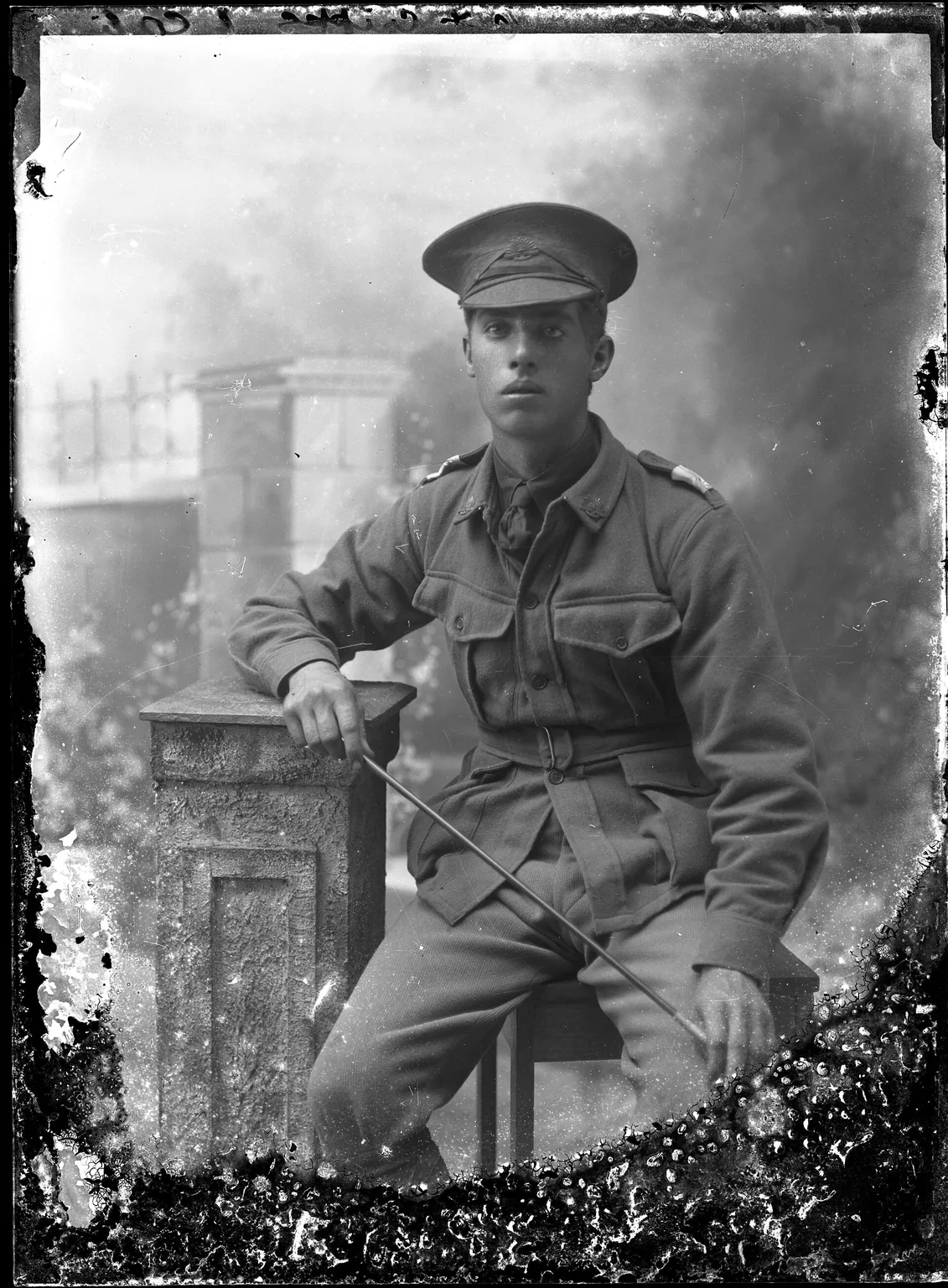
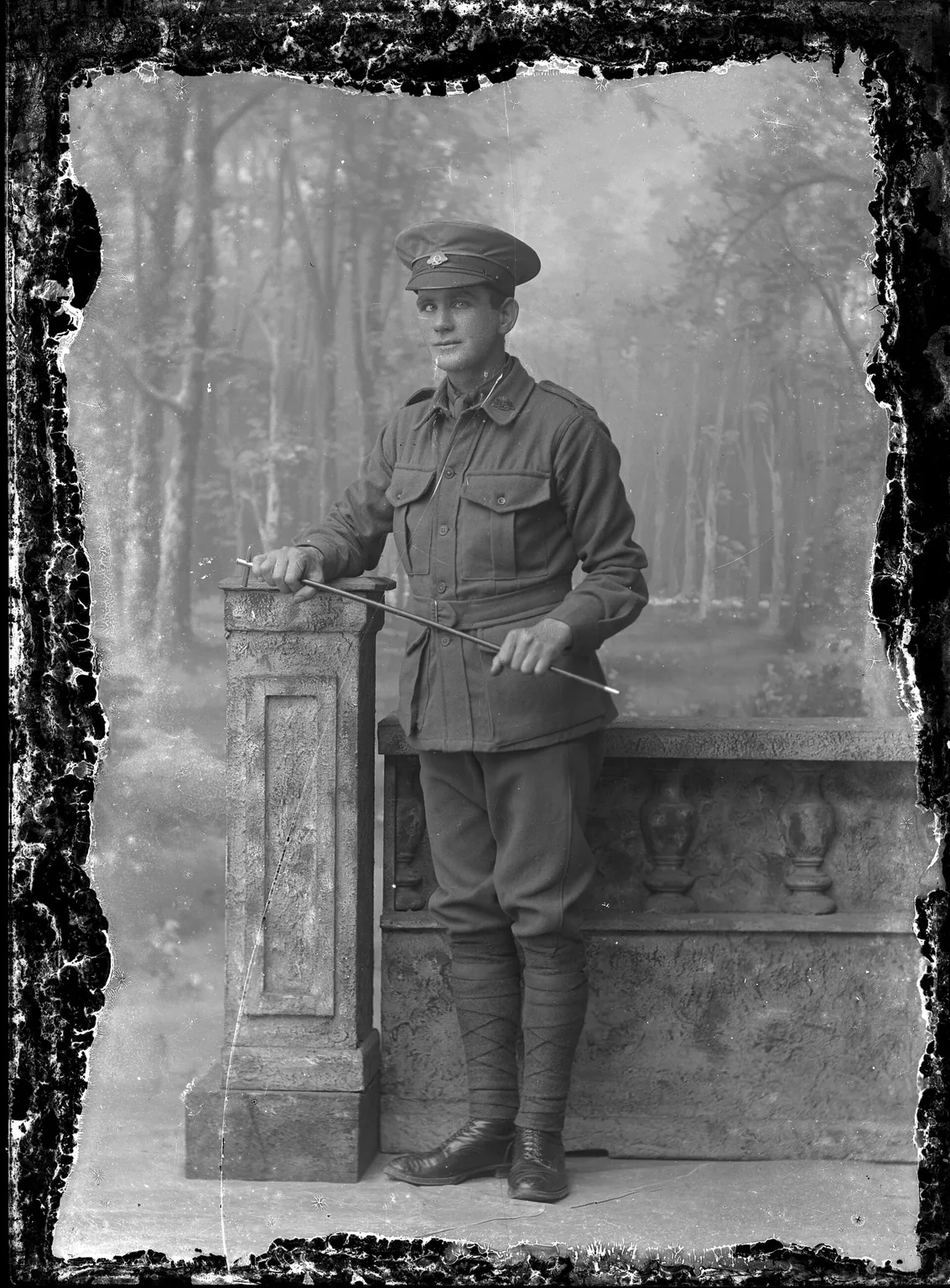
A portrait spotted with mold
Spots lifted from the face and the background.
 Before
 After
An album print that dried wrinkled
Cloudy patches cleared, the people unchanged.
Who brings a water-damaged photo here
The damage, the reason it matters, and what you can do with the photo after.
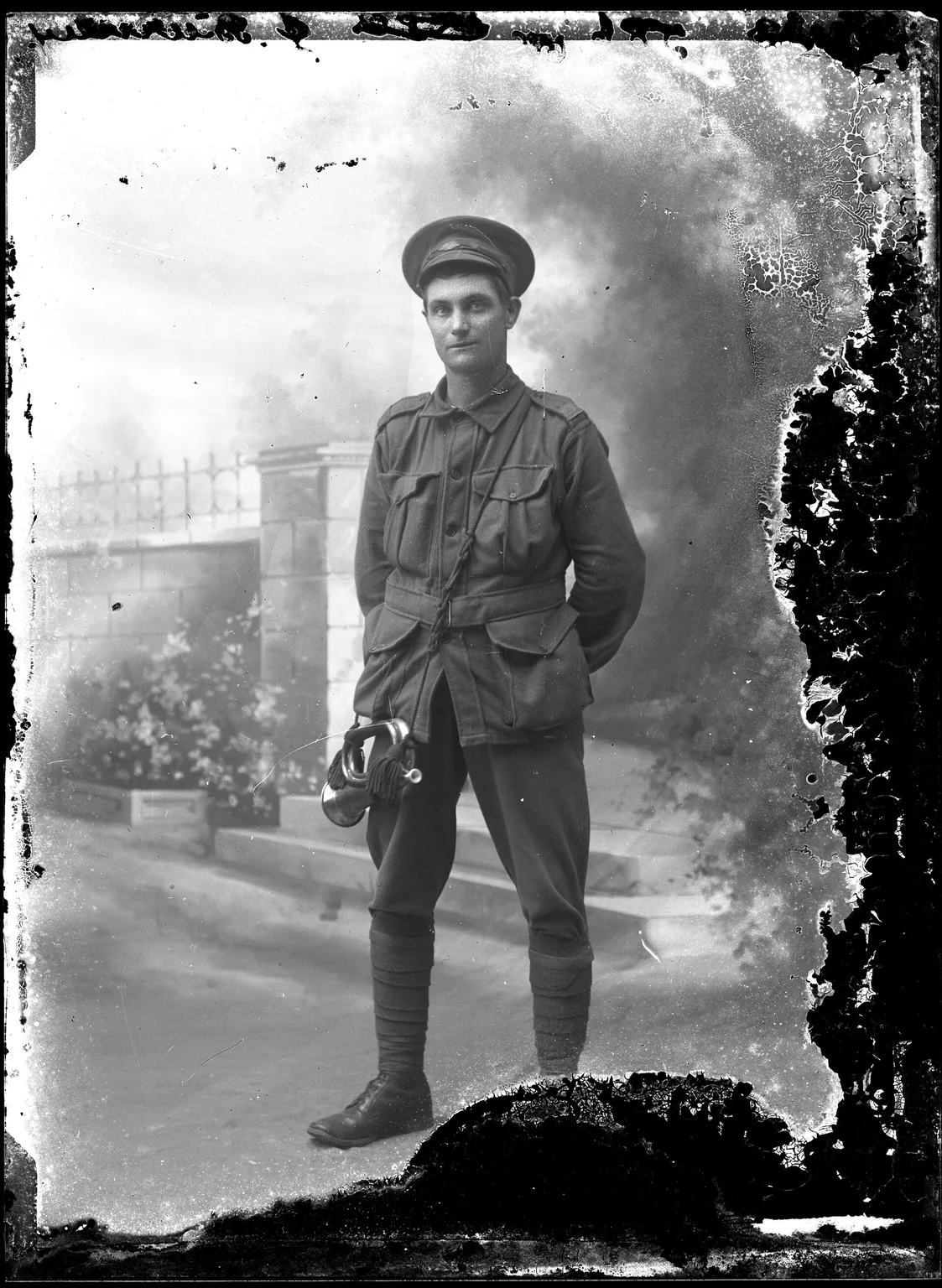
A box of photos after the flood
Clear the stains from the faces you can still see, and print a fresh set before the box is thrown away.
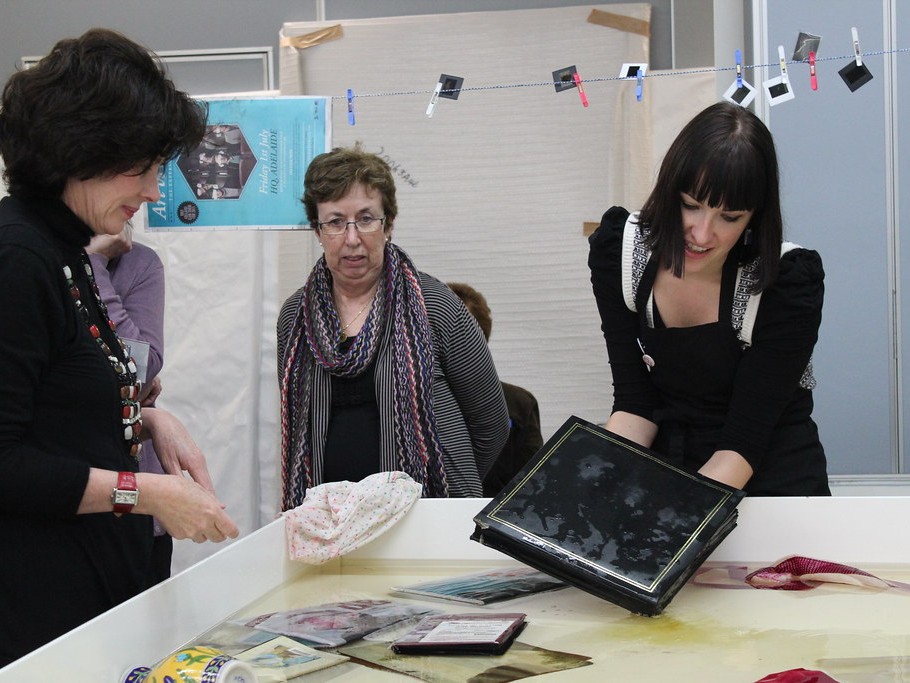 Photo: South Australian History Network, CC0
An album soaked by a leak
Pages that dried rippled and stained can be scanned one by one. Repair the ones you love and rebuild the album as a photo book.
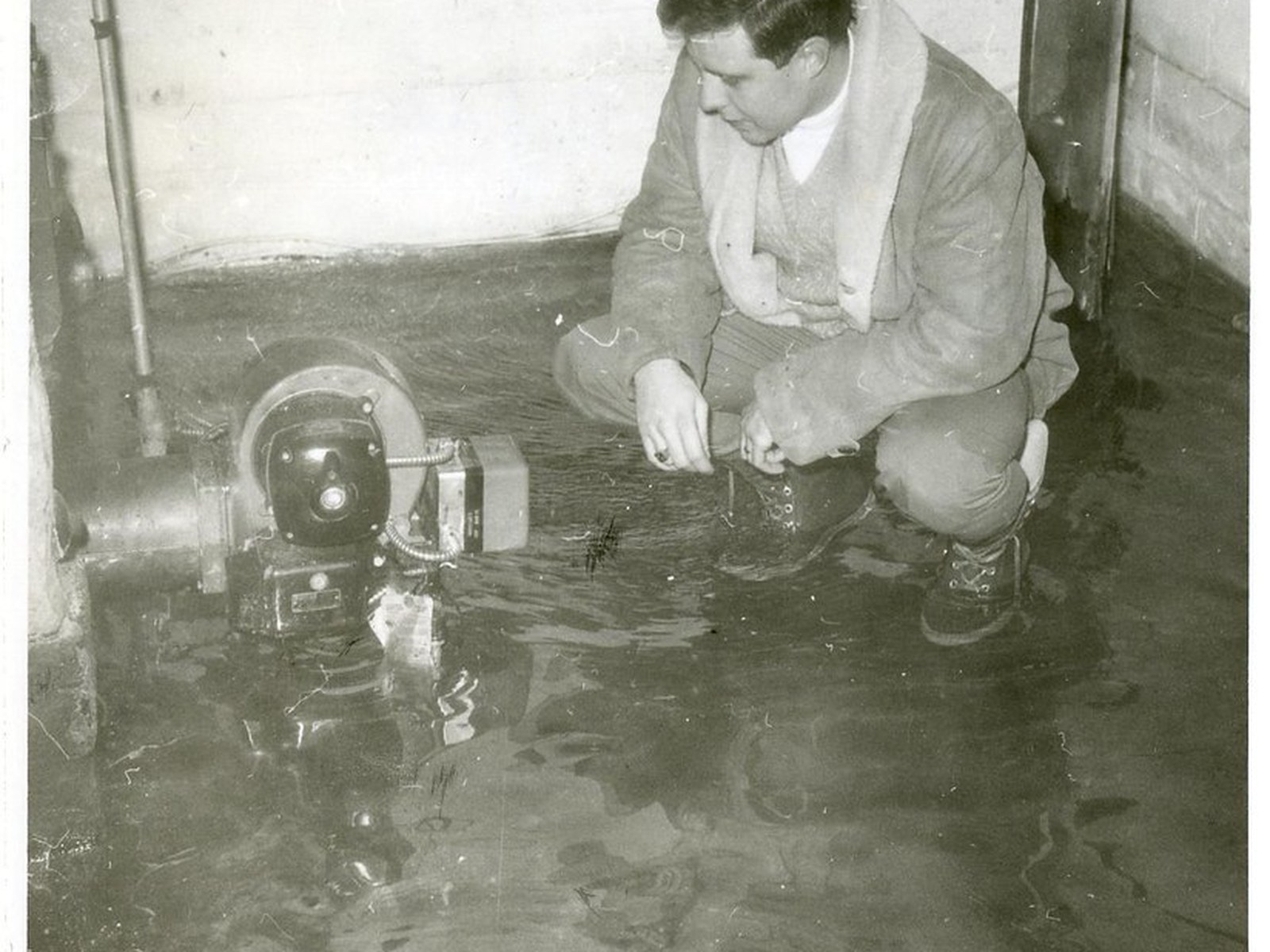 Photo: Community Archives of Belleville & Hastings County, CC0
Damp storage you found years later
Slow damp leaves yellow patches and mold spots. Repair a clean copy for every relative before the prints get worse.
The only photo, stuck to the frame glass
Don't pull it out. Scan or photograph it through the glass, repair that copy, and print it for the service.
An old album covered in spots
Mold marks on the surface can be cleared from the scan. Keep the original away from the rest of your photos.
The first 48 hours: before you scan
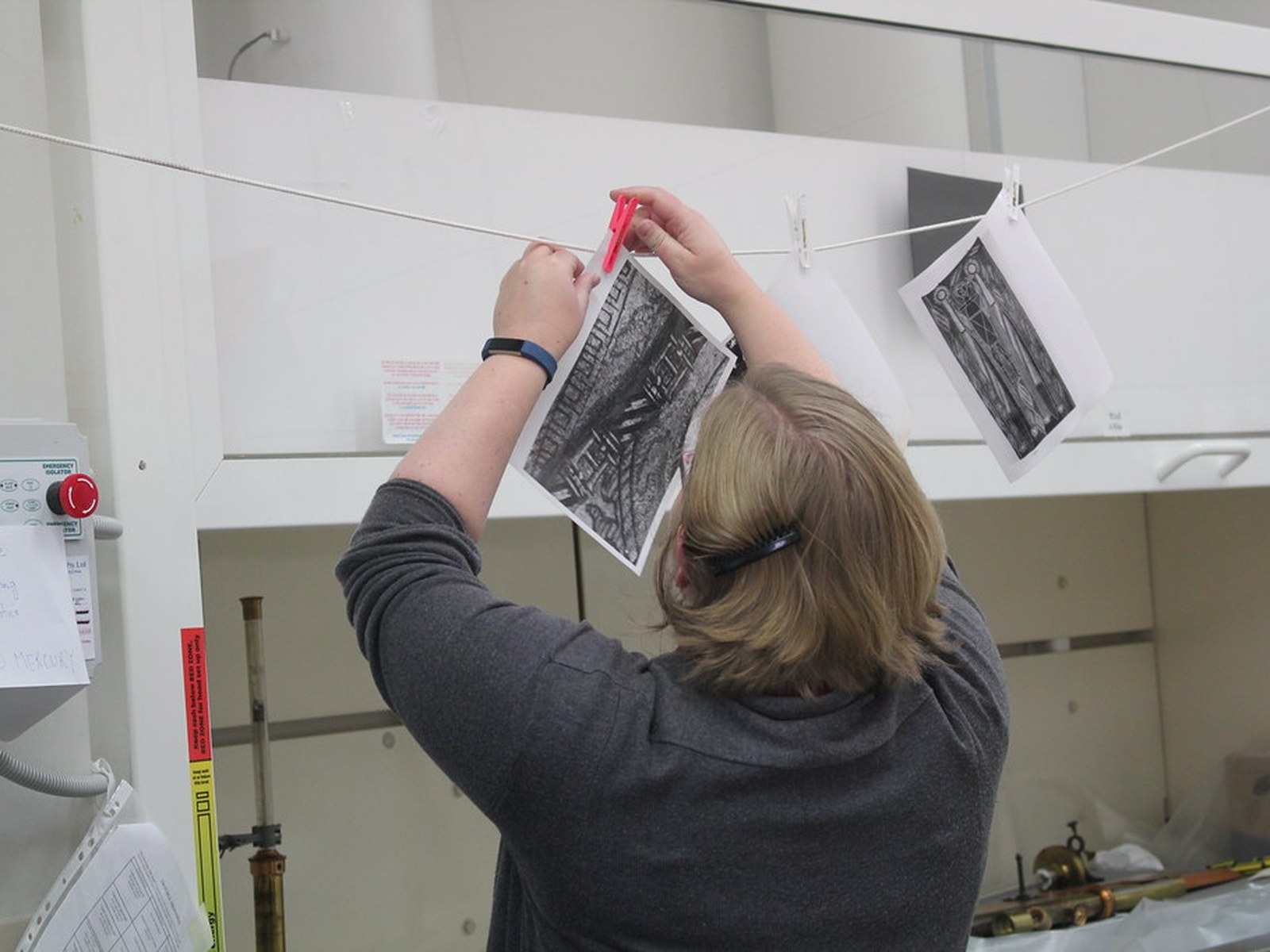
Water damage is a race against mold. In a warm, damp room it can start within 48 hours. Once it eats into the picture, that part is gone for good.
So the first job is not the scan; it is getting the prints dry without making things worse.
Lay each print face up on a clean towel and let the air do the work. Don't blot the picture side, and keep it away from hair dryers and sunny windows. Don't pull apart prints stuck together or to frame glass: wet emulsion tears.
If there are too many to dry today, seal them in plastic bags and freeze them. That pauses the damage until you have time.
When they are dry and flat enough to handle, scan or photograph every one, even the ones that look fine. The scan is what you repair, and the originals can go somewhere safe.
- Within 48 hours · Air dry face up
- Don't pull stuck prints apart · No heat, no sun
- Too many? · Freeze them
- Then · Scan every one
Sources: NEDCC Leaflet 3.7, US National Park Service, FEMA. For old or valuable prints, ask a conservator first.
Color prints, black and white, Polaroids and tintypes
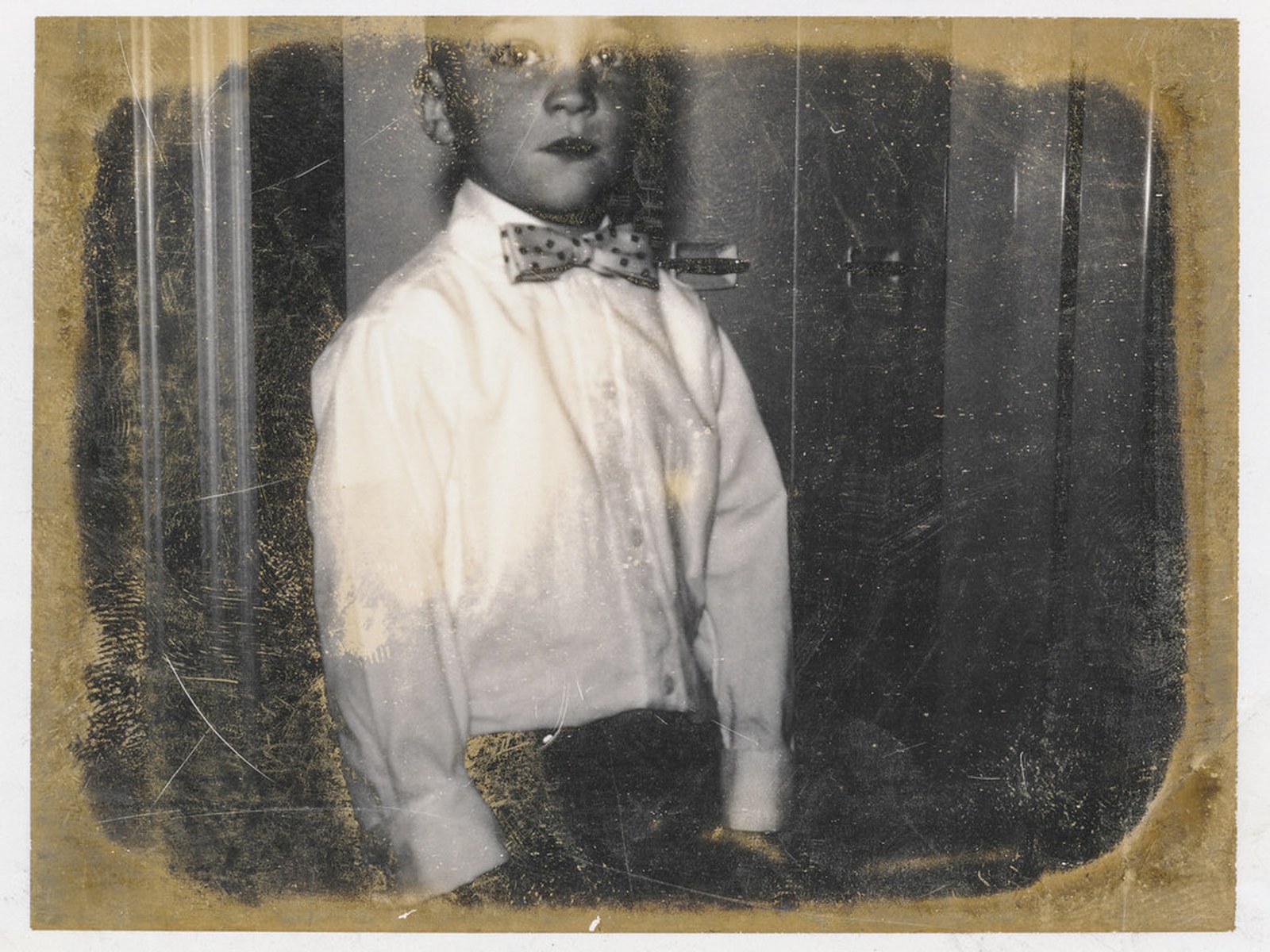
Not every photo reacts to water the same way, so not every photo can be saved the same way.
Color prints from the 1970s onward are the most fragile. Their dyes shift and fade unevenly, which is why conservators dry them first. After a scan, faded and stained color is often the part that comes back best.
Black-and-white prints usually survive longer in water. They tend to wrinkle and pick up mold spots rather than lose color, and those spots clear well.
Polaroids and other instant prints need care: don't peel them apart, and don't freeze them. Tintypes and glass plates rust or flake fast, so dry them straight away and scan them flat.
- Color prints · Dry first; faded color comes back well
- Black and white · More forgiving; spots and wrinkles clear well
- Polaroids · Don't peel apart, don't freeze
- Tintypes and glass plates · Dry at once; scan flat
Photos stuck together or stuck to the frame glass
This is the most common question after a flood, and the most important one to slow down on. If prints have stuck together, or a photo has stuck to the glass of its frame, don't pull. The picture layer is usually what tears.
Leave stuck photos as they are and photograph or scan the side you can see. A print stuck to glass can be scanned through the glass, face down on the scanner. That gives you a copy to repair today, whatever happens to the original.
Separating them is a job for a conservator, especially for photos taken before 1950 or ones you can't replace. Until then, they can go in the freezer in a sealed bag.
Mold spot or water stain? How to tell
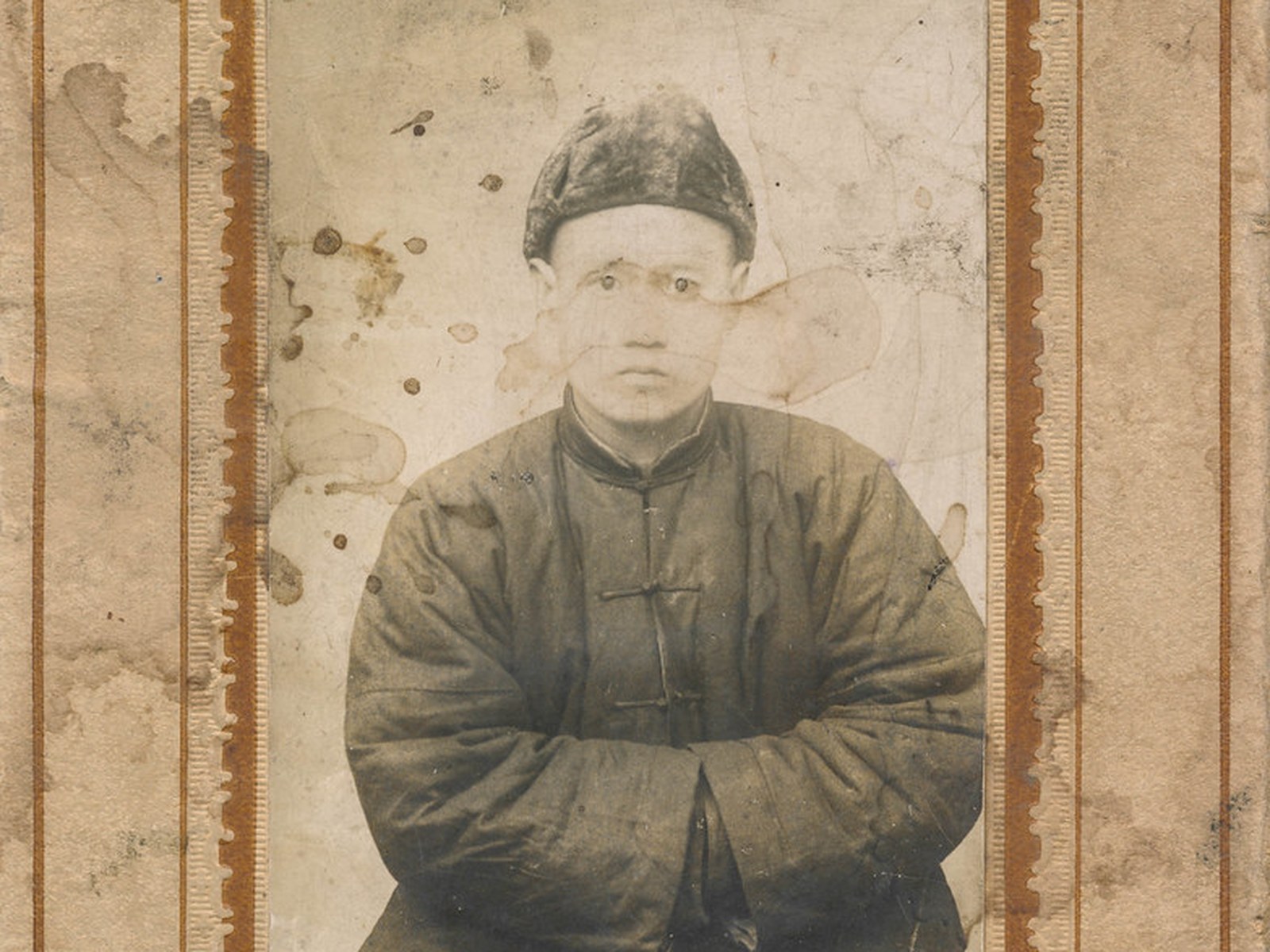
Water stains are flat and usually brown or yellow, with a darker ring where the water stopped. Mold sits on the surface as fuzzy or speckled spots, often grey, black, green or white, and it can smell musty.
The difference matters for the repair. A stain lies over a picture that is still there, so it clears well. Mold can eat into the picture, and where it has, that part is filled from what surrounds it.
Handle moldy prints with gloves and keep them away from your other photos. Scan them once they are dry, and leave cleaning the surface to a conservator.
A whole box after a flood: what to save first
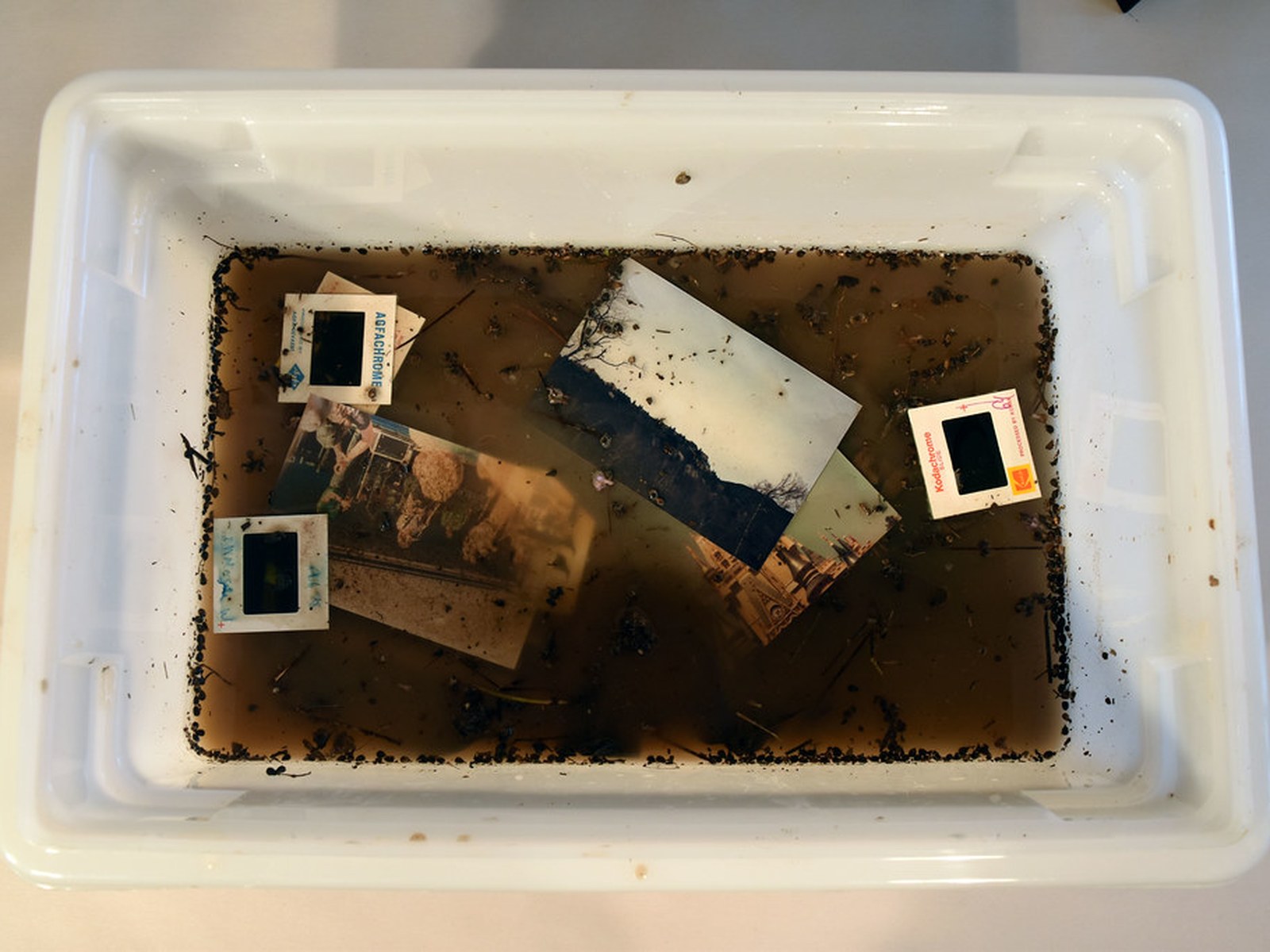
When a box or an album has been underwater, you can't do everything at once. Start with the photos that exist only once: no negative, no digital copy, no print with a relative.
Then go by type: color prints first, black and white next, negatives last. Photograph each one before it dries if you can; a phone photo of every print takes minutes and protects all of them.
If the water came from a flood or a sewer, wear gloves and wash your hands afterwards. If you are claiming insurance, photograph the damaged album as you found it before you start sorting.
How to restore a water-damaged photo in 3 steps
Upload, add color, compare.
Upload a scan or a phone photo
A flat scan is best. A phone photo works too: shoot straight on in daylight, with no flash.
 Add natural color● On by default on this page
Color comes back on its own
Add color is on here, so faded and stained color is brought back. Turn it off to keep a print black and white.
- BeforeAfter

Compare, then download
Drag the line across each face and every stained area. Your scan is not changed.
Stains repaired, faces protected
A water stain is not just a dirty patch. The tide line, the yellow ring and the faded color under it all need to come back. Simply lightening a stain leaves a ghost behind.
Revivo rebuilds stained areas from the picture around them and evens the color, so the ring disappears instead of turning pale.
Add color is on here, because most water-damaged prints were color prints that faded unevenly. Every face is then compared with the same face in your scan. One that cannot be confirmed is marked for you to check, and a result showing someone new is never delivered.
- Stains · Rebuilt, not just lightened
- People · Every face compared with your scan
- Writing · Names and dates put back
What water damage can be repaired
- Repairs wellTide lines, rings, yellowing, faded color
- Check closelyMold spots or cloudy patches on a face
- Can only be guessedImage washed away or eaten by mold
- Not for softwarePrints stuck together or to glass
If you can still see the picture under the stain, it can usually be repaired. Brown tide lines, water rings, yellow patches and faded color all clear well. Mold spots on a face are harder: the area is rebuilt, and small details can change.
Where water washed the image away or mold ate through it, nothing is left to recover. The gap is filled from what surrounds it, which is a best guess.
Prints stuck together or to glass are a handling job, not a software one. Scan the side you can see, and ask a conservator about separating the originals.
Worried about restoring a water-damaged photo?
What people ask before they upload, and what actually happens.
My photos were underwater. Are they ruined?”
Not always. If the faces still show after drying, stains and fading can usually be repaired from the scan.
Can you remove water rings without changing the faces?”
Every face in the result is compared with your scan. If a face cannot be confirmed, it is marked for you to check.
What if the stain goes right across someone's face?”
That part of the face is rebuilt. Compare it with the original before you print or share.
This is the only copy I have.”
Your scan is never changed. Keep the dried original safe and use the repaired copy for prints.
Before you upload a water-damaged photo
For the best result, scan once the print is completely dry; a damp print scans with glare and picks up new marks. If the surface is flaking, slip it into a clean archival sleeve and scan it through that, so nothing lifts off on the glass. A print that won't come out of its frame can be photographed straight on through the glass in daylight, without flash.
Don't crop yet. The picture around a stain is what the repair rebuilds from, so upload the whole print and crop after the repair.
Why restore water damage with Revivo
We measured face changes
We tested how much faces change after repair and published the scores. See the face test.
The face check runs on every photo
A face that cannot be confirmed is marked, and a result showing someone new is not delivered.
Your original stays untouched
The result keeps the size of your scan, and your upload is never changed.
Water damaged photo restoration FAQ
Can AI remove brown water stains from old photos?
Yes, where the picture still shows under the stain. The stained area is rebuilt and the color evened out.
What if the picture layer has peeled or flaked off?
Where the picture layer is gone, nothing is left to recover. Small flaked spots are filled from the area around them; large missing patches are a best guess, so check faces closely.
My only copy is water damaged. Is it safe to upload?
Yes. Revivo works on the copy you upload, never on the print. Keep the original dry and flat.
Can it fix a photo that dried wrinkled or rippled?
The ripples stay in the paper, but their shadows and shine in the scan are evened out. Flatten the print under a weight for a few days first.
Can it fix a tide line that runs across a face?
Yes, where the face still shows under the line. Each face is checked against your scan; compare it before you print.
Can it bring back color that the water washed out?
Add color is on here, so faded color is brought back. The colors are a best estimate, not a record of the original.