Polaroid Filter & Maker
Put a Polaroid filter on any photo and turn it into an instant print: soft instant color, a white frame with the wide bottom edge, paper texture and a handwritten caption. Make one for a post, or a sheet of them to print and cut out. Free, in your browser, and your photo never leaves your device.
- ✓Runs on your device
- ✓Nothing is uploaded
- ✓Free, no sign-up


Drop a photo here or paste with Ctrl+V
Or start from a template: photo strip, photo wall, guest card and more ↓
Free, no sign-up. Nothing is uploaded.
How do I put a Polaroid filter on a photo?
Choose a photo and pick a frame size. Turn on the instant color filter, type a caption for the bottom edge, and choose a background or none. Download it as a single image, or put several on one sheet to print at home.
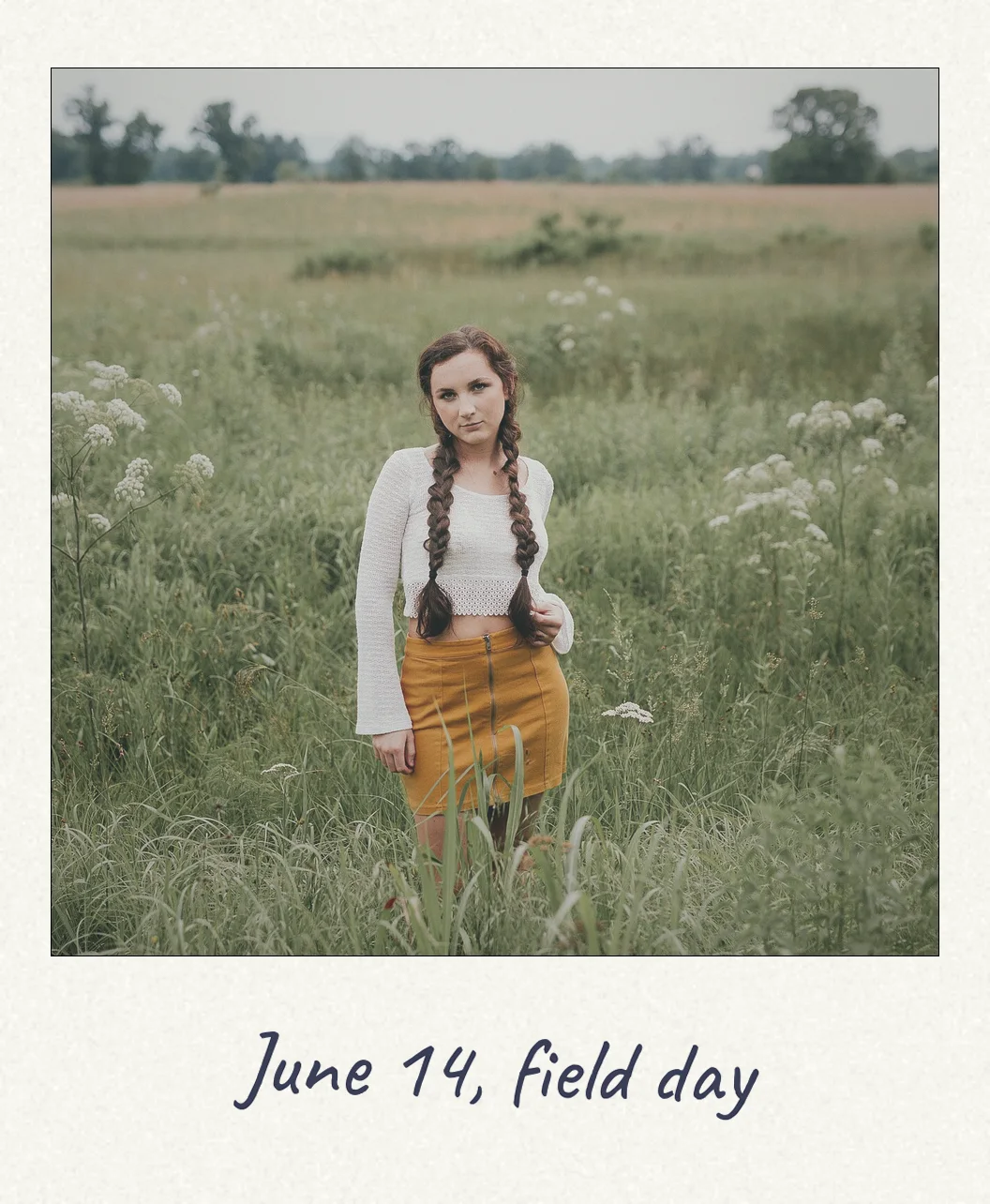
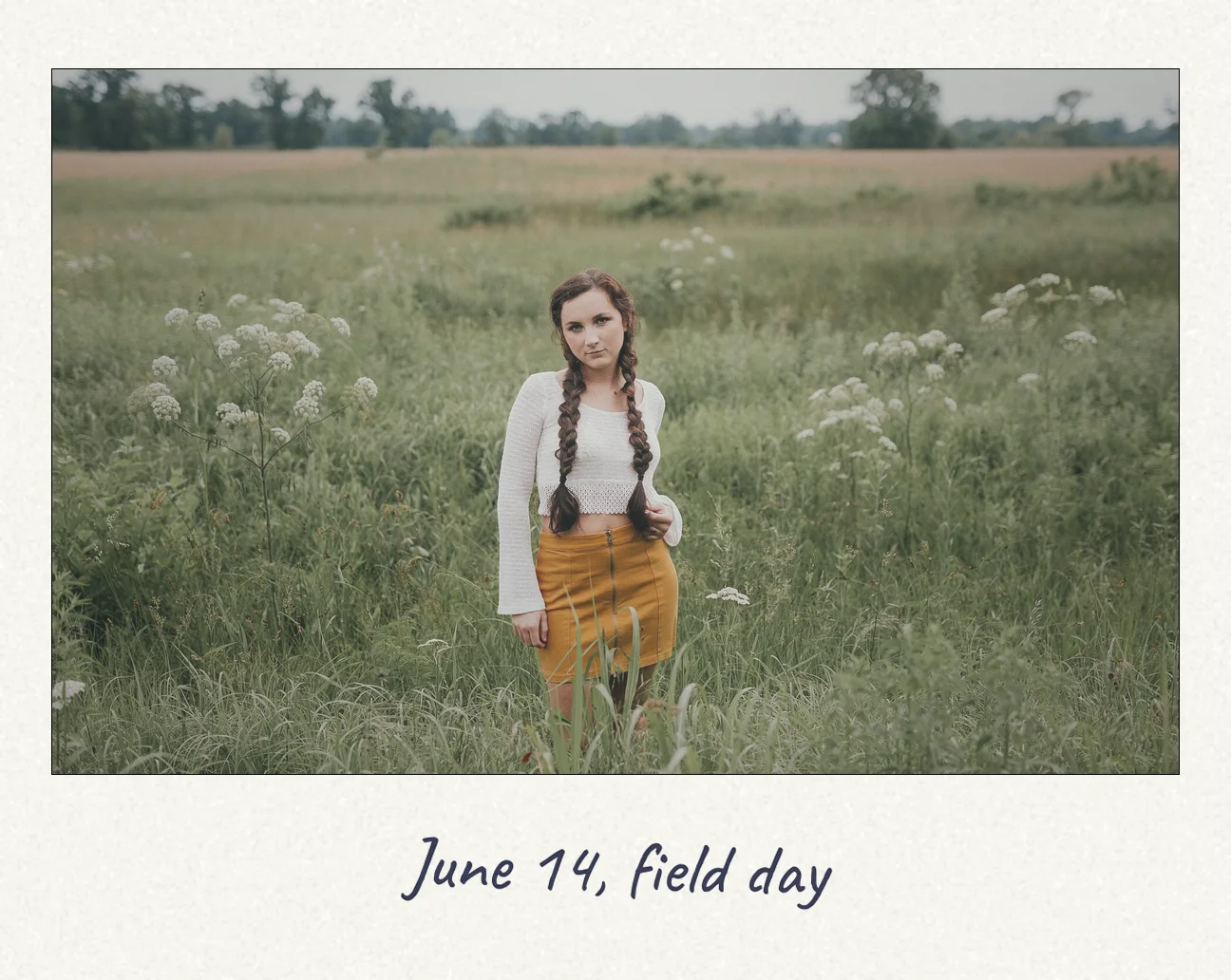
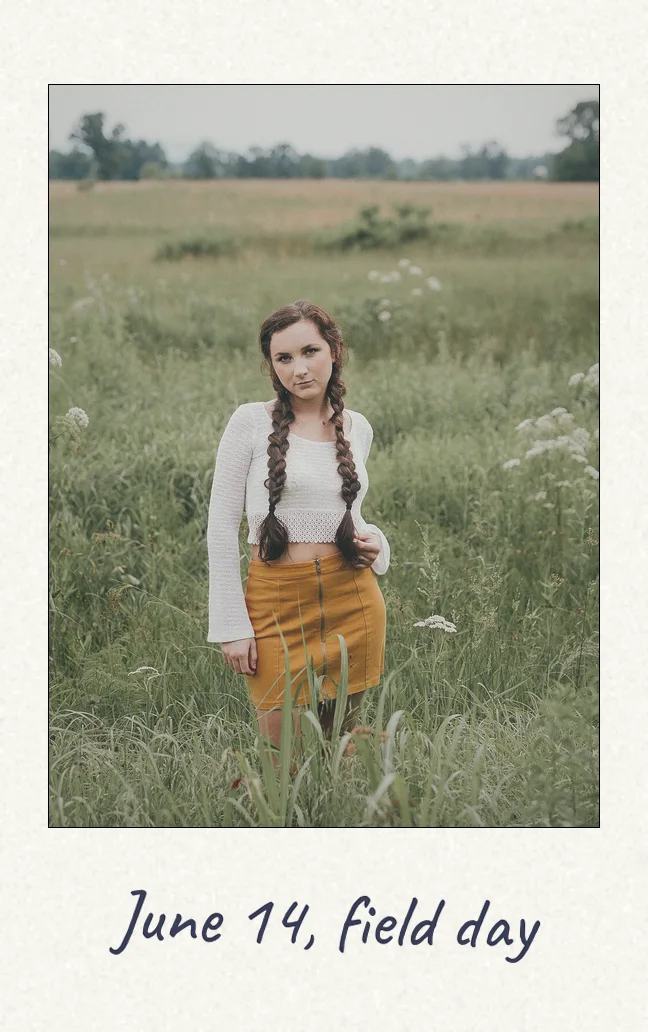
One photo, three instant frames
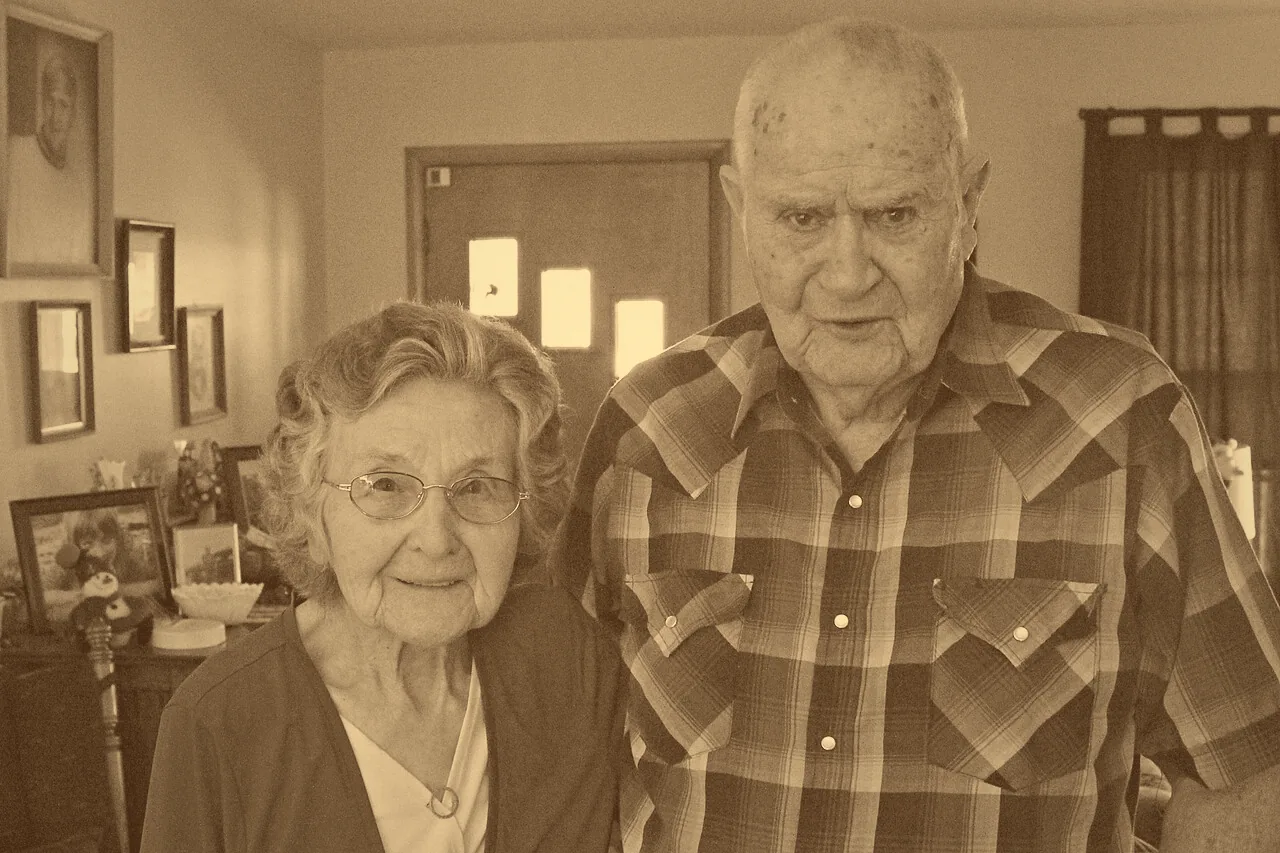
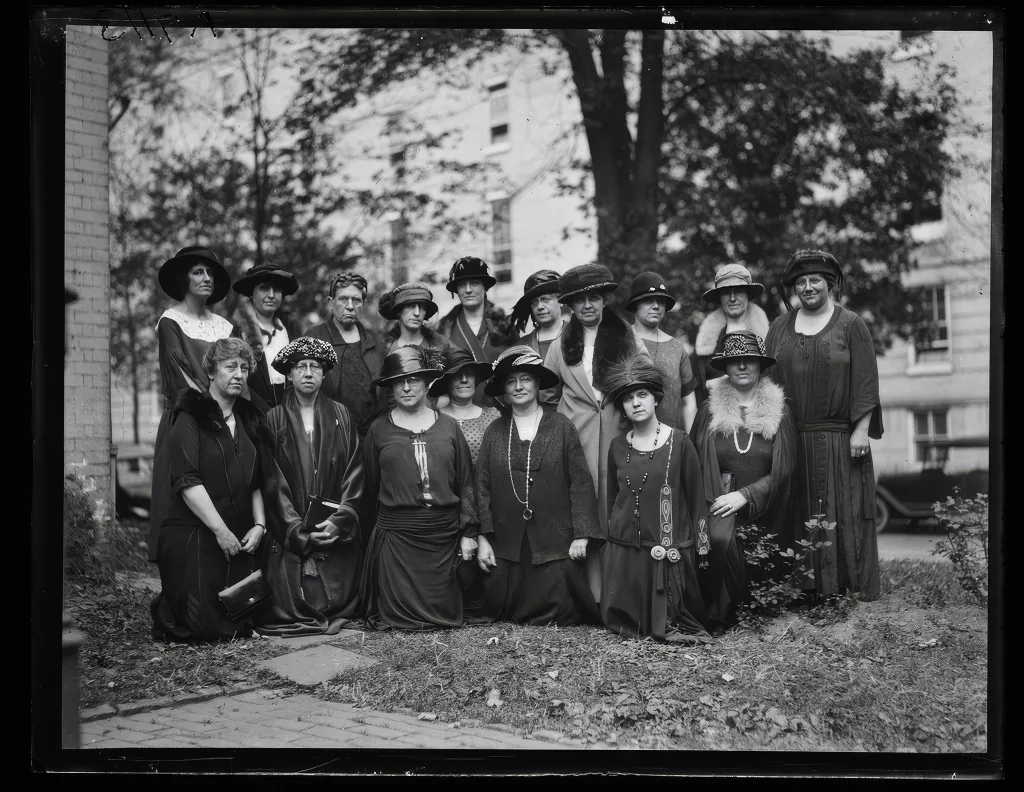
The same photo in each frame, with instant color and a caption.
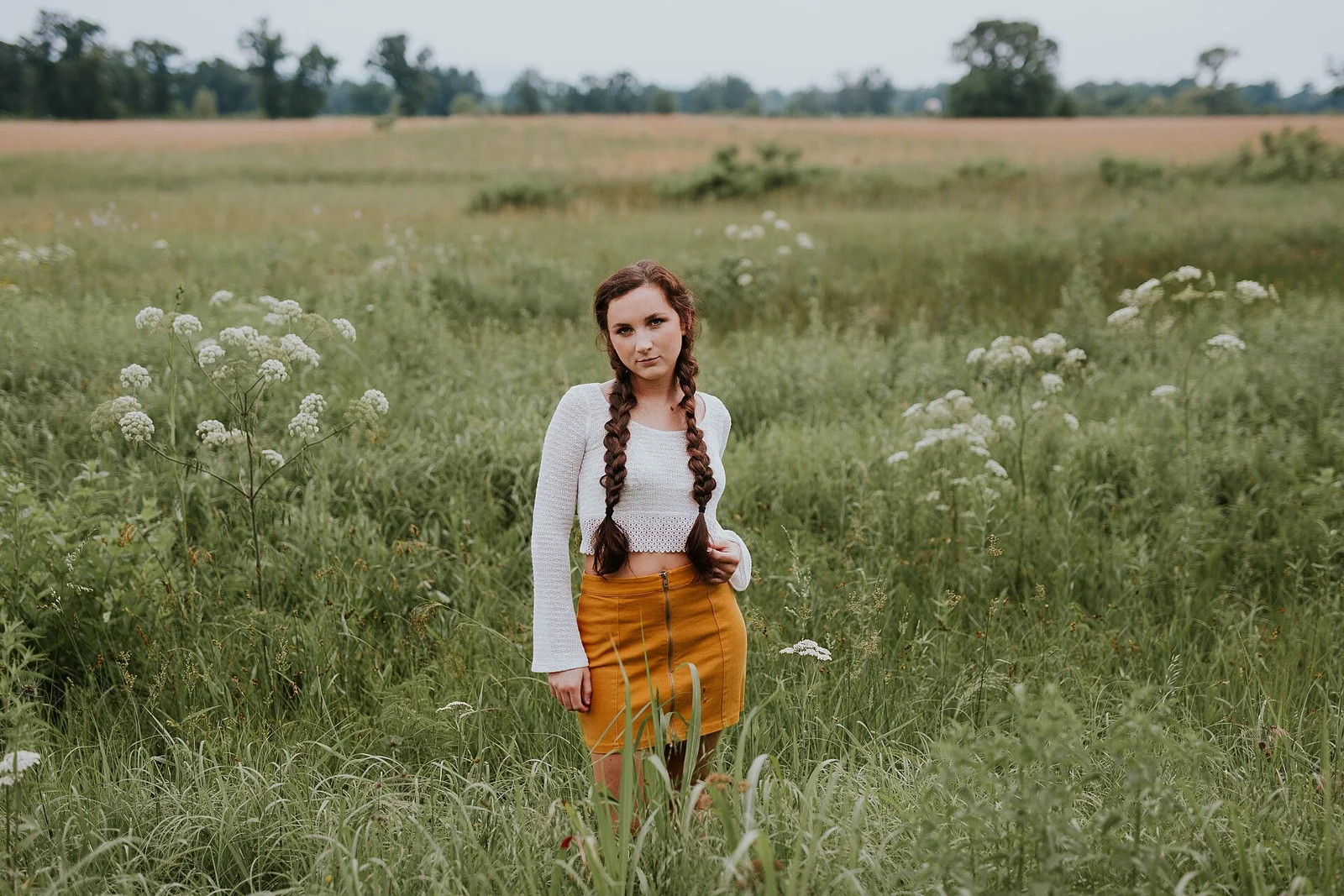
What makes an instant print look real
The frame
The bottom border is much wider than the others. That's where people wrote on the print, and the eye notices if it's wrong.
The color
Instant film had soft contrast, creamy highlights and slightly cool shadows. A sharp, saturated phone photo in a white frame still looks like a phone photo.
The paper
Real prints have a faint texture and are rarely pure white.
The writing
A short note in pen, a name or a date, often a little crooked.
Have real instant photos that have faded or turned yellow? Those can be repaired: Restore old photos.
Start from a template
Each template sets the frame, layout, caption and background for one job. Pick the one closest to what you're making, add your photos and change anything.
A print that looks like it came out of the camera
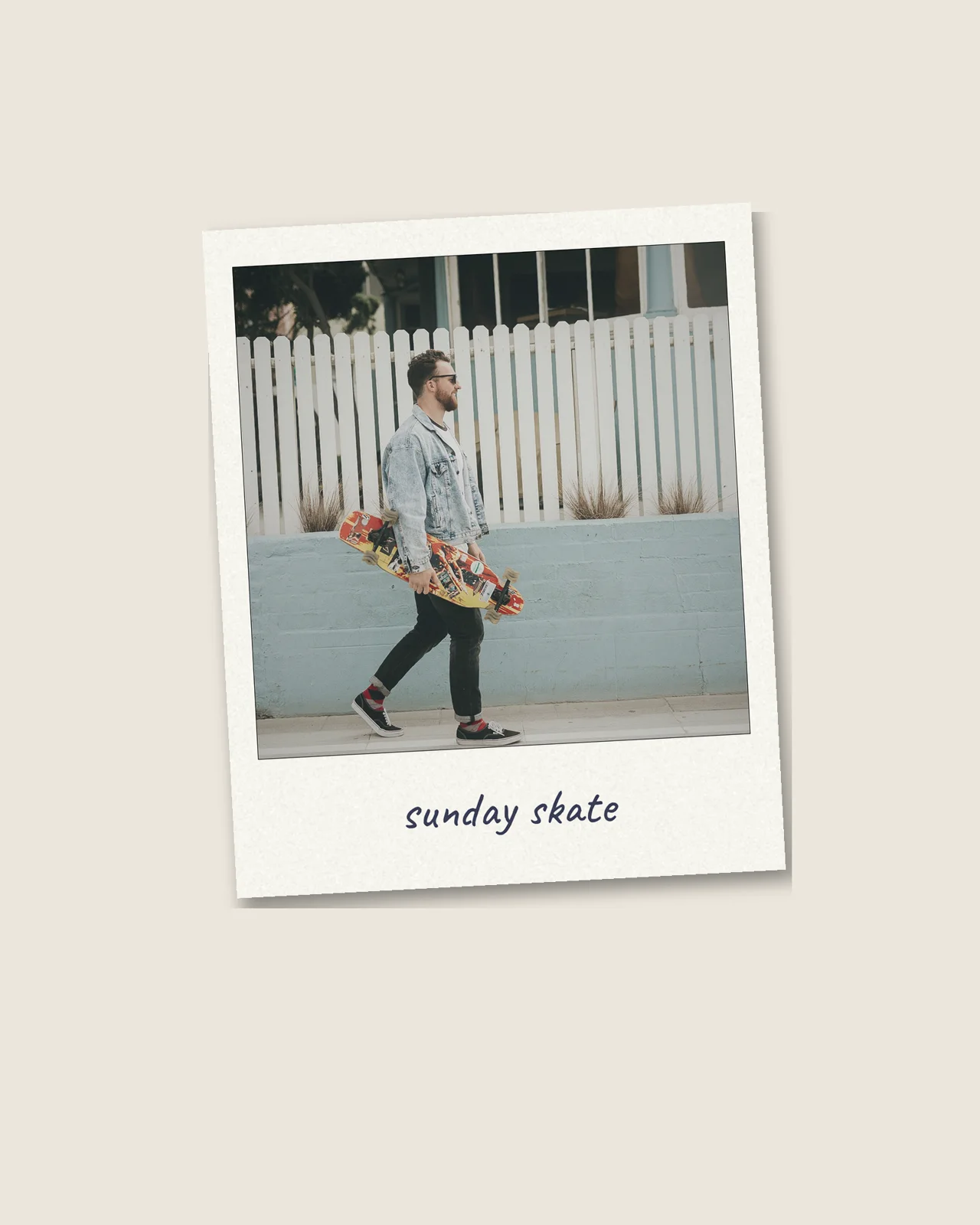
Single post puts one classic print on a plain background, sized for a feed. Turn on instant color so the photo matches the frame.
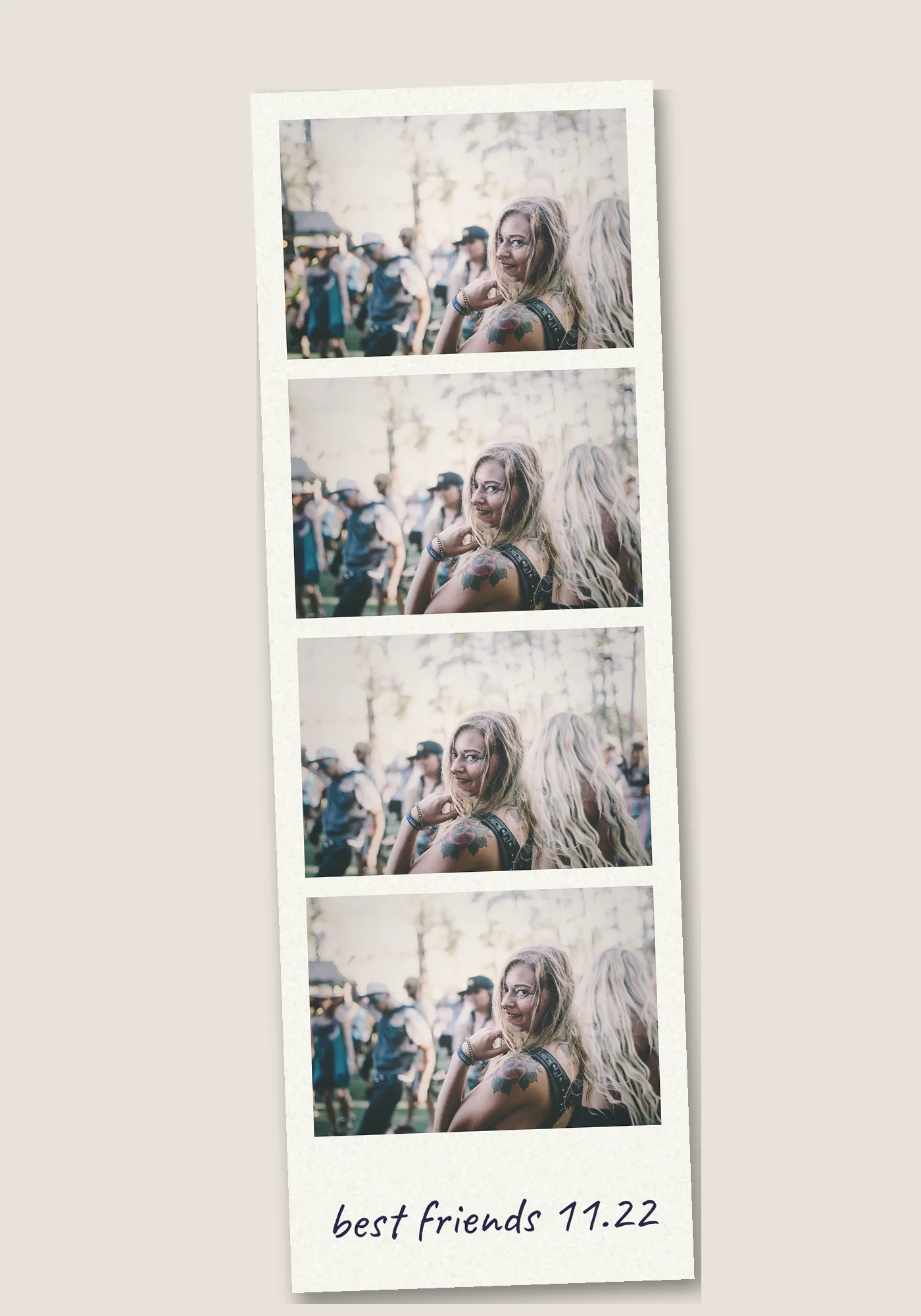
Four shots in a strip, without the booth
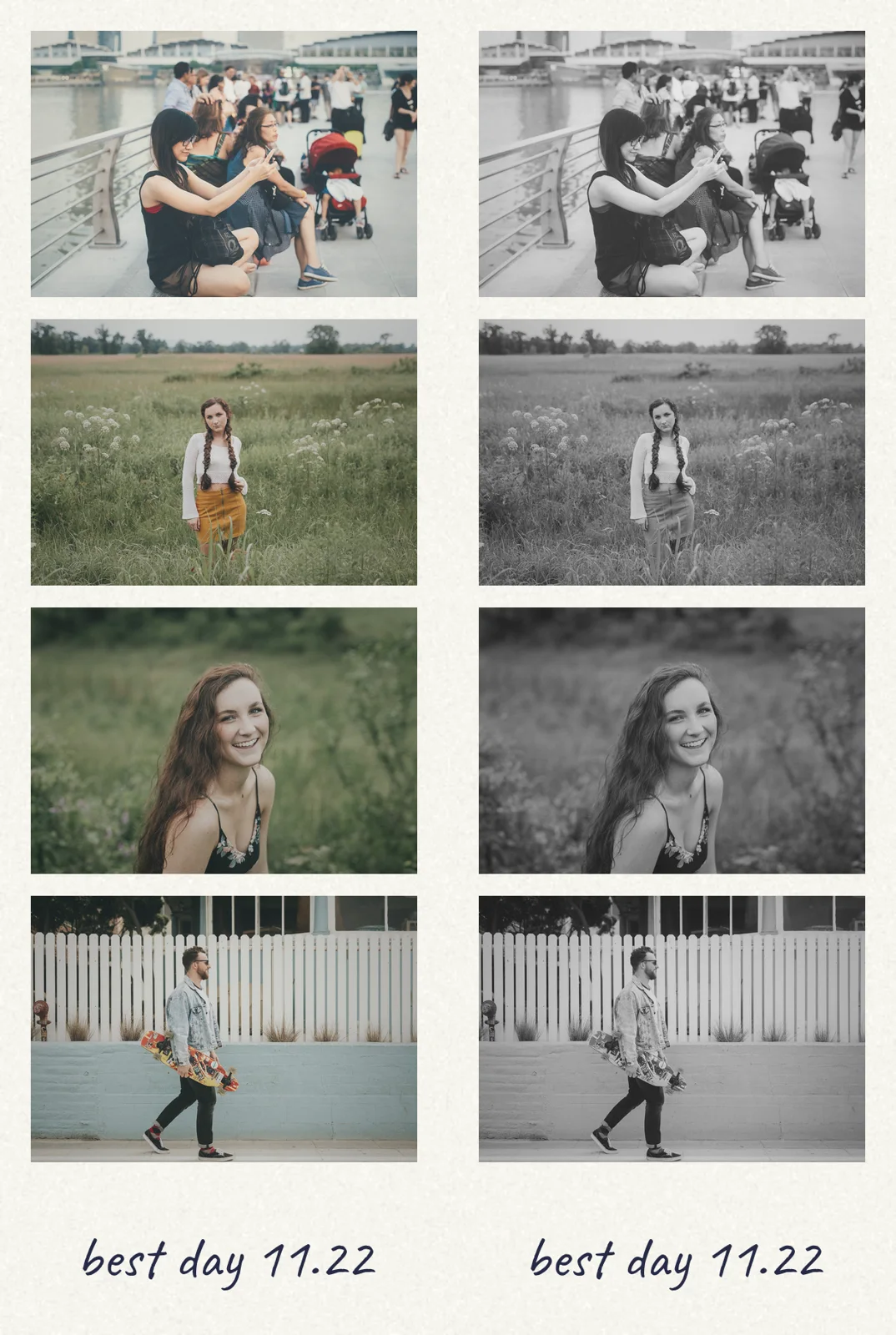
Photo strip stacks three or four photos in a 2×6 inch strip, in color or black and white. Shoot a burst of poses with friends and drop them in.
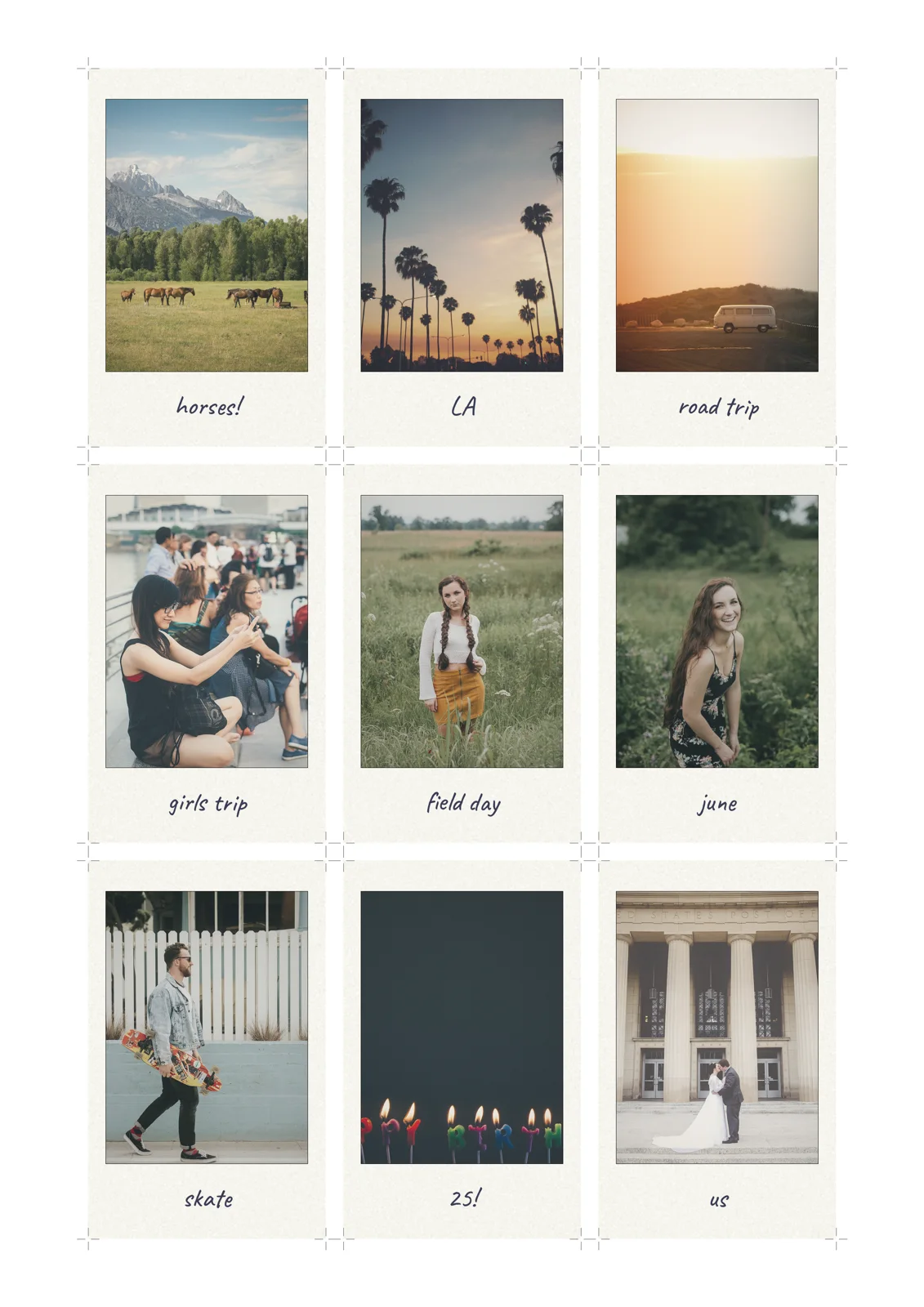
A photo wall without buying film
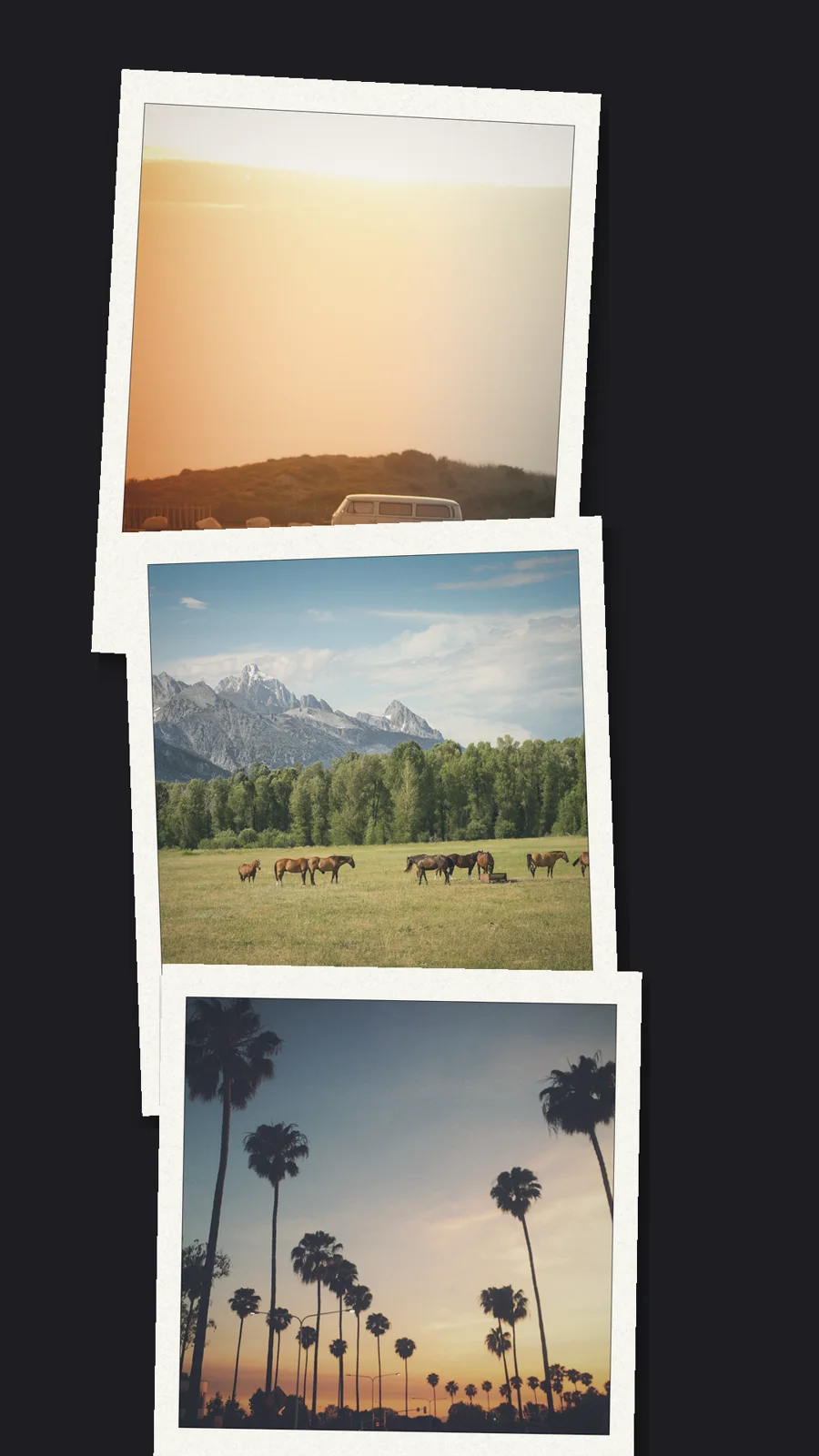
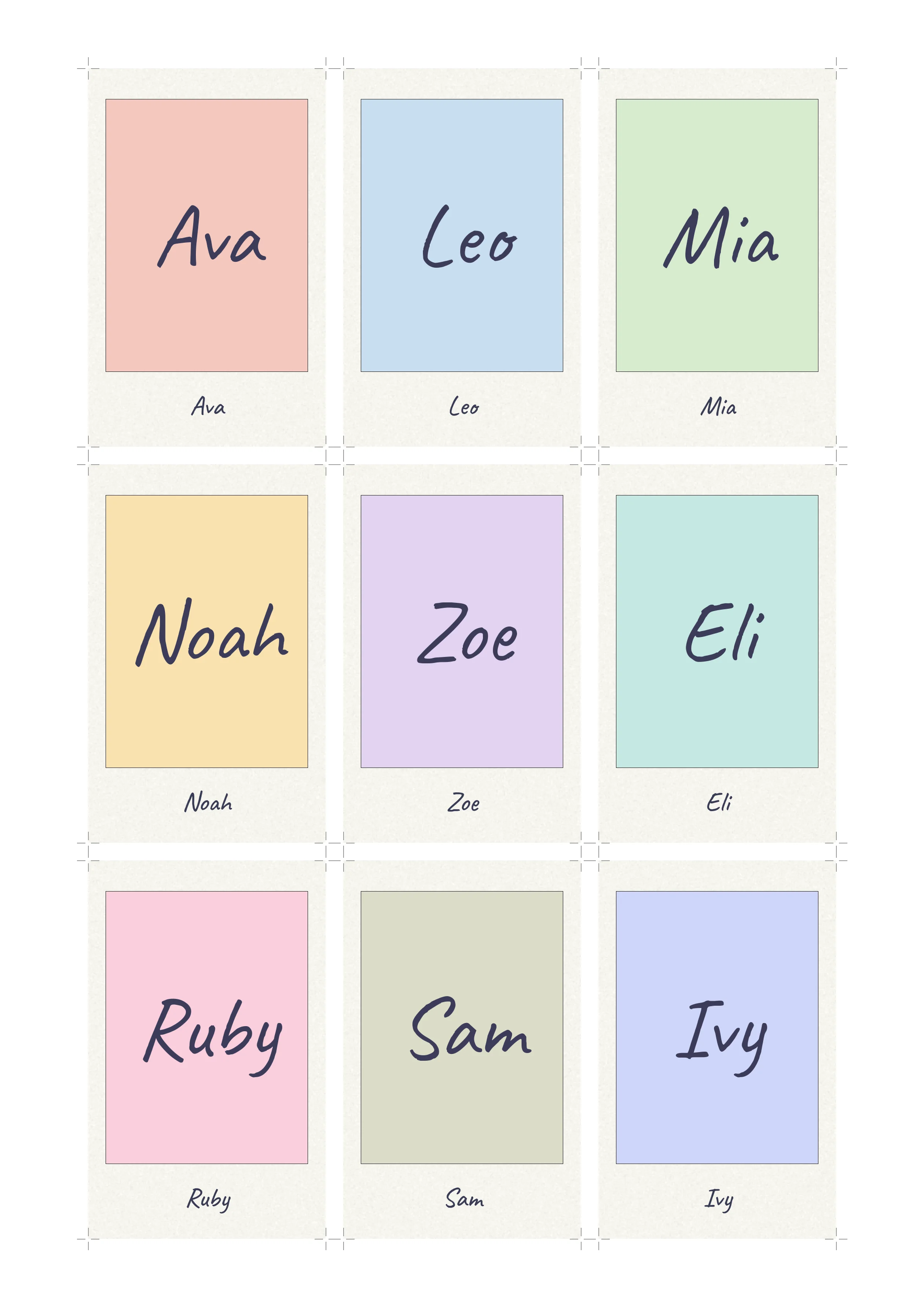
Photo wall lays out nine mini prints on one page with cut lines. Print at home, cut, tape them up.
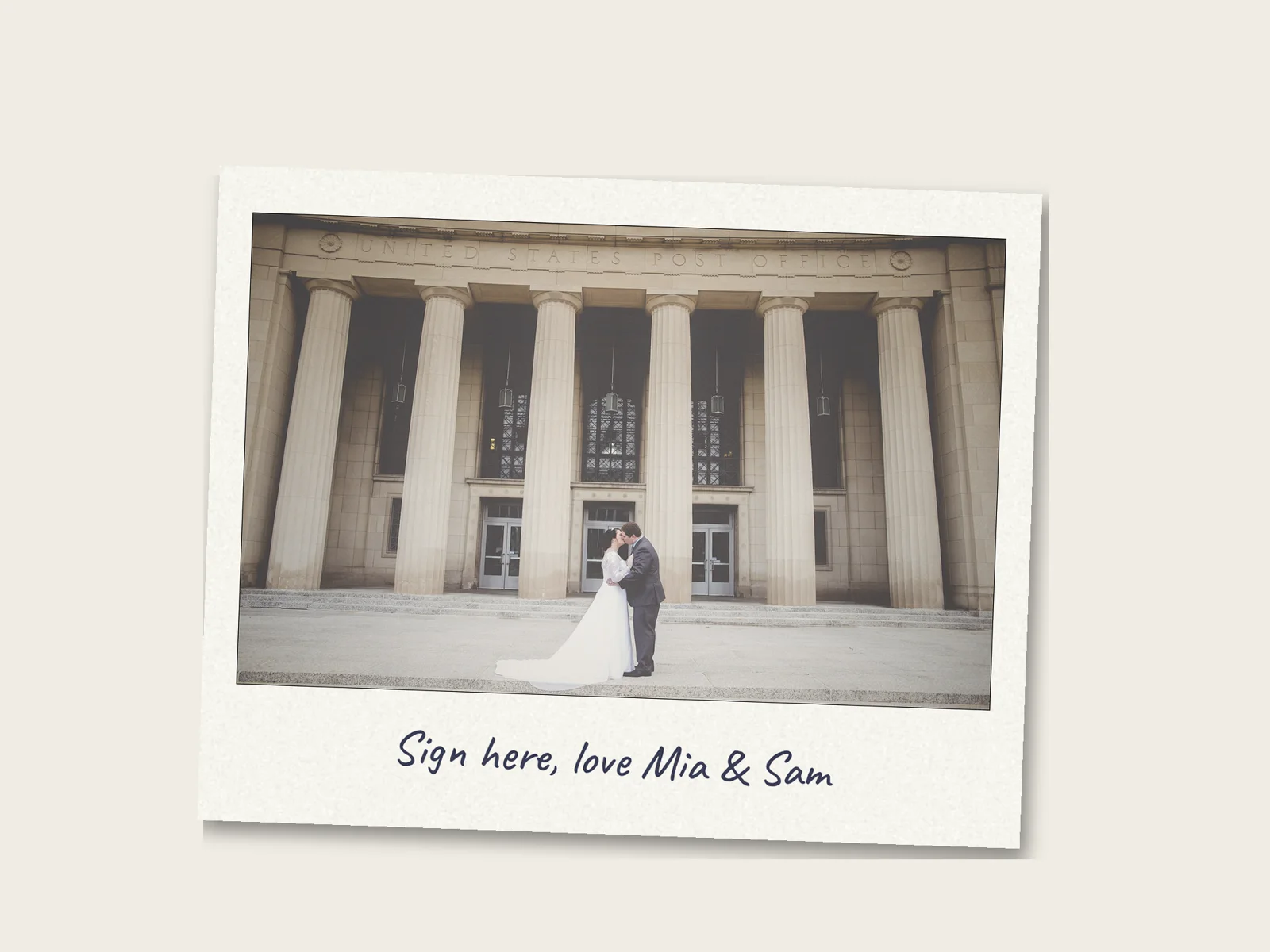
Guest books and place cards
Guest card gives a wide print room for guests to sign. Place card puts a name on each mini print and lays a whole table out on one page.
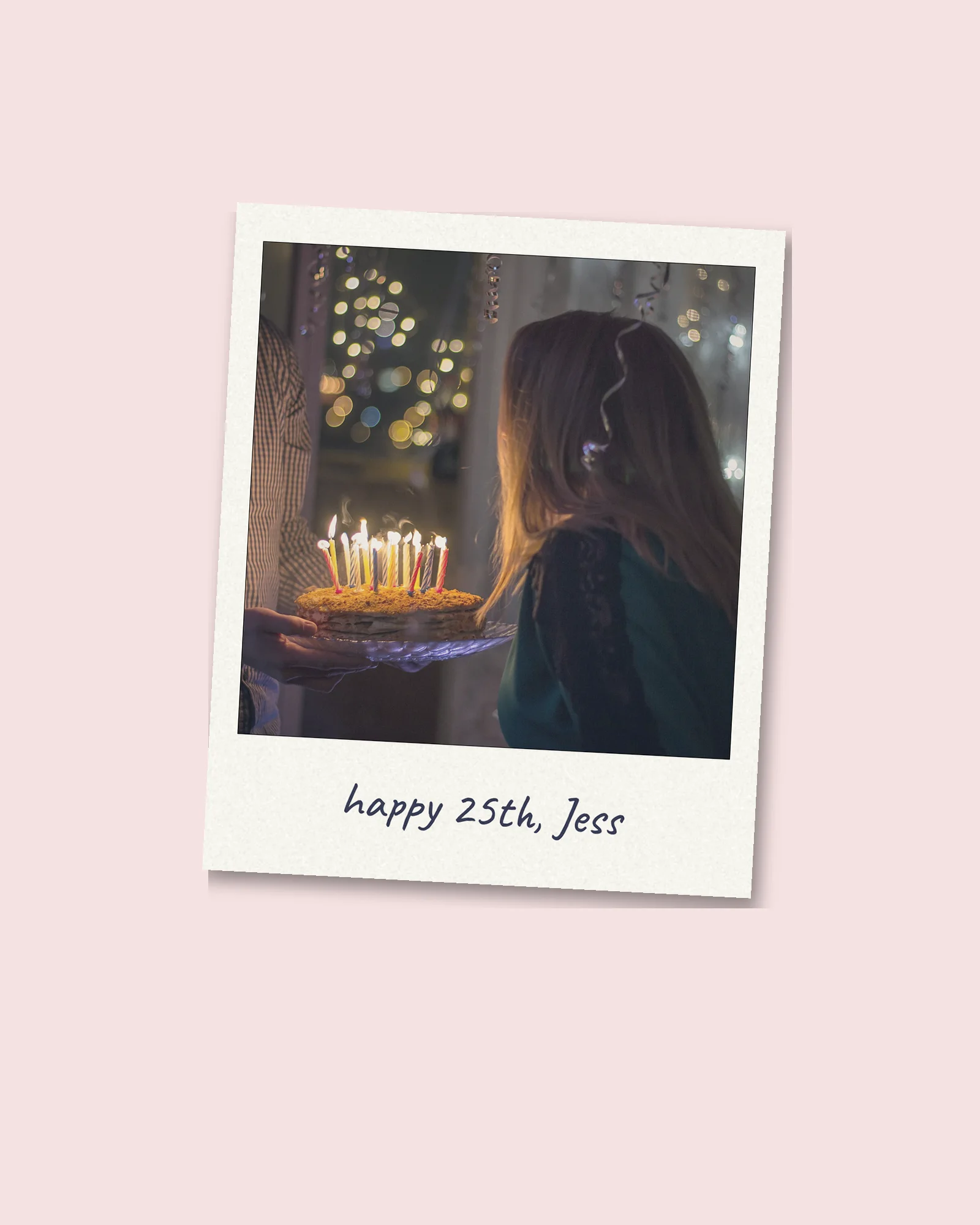
A small print with a note on it
Birthday puts the date and a wish on the bottom edge. Good for cards, scrapbooks and a letter to a friend.
Product shots with a personal touch
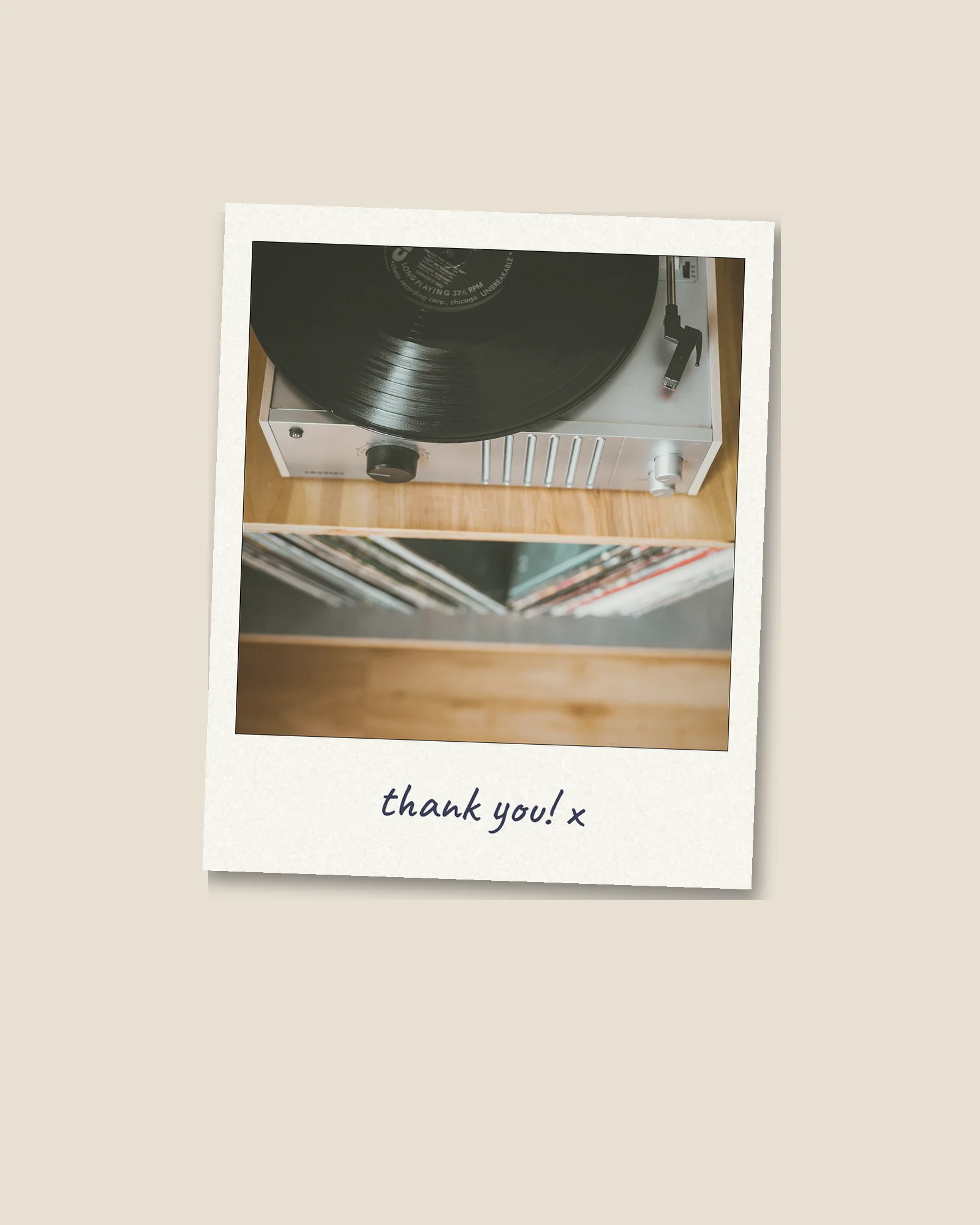
Thank-you frames a product photo with a handwritten "thank you" for parcels and order cards.
Also in the editor: for stories, and for a sheet of name cards for a whole class.
Printing Polaroid-style photos at home
Print at 100% or "actual size". "Fit to page" shrinks the frames and the cut lines no longer match.
Paper: photo paper gives the glossy look of a real print. Thick matte card (around 200 to 300 gsm) feels closest in the hand and is easy to write on. Regular printer paper is fine for a wall you'll change often.
How many fit: A4 or US Letter takes 4 Classic, 9 Mini or 3 Wide prints. A 4×6 photo print takes 1 Classic, 2 Mini or 2 photo strips.
Cut with a ruler and a craft knife along the marks; scissors make it hard to keep the edges straight.
How to make a Polaroid in 4 steps
Choose a photo
Pick a JPG, PNG, WebP or HEIC (iPhone) photo. It stays in this browser tab.
Pick a frame
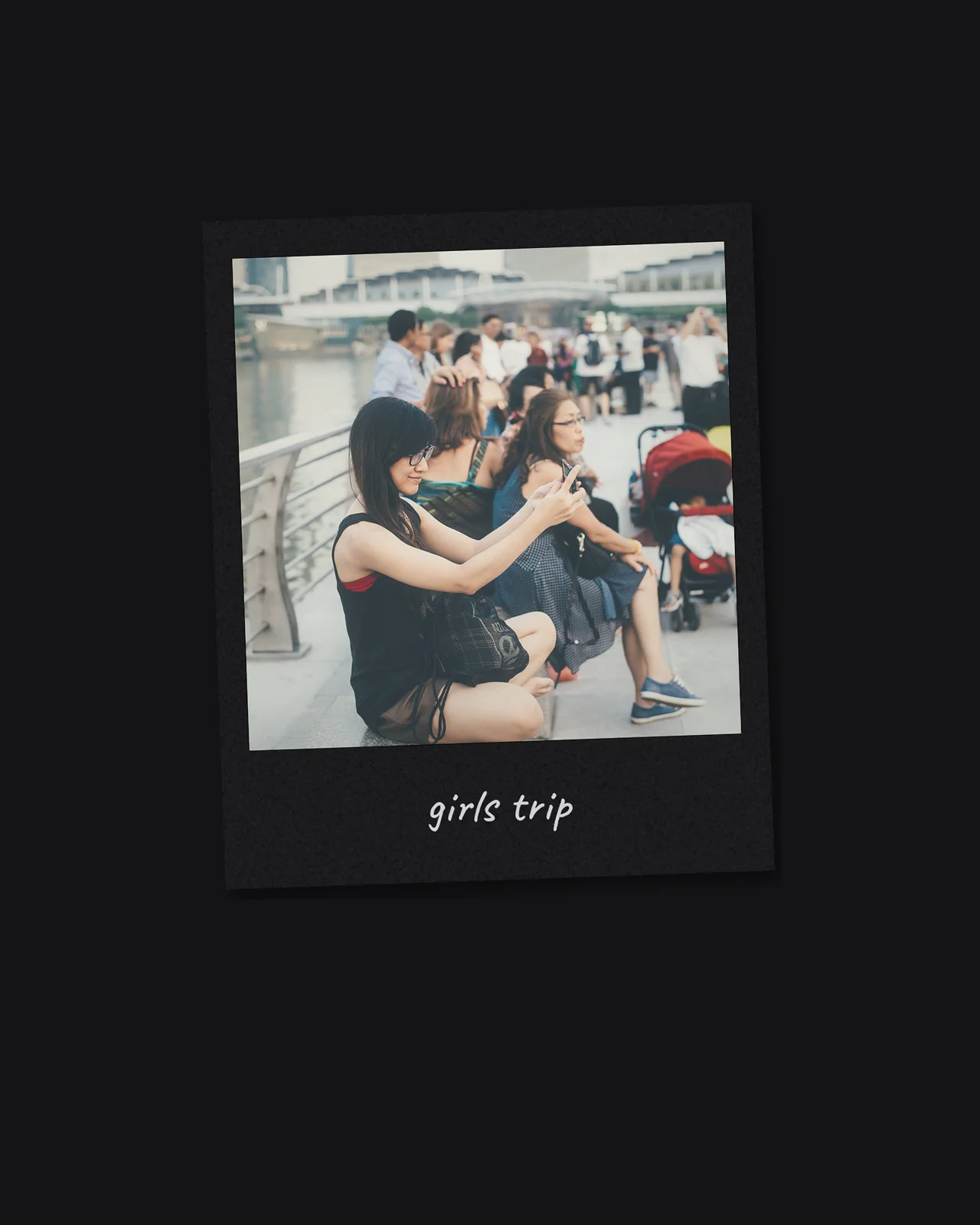
Classic, Wide or Mini, in a white or black frame. Drag the photo to choose the crop.
- BeforeAfter
Add color and a caption
Turn on instant color and type a caption. Pick a background, or keep it transparent.
Download or print
Save a single image, or add more photos to a print sheet and download it for printing.
How the Polaroid maker works
Your photo is placed in the frame and, if you choose, given instant color: softer contrast, creamy highlights, cooler shadows and fine grain. The frame, paper texture and caption are added around it.
Nothing in the photo is redrawn or generated, so everyone stays as you shot them. It all runs inside this browser tab: your photo is never uploaded.
Nothing is uploaded · Faces stay the same · Print-ready sheets
Worried it will look like a template?
Will it look fake?”
Templates usually drop a sharp photo into a pure white frame. Turn on instant color and paper texture, and keep the caption short.
Is this a real Polaroid?”
No. It's a Polaroid-style print made from your digital photo. Polaroid is a trademark of its owner; Revivo isn't affiliated with or endorsed by Polaroid.
How to shoot a photo that suits an instant frame
Get close. Instant photos are small, so faces should fill a good part of the frame. Simple backgrounds work best: a wall, the sky, a tablecloth.
Use soft light or the flash. Most instant cameras had a built-in flash and struggled in harsh sun, so shade, overcast days and indoor flash look most like the real thing. For Classic, shoot or crop square from the start.
Polaroid maker FAQ
Can I write a message on the bottom of the Polaroid?
Yes. Type a caption and it's set in a handwriting-style font on the wide bottom edge. Keep it short; one line looks most natural.
How many photos fit on one print sheet?
It depends on the paper and the frame size. Mini fits the most per page.
Can I make a photo booth strip?
Yes. Use the Photo strip template: add three or four photos and they're stacked in a 2×6 inch strip with a caption at the bottom. Two strips fit side by side on a 4×6 print.
Can I use a black frame?
Yes. Switch the frame to black. Black frames suit night photos and darker edits.
Can I make a Polaroid without changing the photo's color?
Yes. Turn instant color off and only the frame, texture and caption are added.
Is this the same as an AI Polaroid generator?
No. AI generators create a new image, and faces can change. This tool frames your own photo, so everyone stays the same.
Does it work on iPhone photos?
Yes. Open this page in Safari, choose the photo and download. It stays on the phone.